
Microcosm’s Formatting Guidelines
How to format your story so that we don’t hit Reject
Headlines and Subtitles
Your story Title and Subtitle should look like the following example:
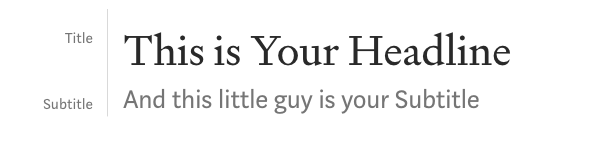
- Title uses the big ‘T’ heading.
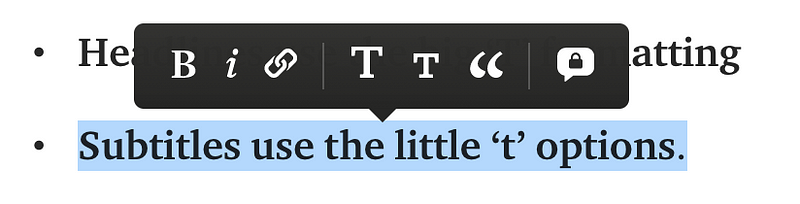
- Subtitles uses the little ‘T’ heading.
- Select your text and this menu will appear:
Please include subtitles; they’re important for drawing readers in.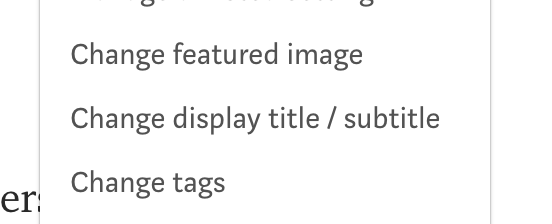
Change display title/subtitle
- We should include them in the article and the Change display title/subtitle section. If you change your Title or Subtitle yours check there too.
- Titles are Title Case, and Subtitles are sentence cases.
- For titles, use capitalizemytitle.com. It’s a great time saver.
Images
Use stock images from Unsplash.com (the one that is built in) or Pexels.com. Or make them in MidJourney — that’s fun.
To use Unsplash.com
- Press enter for a new row
- Click on the Circled Plus icon
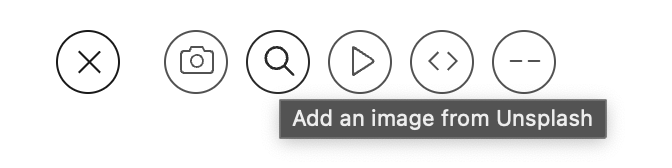
Pro Tip: Try not to pick an image off the first page or two at least. This is what everyone does and why we see the same images over and over. Better Yet, Use Pexels
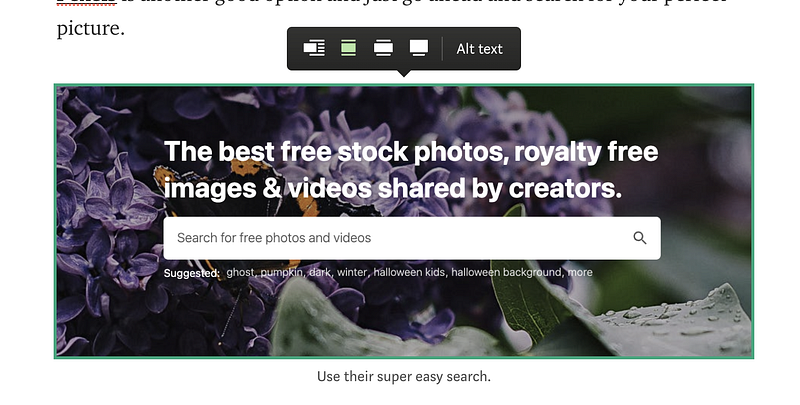
Pexels is another good option and just go ahead and search for your perfect picture.
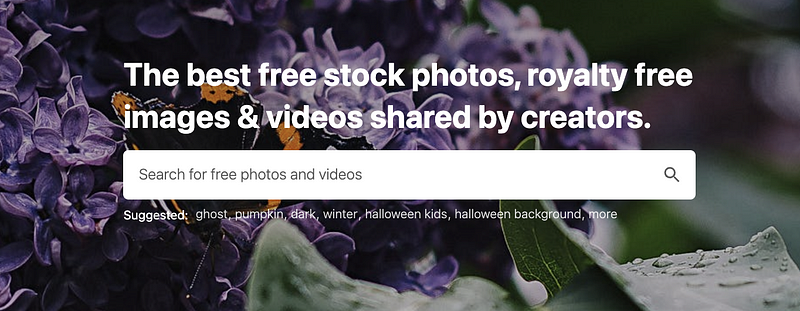
- Hit download and be sure to copy the attribution.
- Drag in your downloaded picture, if you’re using Chrome right from the download bar at the bottom, or otherwise from Explorer or Finder.
- Then paste in your attribution underneath the picture.
Finer Details
It’s important to add Alt Text to get curated. Also it helps visually impaired people who use screen readers to understand what is being shown.
So describe the image as if you were painting a picture with words, should be easy, you’re a writer. 😉
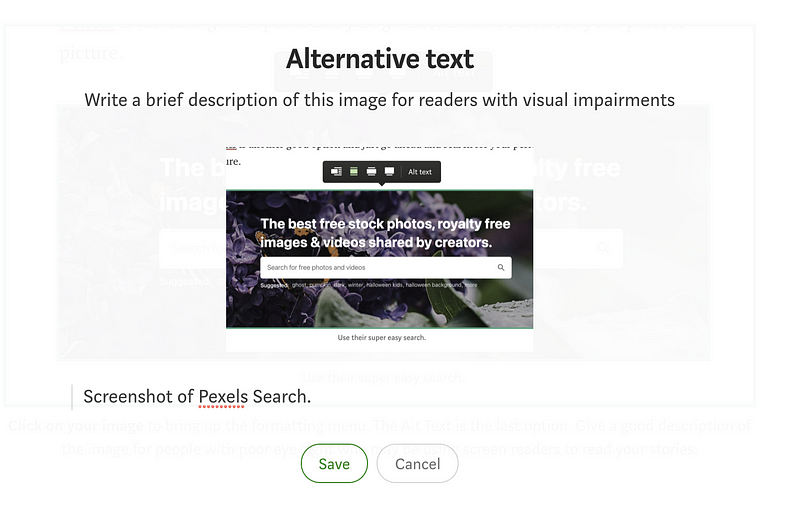
- All images should be royalty free and include attribution.
- Built in Unsplash is easiest, but then again, that’s why everyone’s images look the same.
Your Story
This is fairly simple and most things go. We’re open to experimentation.
- Most readers don’t enjoy a wall of text, so break up those chunky paragraphs, especially for readers on the app.
- Follow normal conventions around dialogue. We use double quotes, commas and periods, e.g. “Hello, this is fascinating dialogue,” he said.
- Grammarly is fairly good at catching typos and errant commas. Don’t rely on it too much or you’ll end up sounds like a voice-less robot.
- We use Pro-writing Aid. It’s better for fiction. It doesn’t remove my writer voice and doesn’t kill my battery. Please use it, we don’t enjoy fixing obvious errors and redundant words.
- It’s micro-fiction, cut needless words (as of 6 April 2023, MAX word count is 300 words). Push yourself to tell your story in fewer words. You earn pennies per fiction story, anyway. Padding your story is not a solid earning strategy. 😉
Your Writer Bio
Feel free to add your bio at the end and link to another story of your own or another. Bios don’t count towards the word count.
- Use a section break at the end of your story as below. The keyboard shortcut is CMD+Enter or CTRL+Enter.
- Keep it shorter than your actual story. A 100 word story shouldn’t be followed by a 300 word bio. It annoys readers.
- Use a preview link (the one with a picture) to share your own work or share the work of another writer you admire or a story you particularly liked. We particularly encourage this in the 100 Story Challenge. Every little bit helps fellow writers find new readers.
Here’s more on why your Writer’s Bio is so important:
Plus a pro trick to help you save time or use different bios for different places.
In your textual bio, you’re free to link to your profile, or link your name:
Zane Dickens and use preview links like below to link to other stories. Take it as an opportunity to show your personality.
It’s one of the best way to increase followers and get more reads.
You can also add your Tip Link or Referral link or your email subscribe link.
This is a Preview Link
Paste a link and hit enter to create this kind of link. Please don’t use more than 1 or 2 of these in your bio. One is ideal. Funnel people into one thing.
But please, no product-based Calls To Action.
Otherwise, experiment — we’ll update and add more.


