

Meet ChatGPT for YouTubers
This is The Ultimate YouTube Coach
GPT4 + Your YouTube Channel = The Ultimate YouTube Coach
Some time ago, I wrote an article about one of my favourite YouTube Growth tools: VidIQ.
For those who don’t know — VidIQ is a tool that integrates with your YouTube channel, giving you title, tag, description suggestions, SEO optimization, comparisons with other channels, giving you video ideas and so on. It’s an amazing tool — a MUST-HAVE if you’re serious about growing your YouTube business.
Well, now VidIQ has released a ChatGPT integration: “AI Coach”.
Go to VidIQ.com — AI Tools — ChatGPT for YouTubers (you might have to create an account and/or link your YouTube channel first).
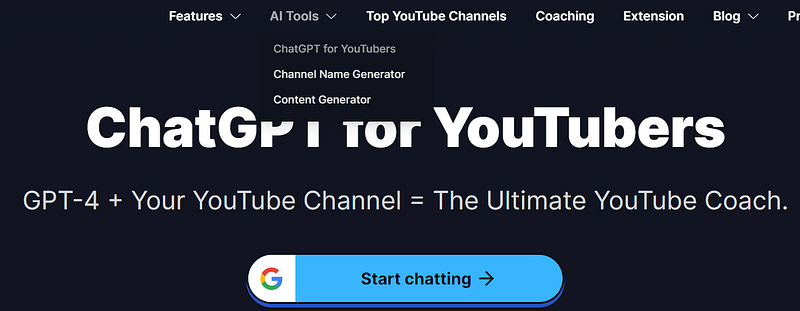
Prepare to have conversations with your YouTube channel. Sounds unbelievable, right?
I couldn’t contain my excitement, so I decided to give it a whirl. Let’s dive into the features.
At first glance
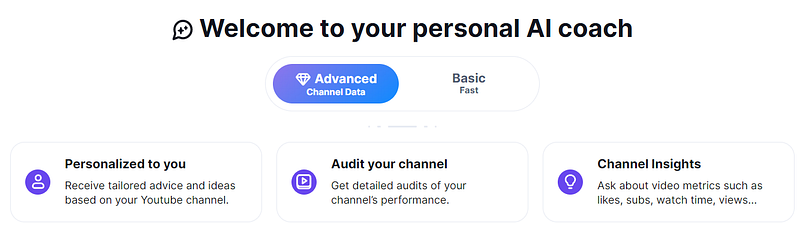
When you open (link), you’ll see the following window:
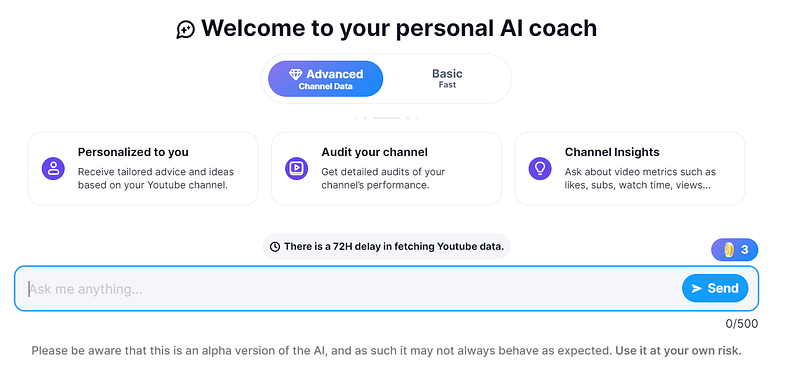
Here I notice there are 2 options available:
- Advanced
- Basic
I’m excited to start typing stuff, but before I do, it’s important to note that if you are using the free version (yes you can try it for free), that you only have 3 advanced prompts.
So use them wisely.
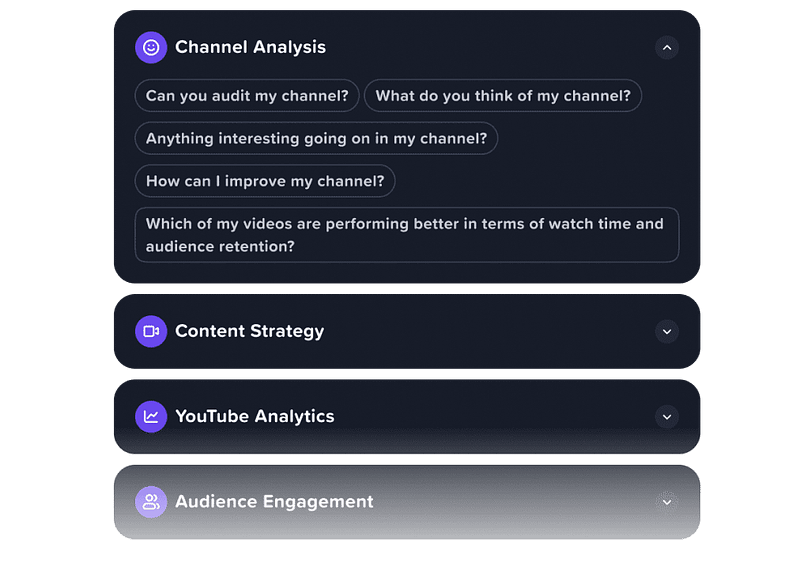
Luckily, on the right side of the screen you have some example prompts that you can use.
The ones with the diamond in front of them, will use a “credit” (from which you have only 3).
Explore prompts
The hardest thing about chatGPT is creating high value prompts. So VidIQ is helping you out a little bit.
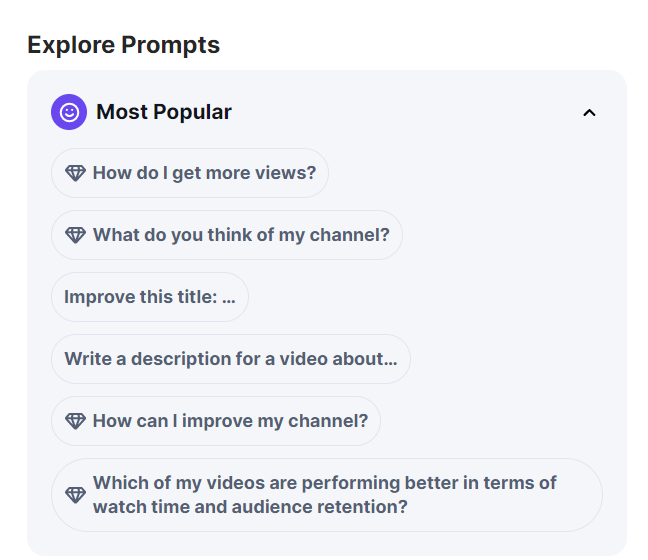
Let’s start with the prompt “What do you think of my channel?”
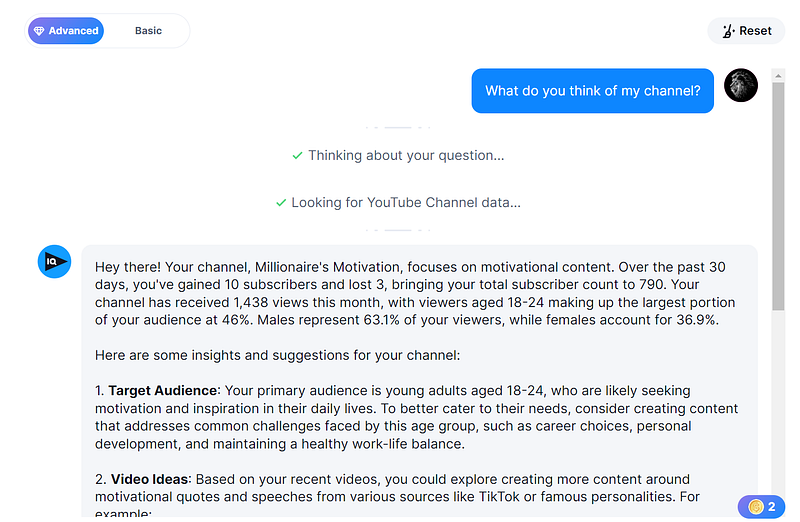
FYI, the channel that I connected is some sort of dead channel. It featured motivational TikTok compilations (which provided problems due to copyright etc). Not recommended :)
Either way, let’s see what the rest of the output is:
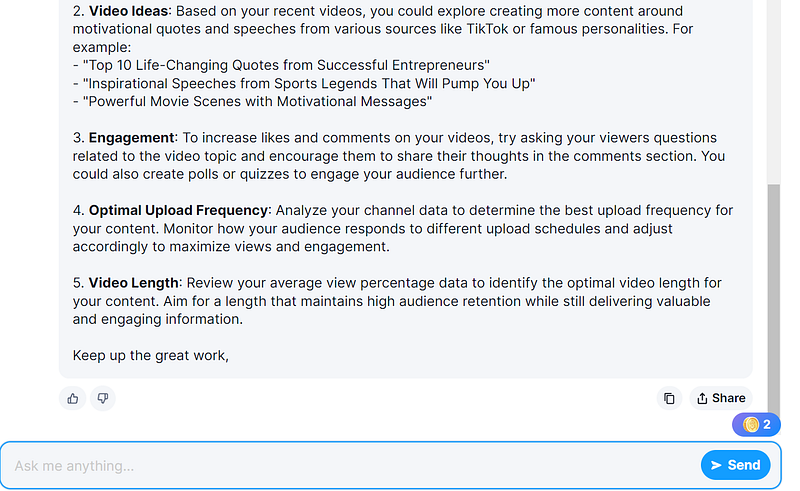
As you can see, it gives quite good advice and even proposes new video ideas.
Also, you can see that the “coin” at the bottom right is now at “2”, because I asked an “advanced question”.
Let’s ask another advanced question
I want to know how I can improve my channel.
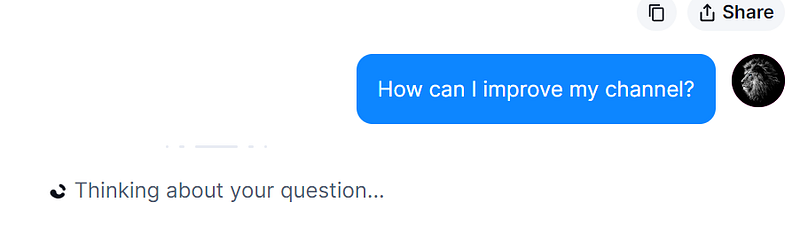
The answer is a bit disappointing — it’s the same as above.
Sweet, a coin wasted.
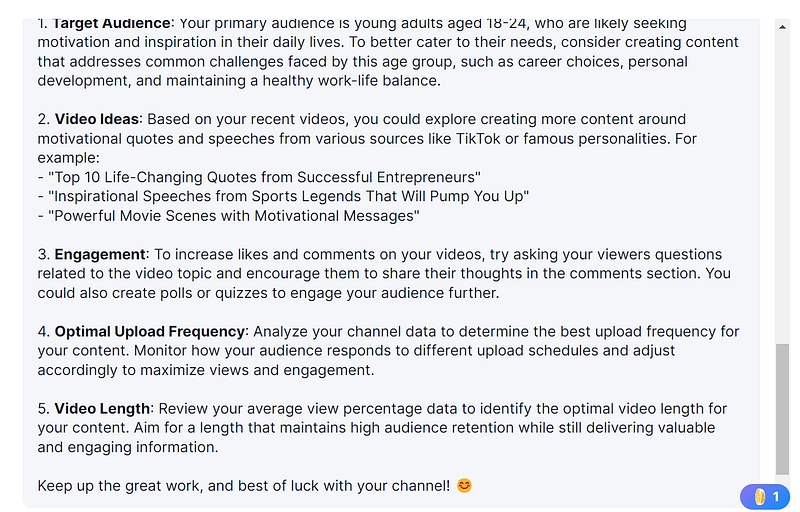
Let’s give it 1 last try and use our last coin (or Credit, as they call it).
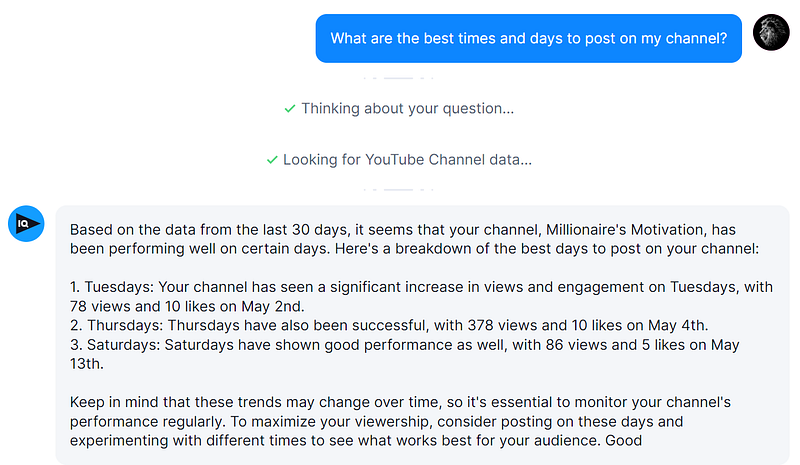
I’m out of credits!
Okay, that was my last credit. Now the “Advanced” chat bar is just greyed out.
I’ll have to get credits I guess.
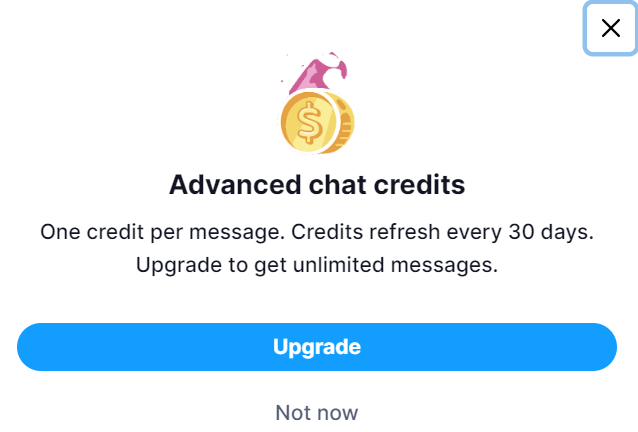
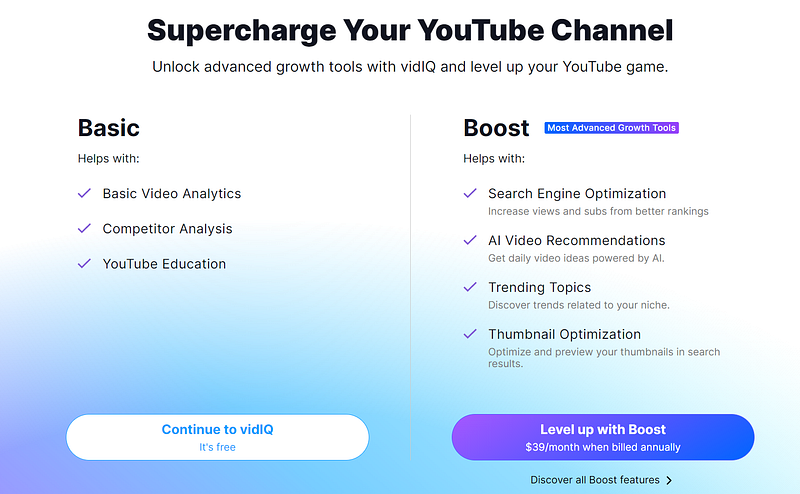
Aha, you can’t buy credits, but you should upgrade to “Boost” — I see.
While personally I find “Boost” quite pricy, it’s definitely worth it and if you’re serious about YouTube, it might be a very good investment to get the best out of your videos.
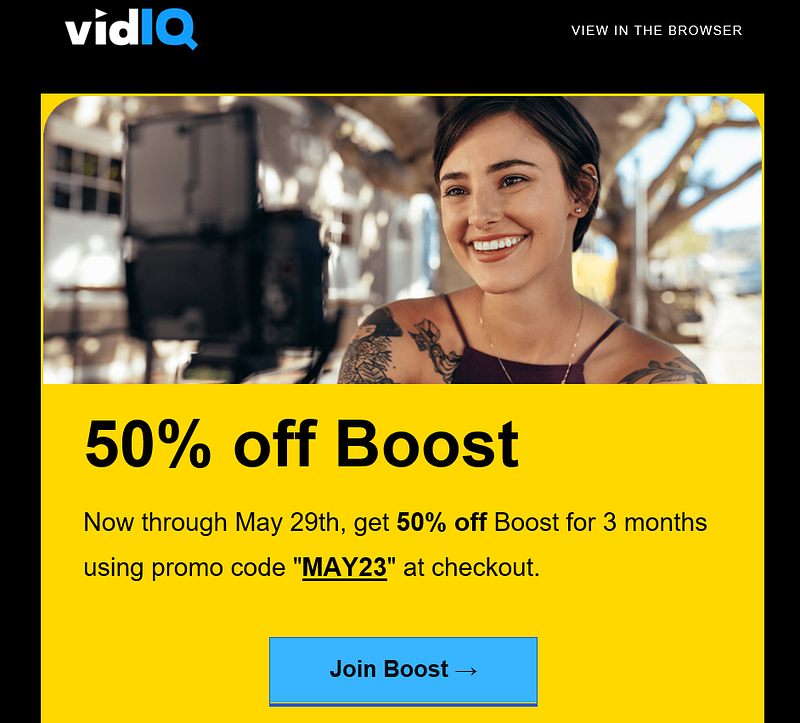
Also, I noticed they got some nice promotions now and then, so if you want to get “Boost”, then I recommend waiting for a special offer!
Let me clarify: as YouTube Automation entrepreneurs, we spend hundreds of dollars each month on video creation, right?
What’s the point in paying so much money for YouTube videos, if nobody is going to see them because of poor SEO, bad titles, bad tags, bad descriptions, bad thumbnails and more? Exactly… so perhaps in comparison to that — this is just a small cost. Up to you.
Let’s ask a “basic” question
Alright now that we’ve tried all of our Advanced questions, let’s see what the Basic tab does:
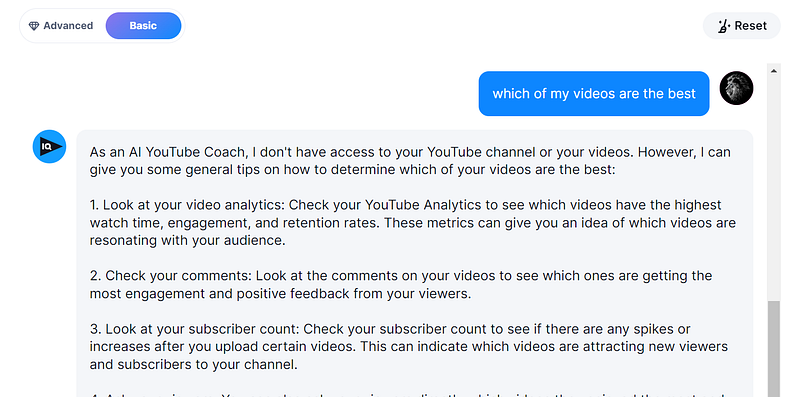
Aha! That explains the difference between Advanced or Basic :)
Advanced vs Basic
- Basic is actually just ChatGPT.
- Advanced is ChatGPT LINKED to your YouTube channel, being able to provide you actual data.
Interesting.
You can try it out for free!
I think I’ve covered most of it for now.
I would say, go ahead and try it out!
No matter the size of your channel, AI Coach can give you great advice for YouTube creators at any stage.

Conclusion
Don’t let your YouTube channel fall behind.
In these times of “AI” it would be unwise NOT to use it.
With VidIQ’s AI Coach, you have the ultimate tool to optimize your channel, create compelling content, and achieve amazing YouTube success
Give it a try for free and let me know what you think.
Michiel
If you thought this article was helpful, you would greatly support me by giving me a follow, subscribing to stay updated or simply keeping me awake by drinking a coffee with me! Thank you so much!
Note: This article contains some affiliate links. This means that if you click on the link and make a purchase, I may receive a commission (but for you it’s free of course) — look at it as way to support my writing & all the countless hours I put into these articles :)
You might notice that not all links are affiliate links; This is because I only promote products and services that I believe in and that I think will be of value to you. Please do your own research before making any purchase decisions.