How to Avoid Plagiarism on Medium Using This Free Service
Before you hit the publish button, do this extra step
As an editor of a busy publication, I have one serious worry: Is the work I am going to publish plagiarized?
Most of the writers on Medium are here for the long term. They are not here to make quick money but to write their heartfelt emotions. They want to let their readers know things that can benefit them when they are going through similar life experiences.
The editors usually try to correct spelling mistakes, check grammar and plagiarism, and send articles back with a private note. For checking plagiarism, they are using a tool that is freely available online.
You must check your drafts through this free tool, or the paid service of Grammarly. When you are fully sure that you have not plagiarized anything, there is no need to go through this step. In every other case, please use this tool before hitting the publish button.
Medium checks plagiarism as well. Please note that Medium does not check every single story. Only a random sample of work belonging to every writer is checked by publications, or by Medium if anybody complains about plagiarism.
If your work is not unique, Medium will suspend or delete your account sooner or later. It may take a few months, but it will happen. In simple words, stay away from plagiarizing anything on Medium — ever. Ask yourself a simple question, “How would I feel if somebody stole my ideas or my work?
The tool I am talking about is called “Duplichecker.”
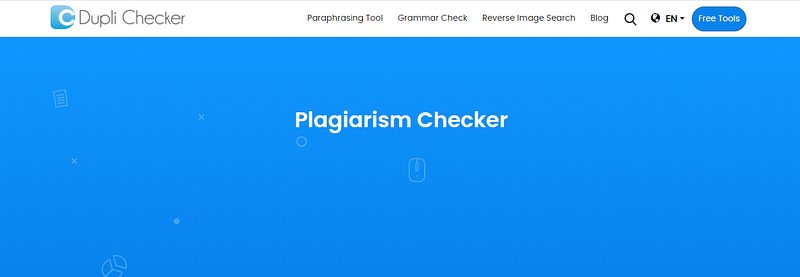
It provides you with a window where you can paste the text of your story. This ad-supported free service has a 1000 word limit.
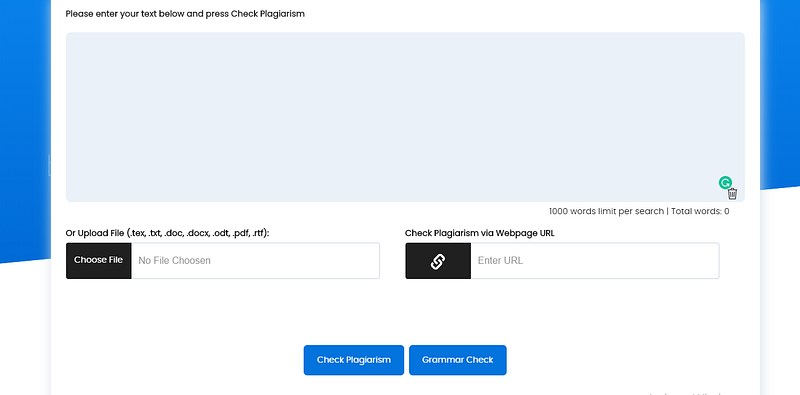
After pasting the text, click the Check Plagiarism button at the bottom of the screen. Behind the scenes, they are using Grammarly’s paid anti-plagiarism service.
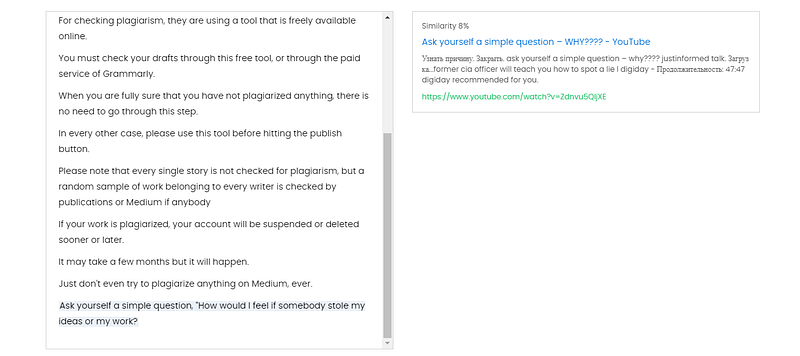
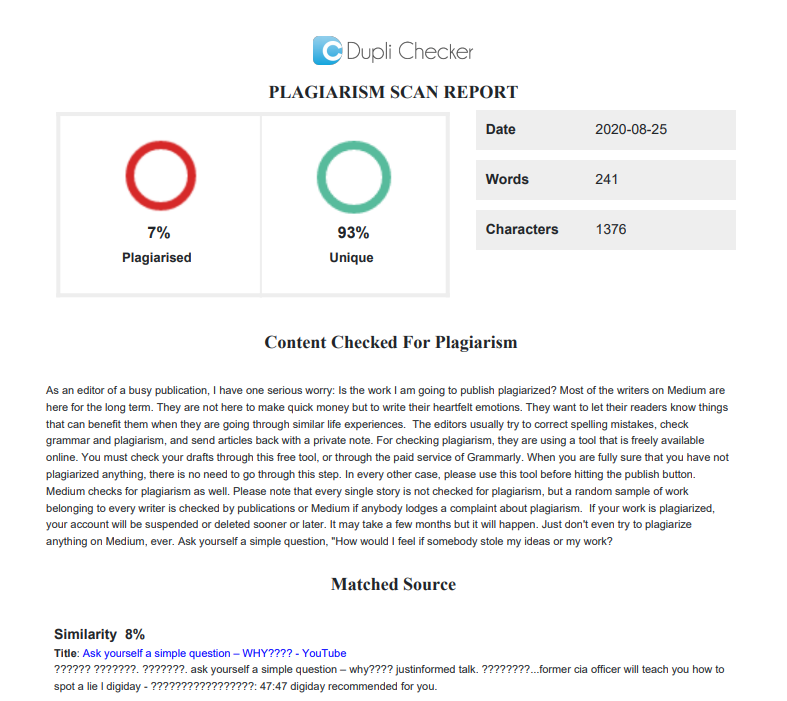
Once the process starts, you will see a timer until it completes. Then you’ll see your plagiarism score. I am using the text from this story. The results show that out of these 241 words, 7% are matching some online content, and 93% are unique. Why is it not 100% unique? Duplichecker gives you the ability to check the results as well.
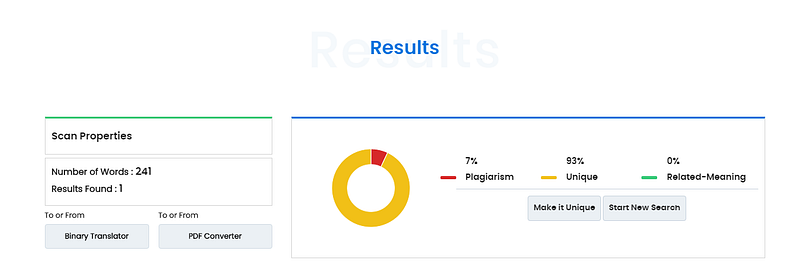
Below the results, you’ll see the non-unique content. It shows that the phrase, “Ask your self a simple question:” matches a YouTube video with a title of “Ask yourself a simple question.”
Below these panels, you’ll find the option to download this report in the form of a PDF or a WORD document:

Click on the “Download PDF Report,” and you’ll get a copy of the plagiarism check that you must store for future reference — if you are worried that you may be accused of plagiarism in the future for any reason:
You can use this entire procedure to check your grammar as well. Duplichecker also provides the service to check the grammar of the pasted text.
Takeaway
If your score is below 10%, it is a good score. If it is above 10%, try to provide references to the excerpts that you may have used in your writing.
If your article contains many quotes and you have credited the writers properly, a high score does not matter.
This process can take three to five minutes, but it is a great way to check your work for plagiarism.


