
Medium Category Makeover Using Lists and Kicker Titles
Make it easier for your audience to consume your content
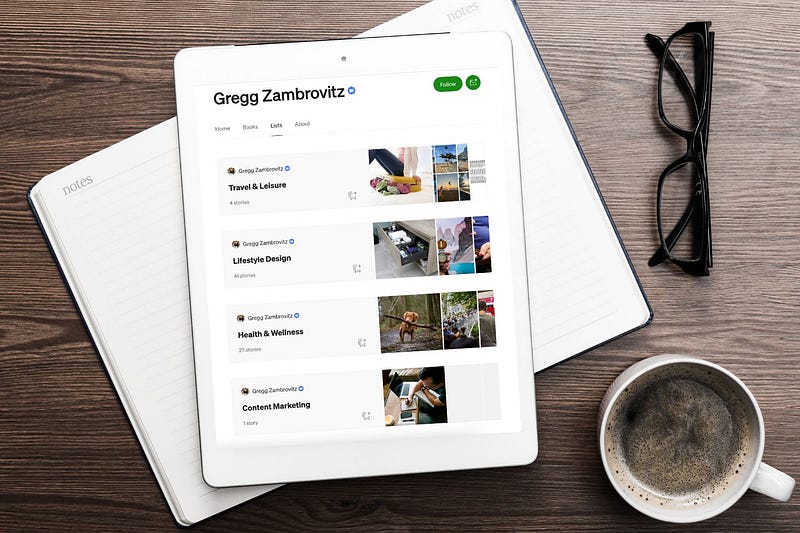
It takes time to craft content, but it’s worth it when an audience appreciates your efforts.
And despite the catchy cliche, content is not king; accessibility is.
I can write the best article in the world (if there was such a thing), and if nobody could find it, it would all be for naught.
This was on my mind recently because I am putting together my portfolio for freelance work, and in doing so, I noticed two things about my content on Medium.
1️⃣ In a short time, I already have over 70 articles, which at first made me feel good, but then I was like, how are they organized? 🤪 They weren’t, so people would probably struggle to find what they want.
2️⃣ My areas of writing are content marketing, health and wellness, lifestyle design, and travel. But here’s the thing, my content was one-sided, leaning heavily on lifestyle design.
So I gave these thoughts some soaking time and decided to segment my content on Medium using lists and kicker headlines (and link them).
Let me explain what I did and why and see if it makes sense for you to consider. It may not, at least right now, but at least you’ll know it’s an available feature to use down the road.
Create Kicker Titles
Kickers are that little title above your main article title; they can be powerful navigation tools and help nurture organic reach.

Note: The gif above shows you how to create your title kicker if you’re not sure, and you can also read more about that in this help article.
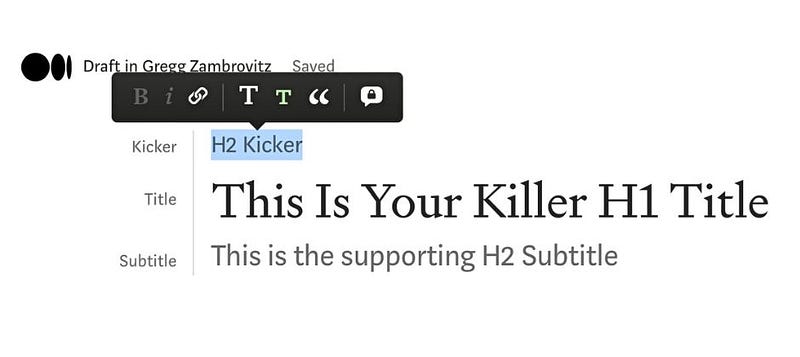
Benefits of using title kickers:
- They allow you to add a cornerstone keyword to the header.
- They offer another
tag for SEO.
- They allow you to hyperlink to a list with the same name.
Create Lists (Categories)
It’s not rocket science, but it is helpful — you create categories for your Medium content by making lists — and you and your audience may appreciate using them.
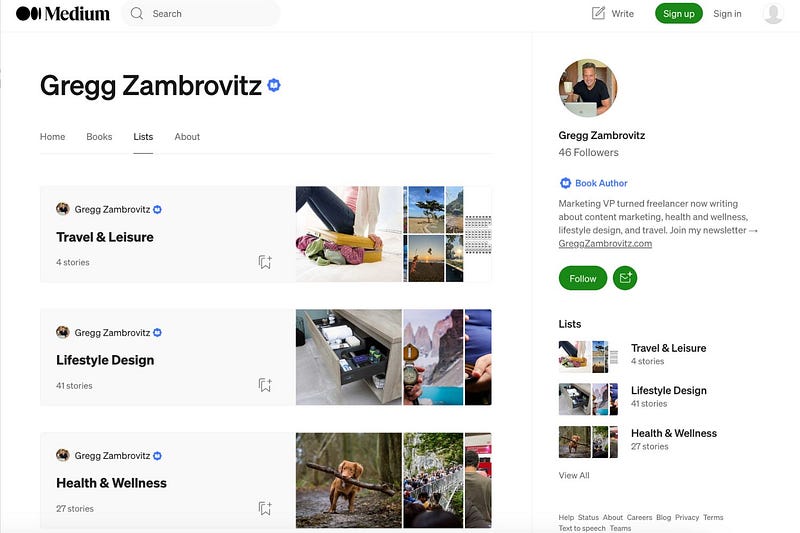
Note: You can read all about creating and managing lists in this help article.
Benefits of using lists:
- Your readers can quickly navigate your content and understand the different areas. Further, they can dive into any of your lists (categories), and if they find one they like, they can save an entire list.
- Lists can help the writer determine which categories may need more current entries and offer a glimpse into what areas need to be optimized — for example, maybe there is too much topic overlap between two lists. This may help round out your topic coverage.
Note: Once you create a list, you need to save the article(s) to that list.
Tying it Together
So now we have our title kickers and lists; the secret sauce is hyperlinking the two together.
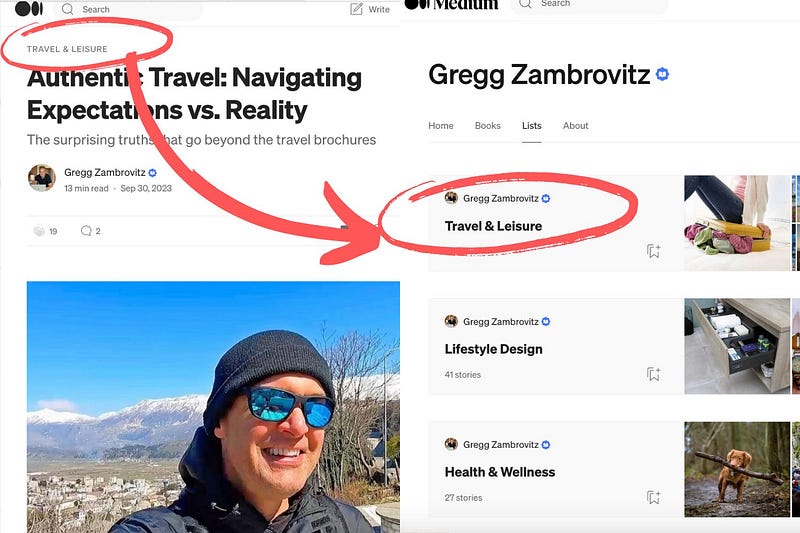
Benefits of linking kickers to lists:
- This may lead to increased traffic to other articles. Instead of relying on embedded posts, there is a link to all related content in the header area.
- You can also play around with the wording to entice a click. I used the same kicker name as my list, but the internet police don’t raid your computer if you mix it up. Maybe your kicker is “Life Lessons” that links to a list called “Intentional Living” or whatever. The point is it’s a tool that’s only limited by our imagination.
- I haven’t done a scientific study or anything, but the number of people who do this seems to be in the minority — which is a good thing because it allows us to differentiate ourselves.
That’s a Wrap
I wanted to share this idea for using kickers and lists, seeing I just went through the process.
It may or may not be suitable for you, but knowledge is power, and at least you are aware (if you weren’t already).
Update: I decided not to use kickers after all — but it still may be worth while for some.
😎 🧠 💪 Ready to live intentionally? ⤵
Each week, I send out an email newsletter with simple, practical tips for how to live on purpose, not autopilot. Join here for free →