

Mastering Creative Consistency: A First Look into Midjourney’s Style Reference Feature
Revolutionise Your Content’s Style without Overloading Your Prompts
I don’t use the words revolutionary or game-changing lightly, but I am a little bit excited about this new tool. It takes the emphasis off words in the prompt, which can be misinterpreted in so many ways. From now on the emphasis has shifted to images themselves as being the most important input.
I'll begin by showing what it does and how it changes prompt development. I will then run through how to do it and give a bunch of examples.
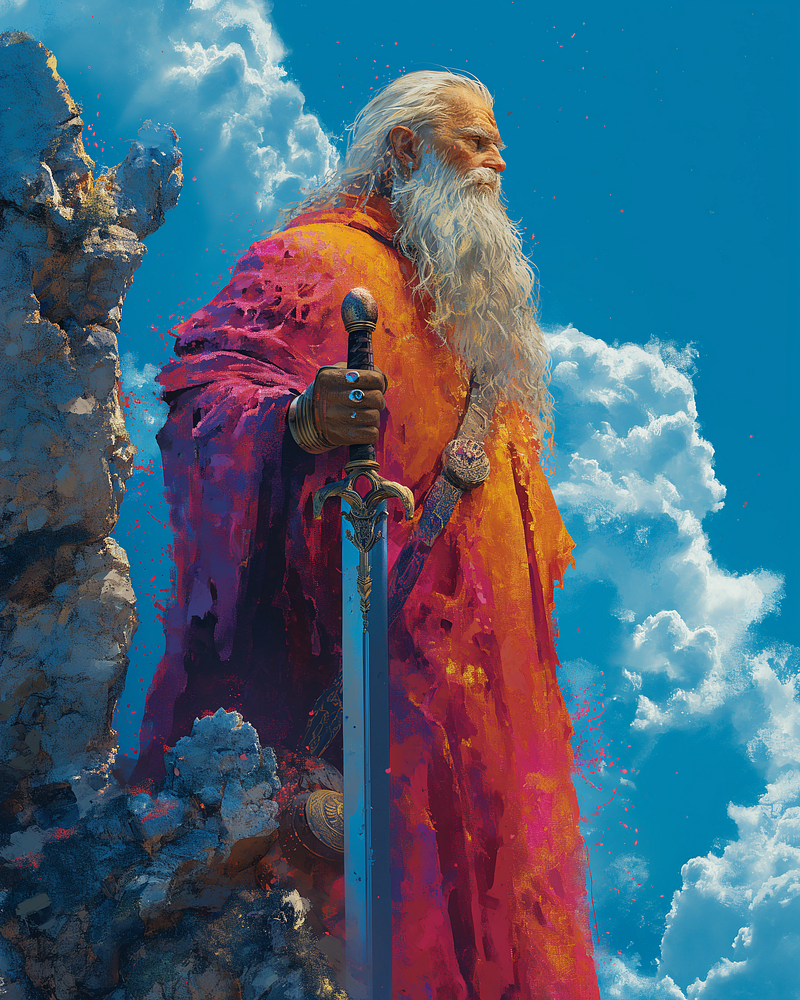
The old man with a sword
I borrowed the first image from the public gallery.
I used it as a normal image reference in a simple prompt.
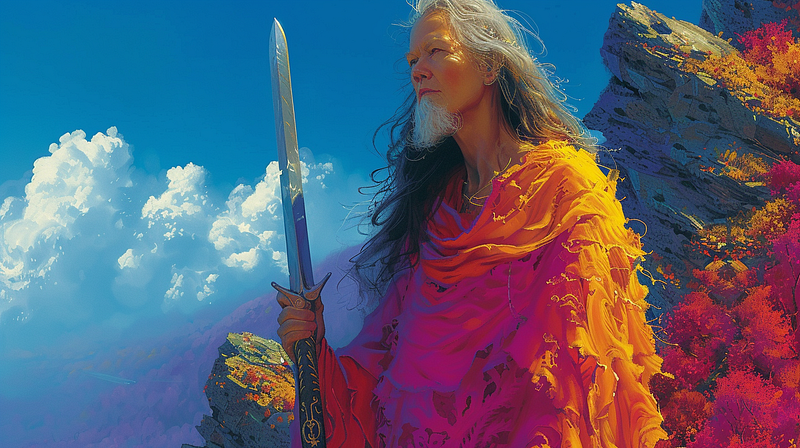
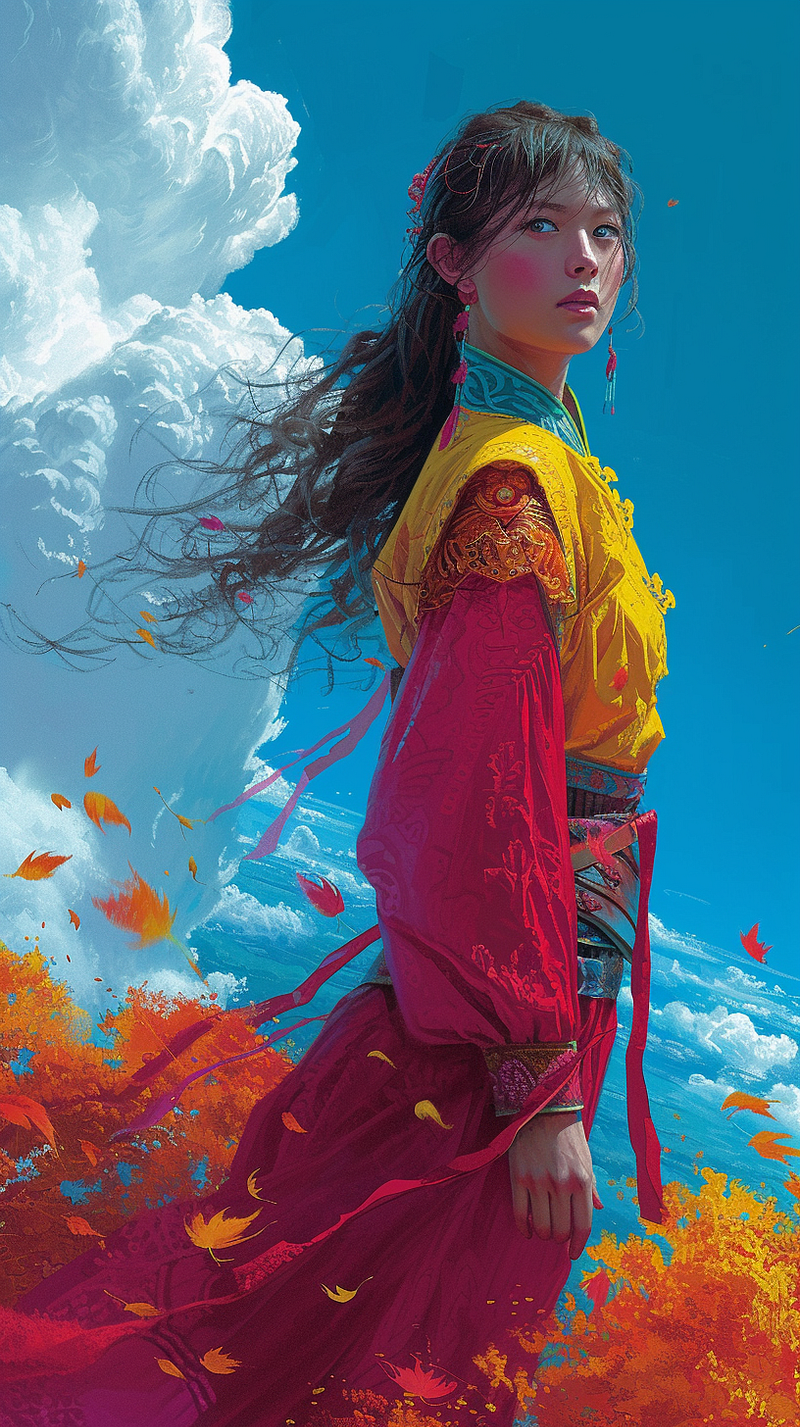
A chinese girl tall beautiful
This produced variations on the bearded lady theme you can see in the second image. The style is copied well, but MJ also references the content to combine an old man and a girl.
In the third image, I have used it with the new Style Reference tool, and as you can see it has given me what I asked for in the prompt whilst referencing the style only of the original.
Previously, the prompt without the style reference would have produced something like this:
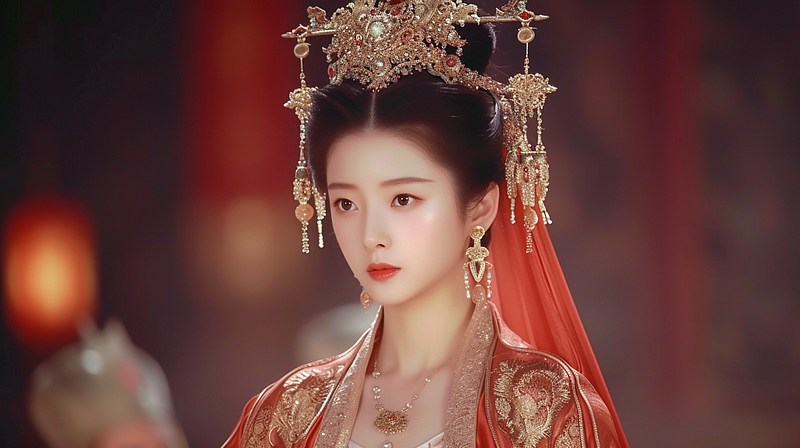
Now, I can prompt anything with the Old Man image as a style reference, and I get a matching set of images with the same vibrant colours and energy.
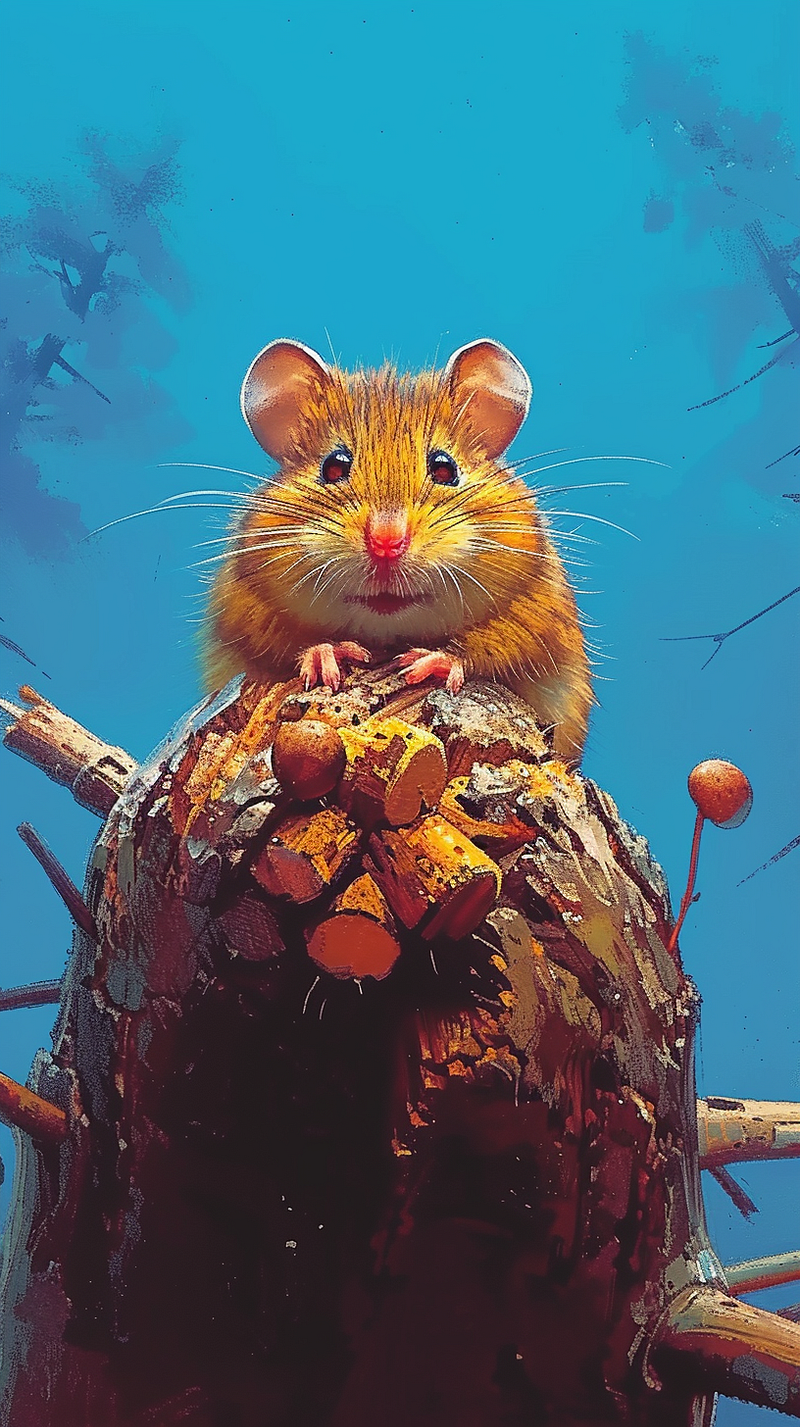

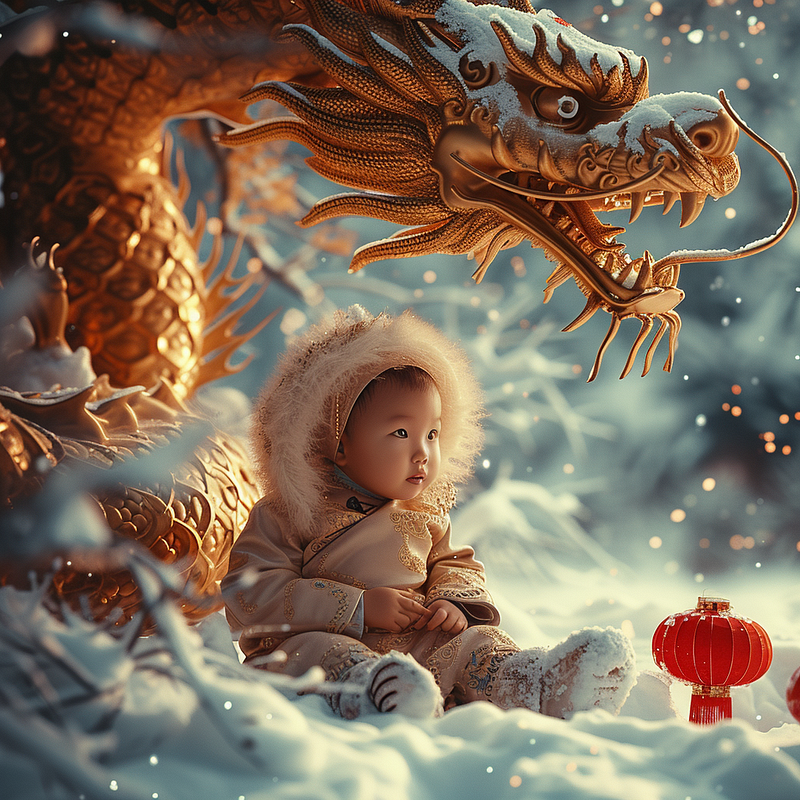
Dragon and baby
I whipped back to the Explore page on the website and found this beauty:
In Discord I Promted:
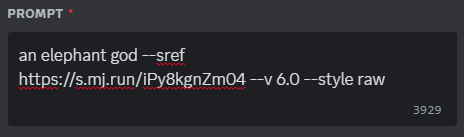
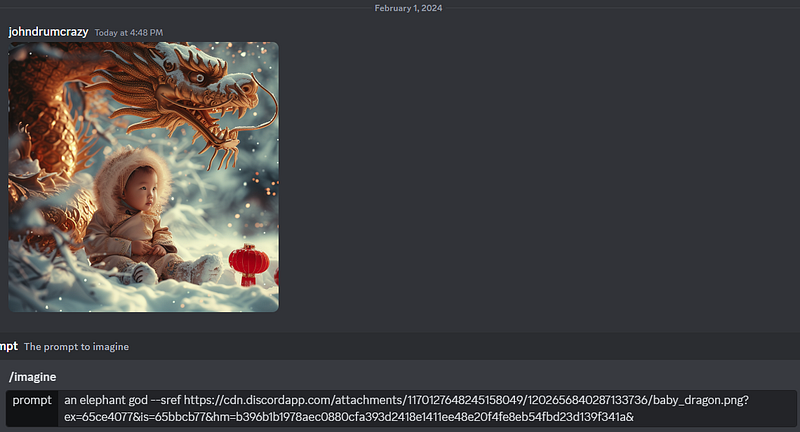
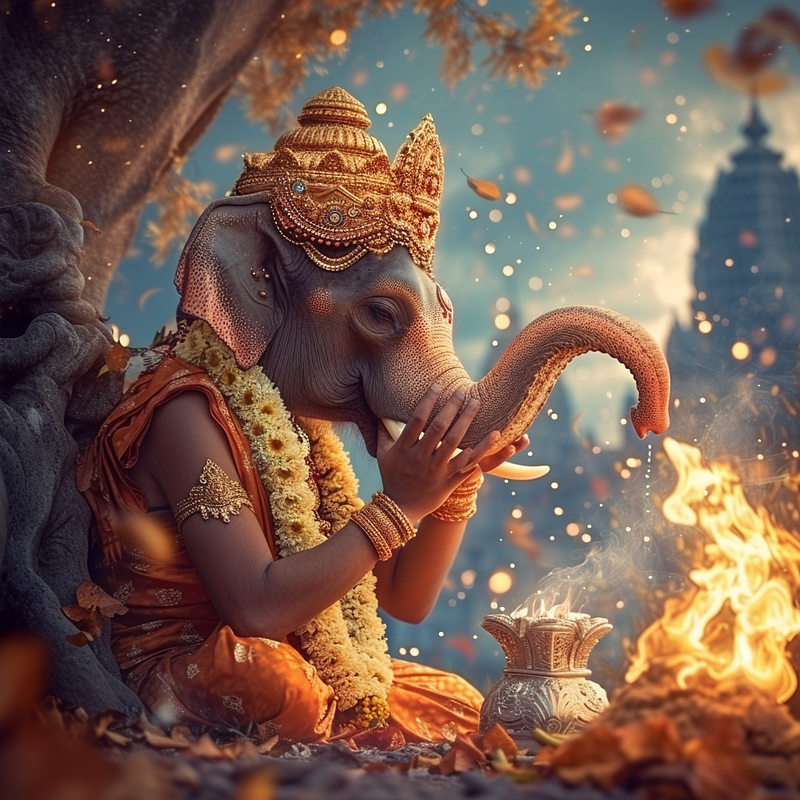
Using the same style reference, I used some of the same prompts I had used with the Old Man reference, but with quite different results.
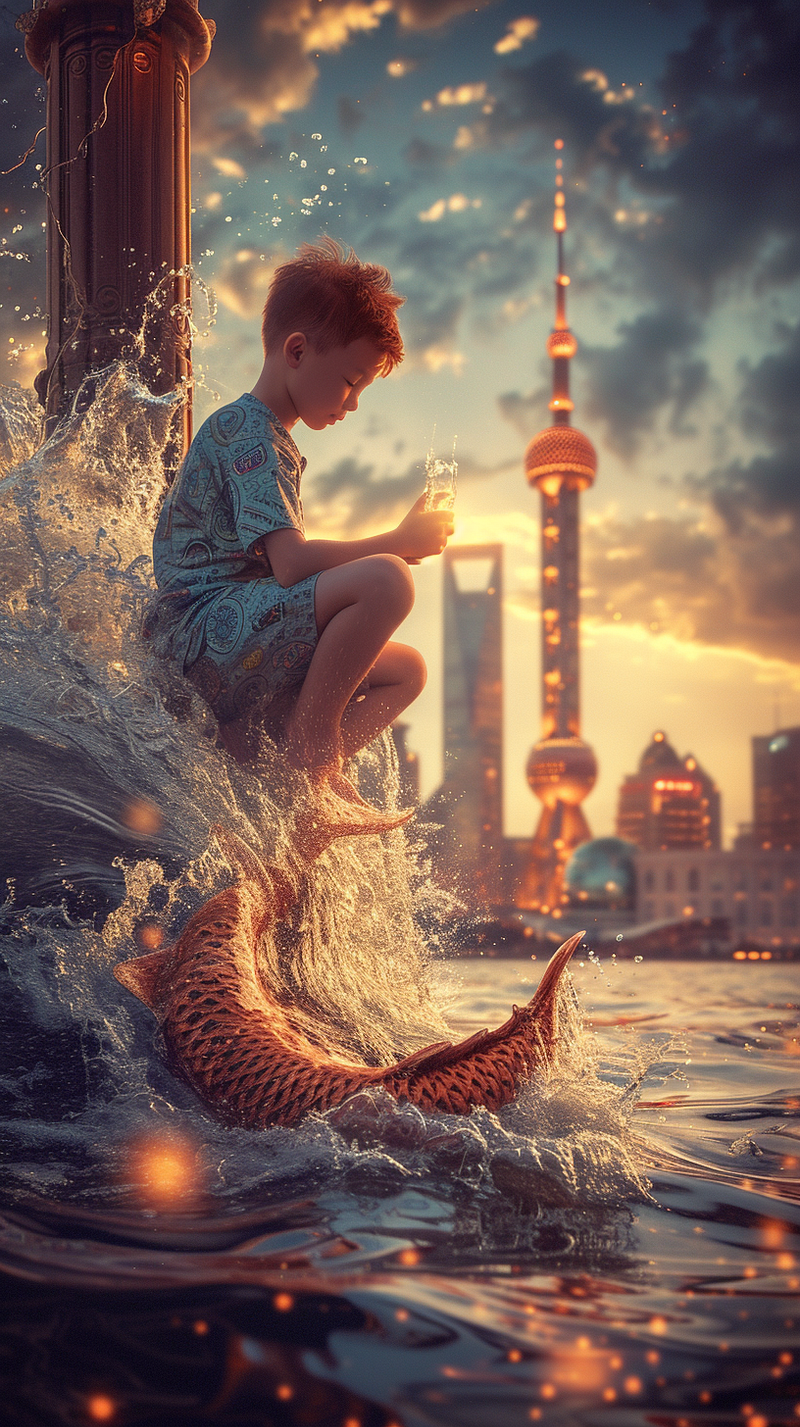
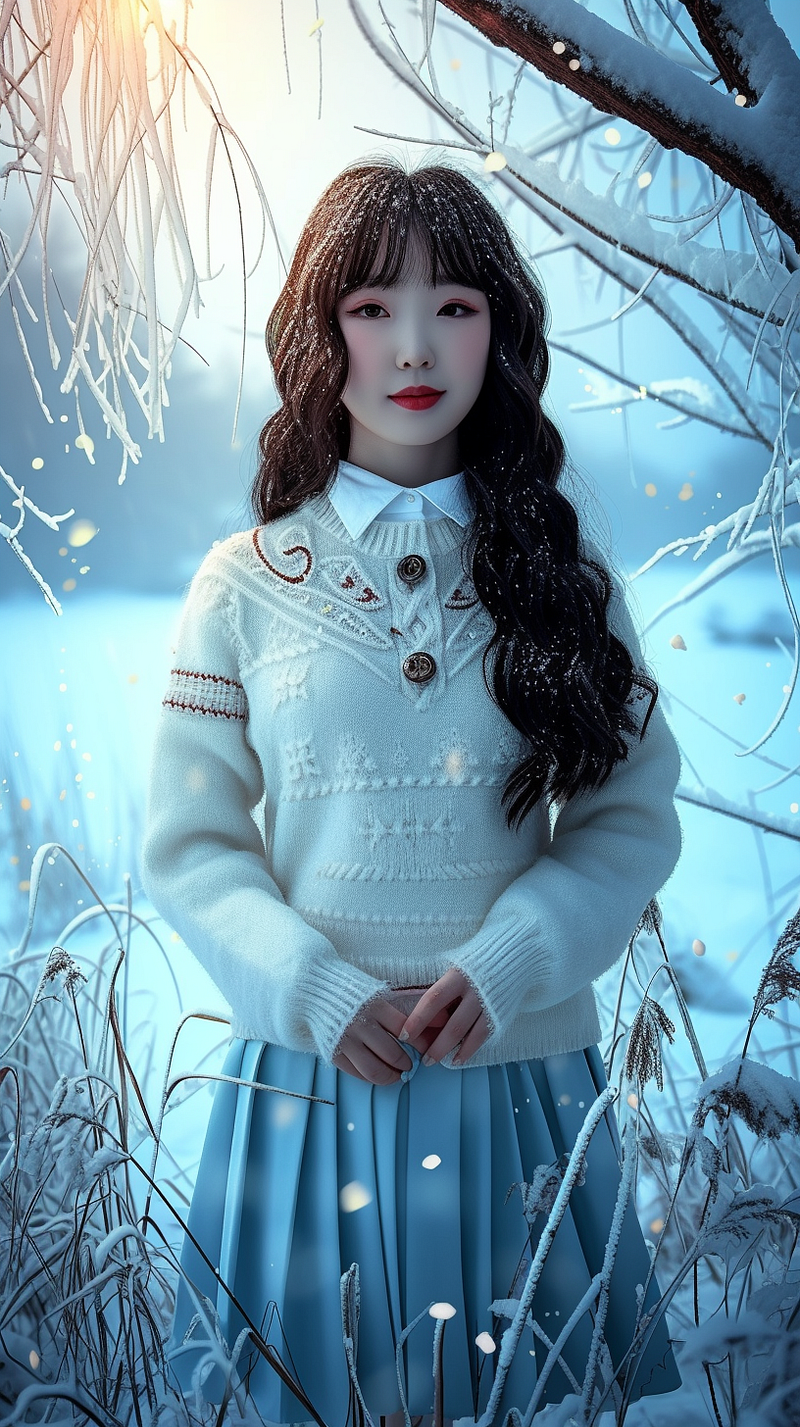
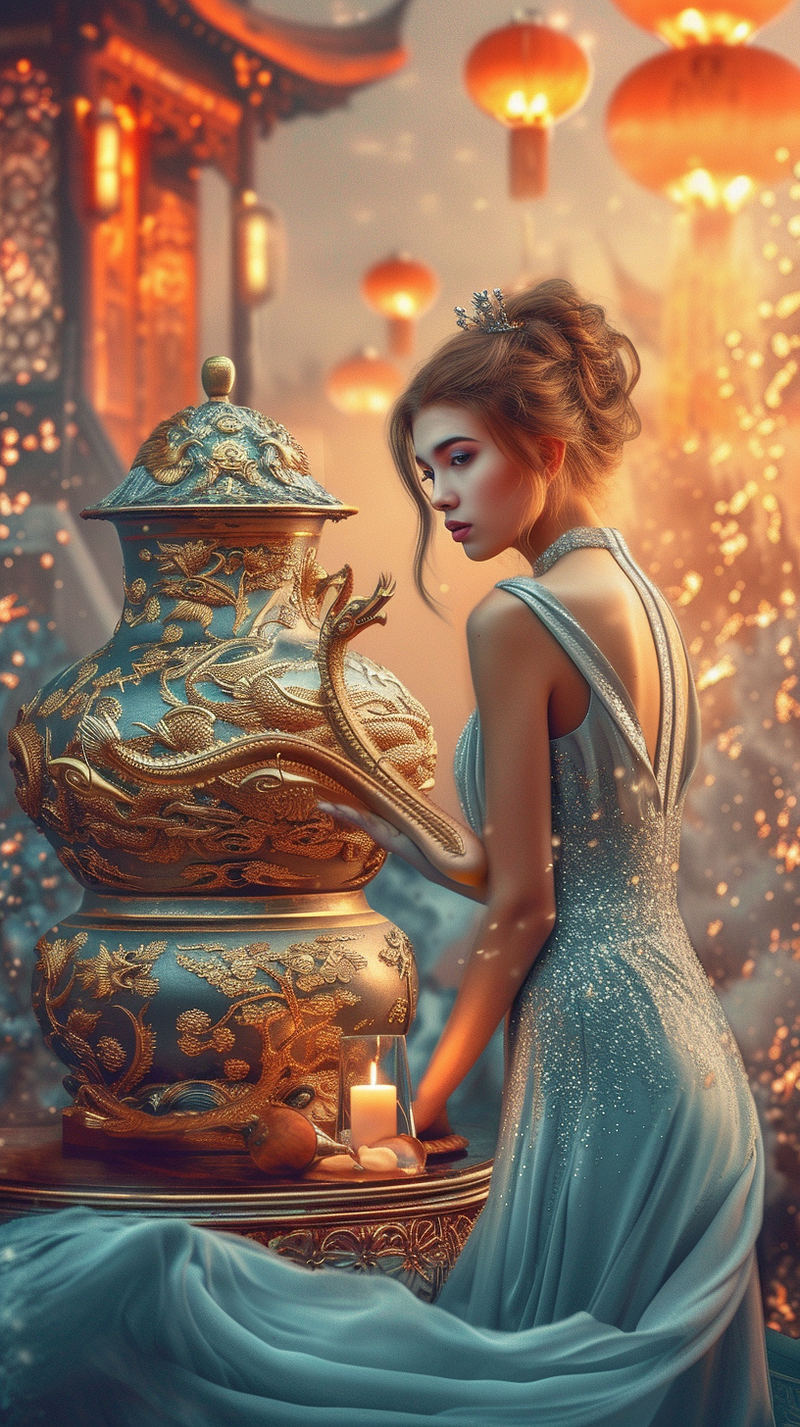
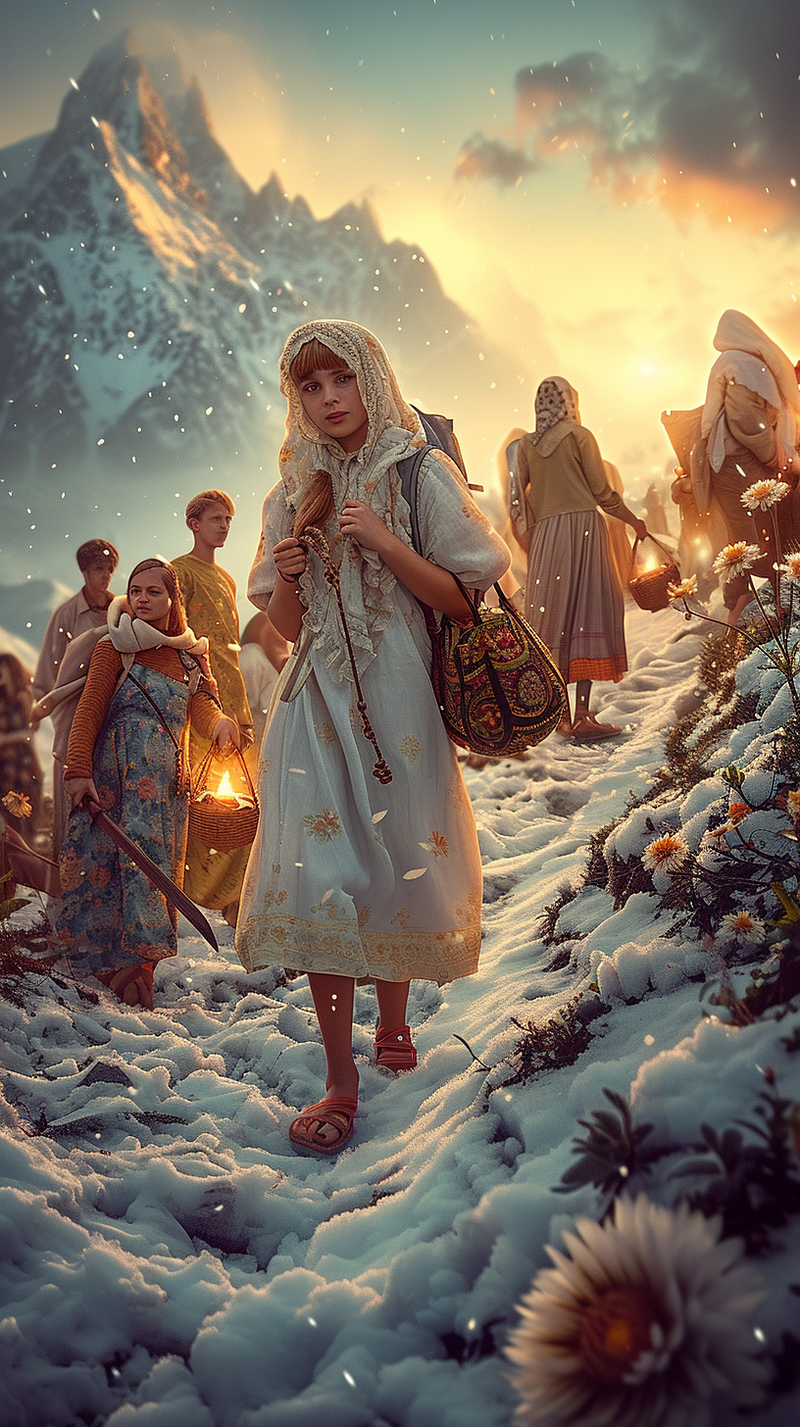
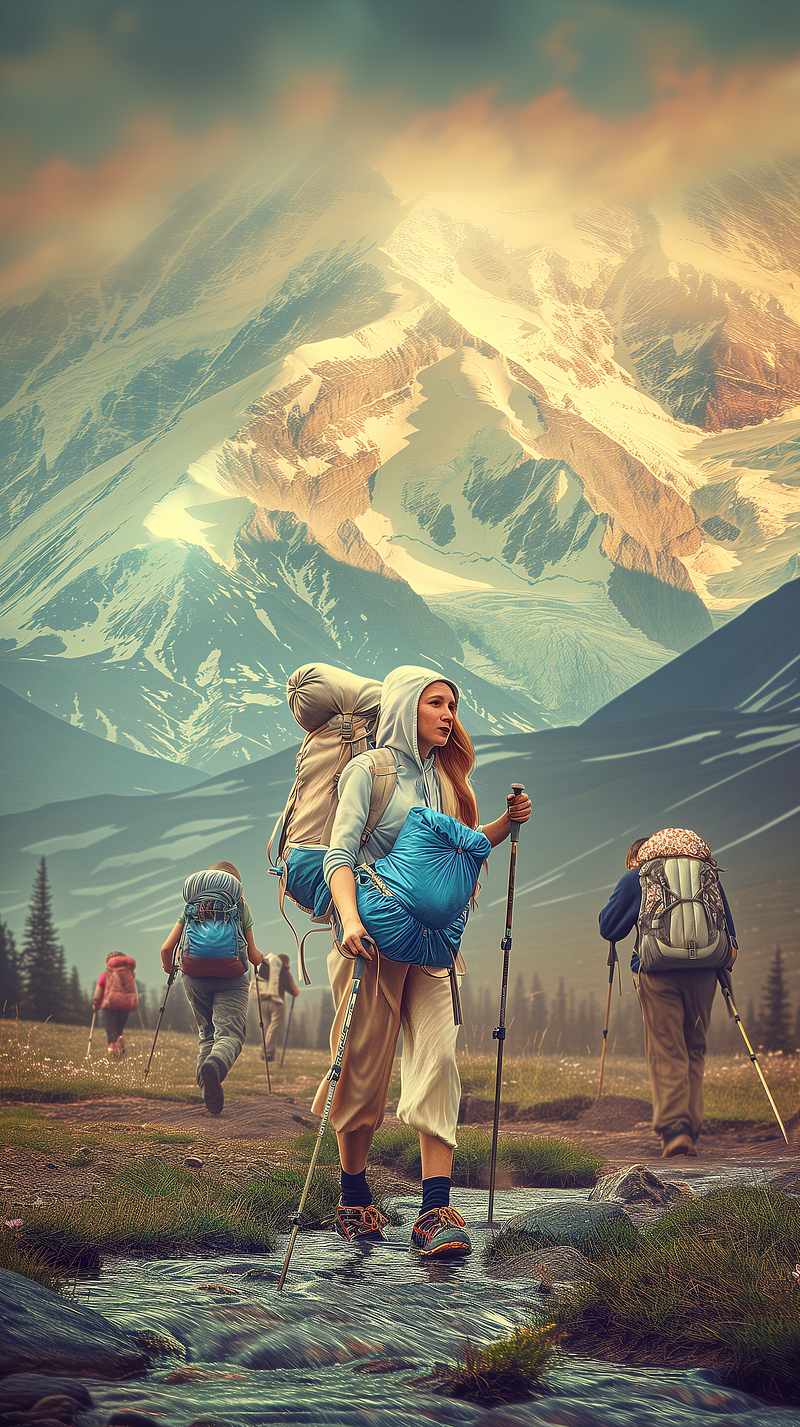
Using Style Ref on the web-based creator.
First, create your prompt with an image.

Second drag the image up behind sref

Third delete the image sitting below the prompt (Important step)

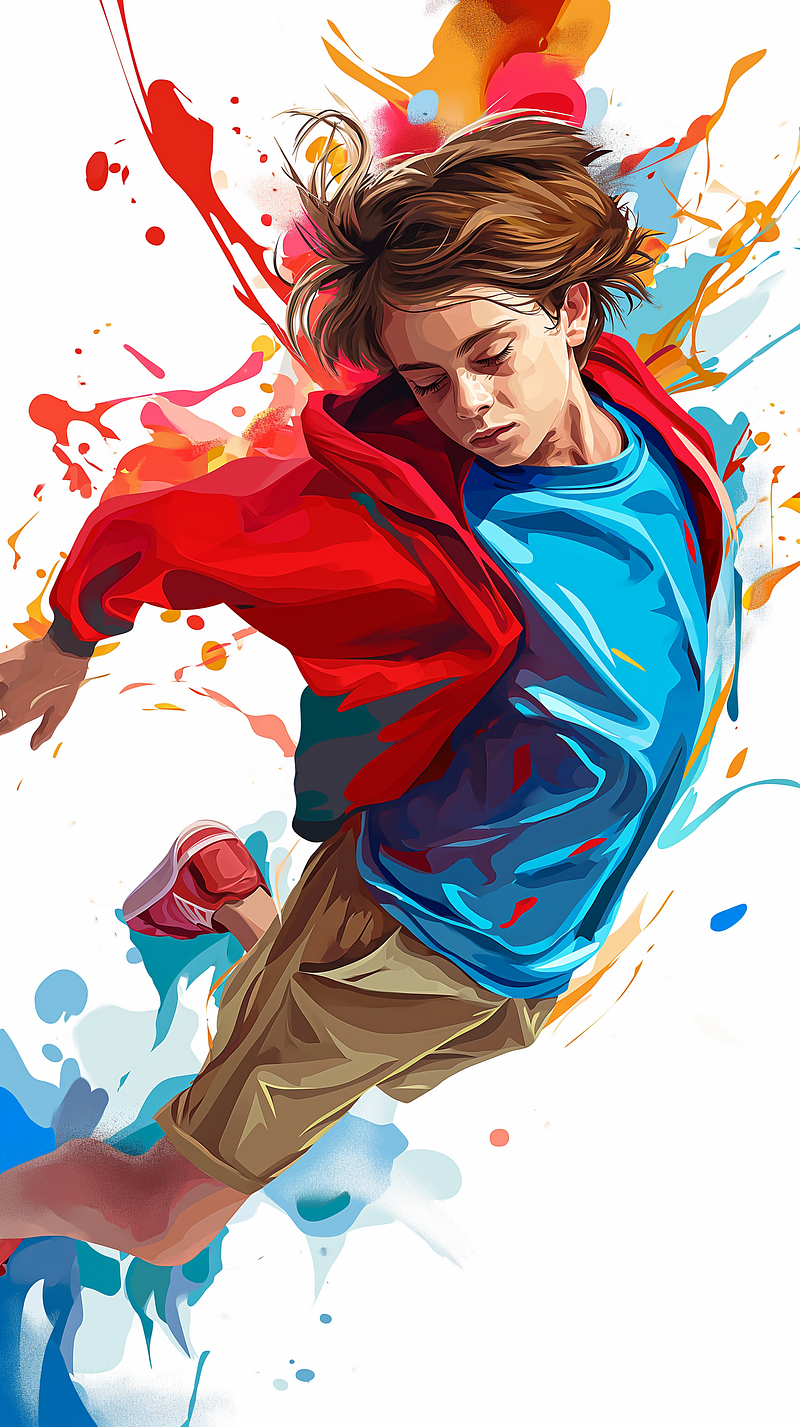
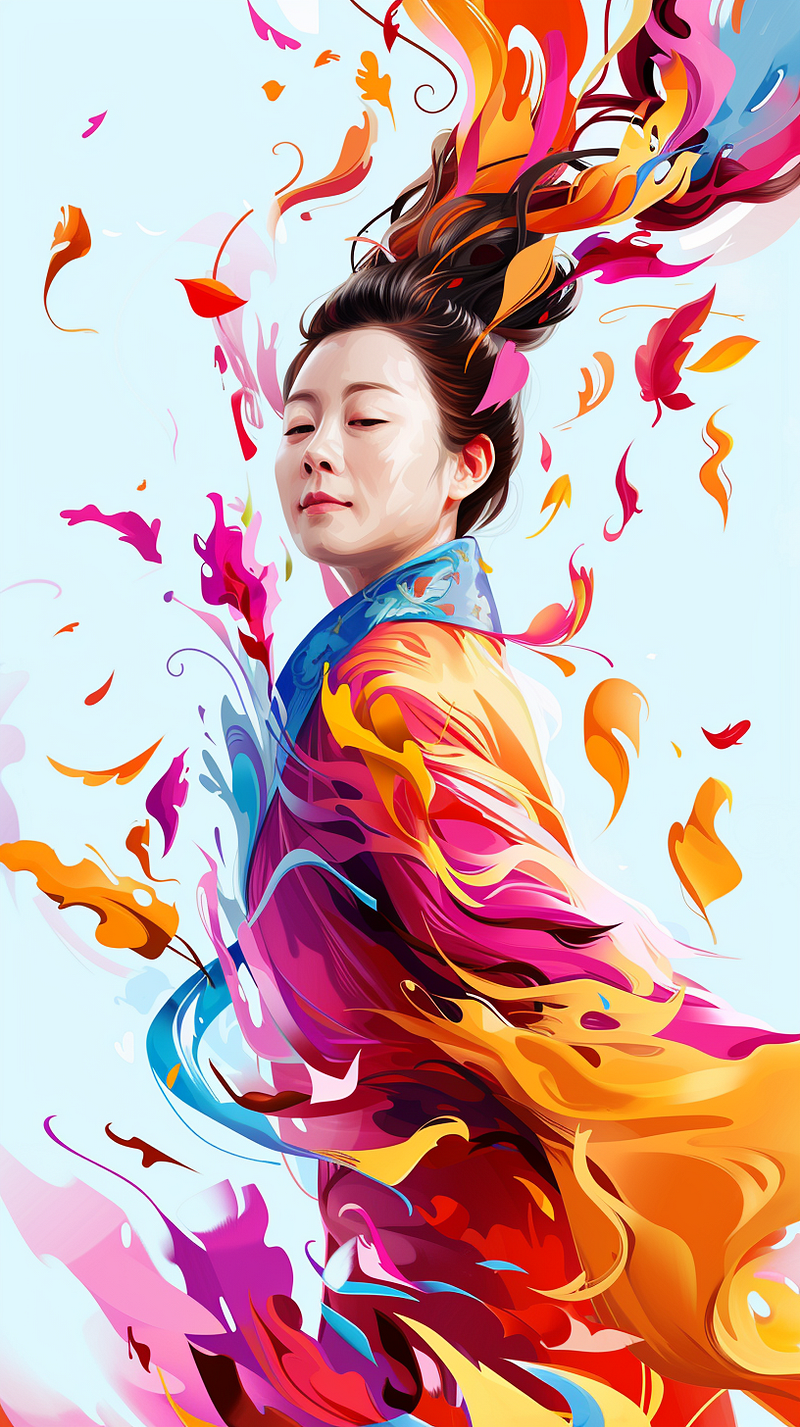
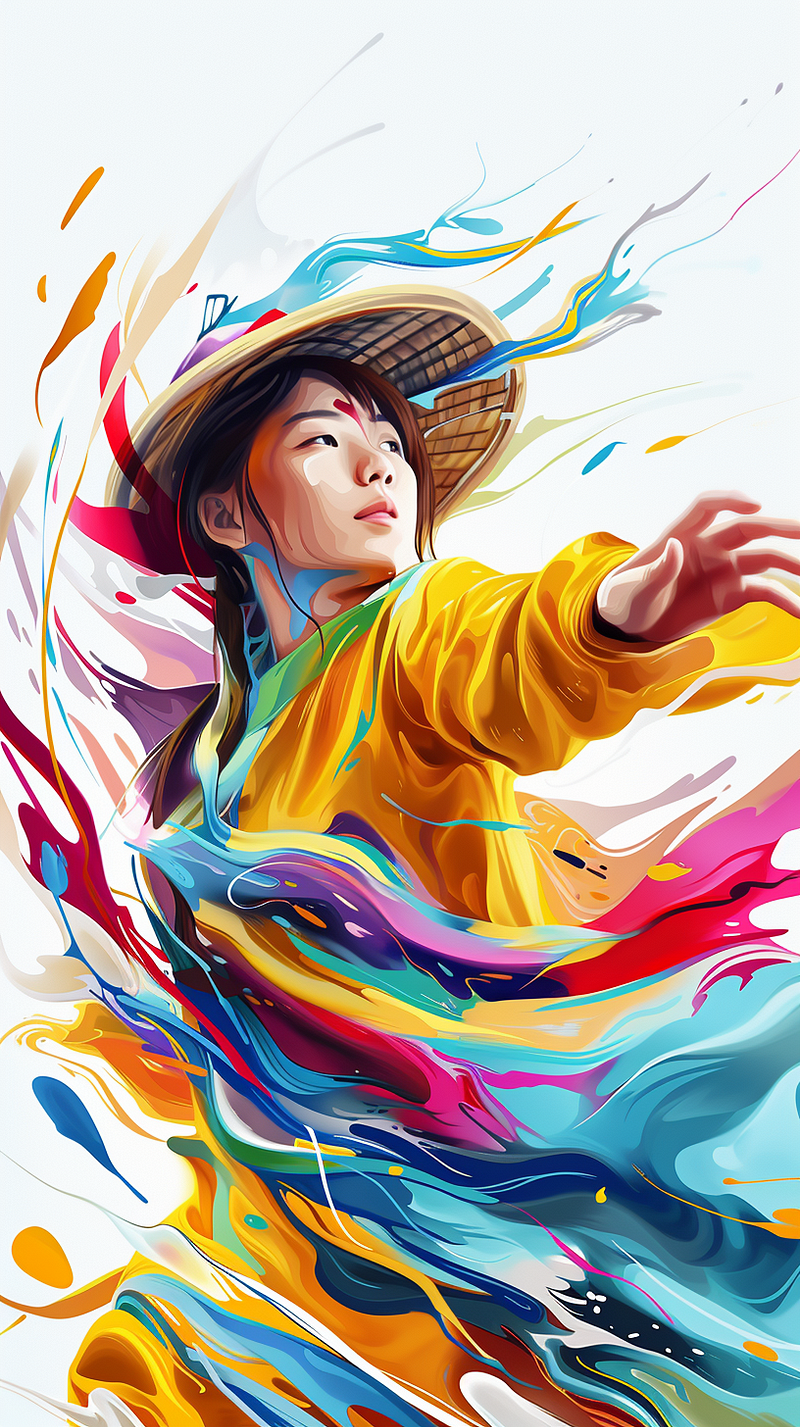
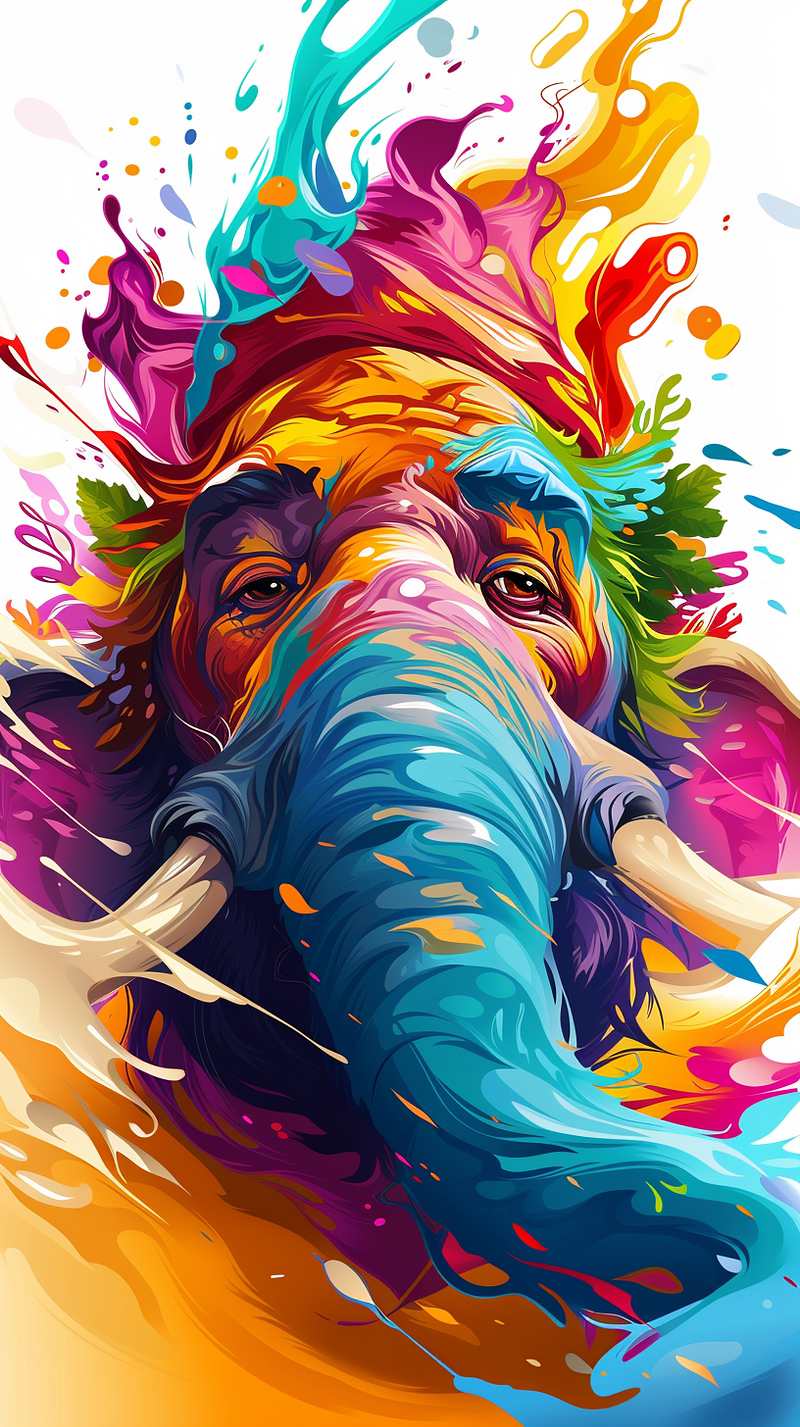
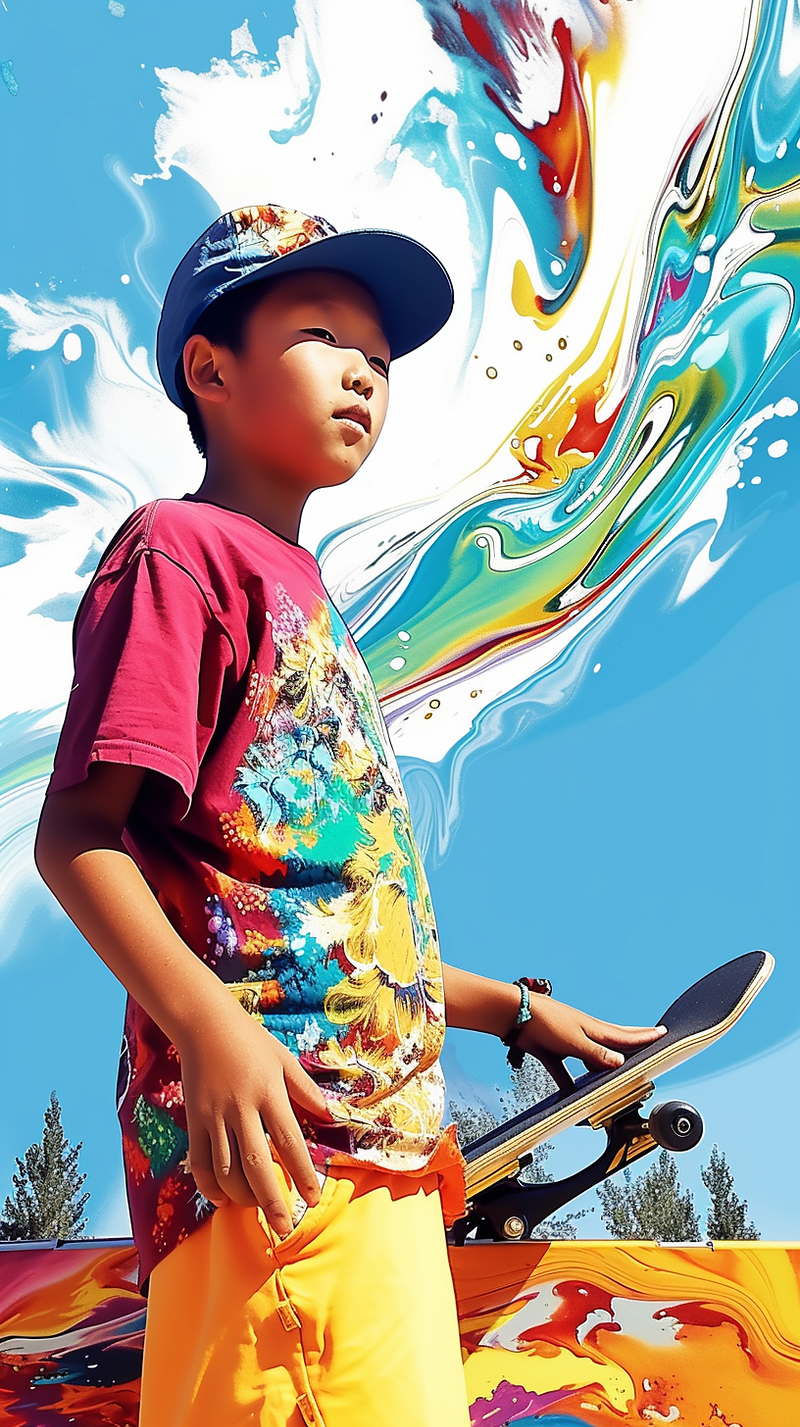
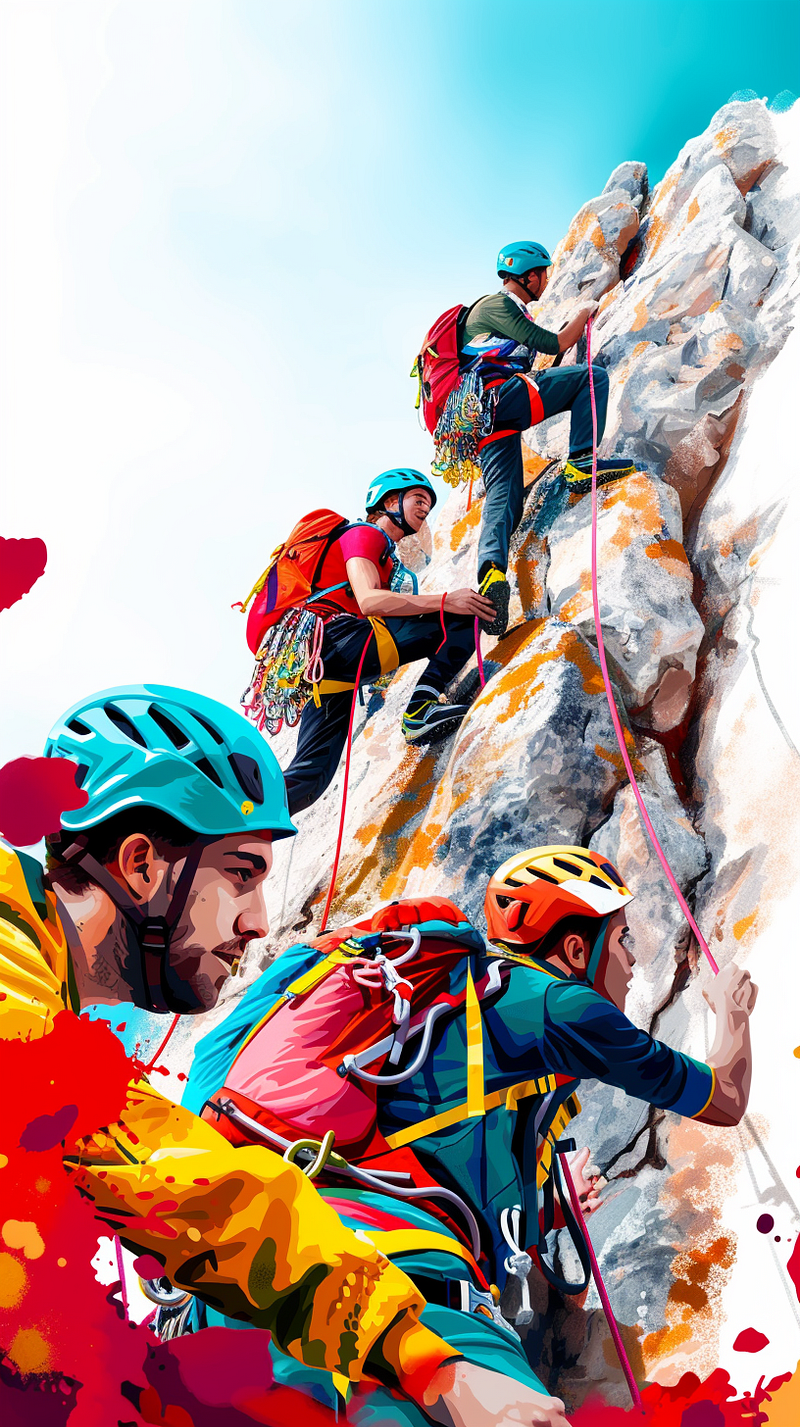
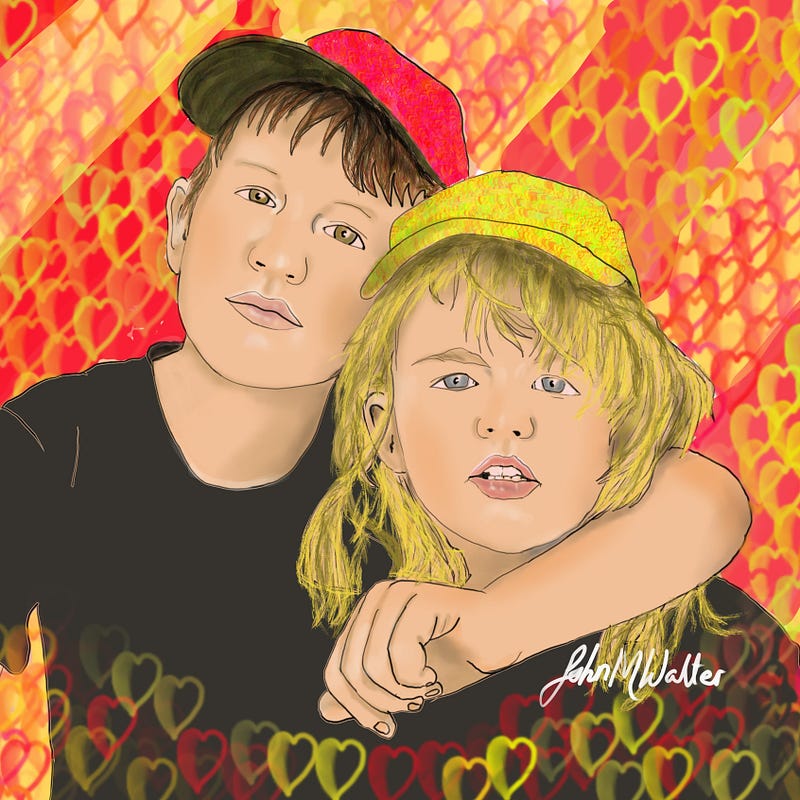
My own artwork as a style reference
My grandchildren were immortalised by me a while back so lets see what MJ makes of the style
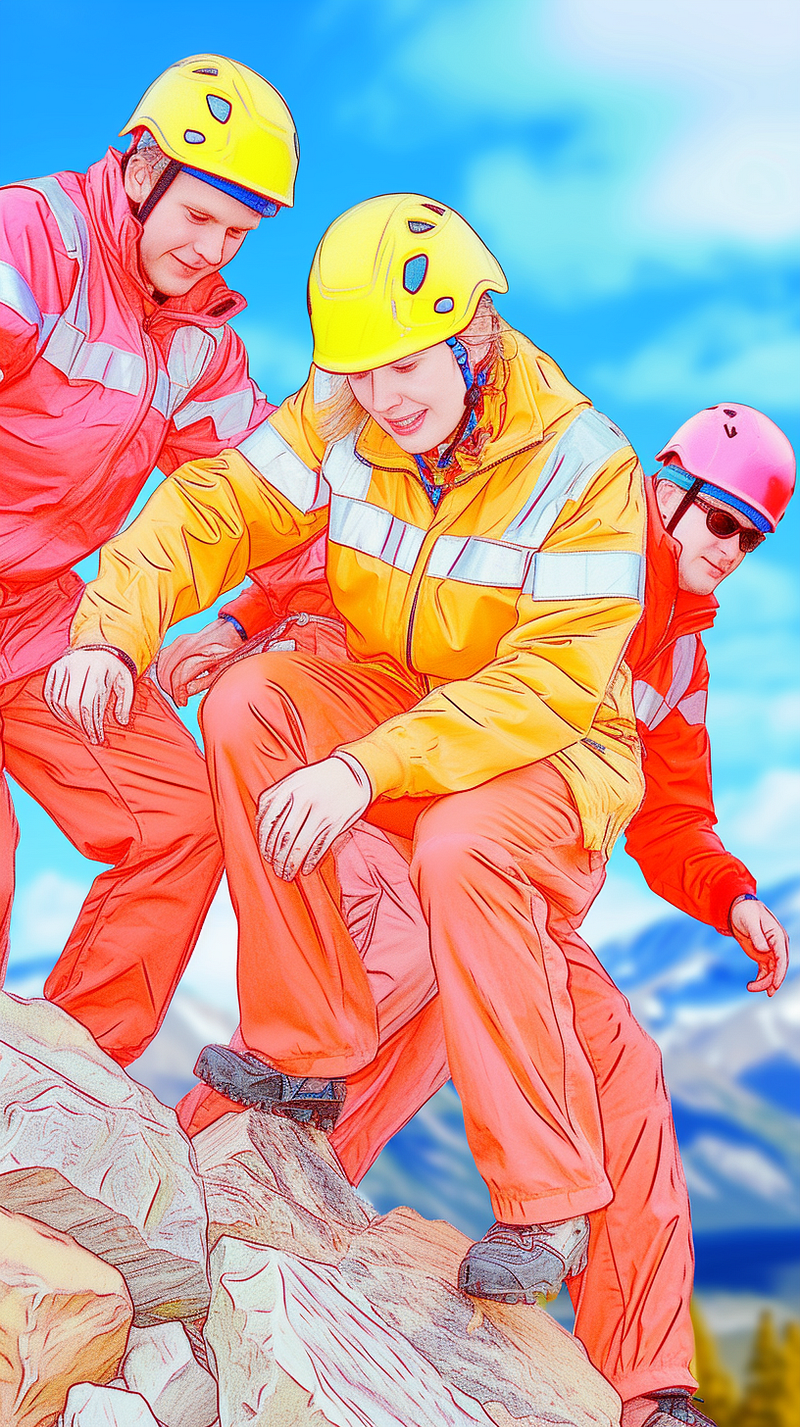
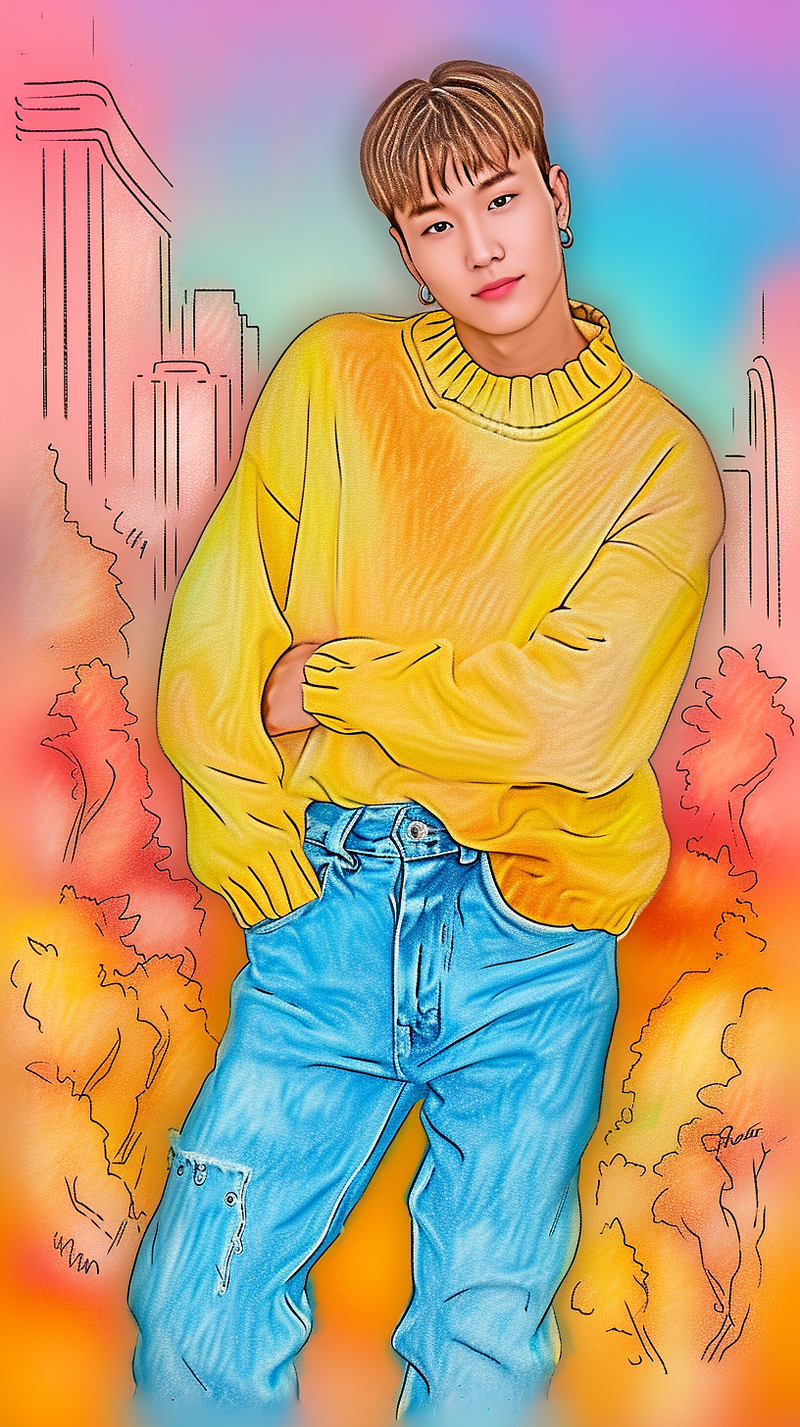
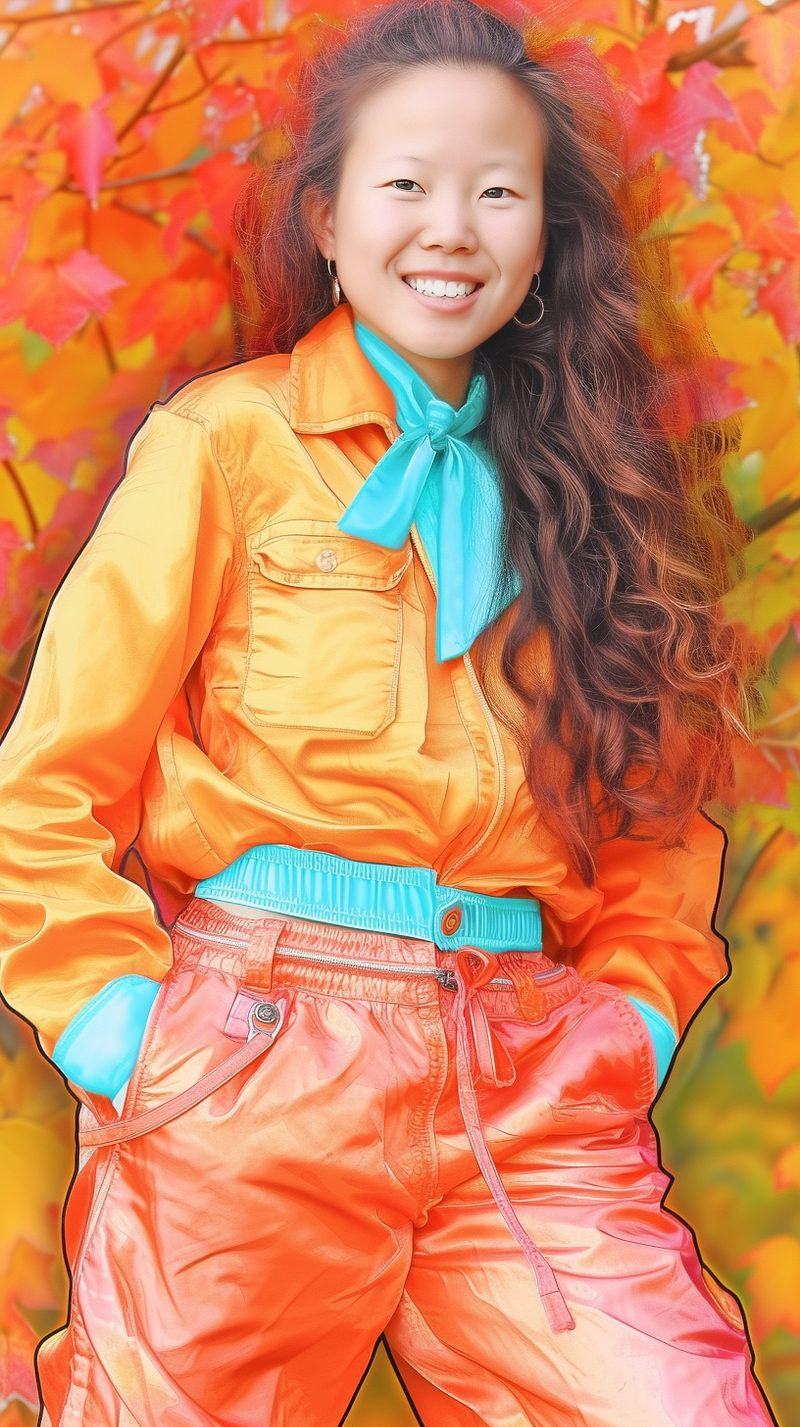
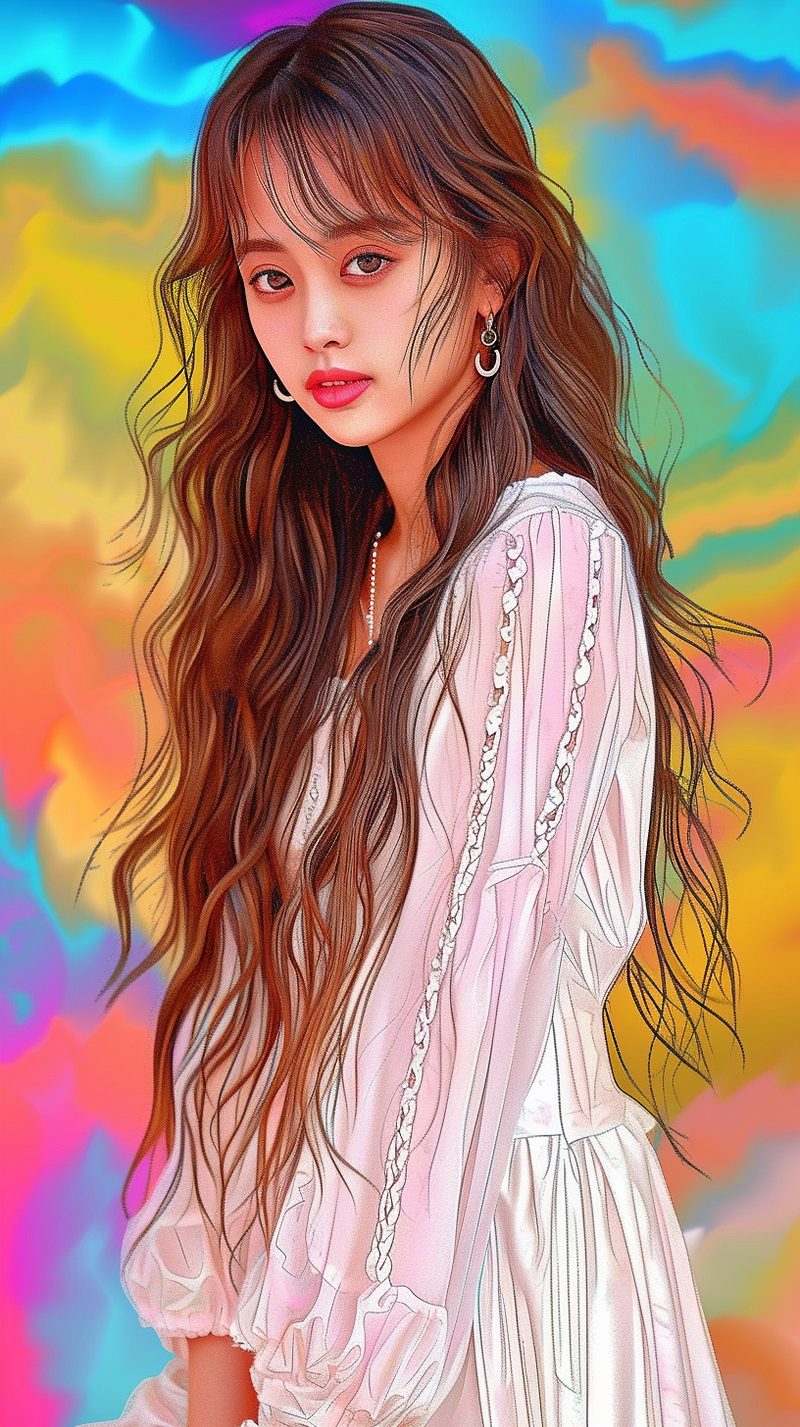
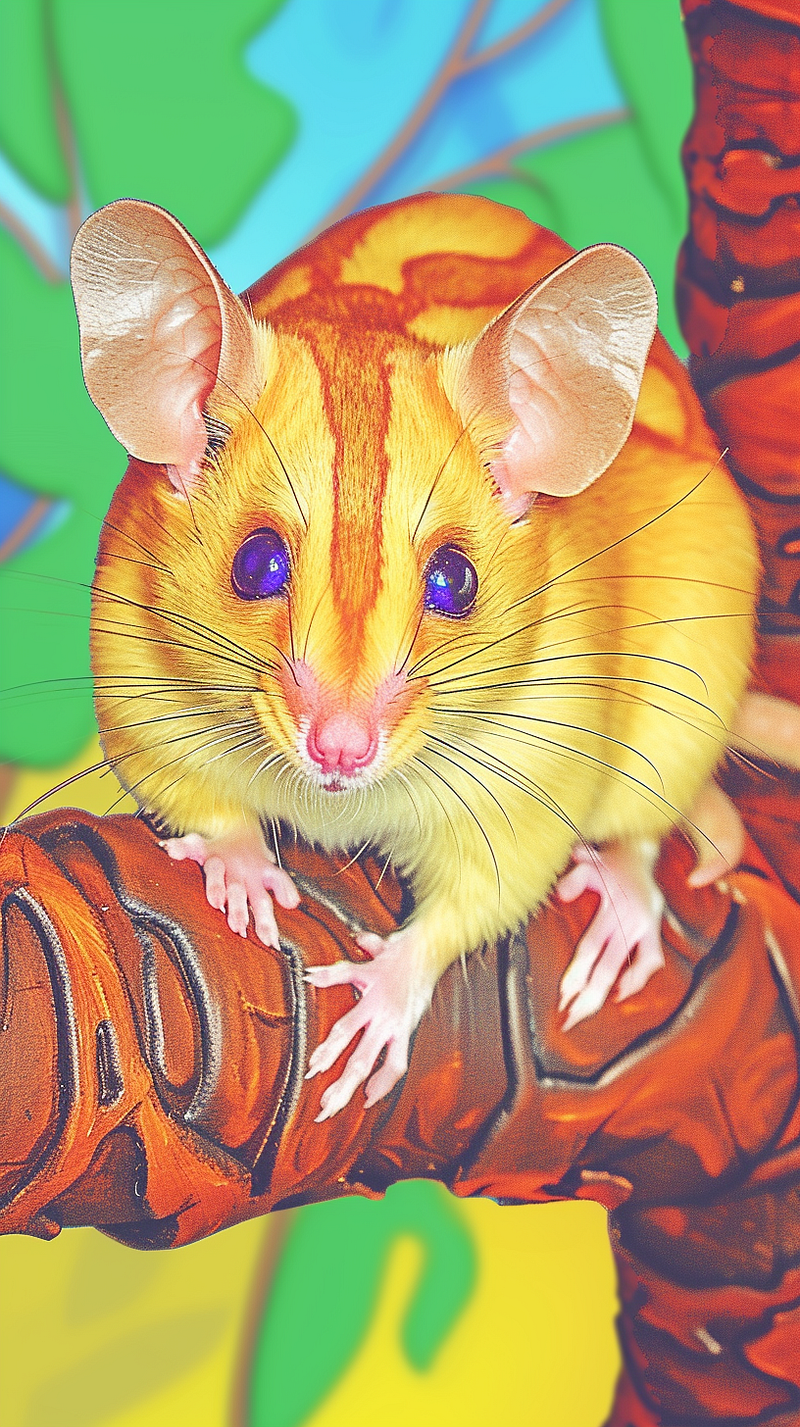
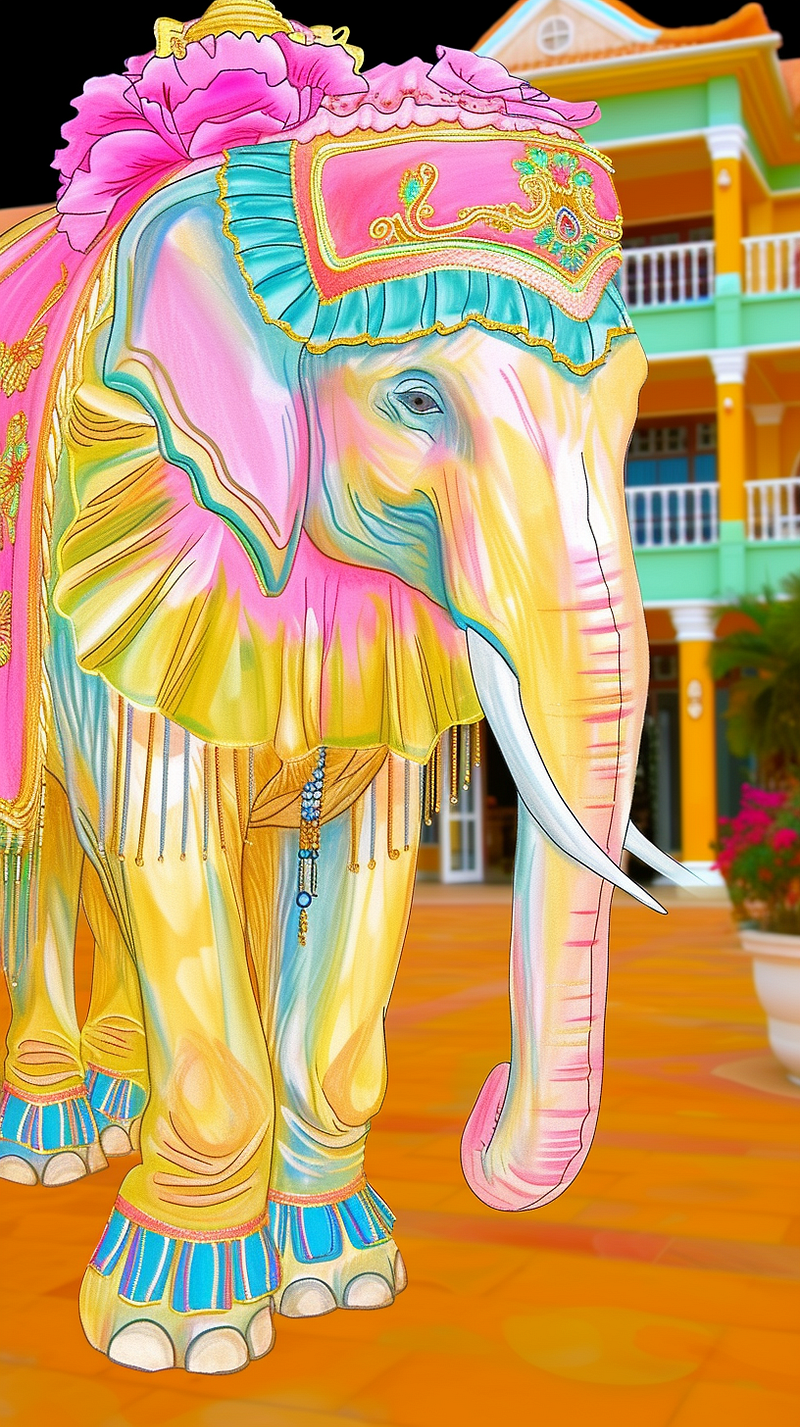
Cute animal Pics.
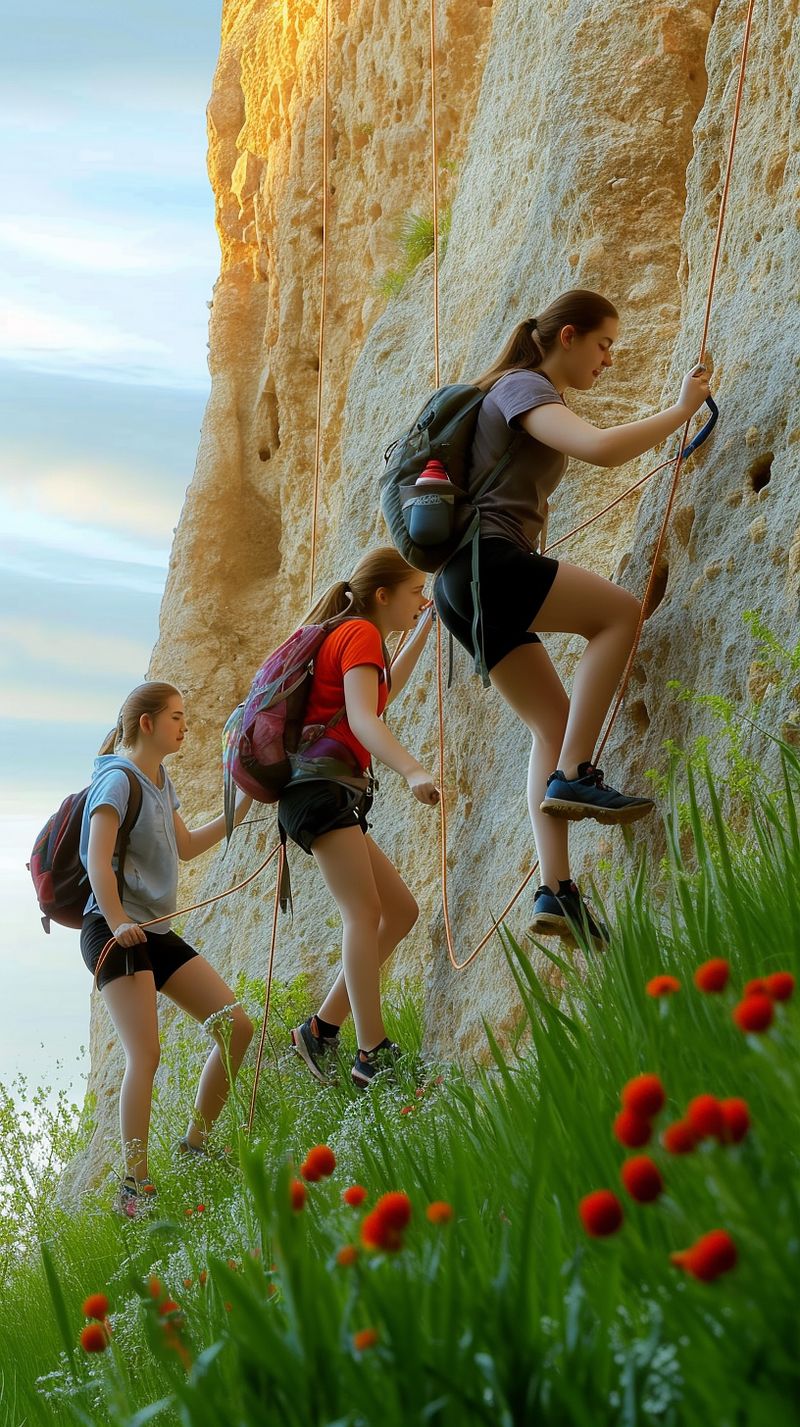
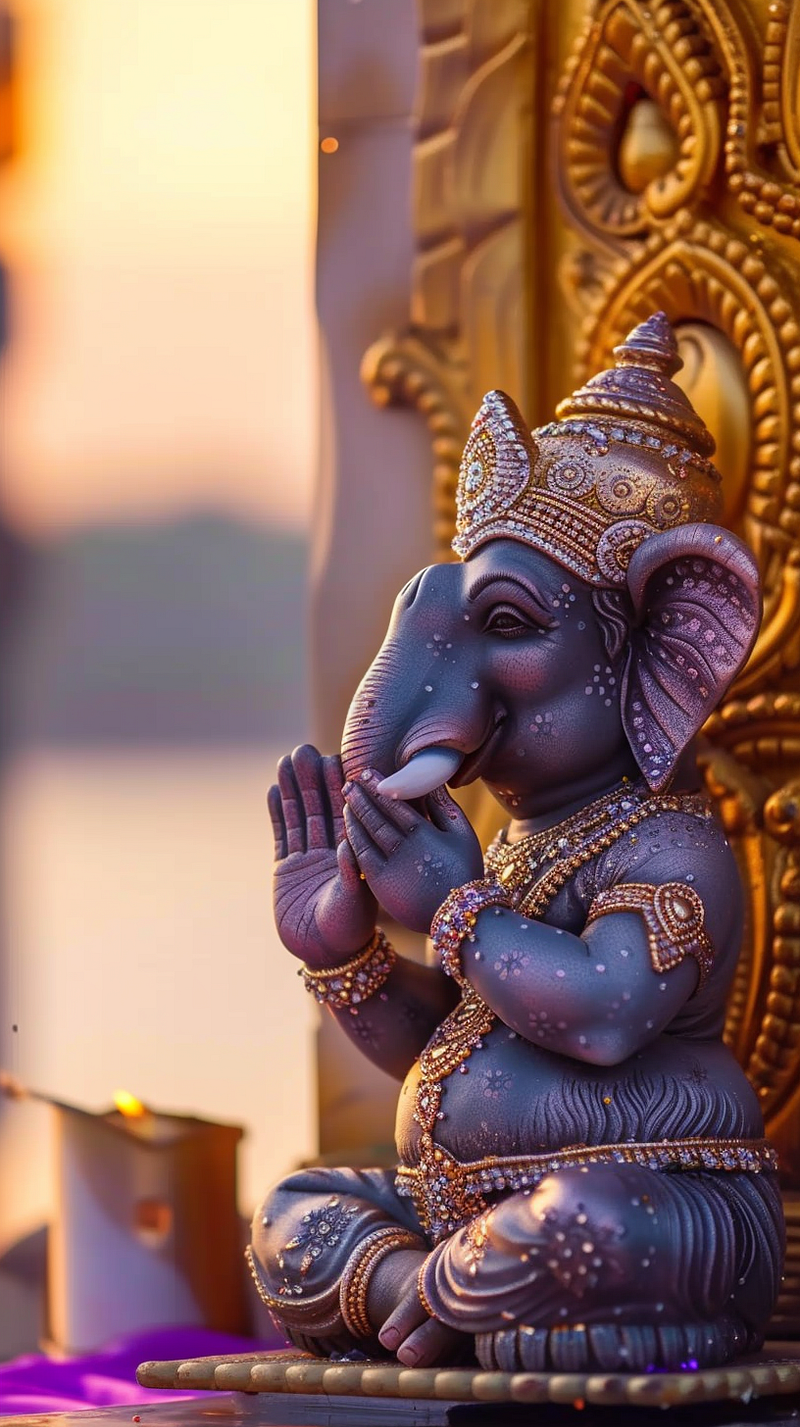
I googled cute animal pics for this test and used two as references. Not surprisingly, I got photo-type images back.
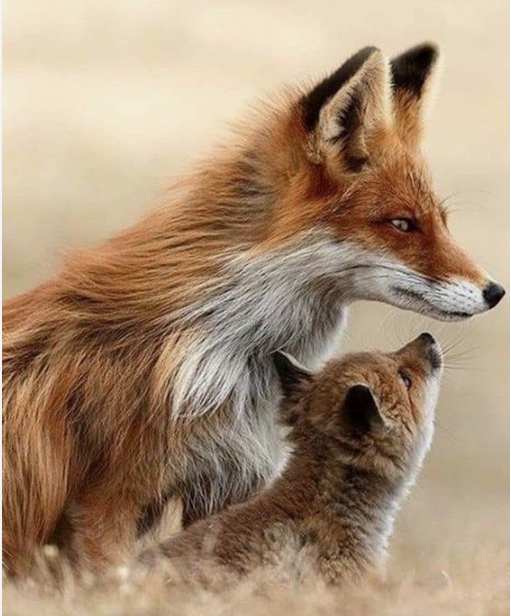
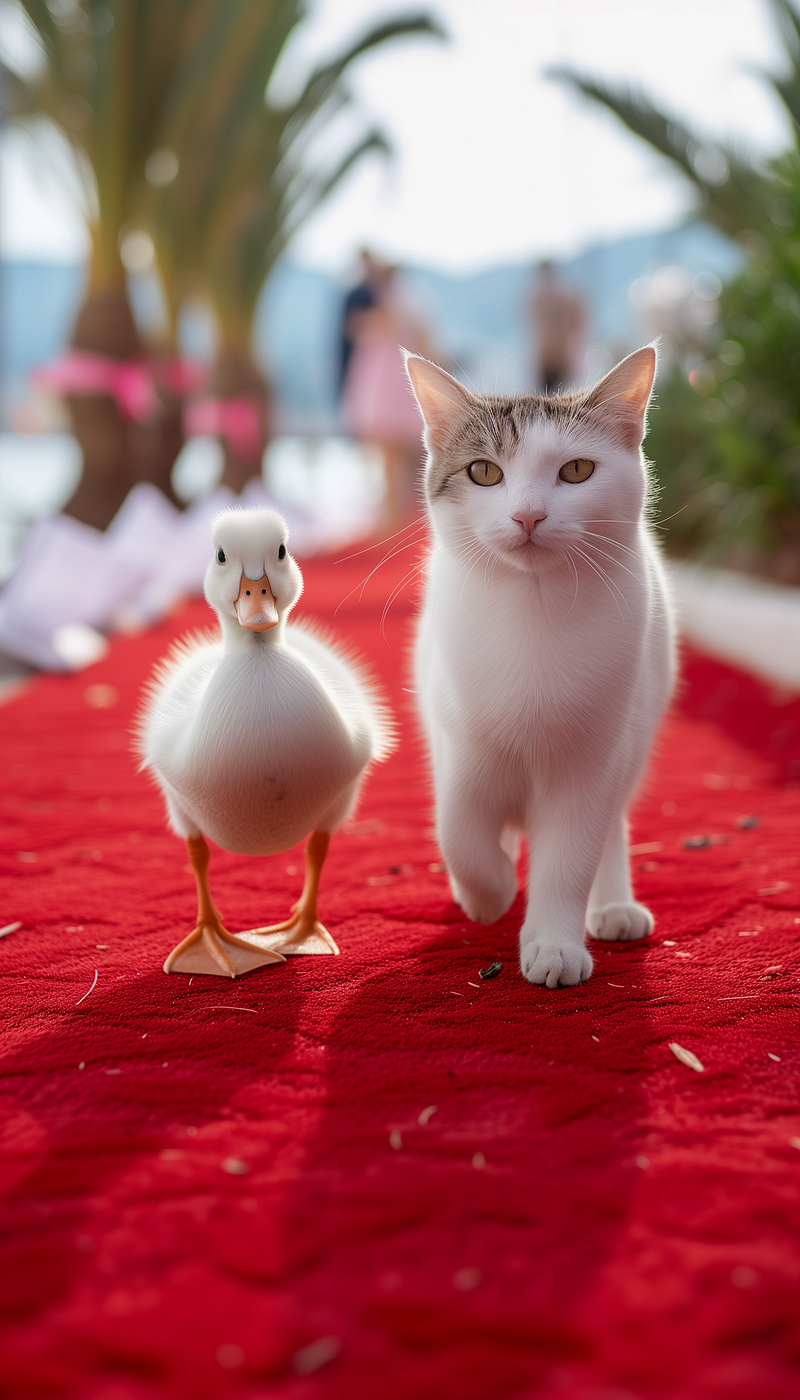
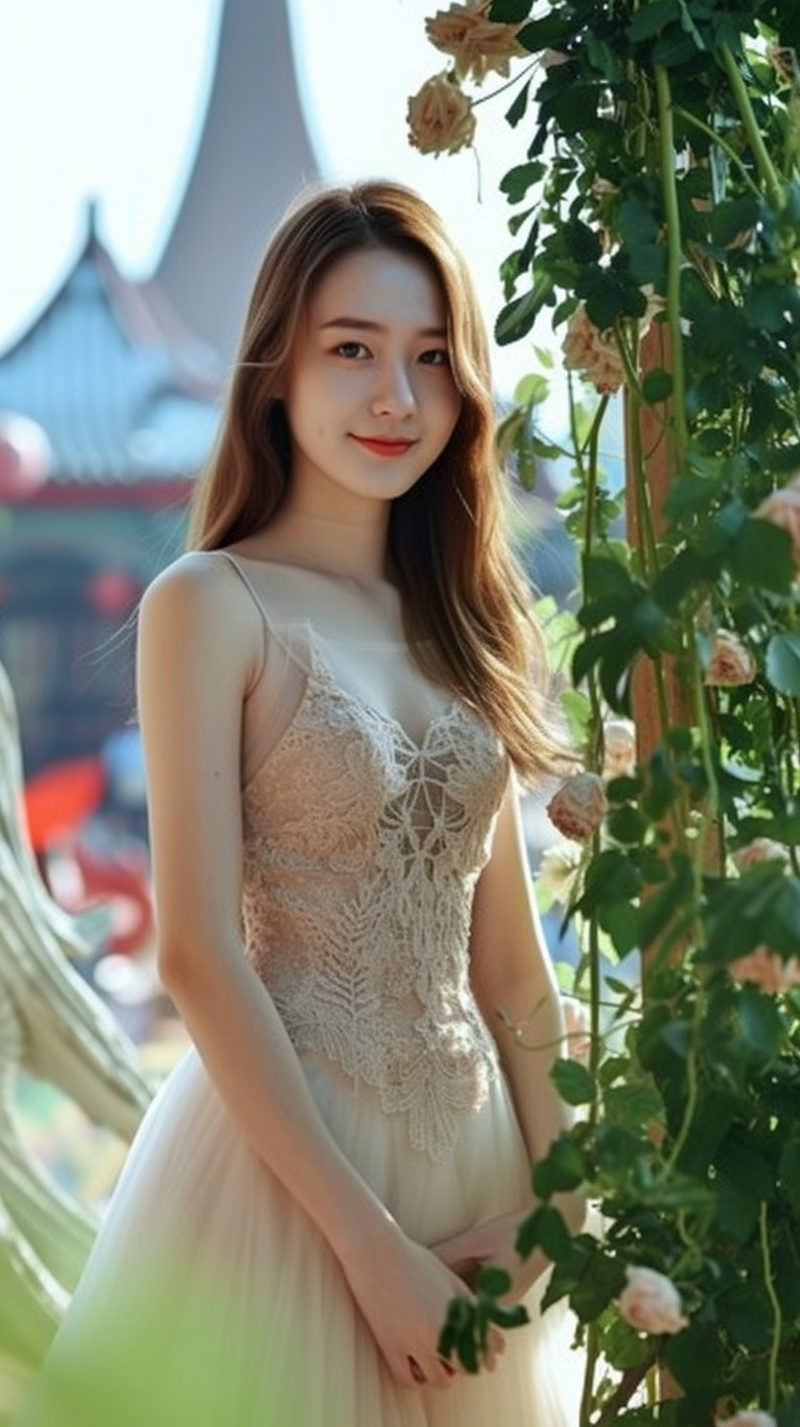
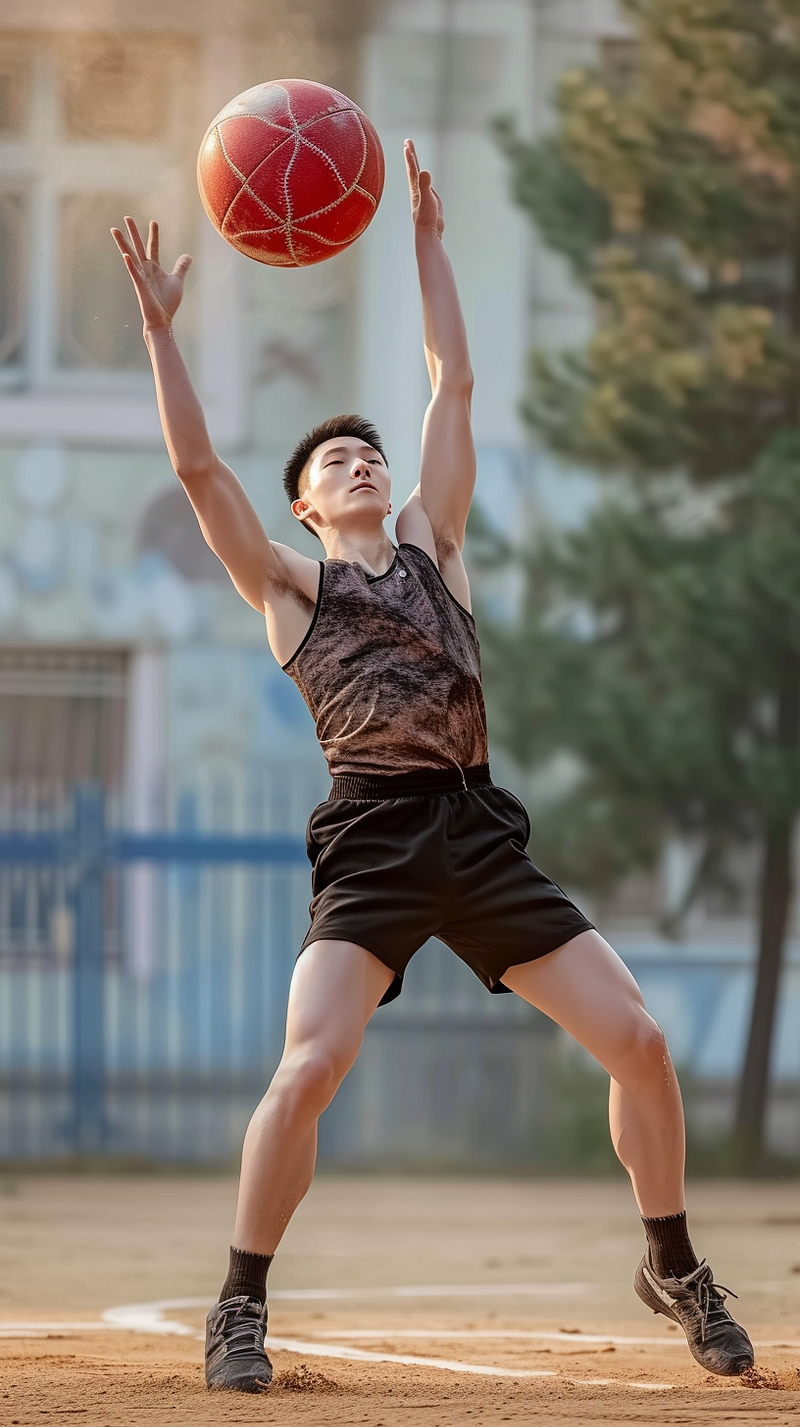
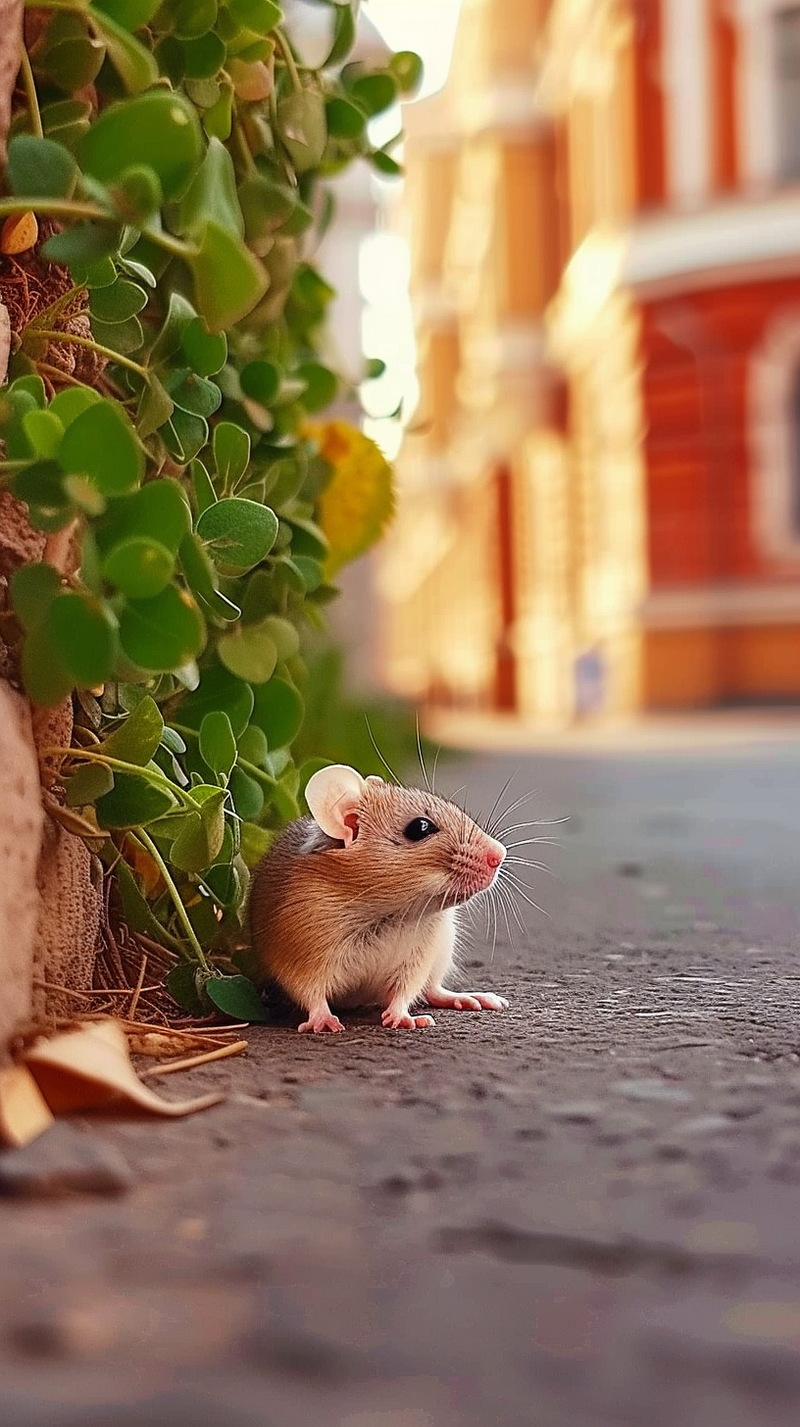
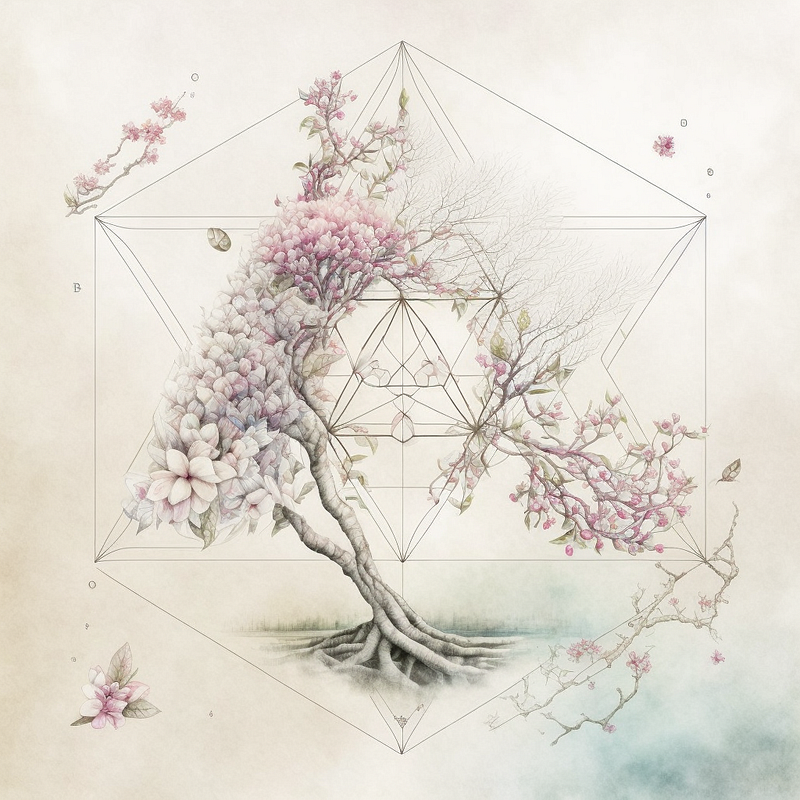
A brought out a couple of sketchlike things I had done last year.
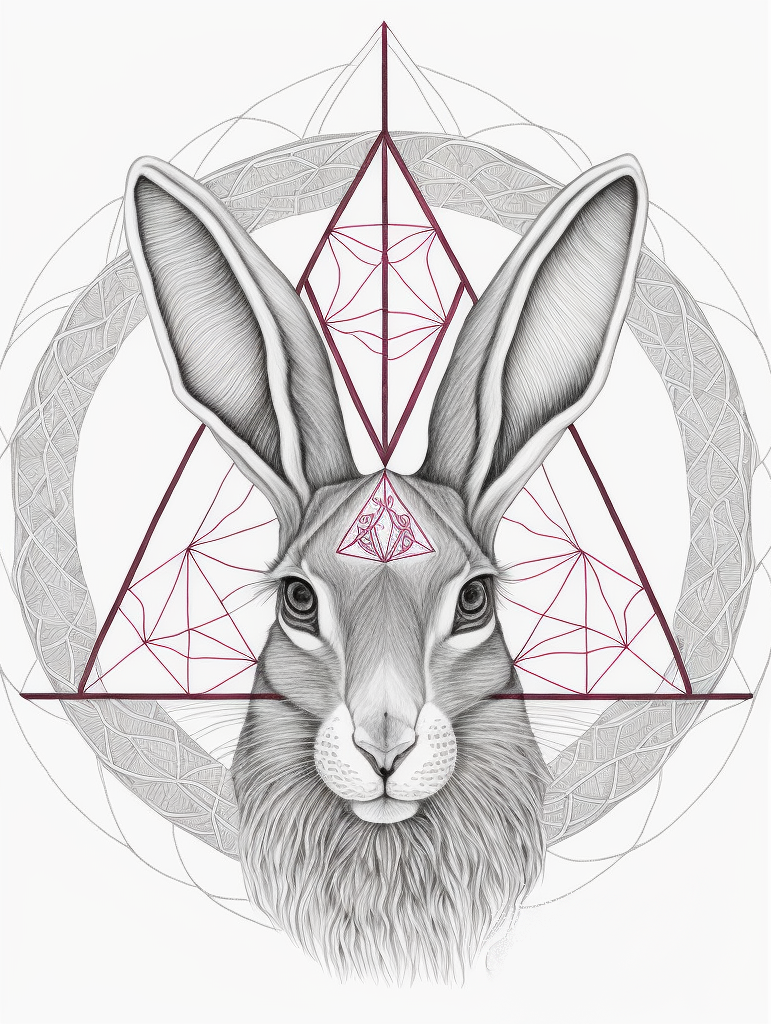
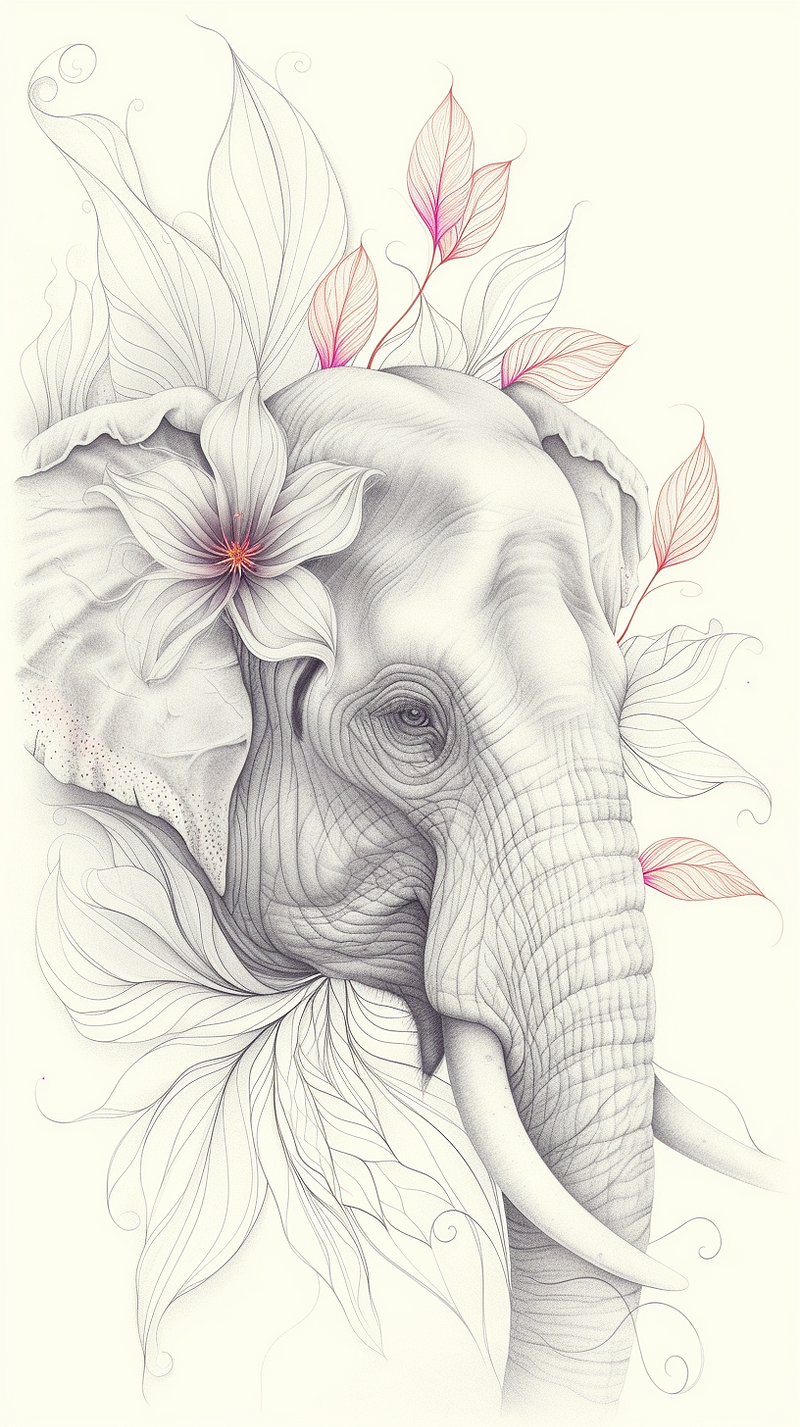
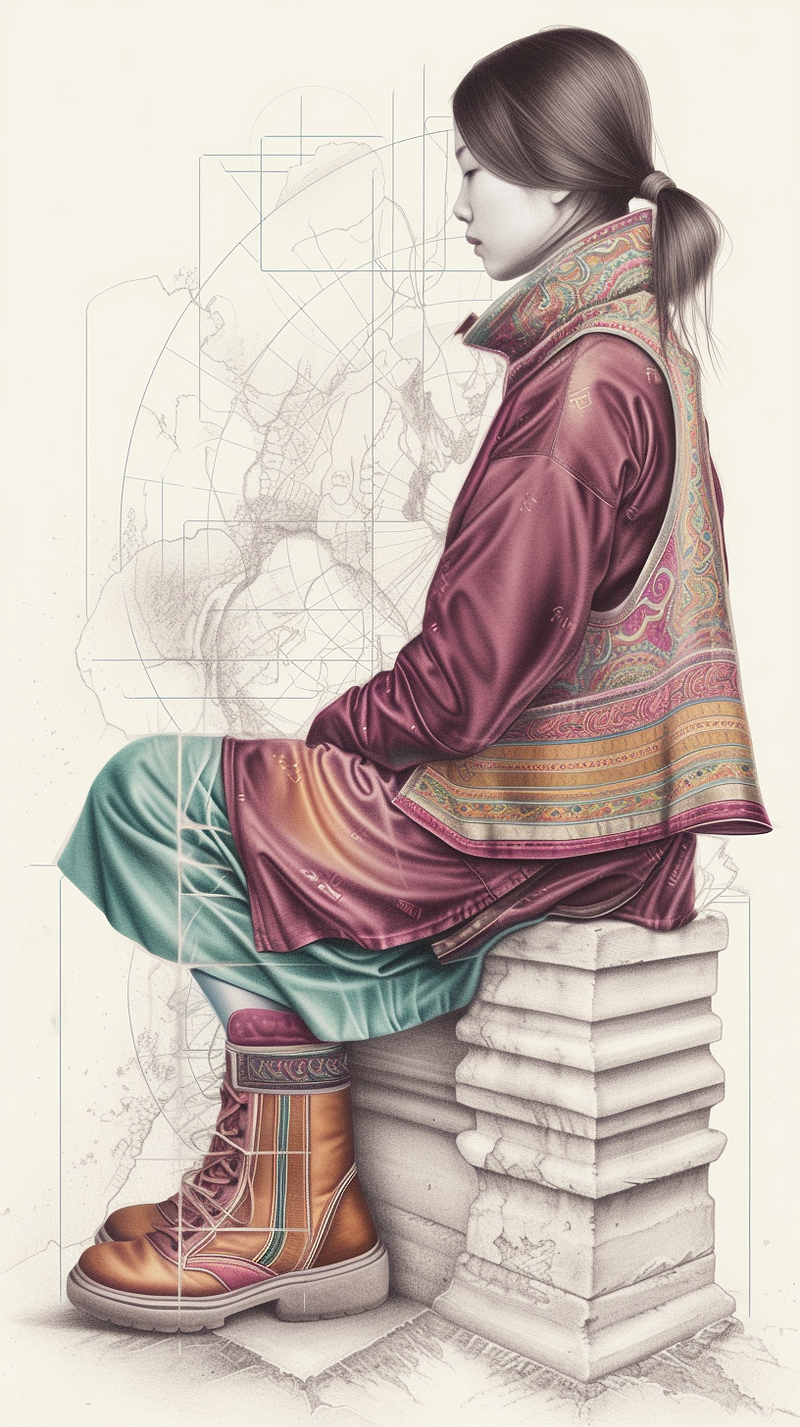
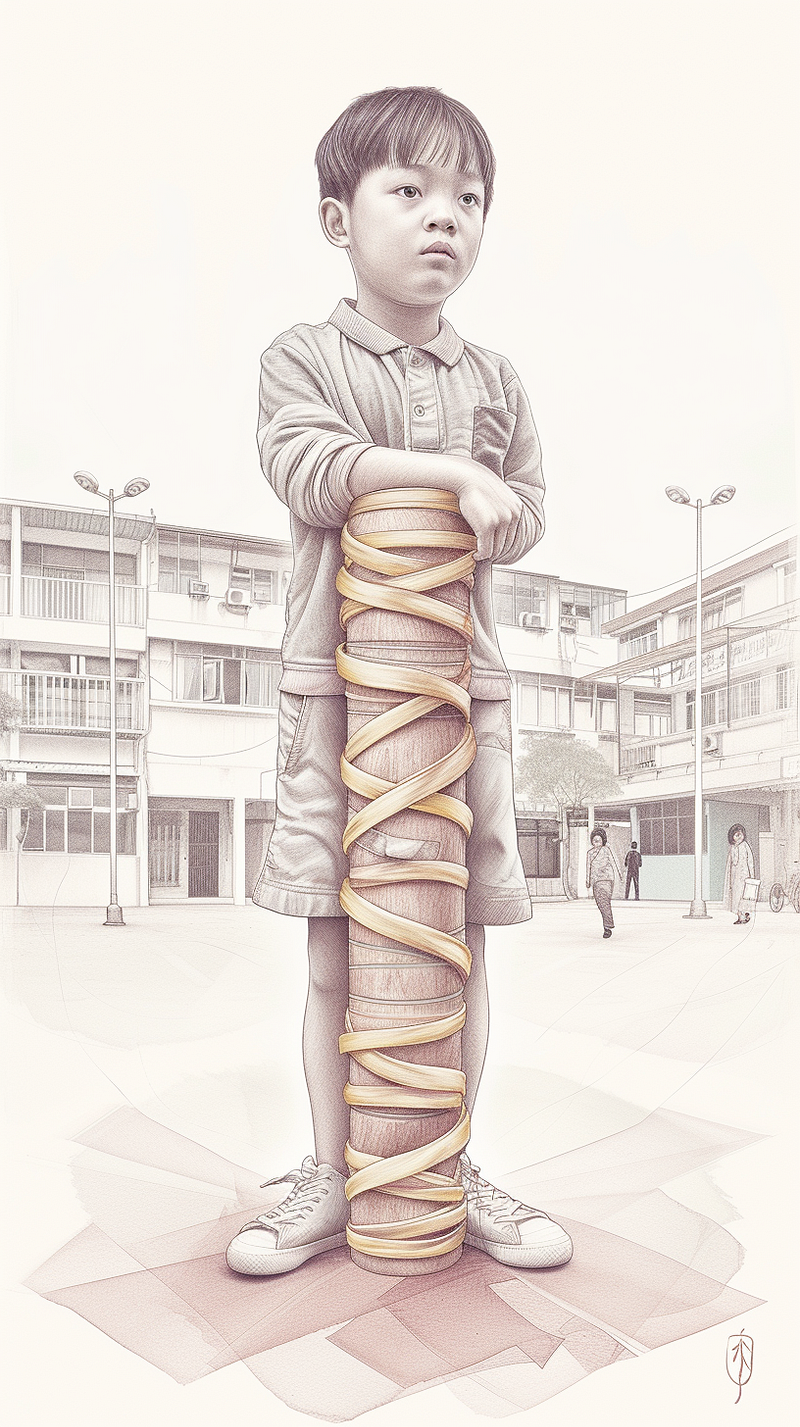
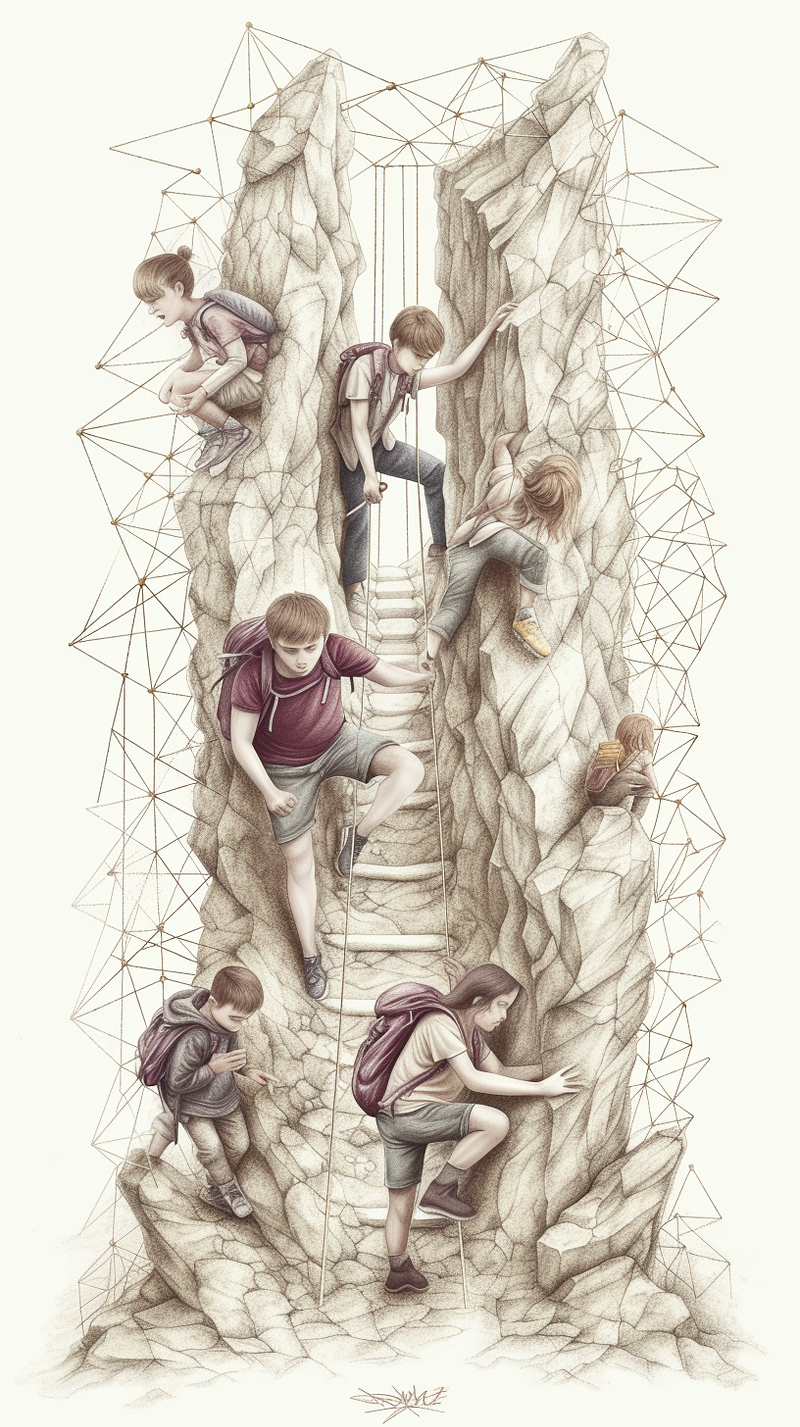
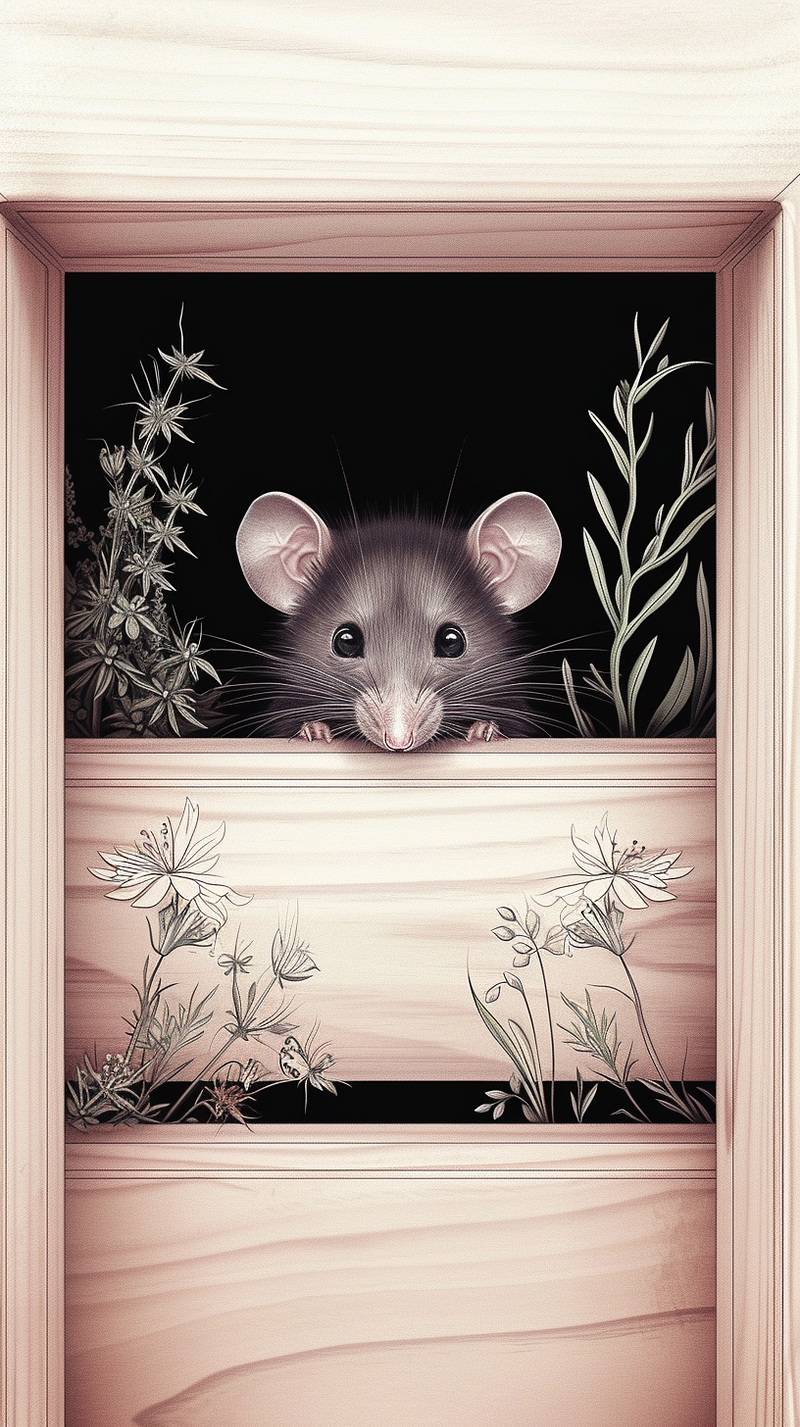
I had to finish off with some colouring book pages.
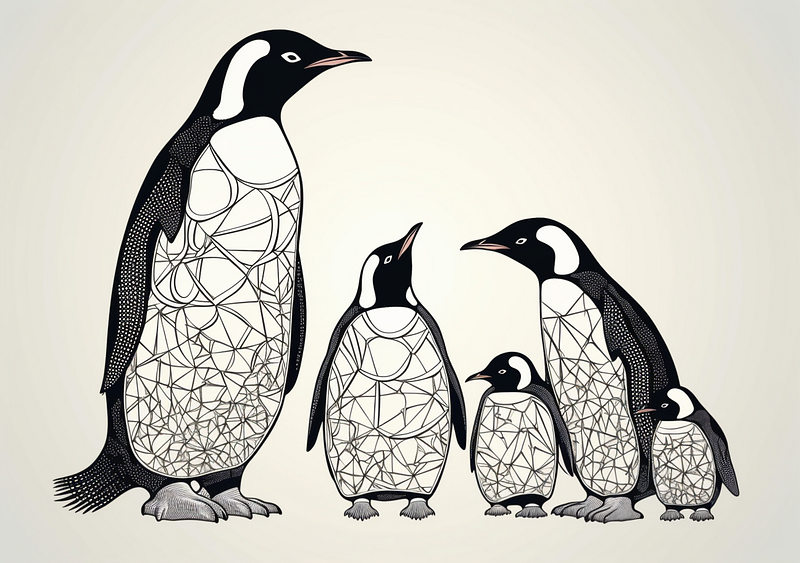
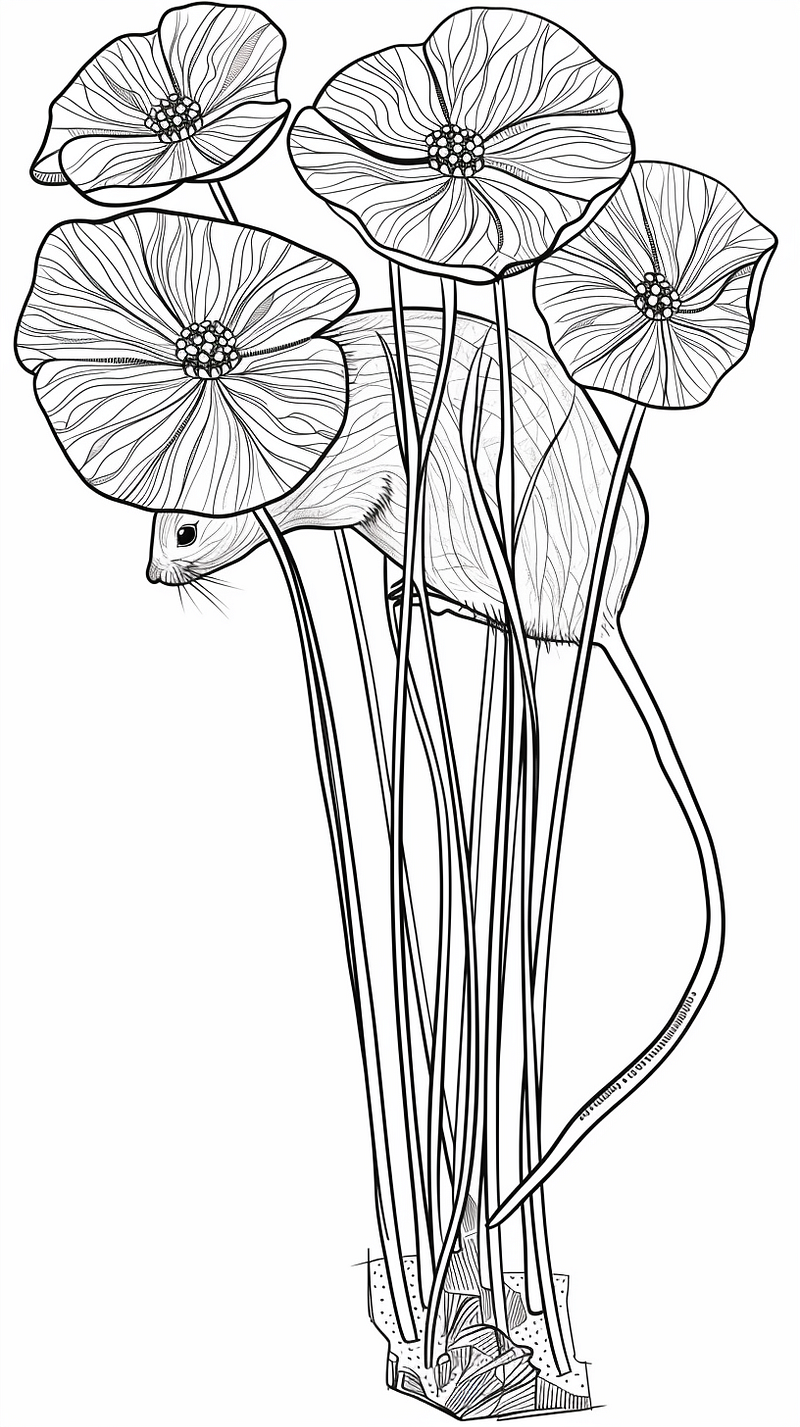
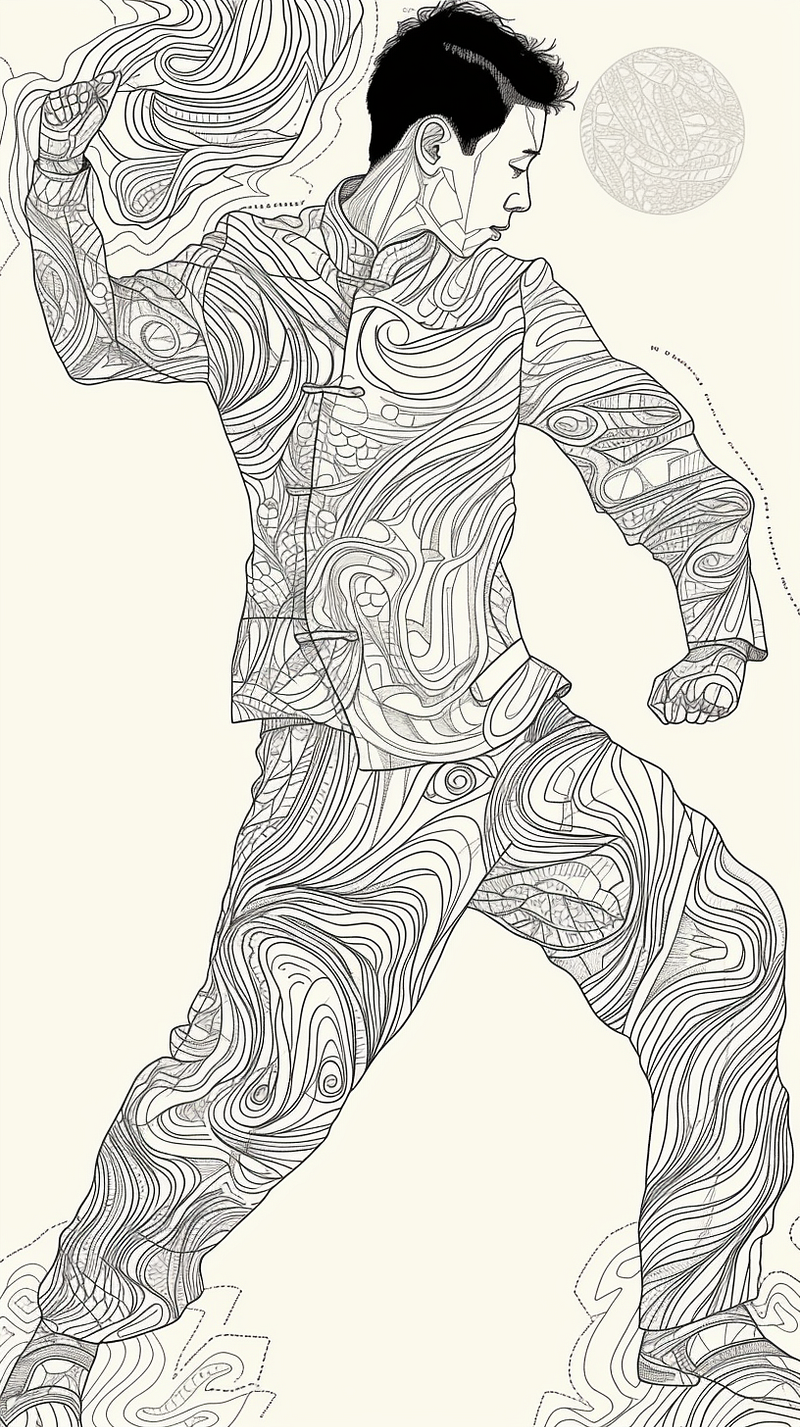
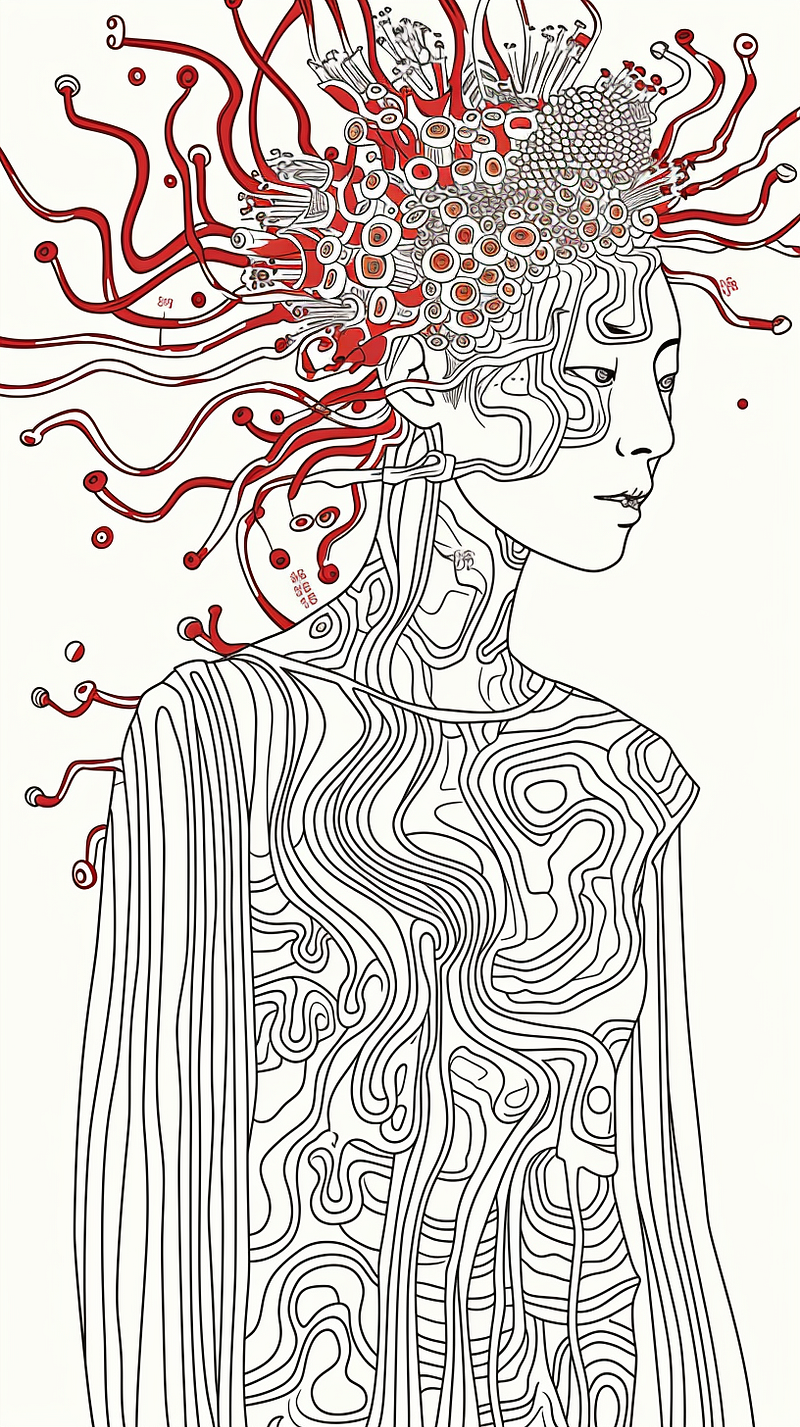
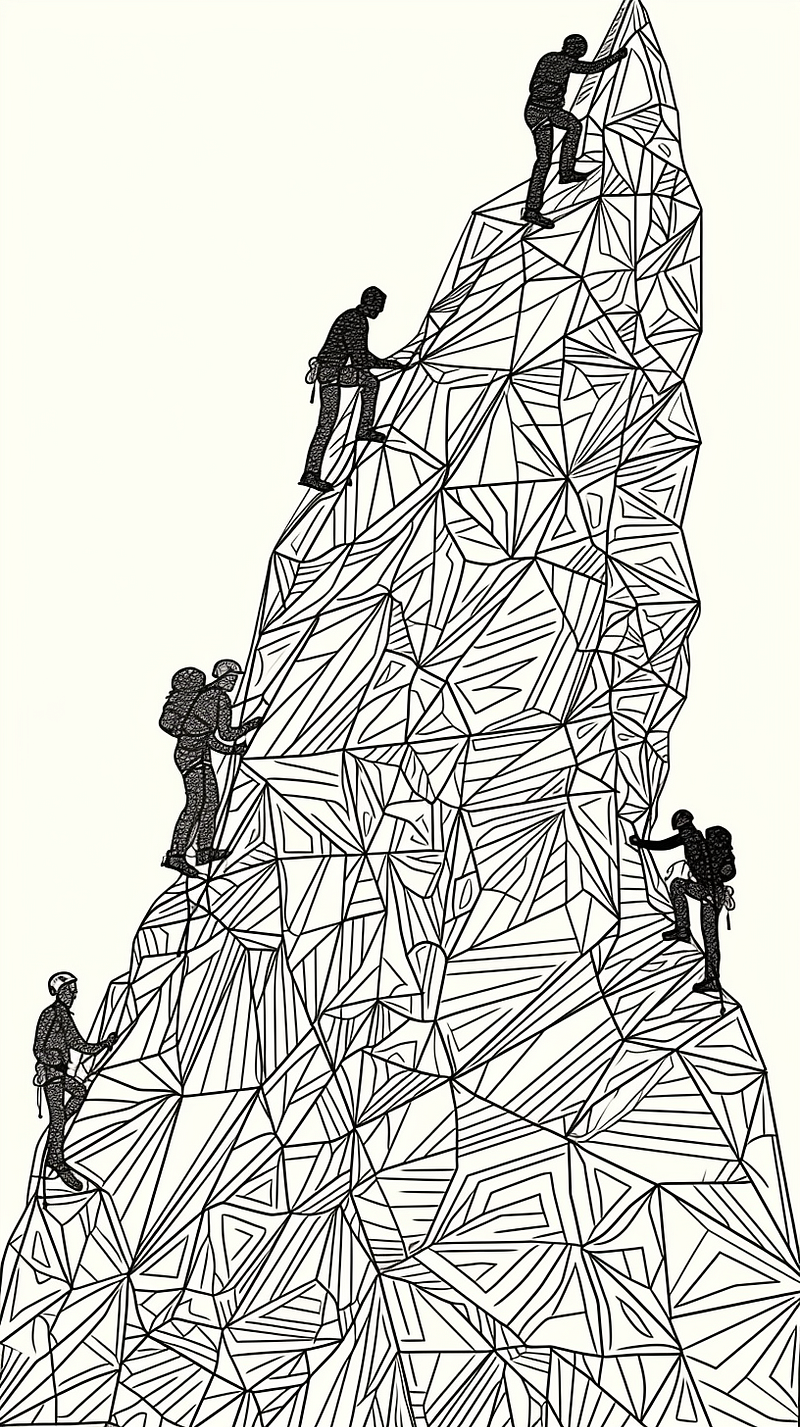
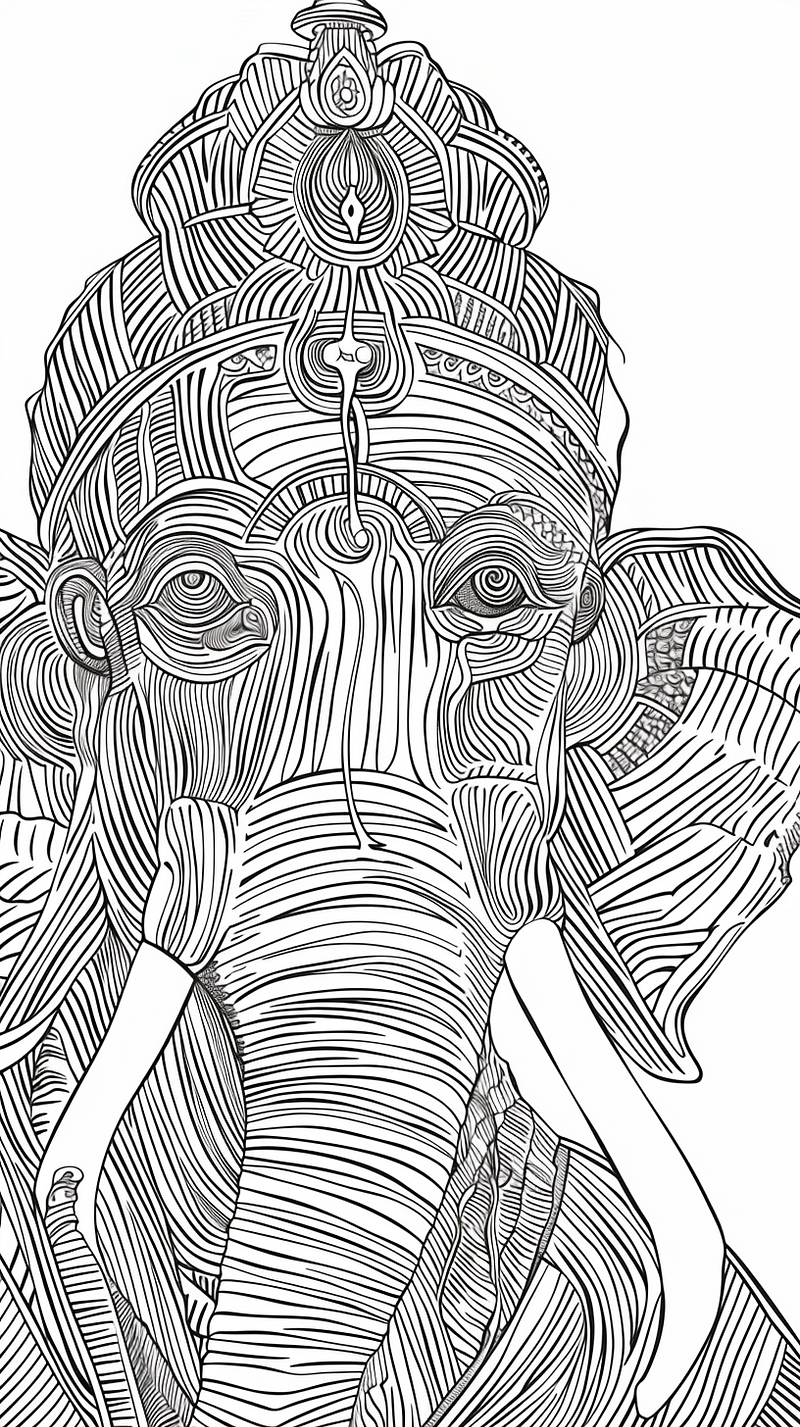
It really simplifies things.
If you want a colouring book, you tear a page out of your favourite and feed it into sref and voila. A couple of tweaks later, you will be sorted.
After something photorealistic, just bung in your favourite photograph and off you go.
You have a comic artist in mind, bung a couple of their drawings in, and there we have it.
Want to mock up ideas for your own paintings? Take a pic of two or three of them, and soon, you’ll be churning out ideas faster than you can put paint on your brush.
Cref is next
I can’t wait for the next development, which will be Character Ref. Together with SREF, I’ll be able to get on with the next episode of my comic and have no excuses.
Thanks for reading to the end. Always welcome claps, highlights, follows, and subscriptions.
Below is the full announcement.
“Hey @everyone we’re releasing our first test algorithms for ‘Consistent Styles’ today. We’re calling the feature “Style References”. They work similarly to image prompts where you give a URL to one or more images that ‘describe’ the consistent style you want to work over. How to use Style References
Type
--srefafter your prompt and put one (or more) URLs to images like this--sref urlA urlB urlC
The image model will look at the image urls as ‘style references’ and try to make something that ‘matches’ their aesthetics
Set relative weights of styles like this
--sref urlA::2 urlB::3 urlC::5
Set the total strength of the stylization via
--sw 100(100 is default, 0 is off, 1000 is maximum)
Regular image prompts must go before
--sreflike this/imagine cat ninja ImagePrompt1 ImagePrompt2 --sref stylePrompt1 stylePrompt2
This works for both V6 and Niji V6 (it does not work with V5 etc)
Please Note:
We’ll likely update this in the next few weeks (and it may change things so be careful while it’s all in alpha).
If your prompt tends towards photorealism and you want a conflicting style like illustration you may still need to add some text to your prompt saying so
Style References have no direct effect on image prompts, only on jobs that contain at least one text prompt
Our plan will be to add a “Consistent Character” feature at later date that works the same with a
--crefargument.
Please play around with this totally new algorithm and share results in sref-showcase and tell us what you think in ideas-and-features