
Making Your Story A Video
Like many people, I end up paying for apps I don’t use. I work as a photographer, a director, and as a writer, but not the technical end. However, I enjoy trying out new things.
Last December, I purchased Adobe Creative Suite, which is a monthly subscription. And no, this is not a paid affiliation, just what I used. I’m sure there are plenty of awesome free apps out there.
Did I play with it? Oh, I downloaded a couple of apps, but no.
At least not until, Dr Mehmet Yildiz put out a call for videos.
I decided, “What the heck!” and proceeded to try to put my micro fiction — 100 words — into a video format.
Here’s the original:
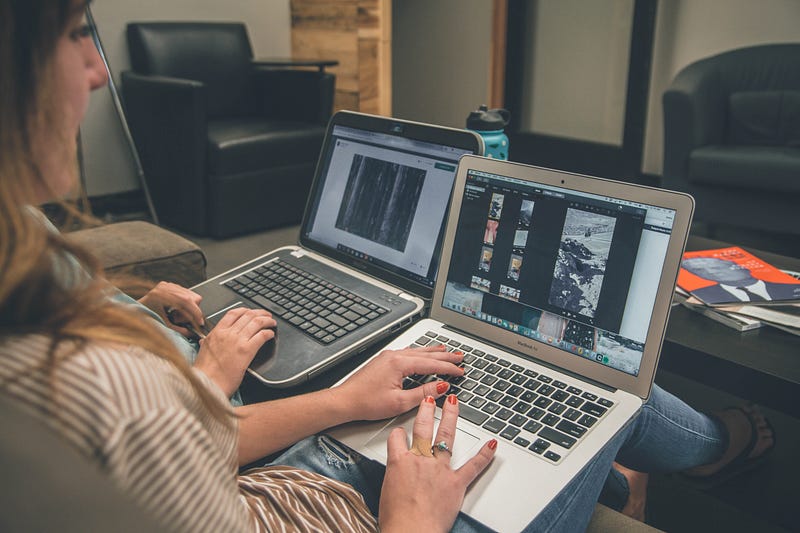
This is my step-by-step. It took me several afternoons because I know nothing about the programs.
Creative Suite comes with an ton of apps.
Audition is for voice work and I recorded my story.
Stock comes with licensing for photos, videos, and music. When you pay for the stock footage which is separate from Adobe CS, you get 10 licenses for the ones on Adobe stock or you can use Unsplash and other sites for free photos. If you want more specialty shots, you have to pay — sometimes quite a bit more.
Not in my budget so I broke my story up and picked about ten photos (so I thought). I used Adobe Spark as it was an app I could also use on my phone.
I then realized I couldn’t add the music the way I wanted.
Sighing, I went back into Adobe CS as I knew it had a powerful editing program called Premier, but I didn’t want to use it, if I didn’t have to as it’s a beast. It’s what they use for motion pictures.
As I browsed, I found an app called Rush. Turns out it’s for little video projects. The fun piece is it let me use the photos I had already created, my audio, and music.
Luckily, it is also user friendly. I was able to put everything together like a recipe.
I patted myself on my back, feeling good…granted I hadn’t put my pieces into the bowl, blended it, and put it in the oven yet.
I timed everything out and then went to license the pictures…well, that didn’t go as well as expected. I had first put the unlicensed pictures I wanted to place hold. When I added the licensed photos, it changed the entire project.
Back to drawing board. I had twelve pictures and licensed music so I needed to look for a few free pictures to add in there.
Then I added the background music and toyed with programs and tweaked, cried a little, played some more.
Here is the final product:
Granted, I learned about the apps and program. What next? My short stories would need either for me to read them on a video loop or to actual film them.
Filming is out of the picture, so I believe I will have more studies ahead and more poems to record!
There are so many fine poets and micro fiction writers on Illumination. I would love to see more made into videos.
I’ll leave you with this little tidbit…being a creative is a life long learning experience. Try a new app, new lens, a new style, to keep your writing fresh and new ideas finding an inroad to your soul.


