
Making the Home Office Work in a Pinch
Picture your ideal home office.
Is it cluttered with first edition classics … or lined with sticky notes on scrum boards? Can you smell peppermint and vanilla … or whiskey and tobacco? Do you hear crashing metal, baroque violins, or app-generated white noise? And does the espresso bar in the kitchen deliver lattes on demand?
Whether you live in a classic colonial, a beach side cottage, or a fourth floor walk-up studio apartment, there is a home office solution! Our 1960’s rancher is now divided into 7 work/study areas for 4 people. File cabinets live next to the bicycles in the garage, and the living room holds the studio lighting. The husband teaches classical guitar in front of a green screen in the studio. The kids each have work desks. And we keep a couple of flexible work spaces available inside and outside (BYO extension cord).
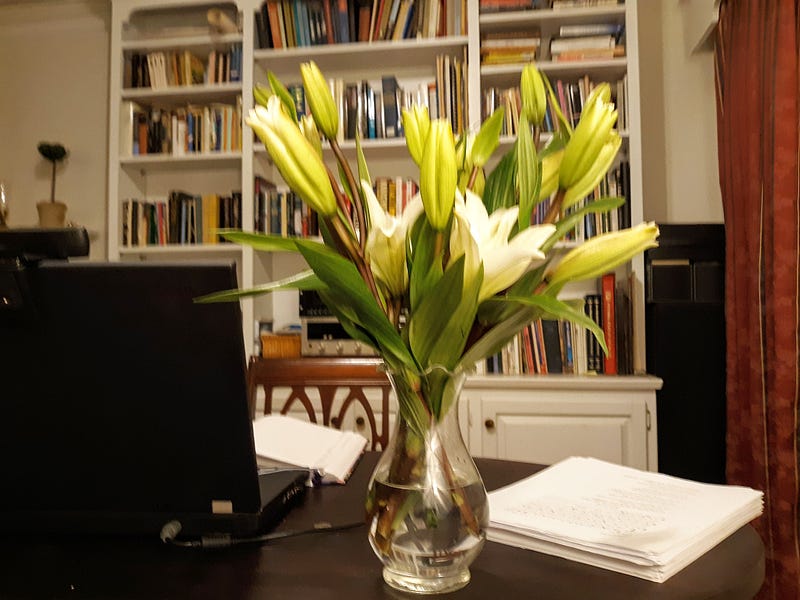
When I first started working from home, our roughly-finished garage became an office in a couple of days. You too can quickly transform any nook, cranny, hall, or closet by re-purposing what you already have and adding a few strategic touches to personalize your domain.
Put your walls to work
Turn your walls into a Mastermind Control Center with simple white boards or poster boards. I use three whiteboards. The first contains a monthly scheduling grid divided by goals and weeks. Here’s an example of how I organize it for copywriting:

The second whiteboard is smaller and holds a running list of tasks for the week. The third keeps inspirational quotes and useful reminders in view (e.g. favorite copywriting formulas and official times for checking email, so I don’t get caught in the information loop).
Organize Frequently-Used Objects for Easy Access
Do you burn through reams of printer paper and blue ink? Are you constantly using the hole puncher and stapler? Or do you have 57 USB drives to organize? Scour your house for shelves and containers you can re-purpose for the job.
I’m always reaching for reference books, binders, and client notes. Cubicle organizers left over from homeschooling doubled as the perfect bookcase for my active resources. Two giant file cabinets, ordered online from Staples, house the rest of the files. That way, I can usually put my hands on the most important documents in fewer than 5 seconds.
Simplify your video setup.
Don’t allow video backgrounds to weaken your brand or distract meeting attendees. Paint the back wall of your workspace with a brand-friendly neutral shade or chromakey green. You’ll have a permanent fuss-free background for webinar conferencing.
Get adequate lighting to support effective visual communication online. Keep collapsible studio lights on hand and experiment by repositioning lamps you have around the house.
Think about how you can set the scene with furniture staging, decorative objects, and wall art. How can you simplify visual preparation for meetings, conferences, and video tutorials so you don’t have to reorganize before hopping onto Zoom or WebEx?
Think “OfficeX”
Imagine waking up in the morning, hearing an automatic briefing with your calendar updates and headlines, and striding into your office as an invisible assistant lights it up with a focus-friendly green glow.
With LifX bulbs, the LifX app, and Google Home, you can control schedules, routines, colors, and brightness from your cell phone. You can even sync your lighting devices with your favorite music or holiday themes. Not sure where to start? Experiment!
Inhale … Relax
Enhance your powers of concentration or dip into a calm, relaxing vibe with essential oils. My son gave me an Ellia diffuser last Christmas, and now it’s one of my favorite new office toys.
Lavender is a powerful destressor. Bergamot and mint relax and energize. To support focus and calm, try a basil and lemon combo.
Conclusion
A few simple changes and a dash of creativity can go a long way to make a home office a more pleasant and productive place for writing and business. What has worked for you? And if you have a good latte solution, let me know.