Making Games with ChatGPT
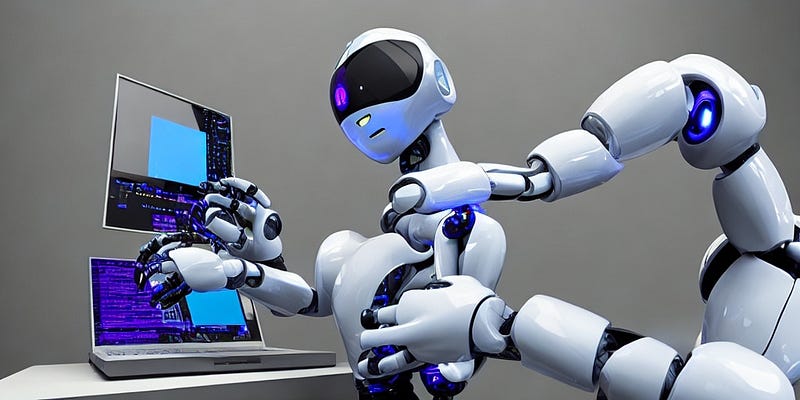
Are you tired of making the same old games with the same old mechanics? Are you looking for a way to spice up your game development process? Look no further than ChatGPT and Unity!
ChatGPT is a powerful language model developed by OpenAI, capable of generating natural language responses to a wide variety of prompts. Unity, on the other hand, is a popular game engine used by millions of developers worldwide. Together, they make for a powerful combination that can revolutionize the way you approach game design.
So, how exactly can you use ChatGPT to make games in Unity? It’s actually simpler than you might think. By integrating ChatGPT into your game, you can create interactive experiences that respond dynamically to player input.
For example, imagine a game where the player interacts with a non-player character (NPC) through a text-based chat interface. Instead of pre-scripting every possible conversation branch, you could use ChatGPT to generate responses on the fly based on the player’s input. This would create a much more immersive experience for the player, as they would feel like they are having a real conversation with the NPC.
But the benefits of using ChatGPT in Unity don’t stop there. By leveraging the model’s natural language processing capabilities, you can create games that are more accessible to non-native English speakers. This is especially important in a global market where players come from all corners of the world.
Additionally, ChatGPT can help streamline your game development process by reducing the amount of manual scripting required. Instead of spending hours writing dialogue trees and conversation paths, you can simply give ChatGPT a prompt and let it generate the responses for you. This frees up your time to focus on other aspects of game design, such as art and level design.
Of course, there are some challenges to integrating ChatGPT into your game. You’ll need to have a solid understanding of Unity’s scripting language, as well as some knowledge of machine learning concepts. But with the right resources and a bit of patience, you can unlock the full potential of this powerful tool.
In addition to using ChatGPT for NPC dialogue, it can also be a useful tool for coding tasks, such as creating shaders in Unity.
Using ChatGPT to code
Shaders are a powerful tool in Unity for creating visual effects and materials that react to light and other environmental factors. However, writing shader code can be a daunting task for even experienced developers. This is where ChatGPT can come in handy.
By using ChatGPT to generate shader code based on user input, developers can save time and reduce the amount of manual coding required. For example, if you’re struggling to write a specific shader effect, you can give ChatGPT a prompt and let it generate code snippets that you can then tweak and refine to fit your needs.
This can be especially useful for developers who are new to shader programming and want to learn by example. By using ChatGPT to generate code, you can see how different effects are created and experiment with different settings and parameters to achieve the desired results.
Of course, ChatGPT is not a silver bullet and it can’t replace the expertise of an experienced shader programmer. However, it can be a valuable tool to have in your toolkit when you need some inspiration or want to speed up your workflow.
If you’re interested in exploring how ChatGPT can be used for shader programming in Unity, there are several resources available online that can help you get started. For example, the Unity forums and GitHub repositories often have examples of shaders that can be generated using ChatGPT or similar language models.
So if you’re looking to take your game development skills to the next level, consider incorporating ChatGPT into your Unity projects. Not only will it make your games more engaging and accessible, but it will also save you time and effort in the long run. Happy game making!
Here are a few resources that can help you get started with integrating ChatGPT into your Unity game for NPC dialogue:
- OpenAI’s GPT-3 Unity Plugin: This plugin provides a simple interface for integrating GPT-3 with Unity, including a sample project that demonstrates how to use the model for NPC dialogue. You can find more information about the plugin and how to use it here: https://github.com/openai/gpt-3-unity-plugin
- Unity Learn’s Dialogue System: Unity Learn provides a comprehensive tutorial series on creating a dialogue system for NPCs using Unity’s built-in tools. While it doesn’t specifically cover ChatGPT integration, it provides a solid foundation for understanding how to create NPC dialogue in general. You can access the tutorial series here: https://learn.unity.com/tutorial/creating-a-dialogue-system-for-unity
- Unity’s Machine Learning Agents Toolkit: This toolkit provides a more advanced approach to integrating machine learning models with Unity, including ChatGPT. It includes a sample project that demonstrates how to use ChatGPT for NPC dialogue in a 3D environment. You can find more information about the toolkit and how to use it here: https://github.com/Unity-Technologies/ml-agents