avatarLibby Mitchell

Free AI web copilot to create summaries, insights and extended knowledge, download it at here

1409

Abstract

le to learn. As mentioned previously, I’m using Adobe products as that is what I have available. I am no where near an expert or authority, obviously.</p><p id="df3a">My first day or two for my audio was atrocious. I was not feeling well, the voice was monotone, and I wasn’t getting what I wanted. I had to take a break and get better. Pushing through wasn’t doing it.</p><p id="0007">About a week later, after I worked on a couple of short stories, I came back. Voice was better, so the audio sounded better. Found pictures I liked and downloaded them.</p><p id="4df7">This time, I didn’t add the pictures to my video until I bought the ones I liked. Because this was before my time period for my next payment, it was $2.99 a picture at the time of this writing. It saved me time from putting a placeholder in as I knew the pictures I wanted.</p><p id="edc8">Some of the pictures I needed to pull from Unsplash so I made sure to credit them in the description, tags, and credits. Their work is wonderful so make sure you get them down.</p><p id="4efd">The audio, I tried again, and still didn’t like how it sounded or how it rendered with the music. I’m sure it’s because I’m an amateur on the software. I found the music I liked from <a href="http://www.bensound.com.">www.bensound.com.</a> What a great site! Make sure you give the site credit for using their music that’s what they asked.</p><p id="3070"

Options

Now, I have everything but the voice. As I’m putzing around on the Rush app, I noticed a voiceover addition. Honestly, I liked it. Once done, I picked where I wanted the video go and added all the descriptive features.</p><p id="fe66">Here is the final result:</p> <figure id="680a"> <div> <div> <img class="ratio" src="http://placehold.it/16x9"> <iframe class="" src="https://cdn.embedly.com/widgets/media.html?src=https%3A%2F%2Fwww.youtube.com%2Fembed%2Flf6H-A_cl8c%3Ffeature%3Doembed&amp;display_name=YouTube&amp;url=https%3A%2F%2Fwww.youtube.com%2Fwatch%3Fv%3Dlf6H-A_cl8c&amp;image=https%3A%2F%2Fi.ytimg.com%2Fvi%2Flf6H-A_cl8c%2Fhqdefault.jpg&amp;key=a19fcc184b9711e1b4764040d3dc5c07&amp;type=text%2Fhtml&amp;schema=youtube" allowfullscreen="" frameborder="0" height="480" width="854"> </div> </div> </figure></iframe></div></div></figure><p id="20e3">I’m thinking the next one will be “That Tree”. This has been a fun project series to do and I’m adding to my knowledge. Though this one took longer, it helped me learn more about the programs I’m using for the videos.</p><p id="d77c">Let’s see what new video from writers we can do this month! It will be wonderful and great to see other forms of writing put to video. Looking forward to seeing from more poets and fiction writers!</p></article></body>

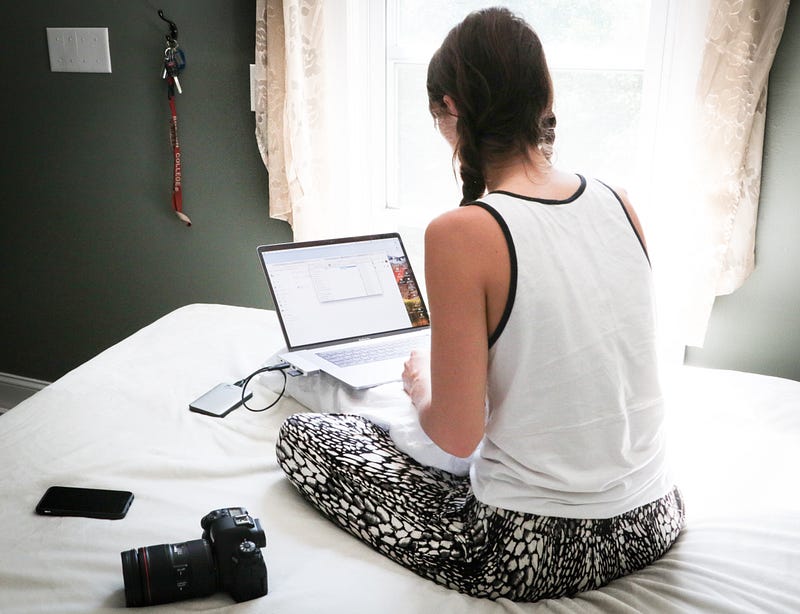
Photo by Dylan Gillis on Unsplash

Making Your Story a Video, Part 2

Jealousy is Red gets a video

My next video in my series is “Jealousy is Red.”

This poem took me a bit longer to do than “The Princess’s Revenge.” First, it was longer. Second, the subject matter was even more serious. The consideration of pictures, music, and audio had a more somber feel, but I wanted it to end on a hopeful note.

Here is the original:

My husband gifted me with a new microphone and it took a while to learn. As mentioned previously, I’m using Adobe products as that is what I have available. I am no where near an expert or authority, obviously.

My first day or two for my audio was atrocious. I was not feeling well, the voice was monotone, and I wasn’t getting what I wanted. I had to take a break and get better. Pushing through wasn’t doing it.

About a week later, after I worked on a couple of short stories, I came back. Voice was better, so the audio sounded better. Found pictures I liked and downloaded them.

This time, I didn’t add the pictures to my video until I bought the ones I liked. Because this was before my time period for my next payment, it was $2.99 a picture at the time of this writing. It saved me time from putting a placeholder in as I knew the pictures I wanted.

Some of the pictures I needed to pull from Unsplash so I made sure to credit them in the description, tags, and credits. Their work is wonderful so make sure you get them down.

The audio, I tried again, and still didn’t like how it sounded or how it rendered with the music. I’m sure it’s because I’m an amateur on the software. I found the music I liked from www.bensound.com. What a great site! Make sure you give the site credit for using their music that’s what they asked.

Now, I have everything but the voice. As I’m putzing around on the Rush app, I noticed a voiceover addition. Honestly, I liked it. Once done, I picked where I wanted the video go and added all the descriptive features.

Here is the final result:

I’m thinking the next one will be “That Tree”. This has been a fun project series to do and I’m adding to my knowledge. Though this one took longer, it helped me learn more about the programs I’m using for the videos.

Let’s see what new video from writers we can do this month! It will be wonderful and great to see other forms of writing put to video. Looking forward to seeing from more poets and fiction writers!

Illumination
Videos
Poem
Self Improvement
Marketing
Recommended from ReadMedium