avatarDr. Derek Austin 🥳

Summary

The web content provides a step-by-step guide on creating a modern React website using CodeSandbox in conjunction with Stackbit, including theme selection and integration with a CMS like Forestry or Netlify.

Abstract

The article outlines a quick and efficient method for developers to set up a modern React website using the CodeSandbox platform integrated with Stackbit. It details a five-step process starting with creating a sandbox on CodeSandbox.io, importing a project, and using Stackbit to generate a sandbox, choose a theme, and select a CMS. The author, Dr. Derek Austin, recommends using Gatsby with the "spectral" theme and managing content through either Forestry.io or Netlify CMS. The guide emphasizes the ease and speed of the process, potentially saving developers time that would otherwise be spent on repetitive setup tasks. The article also provides live demos and compares the use of Forestry and Netlify CMS, noting the simplicity and user-friendliness of both platforms for content management.

Opinions

  • The author, Dr. Derek Austin, expresses a preference for the combination of Gatsby, Forestry.io, and the "spectral" theme for their example, suggesting that Forestry is a neat, lightweight CMS and that Gatsby is excellent.
  • Forestry.io is described as a remote-management CMS that is super easy to use for making changes to the website.
  • The author mentions that rolling out new websites has traditionally been a boring and repetitive task for developers, implying that the use of CodeSandbox and Stackbit can make this process more engaging and less time-consuming.
  • The article suggests that using CodeSandbox and Stackbit might add an extra hour or two to the development process, but this is seen as a positive trade-off for the ability to quickly prototype.
  • When comparing Forestry and Netlify CMS, the author notes that the setup of the spectral theme is identical in both, indicating that developers can expect a consistent experience regardless of the CMS chosen.
  • Dr. Derek Austin endorses an AI service, ZAI.chat, as a cost-effective alternative to ChatGPT Plus (GPT-4), offering a special discounted rate.

Make a modern React site in 2 minutes using Code Sandbox + Stackbit

In this short article, you’ll learn to use CodeSandbox + Stackbit to make a React website with a theme and a CMS almost instantly! 😲
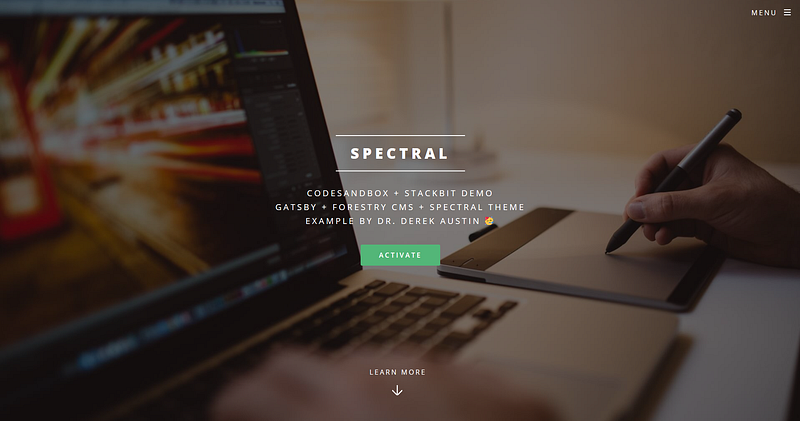
Make this React.js website in under 2 minutes

Try out the live demo in your browser right here 🥳

Step 1 : Create Sandbox on CodeSandbox.io
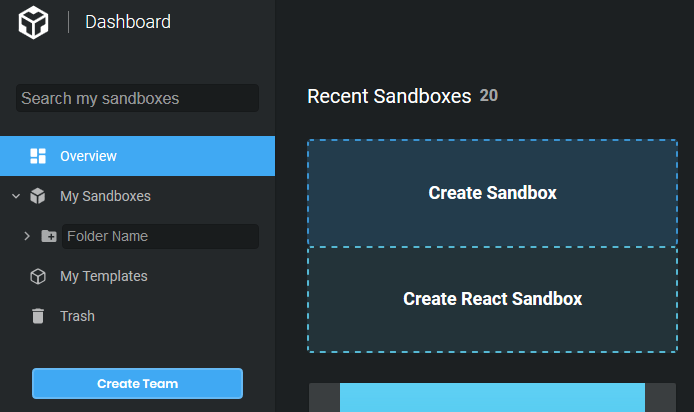
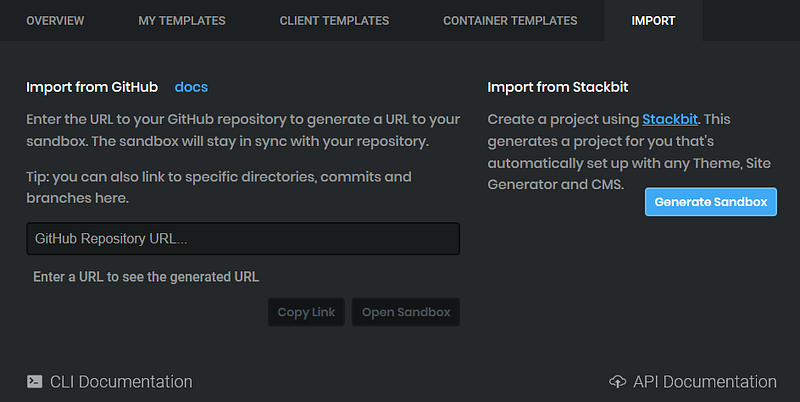
Step 2: Import → Stackbit → Generate Sandbox
Step 3: Choose Theme & CMS in Stackbit
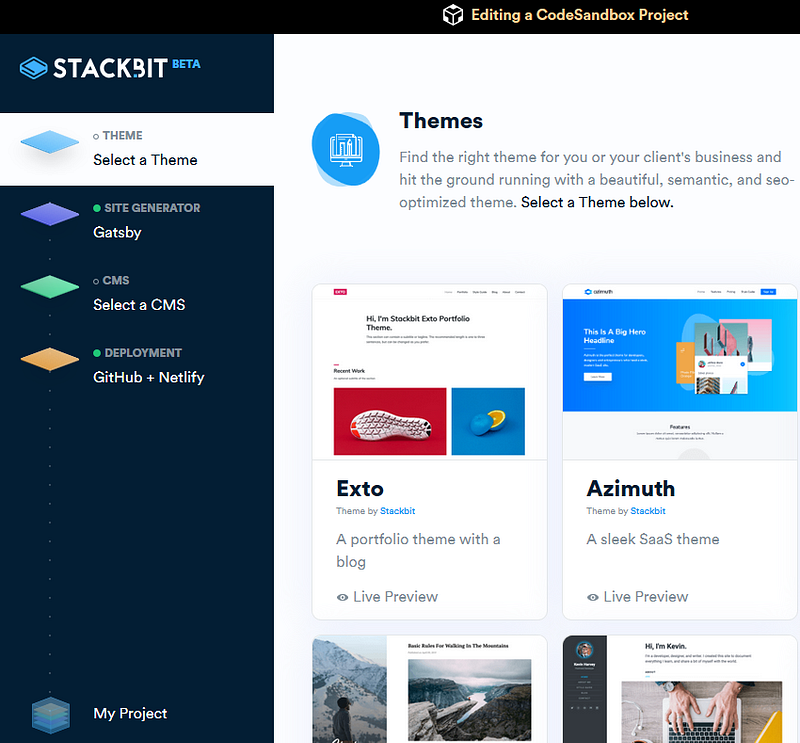
I’m personally using the combination of Gatsby, Forestry.io, and the “spectral” theme for this example. Forestry seems like a neat lightweight, headless CMS managed from https://forestry.io… and Gatsby is super.
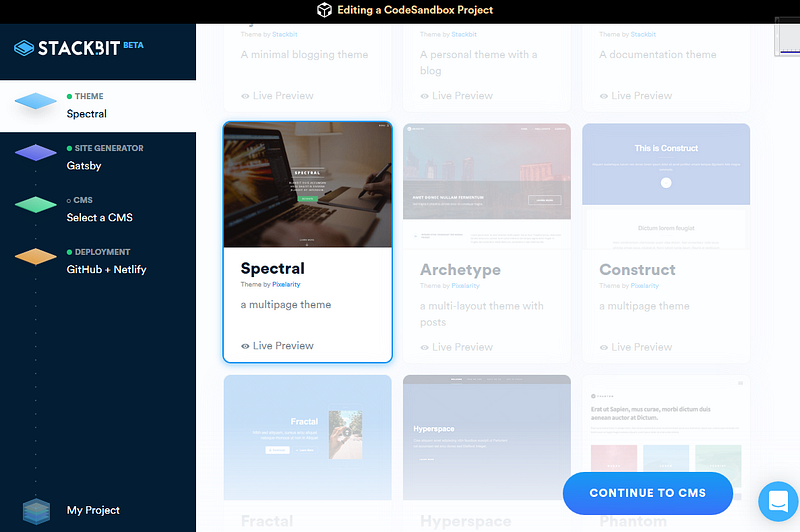
After choosing the theme, you’ll be asked to Continue to CMS.

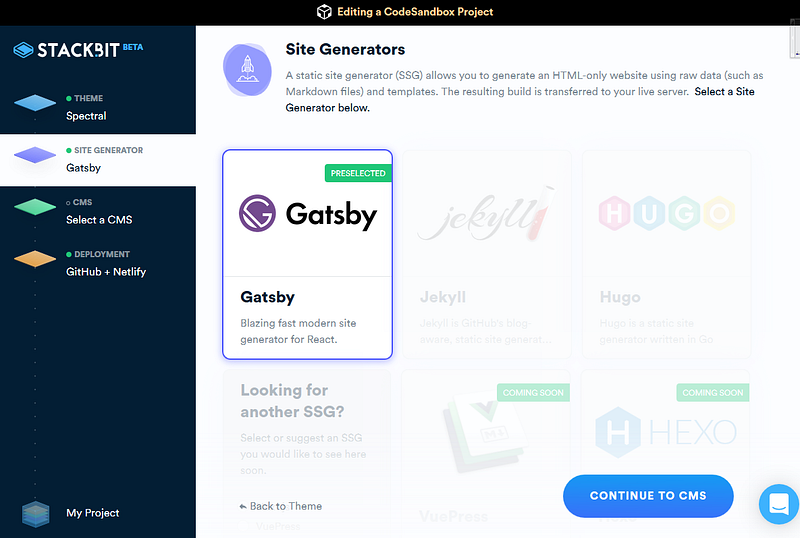
The site generator (or SSG — static site generator) is preselected as Gatsby:
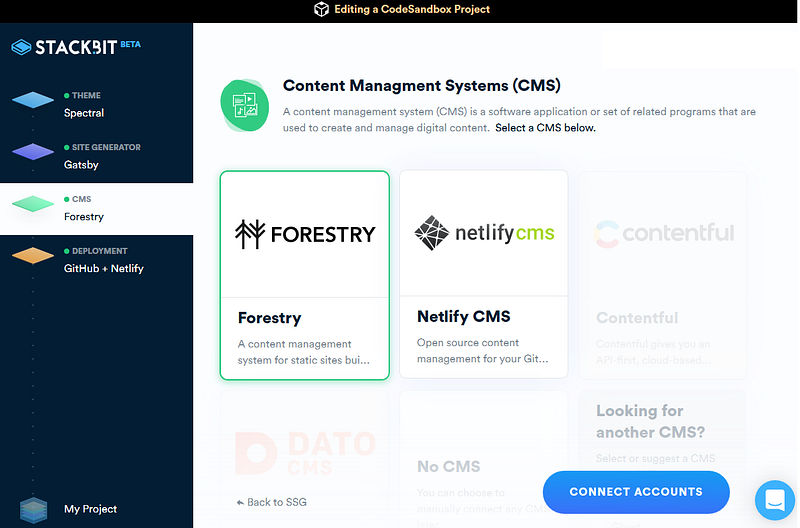
On the Content Management System (CMS) selection screen, there are currently two choices (August 2019): Forestry or Netlify CMS.
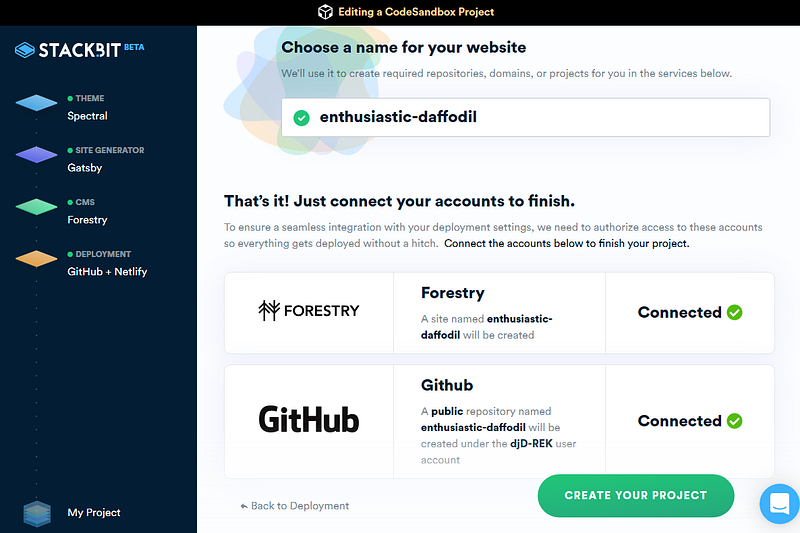
If you’re using Forestry, you’ll have to connect your account, as Forestry is a remote-management CMS — you log into forestry.io to edit your site. Similarly, connect your Github account, then Create Your Project!
Step 4: Your website is ready to edit!

You can change the content by logging into forestry.io … I haven’t used Forestry a lot, but it seems great!! Super easy to use to make changes.
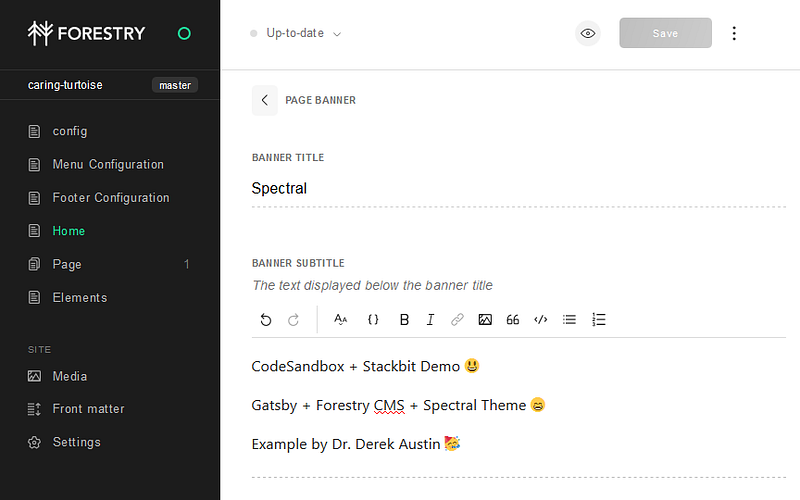
If you chose Forestry as your CMS, then editing the content of your website is managed at forestry.io

Step 5: Get back to real development

Rolling out new websites has always been a boring, repetitive task for developers, until now! Using CodeSandbox + Stackbit may mean an extra hour or two making your prototype instead of just running yarn 😊

Bonus Example: Netlify CMS

The example at the beginning of the site was made using Forestry. Here’s a CodeSandbox for the same theme but with Netlify CMS for comparison:

If you use Netlify CMS, you’ll get an email invite link to join the CMS, based on whatever email address is connected to your GitHub account.
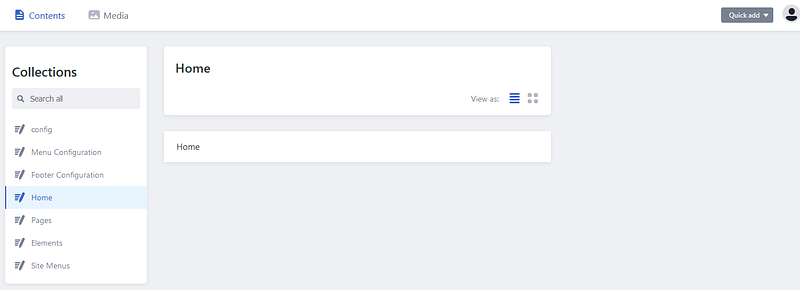
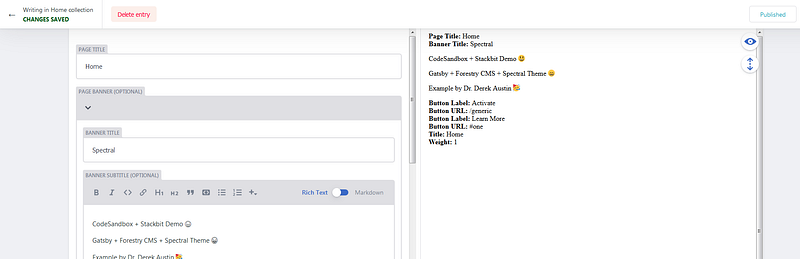
If you chose Netlify CMS, then editing the content of your website is managed at netlify.com
You’ll notice the setup of the spectral theme is identical in both Forestry CMS & Netlify

Dr. Derek Austin is the author of Career Programming: How You Can Become a Successful 6-Figure Programmer in 6 Months, now available on Amazon.

Web Development
React
JavaScript
Programming
Coding
Recommended from ReadMedium