
M3 MacBook Air, Neural Engine and AI: It’s About to Get Real
My M3 MacBook Air review
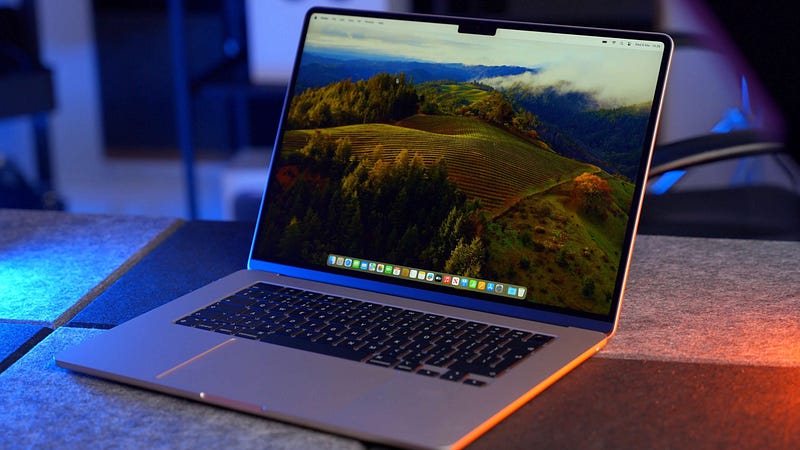
Today, people will begin to receive their M3 MacBook Airs — and if you fancy picking one up yourself, you can head into your nearest Apple Store and do just that.
Apple tells us that the MacBook Air is the world’s most popular laptop. No matter what you think about that statement, it’s hard to look past the legion of MacBook Air fans who adore this machine. I have no research to back this up, but I’d guess that most owners hold onto theirs for a very long time indeed.
The big question is: should you buy the M3 MacBook Air if your finger is hovering above that button on Apple’s website? Is it worth a trip to an Apple Store?
What if you’re coming from Windows Land? Is it worth it?
Let’s find out.
For the love of the MacBook Air
The MacBook Air is my favourite Apple laptop, by quite a margin — particularly in the new(ish) 15-inch form. My M2 edition has become the perfect home laptop and runs most of this business outside of the rugged production stuff undertaken on my 14-inch M3 Max MacBook Pro.

The only reason the MacBook Air doesn’t travel with me is because of the presence of the latter (and, no, this isn’t the behaviour of a regular consumer — I’m fully aware of that).
Apple sent me a 15-inch M3 MacBook Air with 16GB of unified memory to test ahead of the official launch. They also invited me to their London HQ to check out the machine and speak to a few creators who have been putting the MacBook Air to use in their businesses.

These included a screenwriter, a TikTok superstar, a custom bike manufacturer, and Tom from Byte Review. The stuff these guys are doing with Apple’s non-Pro laptop was a reminder of what the MacBook Air is capable of, and, if I’m honest, puts my use of it to shame.
Despite this, I know what the Apple silicon-powered MacBook Air is capable of. I recently published what is effectively a eulogy for the M1 version on YouTube where I recounted tales of relying on it for 4K video edits while out on the road. This brings the question of whether or not you need a MacBook Pro into stark focus — that’s how good modern MacBook Airs are.
M3 MacBook Air pricing and specs
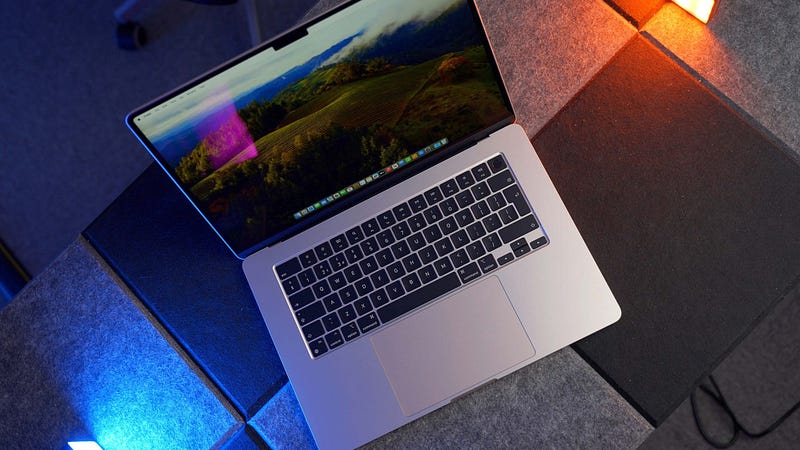
The M3 MacBook Air comes in two sizes — 13- and 15-inch. The addition of the latter in 2023 was a masterstroke by Apple. Undertake any research on the most popular laptop size, and you’ll probably settle on 15-inch as being the one most people go for.
There’s been a price cut in the UK this time around, with the 13-inch M3 MacBook Air starting at £1,099 (£200 less than its predecessor) and the 15-inch starting at £1,299 (£100 less than my M2 model). The 13-inch M2 MacBook Air now fills the role of entry-level at £999.
The M3 chip in the MacBook Air is only configurable if you opt for the 13-inch version, thanks to the ‘binned’ base model variant, which has an 8-core GPU. Both sizes get an 8-core CPU, while the 15-inch receives the 10-core GPU as standard (it’s a £100 option on the base model 13-inch version).
Memory starts at 8GB and can be taken up to 24GB for those who need it — and if you know you need it, you know you need it.
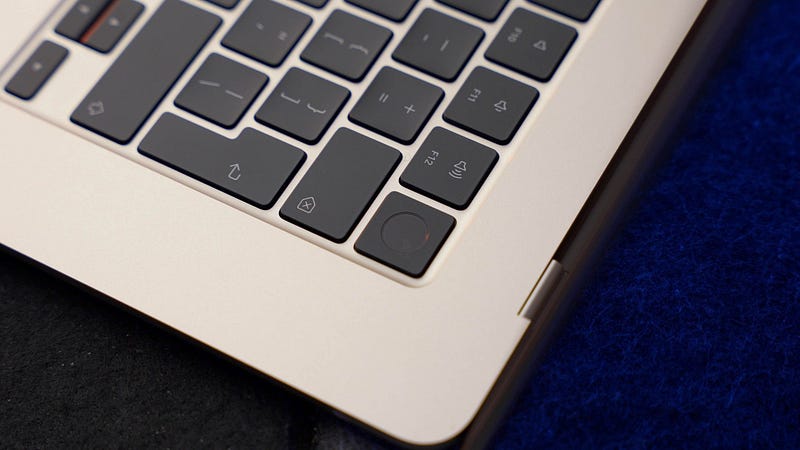
There are no physical changes to the M3 MacBook Air over its predecessor — unless you opt for the Midnight colour which now features a “breakthrough anodisation seal” which is designed to keep away the pesky fingerprints that all-too-easily spoilt the M2 version.
The Liquid Retina display is as lovely as ever, the battery life is still rated at up to 18 hours, and the port situation remains unchanged — you get two USB 4 ports, a headphone jack, and MagSafe charging.
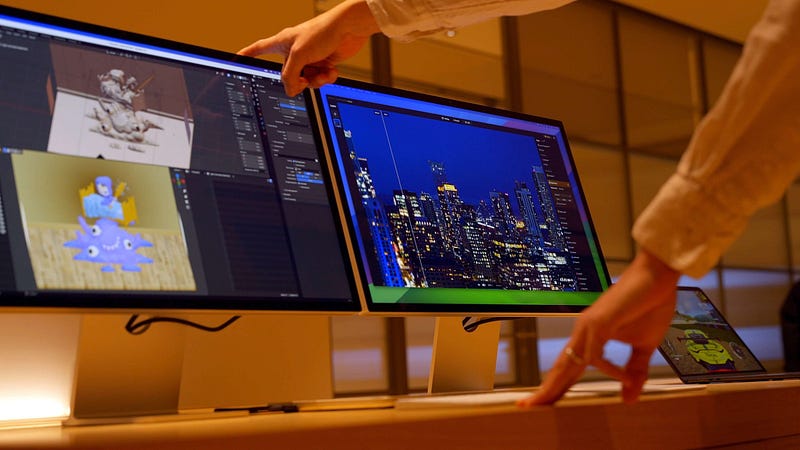
Inside, there are two upgrades worth mentioning. The first is the presence of Wi-Fi 6E, which is twice as fast as what was in the M2 MacBook Air. The second is the ability to drive two 5K displays — in clamshell mode. The latter is a nice addition, but you will need to bring a separate mouse and keyboard along for the ride.
M3 MacBook Air performance upgrades
The more I think about the MacBook Air, the more I think that the sweet spot in terms of performance versus longevity, value for money, and potential resale value, resides within the 16GB of unified memory and 1TB of storage specification.
If you’re considering buying a MacBook Air today, that’s the one to go for — if you have the budget.
The good news is that if you want to spend less, you’re still going to benefit from some great performance upgrades, thanks to the M3 chip. Apple claims that the M3 MacBook Air is up to 60 percent faster than the M1 MacBook Air, and 13 times faster than the fastest Intel-based MacBook Air.
The M3 is Apple’s first 3-nanometer Mac chip and features four performance cores and four efficiency cores. The GPU, when configured with 10 cores, can offer up to 20 percent faster performance than the M2, and up to 65 percent over the M1. It also gets to play with dynamic caching, hardware-accelerated mesh shading, and ray tracing, which will prove handy if you’re into gaming or motion graphic design.
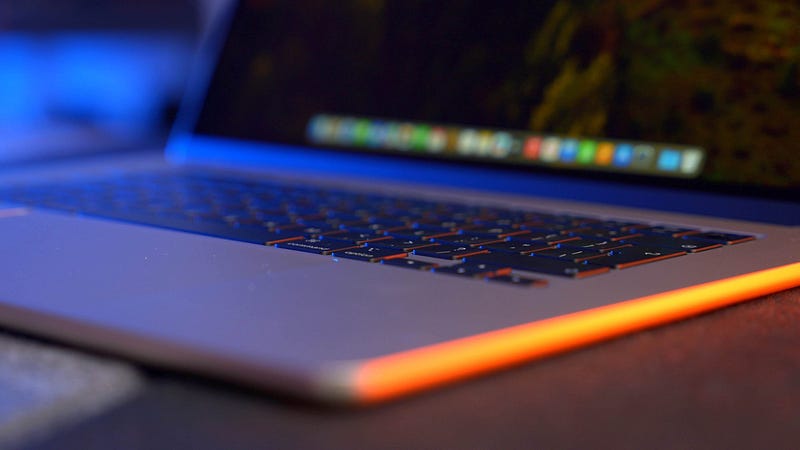
This results in a laptop which will fit the needs of a wide user base. Put simply, if you don’t need to undertake serious production work, and if you have no interest in more than two data ports or an SD card slot, the MacBook Air is probably for you.
There’s no fan, admittedly, which does bring into question the propensity for the MacBook Air to resort to performance throttling, but, again, if that’s a concern — there’s a MacBook Pro for your needs.
The pinnacle of laptop design?
I really miss the M1 MacBook Air. Mine is still in use; my girlfriend is putting it to serious use as a tool while studying for a degree. That wedge design remains iconic and is still highly visible out in the wild — as I noted earlier, people do not give up their MacBook Airs easily.
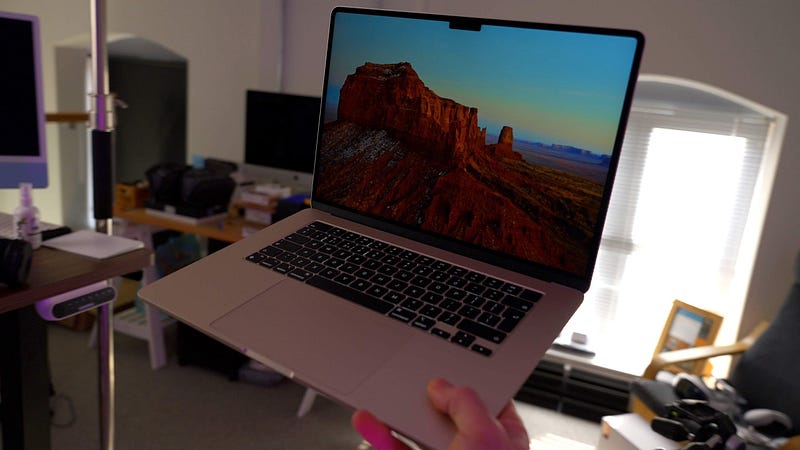
However, the new design language for the MacBook Air is everything it should be. Handsome, tight as a nut, and tuned specifically for Apple silicon. If you’re yet to pick up either size, you’re in for a treat.
I’ve had limited time to test the new Midnight colour (Apple sent me the Starlight version for this review) but if it’s anything like the Space Black MacBook Pro I’ve been using for the last few months, it’s a smart move — that machine barely attracts fingerprints.
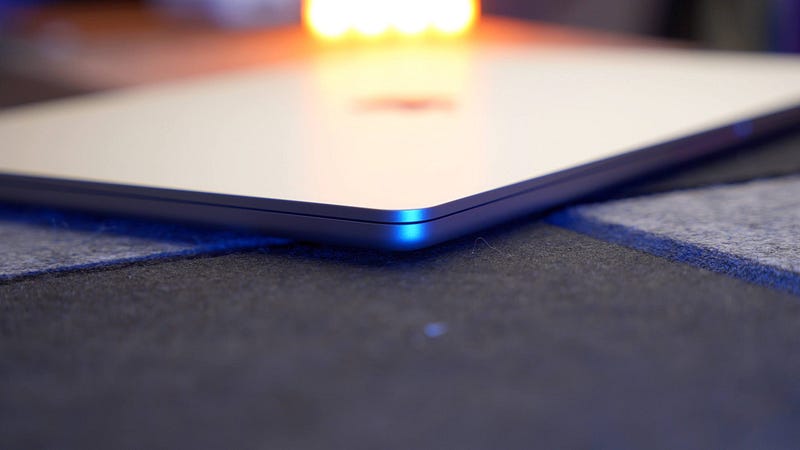
A quick note on the notch, because it’s been a while since I commented on it. Since publishing my first look at the M3 MacBook Air on YouTube, I’ve spotted the reemergence of comments denouncing the presence of the notch on that Liquid Retina display. I’d like to reiterate, once again, that it has zero bearing on the use of this laptop. Unless you’re not very busy.
M3 MacBook Air: AI, AI, AI
Apple is now saying, publicly, that the MacBook Air is the “world’s best consumer laptop for AI”. Correct me if I’m wrong, but I think this is the first time Apple has attached those two letters to a product in this era of AI.
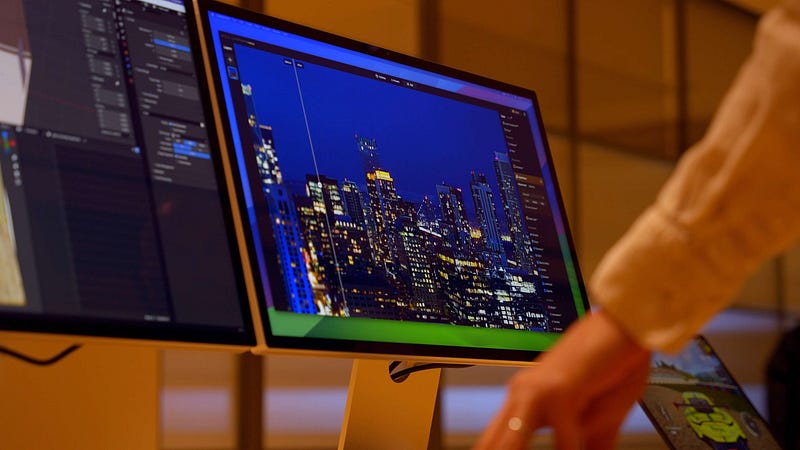
The new neural engine in the M3 MacBook Air is faster and more efficient than the M2 version and is, clearly, going to be a key point of focus for Apple going forward.
It’s always been there, the neural engine. I rarely talk about it, and even Apple tends to lean more heavily towards the CPU and GPU capabilities during each new chip launch, but, like it or not, the term ‘AI’ is now attached to seemingly everything (there were even AI-powered massage chairs at CES in January).
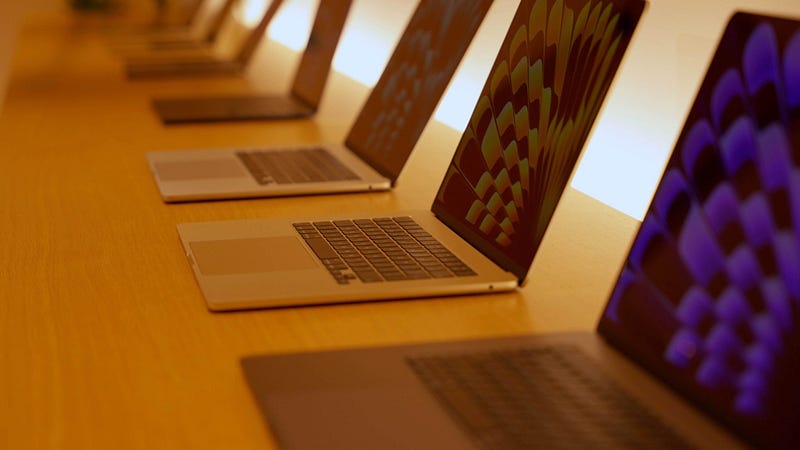
During my time at Apple’s HQ this week, I was shown demonstrations of the M3 MacBook Air putting that neural engine to use with real-time large language model stuff, photo editing, and the AI capabilities that are now built into Microsoft’s applications. It was as fast, capable, and mind-boggling as you’d expect.
I’m glad Apple has seemingly shed its desire to avoid saying those two letters. It’s going to make for a very interesting WWDC this summer.
Should you upgrade to the MacBook Air?
Apple is continuing to make a big thing about the upgrades in performance and capabilities if you jump from an Intel-based MacBook Air to the new M3 version.
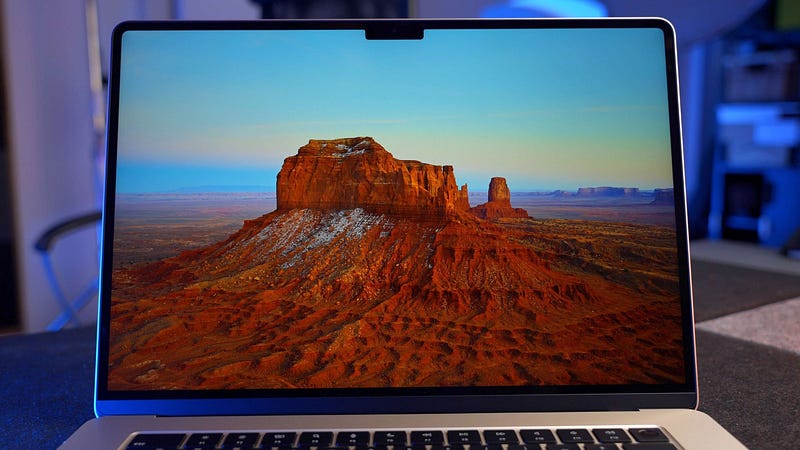
If you’re still in Intel land (and I think a lot of you are), you can expect the aforementioned 13 times better performance, up to six hours of additional battery life, Spatial Audio support, a better 1080p FaceTime camera, and bigger, better displays (not to mention the choice of a 15-inch version).
If you’re reading this and considering making the leap to Apple silicon, now is the best time to do so. Spend as much as you can on your new M3 MacBook Air and you’ll be able to keep it for as long as you’ve kept the Intel version. Maybe longer. This is a brilliant laptop.
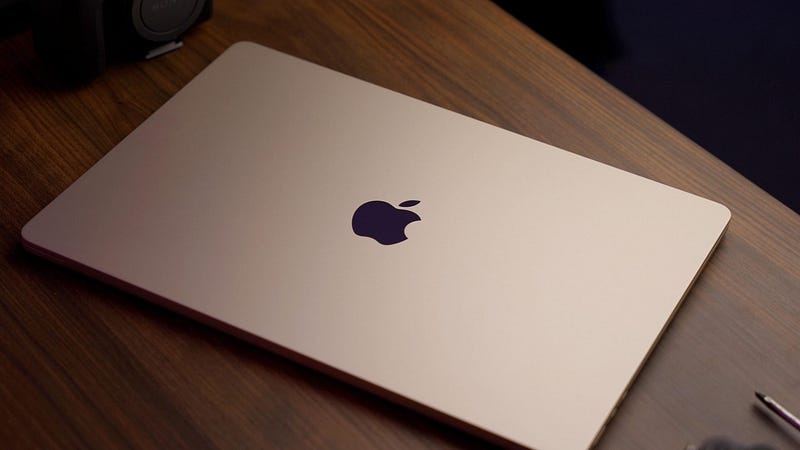
If you’re running an M1 or M2 MacBook Air and have no issues with it, there’s no reason to upgrade — it’s that simple. The only exception to this rule is if you’re experiencing performance issues, or if you want to switch from the 13-inch to the 15-inch. Once again, if either of those things is true, you’re not going to feel short-changed with the replacement.
Final thought
I’ve seen a few cries of “Apple isn’t innovating anymore” in the comments sections of my videos recently, but I couldn’t disagree more (have you seen Vision Pro?!). I’m not sure what you can do with a laptop beyond iteratively building on top of what you already have, and the MacBook Air is the best laptop platform on the market, in my opinion.
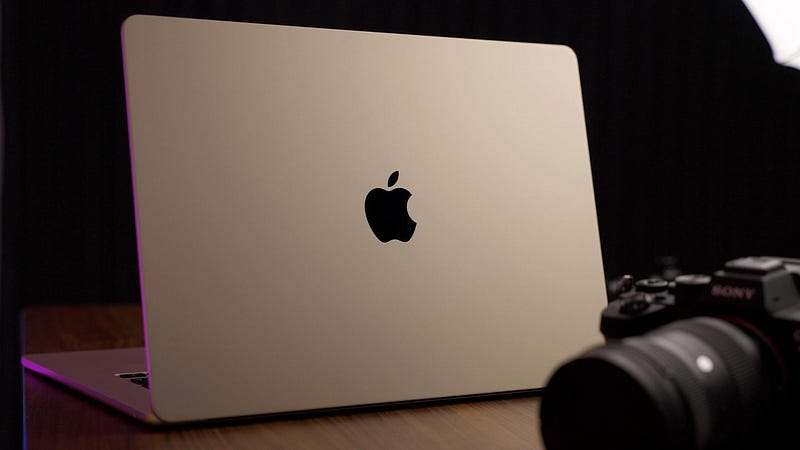
It’s a great time to be a MacBook Air owner, whether you’re upgrading from a previous version or heading into the world of macOS from Windows.
On that note, all eyes must now swing towards WWDC. We’ve got the hardware (save for the Mac mini — when are we going to see the M3 chip in that little beast?), the ecosystem remains the best out there, and Apple is, finally, uttering the phrase “AI”.
Neural engine — it’s over to you.
Before you go
Join my newsletter list for a weekly behind-the-scenes video of a tech content creator!
Originally published at https://markellisreviews.com on March 8, 2024.


