

M2M Day 197: A sad journey down the rabbit hole…
This post is part of Month to Master, a 12-month accelerated learning project. For May, my goal is to build the software part of a self-driving car.
Today was a sad collection of mistakes and roadblocks (with no happy ending). As I tried to redeem myself, I kept falling deeper and deeper down the rabbit hole.
It started yesterday — I successfully reformatted the Udacity data and began training the self-driving car model.
After the model finished training, I took a quick look at the Loss graph (Loss measures the “accuracy” of the model — the lower the loss, the better the model… for the most part).
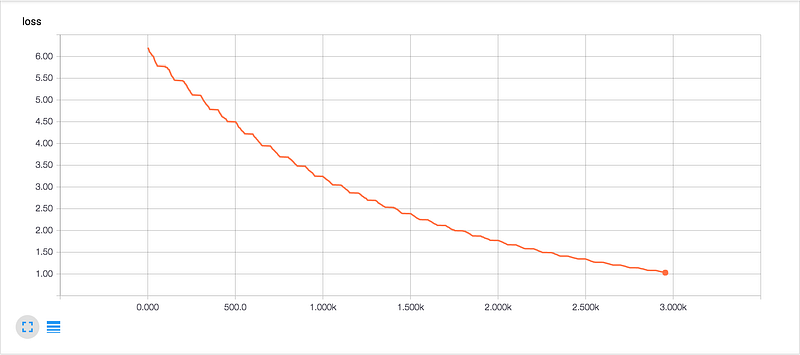
After the 30 epochs of training, the Loss didn’t even dip below 1.00, where as, when I trained the model on the NVIDIA data, the Loss dipped significantly below 1.00, all the way to ~0.16.
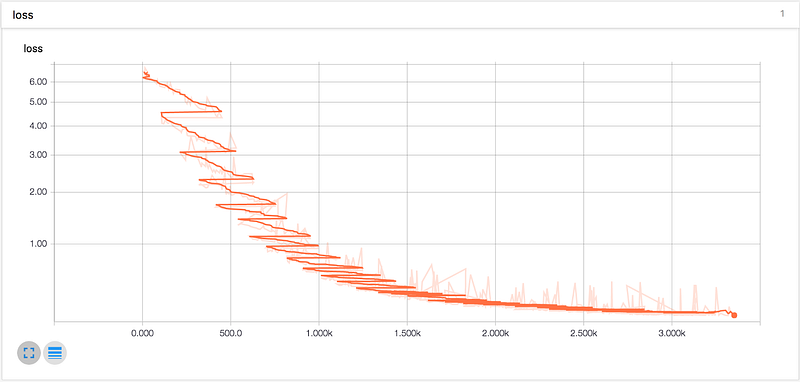
I’m not sure why I expected something different to happen — The Udacity dataset I used was only 1/8 the size of the NVIDIA dataset.
This was my first mistake: I accidentally used the testing dataset to train the model. Instead, I should have used the much larger training dataset, and then tested the trained model on the testing dataset.
Not a huge problem: I went to the Udacity Github page and downloaded the larger dataset for training. Or, at least I tried to.
Halfway through the download, my computer completely freaked out.
It turns out that my computer’s local storage / startup disk was completely full. So full that my computer refused to run any programs. Even Finder was unexpectedly crashing.
I plugged in my external hard drive, and started transferring all my Month to Master documentation off of my local machine.
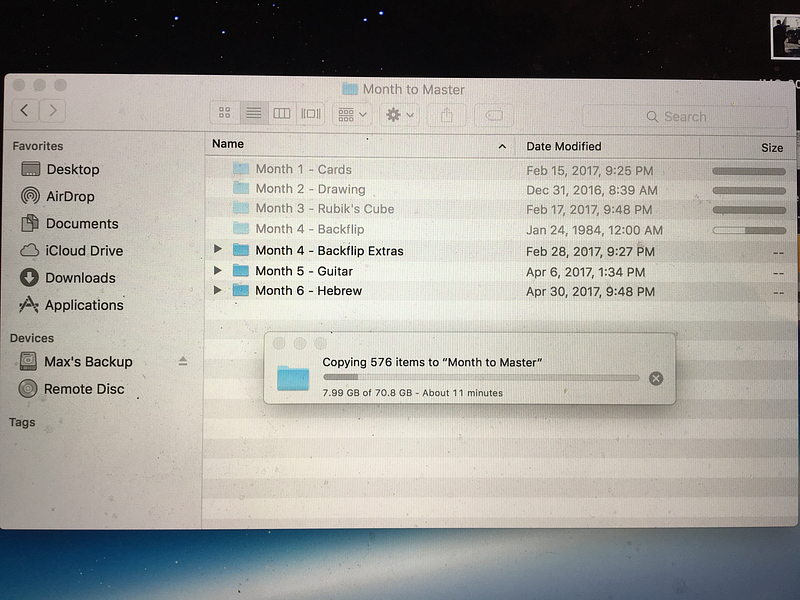
By the way, as an aside, I had to take photos of my computer screen with my phone, since there wasn’t enough space on my computer to take screenshots…
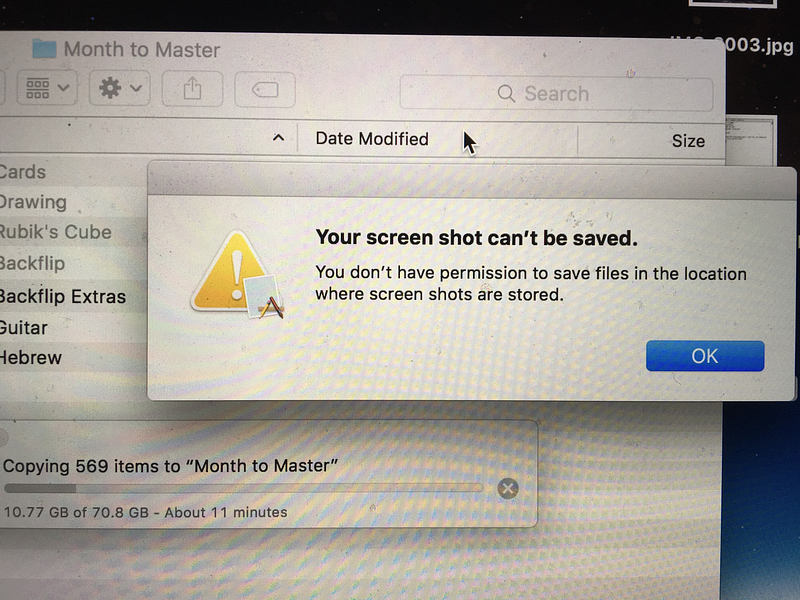
Anyway, the first six months of M2M documentation eclipsed 132GB, 70.8 of which were on my local machine, so, once the transfer finished, I was able to move 70 GB of local stuff to Trash.
Then, upon trying to empty my Trash, my computer froze…
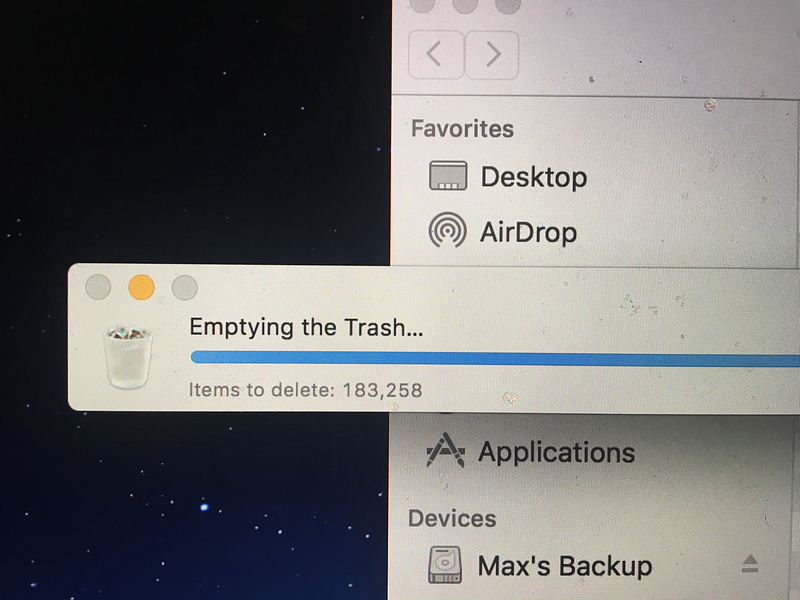
After restarting my computer a couple times, my Trash finally emptied, and, 30 minutes later, I was back in business.
With space now on my computer, I went back to the Udacity Github page to download the training dataset.
The training dataset was actually compressed in a torrent, so I needed to install BitTorrent to download the dataset.
After the torrent downloaded, I unpacked the file. I expected to see a bunch of JPEG images and a data.txt file as we saw before, but instead, I saw this…
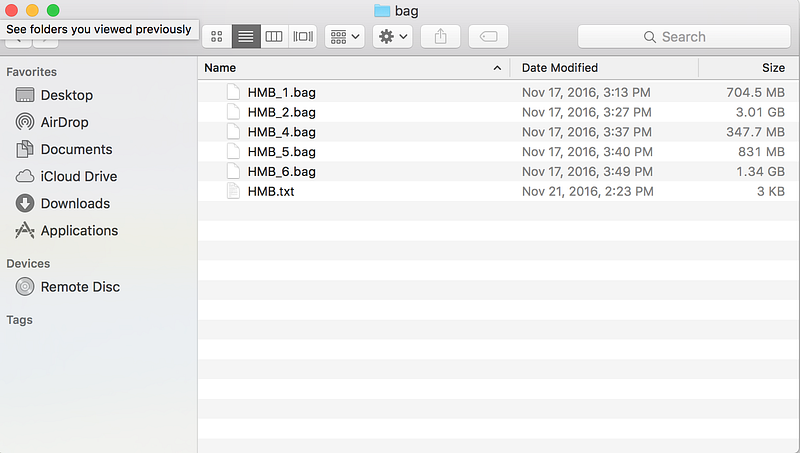
Apparently, Udacity thought it would be a good idea to package the data in .bag files. I’ve actually never heard of .bag files before, but they seem to be the native way that self-driving cars (or other “robots” save data).
So, I needed to figure out how to extract the JPEGs and CSVs from the individual .bag files.
There’s a library called ROS (Robot Operating System) that is needed to work with .bag files, so I attempted to install it.
But, here’s what I found on the ROS install page…

In other words, the people who make ROS are basically saying “This isn’t going to work. It’s going to fail. Sorry.”
And they were right, it did fail.
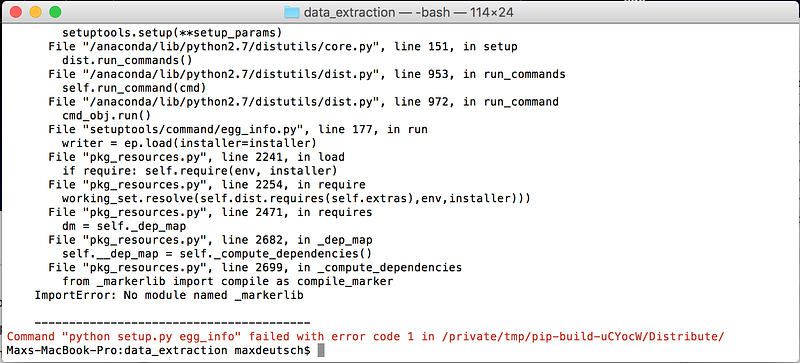
Nevertheless, I spent some more time trying to resolve the error, and eventually it seemed as if I had successfully installed everything I needed. But, then I attempted to the run the extract script and that still failed.
At this point, I had to stop for the night.
Tomorrow, hopefully I will be able to make some forward progress.
Read the next post. Read the previous post.