
M2 Macbook Air review : people need to CHILL!!

So my base model M2 Macbook Air came in, I have been testing it for a couple of days now after all the reports of it overheating, and throttling and and all that stuff, let me tell you — people need to relax!
Why did I order the very base model?
I ordered the base model because that is the model that, by far, most people in the comments of my YouTube videos were interested in. And I do mean the absolute base model — meaning 8 cores, not 10, 8GB of unified memory and 256GB of storage. What attracts most people to a Macbook Air (other than the sleek design and ultra portability) is the price, because let’s not forget that however new and beautiful this machine may be, we are looking at the baseline, the very entry level Macbook in Apple’s lineup of computers. With that said, a major demographic for this particular Macbook will be students. I did a video on whether the M2 Macbook air would be good for students, on paper of course since none of us had the chance to actually test it out at the time, and you could tell from the comments that for a lot of students keeping the price as low as possible really is a major factor in the purchasing decision.
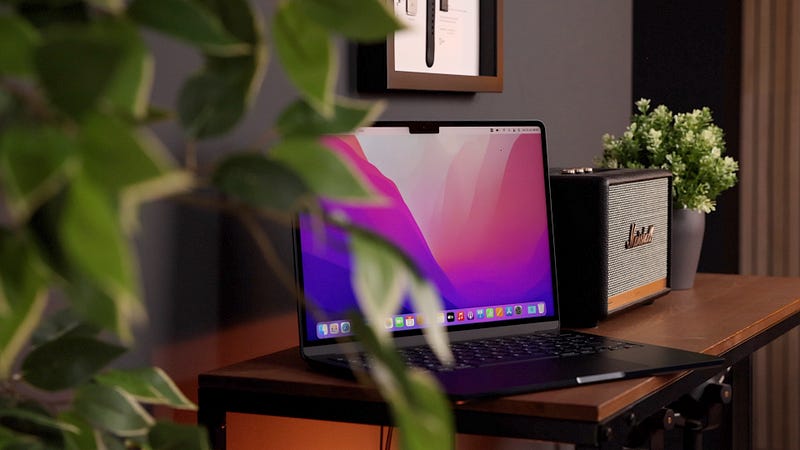
There’s a couple more reasons why I wanted to test the very base model. One is that as soon as you move away from the base model, every little upgrade adds to the total cost of the laptop very quickly. For instance, the base model costs $1199. If we upgrade the RAM to 16 and the Storage to 512GB, which for most people is the next step up, we are looking at a $1600 price tag — add an upgrade from 8 to 10 cores and it’s $1700. That same money buys you a 13” Macbook Pro with the same specs but the added benefits of pro things like active cooling. If we were to upgrade it even more, spec it out to 24 GB of RAM, and 2 TB of storage, we are looking at a whopping $2500 and that buys you a FAR superior 14 inch Macbook Pro with 16GB of RAM, 1TB of storage, 16 Core GPU, much better display, and all the ports you need. So in my opinion, unless you really love the design and portability of the M2 Macbook Air, speccing it out to the max makes no sense whatsoever and you are better off getting a Pro.
Enough with the clickbait!
The last reason I wanted to test the very base model is because I am sick and tired of all the hyped up benchmarks and clickbaity titles telling us how utterly useless the base model M2 Macbook Air is. Oh my god, the machine slows down when you run multiple streams of 8K? No sh**! People need to chill… That is NOT whey people buy a base model Macbook Air, ok? This is not a video editing powerhouse, this is not a 3D graphic designers’ dream machine and this is not a gaming beast. We all know it and the people that fall within any of the aforementioned categories already know that the M2 Macbook Air is not the machine for them. The base model M2 Macbook air is not for power users, it is for people who use their computer like a computer, to do normal computer things. So what I am interested in is to see whether it can handle those tasks smoothly, without problems and in such a way that it is enjoyable to use this computer and to justify the $1200 price tag. So let’s have a look at this thing through the eyes of your typical Macbook Air user and try to establish whether this is a good buy or not.
It’s so pretty!
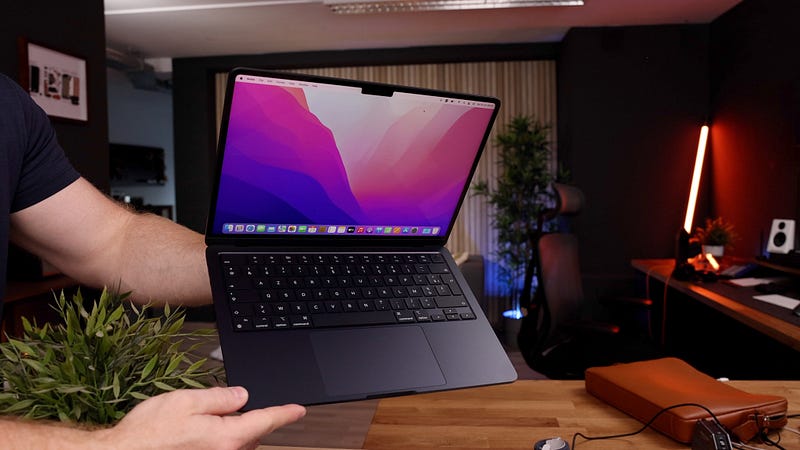
So the first and most obvious thing is the design. The Macbook Air has always had a very typical design, it’s been ultra sleek and ultra portable and whilst Apple has finally moved away from the wedge design and more towards the boxy Macbook Pro like design, it still has that ultra sleek and ultra portable quality to it — especially the gorgeous midnight color. I mean I love my 14 inch M1 Max Macbook Pro. It is an absolute beast and my workhorse for all the heavy lifting, but this Macbook Air is easily the most beautiful Macbook I have ever held in my hands. And the midnight color does smudge — BADLY — and if you are anything like me and you like your tech looking clean, you best invest in a good microfibre cloth because you will be polishing this thing a lot. I love the way it feels, it is so light and so flat — it just makes me want to grab it and go work outside at a cafe or something. This thing doesn’t want to live on my desk, it wants to go places.
Ultra thin with amazing battery life and decent speakers
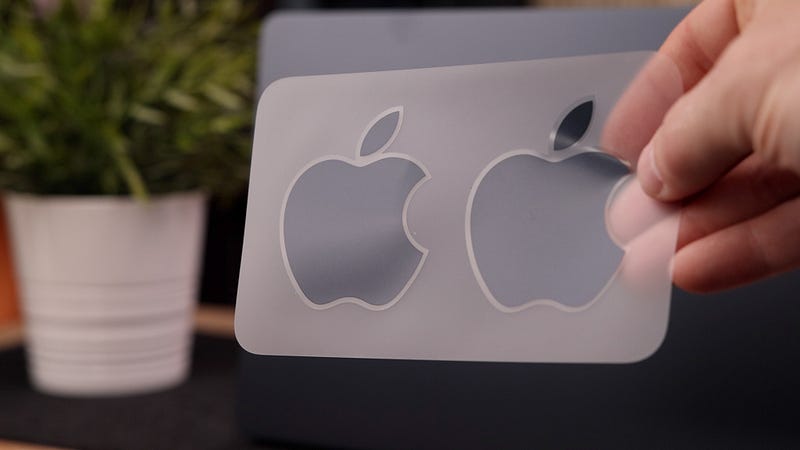
It really is super thin, just 11mm, which means I can easily fit it in my favorite leather iPad case. It comes with Magsafe, which is great so you don’t have to worry about someone yanking your Macbook off the table, and the cable is braided and matches the midnight color of the Macbook. So do the stickers by the way, which I thought was a nice touch. It also provides fast charging at a maximum of 67 watts so you can top up the battery in no time, and that battery is nothing to snarl at, because it delivers an impressive 18 hours of battery life. Of course it will be a little less than that when we use it extensively and on full brightness, but you can safely assume it will comfortably get you through a full day of use.
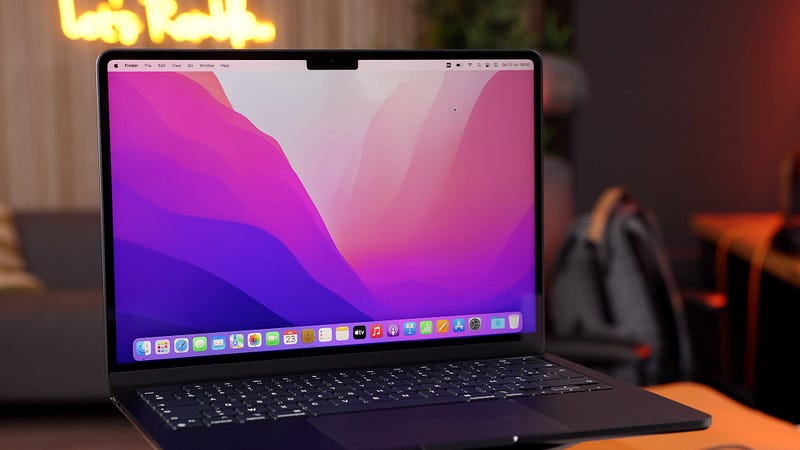
Unfortunately the other ports are not thunderbolt 4 ports, they are thunderbolt 3 ports which comes with downsides like speed and the inability to hook it up to more than one external monitor. So if you like to rock dual monitors when you’re working at your desk and you were hoping to hook this M2 Macbook air op to that setup, you will be disappointed. Having said that, the display, even though it is not a liquid retina XDR display, looks fantastic and a little bigger because of the thinner bezels and it now has 500 nits of Max brightness, which will be useful in those bright coffeeshop/working outside scenarios . It does have what has become Apple’s signature notch but in my experience, that notch becomes invisible after a couple minutes of using the Macbook.
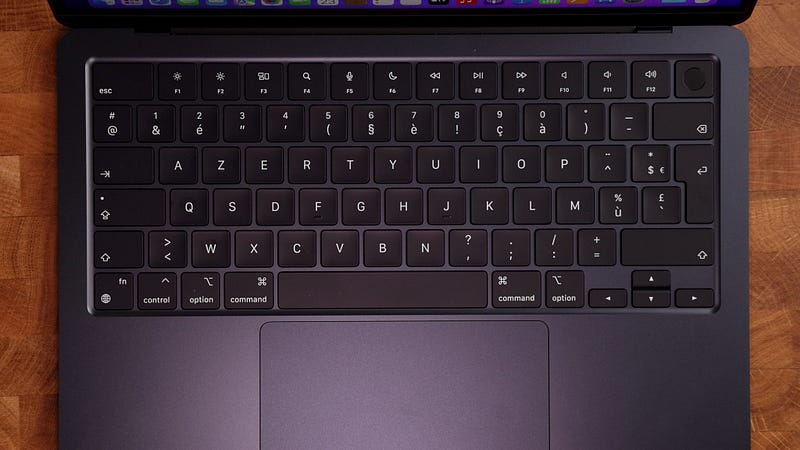
I also like the fact that we get a full size keyboard, including the escape and function keys. Typing on this keyboard feels really nice, reminds me of the Magic Keyboard on my 12.9 inch iPad Pro which happens to be my favorite keyboard of all time. Oh and let’s not forget the new 1080p webcam. Does it look fantastic? No, it doesn’t but it definitely is an improvement over the 720p webcam in the previous models. Side note, if you’re interested in a really innovative new webcam alternative which is currently under embargo but that I will be reviewing on my YouTube channel soon, keep an eye on the channel and maybe even subscribe, that would be much appreciated.
Right to finish off on the design aspect, the speakers have been upgraded to a quad speakers setup and if you look closely you can actually see the top firing speakers sitting right underneath the display. The speakers sound fine but they are definitely not as good as the speakers on the M1 Macbook Pro. I’ve done a little comparison on my YouTube channel, in case you want to hear the difference for yourself. Conclusion: the speakers on the pro definitely sound fuller and richer but still, for a laptop, the speakers on the Air sound pretty great!
OK, but how does it perform??
Now for our main question — How does this M2 Macbook air actually perform? We have seen reports of the Macbook overheating ,or at least getting very hot, and that has to do with the fact that there are no fans in this design. So, of course if you put this machine under pressure for sustained periods of time, it will get hot and inevitably it will throttle to prevent further overheating, meaning it will slow down. It is also true that it has a single SSD module which means that if and when you are running enough processes that the Macbook needs to swap and use some of that SSD as memory, it can become slower. But guys, let’s just take a step back and think about our typical Macbook air user again and I am telling you, the chances of that ever happening are slim to none…
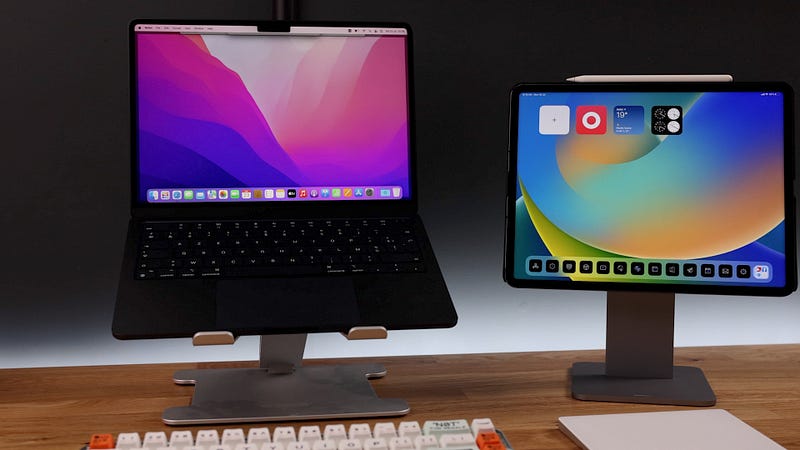
You can watch a youtube video, have a couple of chrome tabs open, check your emails, and work on a spreadsheet at the same time and this Macbook will handle that perfectly well. Even if you add things like simple photo editing in an app like Lightroom, it will be fine! It’s not until I start throwing heavy tasks at it like 4K video editing and exporting that I will notice it slowing down and/or getting hot, and it can get very hot under those conditions — hot enough for it to become uncomfortable on your lap.
But again, that doesn’t happen unless you make it do all that heavy lifting and if you are a video editor and heavy 4K timelines are a regular thing for you, you are not going to buy this Macbook Air. And that’s why I get so frustrated with these crazy benchmark tests and thumbnails of burning M2 Macbook Airs because if you use this entry level, low-end, base model M2 Macbook Pro like it is intended to be used, which is for everyday computer things, that stuff.. ain’t gonna happen and you will have a wonderful time working on this beautiful little Macbook.
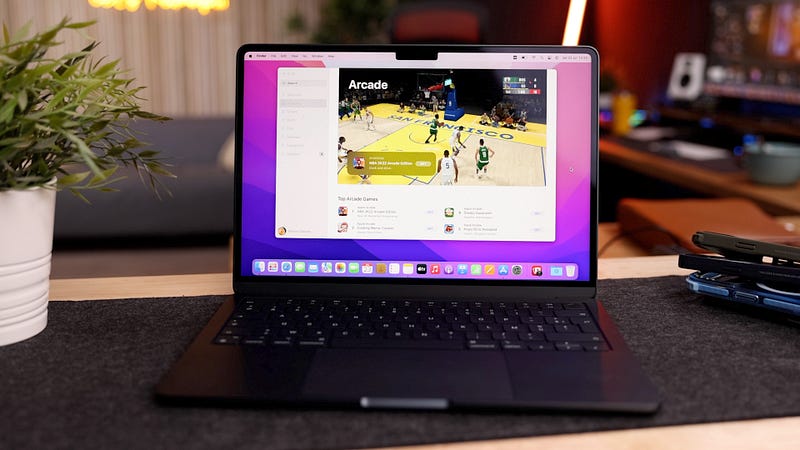
And yes, you can even do some gaming. Now, obviously this isn’t a gaming beast so don’t think you’re going to play your next gaming tournament on this machine. But that’s not what it is for and quite frankly, if that type of gaming is your jam, a Macbook — any Macbook — is not what you’re looking for! But if you feel like playing a quick game on Apple Arcade, this thing will do absolutely fine. So to answer the question I got from a lot of my viewers, will the base model be enough for everyday tasks? will it be enough for students who just want to do their school stuff on it? will it be enough for my girlfriend, who by the way will be getting this laptop once I am done reviewing it — the answer is absolutely YES!
This is a very capable entry level Macbook and if you decide to buy it, you will be able to enjoy that fresh new design, you will be able to enjoy that fast new M2 chip, and you will be absolutely satisfied with the speeds you’re getting on your everyday tasks. I will be putting this thing through its paces in the weeks to come, and I will definitely do a follow up review in a couple of weeks. I will also be exploring some best apps for you guys, as well as some great accessories to deck out your new machine, so definitely keep an eye out for that!