
M1 Max Chip to the rescue! An IMPRESSIVE save from my MacBook Pro!
How one simple mistake, could so easily have ruined a perfect weekend….but was saved by the power of Apple Silicon & the M1 Max chip.
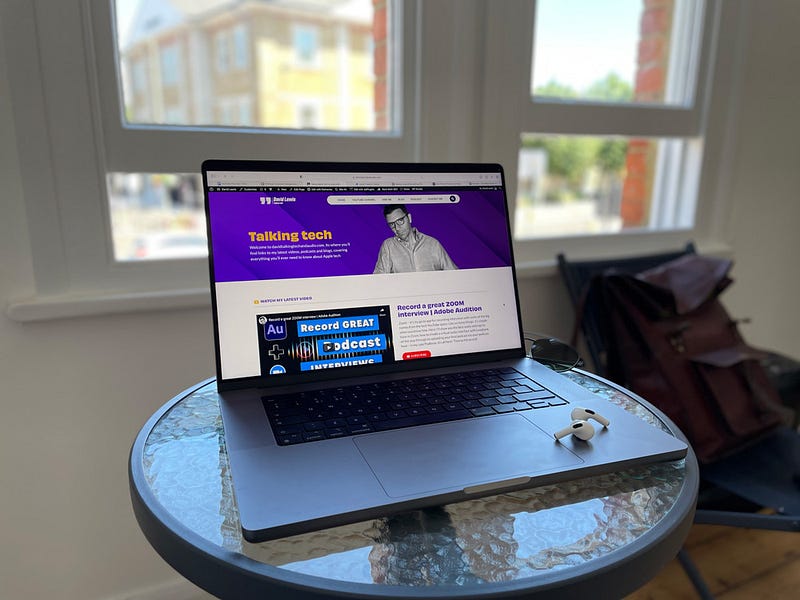
I had it all planned
If you have been following my recent blogs, you’ll know that about six weeks ago, I finally landed in the new age — Apple Silicon arrived in my studio and life. And, it has made quite the difference, I can tell you.
There were many reasons behind the need for change. I have worked solely on Mac for over a decade and can never imagine switching back to PC. I understand the Mac’s workflow, can solve most day–to–day problems, and I also happen to love how the things look in-front of me as well.
But, it was more than pure aesthetics and the desire to own the latest and greatest that drove me to cough–up over £4000 for this latest Mac. My daily driver, for the past five years, has been my beloved 27–inch, well, spec’d, 4K iMac. It has served me handsomely over that time, and taken anything that I have thrown at it…well almost!
When I bought and spec’d that Mac, it was geared toward my graphic design business. Routinely I work in Photoshop, In Design & Illustrator, and those chores, even an ever-increasing Photoshop demand, it has handled with great aplomb. My workflow changed direction through that time, though, as I also became more and more busy in radio.
This entailed not only podcasting but also pre-recording interviews, over Zoom. All these podcasts & interviews were edited in Audition, and even this workflow, my trusted steed handled, mostly, without breaking sweat. The end only came in to view, when I began to edit video for my YouTube channel.
Should I struggle through?
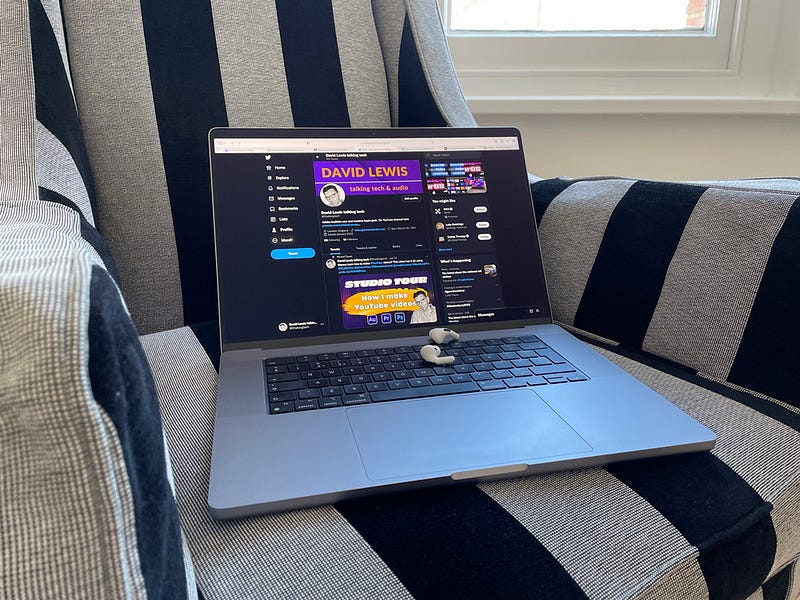
This is the question I started to ask myself time and again early this year. This iMac, or, indeed, my 2019 15–inch Intel MacBook Pro, were not happy rendering and exporting 10 minute, 8GB video files. The fans would make so much noise as to be really distracting and annoying, and the Mac’s themselves were unable to so much as even think of another task whilst handling anything to do with video.
I was new to the world of video editing, and had no idea how truly resource hungry it is. I am certain, any of you that have edited video, will recognise this pain…you render and export the final video, only to spot some tiny error that means you have to go through the whole process again. Typically, I’d find an 8GB, 4K file was taking around 35 minutes to render and export. Add in the second, and occasionally third take, it could mean I was sitting there for around an hour, with no productivity. It was a complete bottleneck in my workflow. Something had to change. That change was to be in the form of the M1 chip from Apple, and in particular as it turned out, the M1 Max.
Choices, choices, choices…
So, some serious spending was about to happen. I think the one thing I had learned over time, was, where possible, always over spec what you think you’ll need. Your future needs have a nasty habit of biting you in the backside!
It seemed as if video editing was going to be a part of my life from now on, so, this next purchase had best take that demand in to account. I knew it was going to be the larger, 16–inch MacBook Pro, (why more of later), but it was the spec of the chip I wanted to get right.
I had started out, figuring that the base M1 Pro would be enough for my needs. Possibly, it would, but it was the possibly bit that troubled me. What if, my Premiere Pro projects, Audition sessions or even the Photoshop demands grew over the next few years? Buyer’s remorse is not something I wanted to experience again. It’s painful.
Right, the M1 Pro it was — I thought in for a penny, in for a pound….in this case about 4200 of them! The order was placed; it was to be the 16–inch M1 Max, with 32GB of unified memory and 4TB of SSD, local, on–board storage. This beast would eat up anything I could throw at it. And so, it has proven. The last six weeks of use have been everything I had dreamt of.
Quiet, quick and super efficient. Fan noise, is pretty much a thing of the past, and those 40 minute export times slashed to around 12–15 minutes. The thing I had not allowed for, though, was that whilst it is busy exporting, I could actually use Photoshop and be making thumbnails, ready to use on the video. Stunning. Honestly, everything you have heard about Apple Silicon & M1 Max is true. If you are teetering on the edge, my suggestion would be to bite the bullet. Spending that amount of cash should never feel easy, but the real–world experience has made it so worth it. Almost worth every penny…much as it pains me to say that!
A laptop for the first time

So, getting to the point of this blog. I’d chosen to go with a laptop as my daily driver for the first time. Apple Silicon, and the M1 Max had come on so far, that I knew that I no longer had to be tied to the desk every day, just to be productive. The last couple of years has made me realise that the adage of there being more than one way to crack an egg, was very true. Now, with the power of M1 Max in my rucksack, I can pretty much decide to work anywhere.
I have never been the best at ‘breaking’ free, but I am determined to use the changes from the last couple of years to my advantage. So, a weekend away was planned.
Nothing fancy, just, two days & one night away at the coast. I had all the files on my desktop (the 4TB of storage earning its keep!), that I needed to edit for the weekend’s video. I was good to go. But all great plans, eh….
A tiny oversight — but the M1 Max saved the day
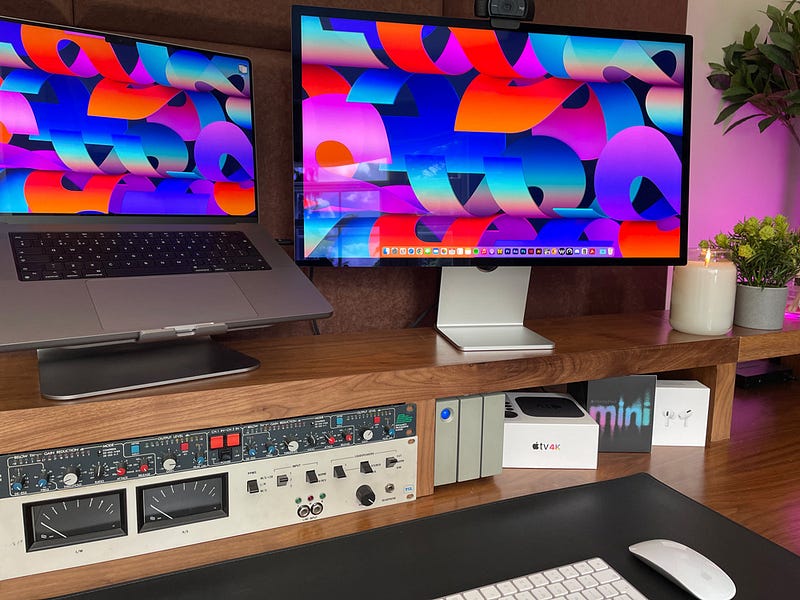
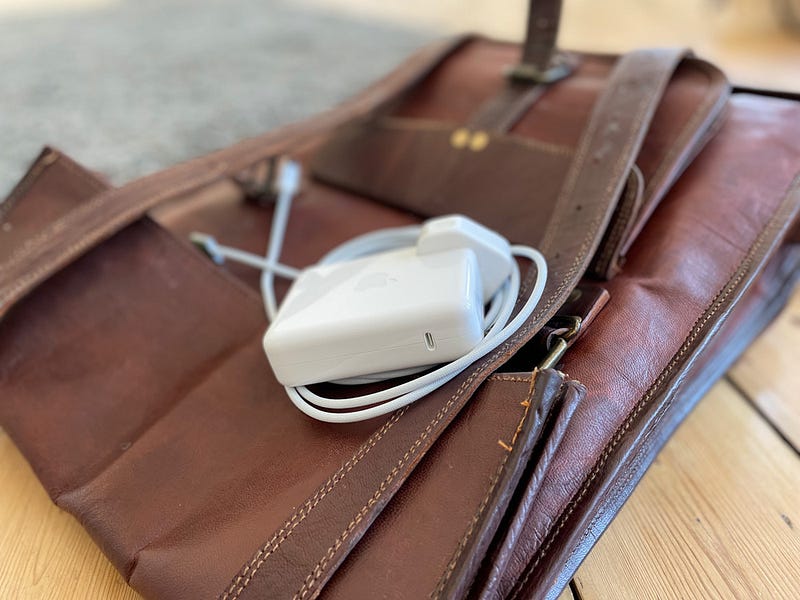
As I got to my room and unpacked the tech, fear crossed my face. I had forgotten to pack, of all the things, the power brick! I know why….I never use it. Back home, the MacBook is hooked up to the Studio Display most of its life. The charger is simply not needed, and is still packed away, in the original MBP box.
This was to be a baptism of fire, then. All these great things I had heard about the long-lasting battery life of the M1 Max Apple Silicon Macs were about to be thoroughly tested.
A few weeks before, I had experimented, for the sake of a blog, editing a video, from start to finish, whilst not being plugged in. The big difference was, though, in that instance, power was on hand should it be needed. This time I was high and dry. Either the legendary efficiency would see me through, or no video would go out. Not the end of the world, I’ll grant you, but, it would sure have taken the edge off the weekend.
A happy ending
It was tight, I was down to under 20% of remaining battery, but, the M1 Max saved the day and weekend. I was careful to only have open what apps were needed, but the MacBook Pro did it! I was working in Premiere & Photoshop, in total, for a little over 4 hours. In that time, the project was exported, checked and ready to upload, and the thumbnail sorted.
An Intel Mac, would have been useless in this situation. I know from experience, with Premiere open, in similar projects, the battery gives out after only around 1.5 hours of intense use.
As the M2 chip is about to join the ranks, with even further efficiency, Apple Silicon has truly changed the very concept of working remotely. In everyday use, I can tell you, working without packing the charger is not anything that needs to concern you. My weekends ‘test’ whilst a little extreme, proved beyond doubt, what Apple Silicon is capable of.
The M1 Max — stunning in every way…oh, and a hard lesson learned too!
Getting involved
Fancy receiving my weekly video newsletter?
It’s free, and simple to join. Just leave me your details here, and every Sunday lunchtime, I will drop in to your inbox, catching up on the last week.
If you fancy supporting my work here on Medium, and would like to enjoy a world of other writers, why not subscribe? If you join via this link, I will get a little bit of your subscription, and you will be unlocking an amazing world of talented writers.
Finally, I keep all my Mac as new with CleanMyMac — my go-to tool for making sure my Mac stays match-fit. (affilaite link)
Originally published 20th June, 2022 https://talkingtechandaudio.com


