avatarAiden (Illumination Gaming)

Free AI web copilot to create summaries, insights and extended knowledge, download it at here

2705

Abstract

red to its iOS counterpart.</p><p id="44e5">After you say, “OK, Google, what is this song?” it will identify whatever song is playing, but it can do much more. You can actually sing the song yourself, and it will still identify it with moderately good accuracy.</p><p id="be8f">If that wasn't impressive enough, Google Assistant could also identify a song while you hum the rhythm.</p><p id="6ac8">Gone are the days of typing something like “da da da-da da-da da da” into Google, hoping to find that one song you couldn't remember the lyrics of.</p><p id="8d33">In case you were wondering what song “da da da-da da-da da da” was, it’s Tequila by The Champs. I know there is no way anyone could have possibly figured that out just by looking at it, but I actually sang this exact rhythm to Google Assistant, and it got it immediately.</p><p id="9a5c">So now, not only can song-identifying software be used hands-free, but it no longer requires the actual song to be playing in the first place. I’d say that’s pretty impressive and extremely useful for all music enjoyers.</p><p id="99f6">If you enjoy my post, please consider following my profile since I plan to post about exciting gaming-related news and talk about technology, design, and social media in my stories.</p><p id="6701">With that being said, thank you for reading my post and <a href="https://medium.com/subscribe/@IlluminationYouTubeCoordinator">for subscribing</a> to my content. Have a good one.</p><p id="df99">Yesterday, I posted my first curated collection for writers contributing to Illumination Gaming Publication. I hope you find some valuable pieces in this collection. I appreciate your support of these writers.</p><div id="3b4d" class="link-block"> <a href="https://readmedium.com/inspiring-stories-published-on-illumination-gaming-publication-recently-a028c6554dbb"> <div> <div> <h2>10 Inspiring Stories Published on Illumination Gaming Publication Recently</h2> <div><h3>First curated collection for readers interested in gaming topics.</h3></div> <div><p>medium.com</p></div> </div> <div> <div style="background-image: url(https://miro.readmedium.com/v2/resize:fit:320/1*ukhgQX2Qy93kB5br0gST7Q.jpeg)"></div> </div> </div> </a> </div><p id="686b">Recently, I provided an update on my writing in October as I joined a writing challenge. If you are a writer, I encourage you to join writing challenges to produce more. Here’s the story with details if you are interested in the effects of writing challenges.</p><div id="cea6" class="link-block">

Options

<a href="https://readmedium.com/i-completed-a-30-day-writing-challenge-in-october-9da6d86a214d"> <div> <div> <h2>I Completed a Monthly Writing Challenge in October.</h2> <div><h3>Quick updates on my stories, videos, and publications in October</h3></div> <div><p>medium.com</p></div> </div> <div> <div style="background-image: url(https://miro.readmedium.com/v2/resize:fit:320/1*gHjjOIKCTIi5y6QjScfF0A.jpeg)"></div> </div> </div> </a> </div><p id="efef">I just joined <a href="https://vocal.media/vocal-plus?via=inspiration">Vocal Media</a> and posted several articles. It was a great feeling to repurpose my content on another platform. I will share my experience in a story soon. Here is my first article on Vocal.</p><div id="174b" class="link-block"> <a href="https://vocal.media/01/is-elon-musk-actually-about-to-revive-vine"> <div> <div> <h2>Is Elon Musk Actually About to Revive Vine?</h2> <div><h3>I enjoy social media. Twitter is one of the tools I use a lot. A few days ago, Elon Musk posted a tweet with an…</h3></div> <div><p>vocal.media</p></div> </div> <div> <div style="background-image: url(https://miro.readmedium.com/v2/resize:fit:320/0*YnMbadHxHn3sRMoR)"></div> </div> </div> </a> </div><p id="bd25"><a href="https://readmedium.com/i-attempt-to-solve-a-problem-of-the-new-writers-with-a-bit-of-humor-on-youtube-and-tiktok-fb29a4e7f5f0">I Attempt to Solve a Problem of the New Writers with a Bit of Humor on YouTube and TikTok.</a></p><p id="ec50">If you are new to <b>Medium</b>, you can join by using my referral link. Promise, it won’t cost you extra. You can read my modest posts and the many beautiful stories of every other writer on this platform.</p><div id="3278" class="link-block"> <a href="https://medium.com/membership/@IlluminationYouTubeCoordinator"> <div> <div> <h2>Join Medium with my referral link — Aiden (Illumination Gaming)</h2> <div><h3>Read every story from Aiden (Illumination Gaming) (and thousands of other writers on Medium). Your membership fee…</h3></div> <div><p>medium.com</p></div> </div> <div> <div style="background-image: url(https://miro.readmedium.com/v2/resize:fit:320/0*3fI7dJnrgXXodwIc)"></div> </div> </div> </a> </div></article></body>

Technology and Music

Let’s Talk About Music-Identifying Software

“What was that song that went da da da-da da-da da da”
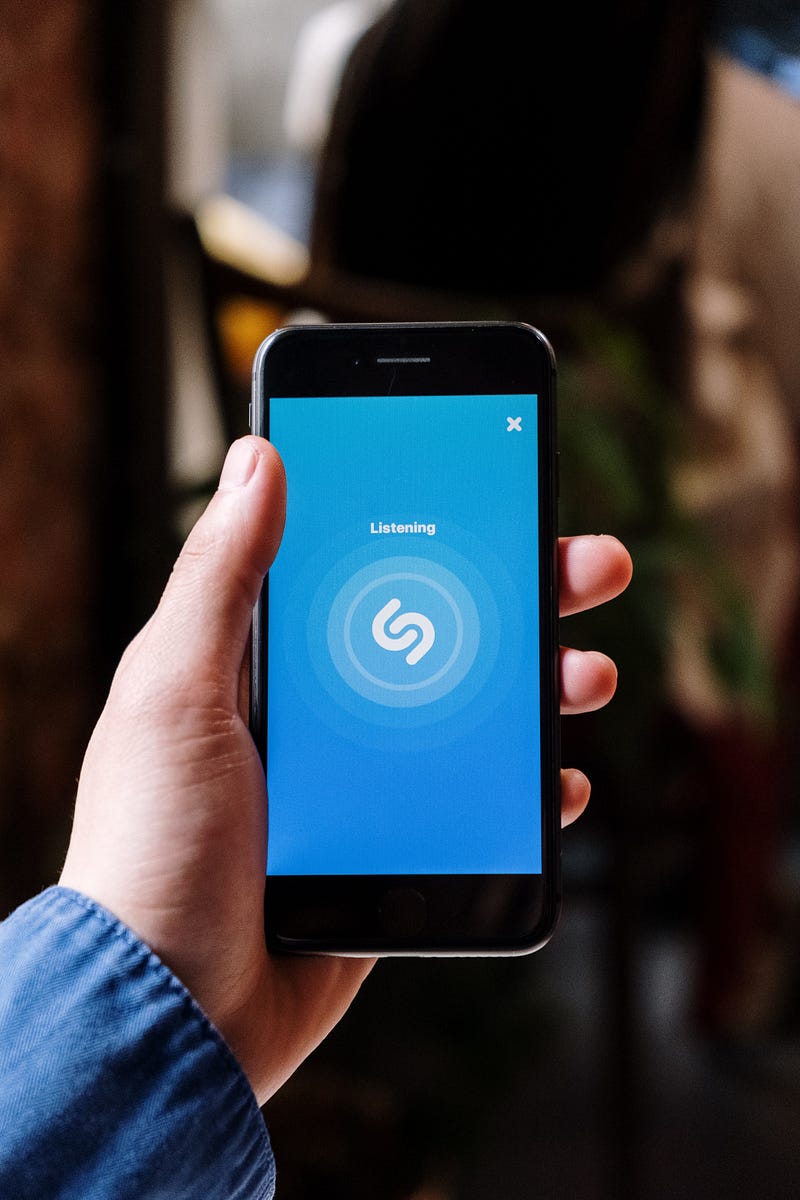
Photo by cottonbro studio on Pexels

Have you ever heard a song somewhere but couldn't figure out what it was called? Maybe you remember a certain lyric but can't find it on Google, or maybe you heard it at a party and wished there was an easier way to find it without having to memorize the lyrics and scour the web for it.

Well, that’s exactly what music-identifying software was made for.

The most popular software is called Shazam, which I’m sure many of you have already heard of. This is an application that can be downloaded on iOS, Android, macOS, and Windows.

In order to identify a song, you can simply tap the Shazam button while in the app, and it will listen to whatever song is playing around you and identify it. This has saved me many times from scorching the web with the little knowledge I had of a song I had heard a few hours prior.

There are a few other popular apps and software which may arguably have better features compared to Shazam, but I won't be talking about those. This is because many of you probably already have some sort of music-identifying software on your mobile device without realizing it.

The first of which is via Snapchat. I’m sure many of you didn't know that if you hold your finger in the middle of the screen on the camera page of Snapchat, you will be greeted with a page that can identify songs the exact same way that Shazam can. There’s no need to have both applications when just one can do it all.

For all you iPhone users, if you didn't know, Shazam is actually built into Siri. You can simply say, “Hey Siri, what is this song?” and it will operate just like Snapchat and Shazam. No need for an additional app, just the voice assistant built into your phone.

Additionally, this can even be done through an Apple Watch. So no need to pull out your phone, just let your watch take care of it.

But now the best option of all is Google Assistant. Google Assistant is available on all Android devices as well as iOS devices (unfortunately, on iOS, Google Assistant can only be used while in the app).

On the surface, Google Assistant functions the same way as Siri in terms of song identification. Although what many people don't know is how versatile it is compared to its iOS counterpart.

After you say, “OK, Google, what is this song?” it will identify whatever song is playing, but it can do much more. You can actually sing the song yourself, and it will still identify it with moderately good accuracy.

If that wasn't impressive enough, Google Assistant could also identify a song while you hum the rhythm.

Gone are the days of typing something like “da da da-da da-da da da” into Google, hoping to find that one song you couldn't remember the lyrics of.

In case you were wondering what song “da da da-da da-da da da” was, it’s Tequila by The Champs. I know there is no way anyone could have possibly figured that out just by looking at it, but I actually sang this exact rhythm to Google Assistant, and it got it immediately.

So now, not only can song-identifying software be used hands-free, but it no longer requires the actual song to be playing in the first place. I’d say that’s pretty impressive and extremely useful for all music enjoyers.

If you enjoy my post, please consider following my profile since I plan to post about exciting gaming-related news and talk about technology, design, and social media in my stories.

With that being said, thank you for reading my post and for subscribing to my content. Have a good one.

Yesterday, I posted my first curated collection for writers contributing to Illumination Gaming Publication. I hope you find some valuable pieces in this collection. I appreciate your support of these writers.

Recently, I provided an update on my writing in October as I joined a writing challenge. If you are a writer, I encourage you to join writing challenges to produce more. Here’s the story with details if you are interested in the effects of writing challenges.

I just joined Vocal Media and posted several articles. It was a great feeling to repurpose my content on another platform. I will share my experience in a story soon. Here is my first article on Vocal.

I Attempt to Solve a Problem of the New Writers with a Bit of Humor on YouTube and TikTok.

If you are new to Medium, you can join by using my referral link. Promise, it won’t cost you extra. You can read my modest posts and the many beautiful stories of every other writer on this platform.

Technology
Music
Gaming
Social Media
Reading
Recommended from ReadMedium