
Lets build An Awesome E-Commerce Website With Python And Django
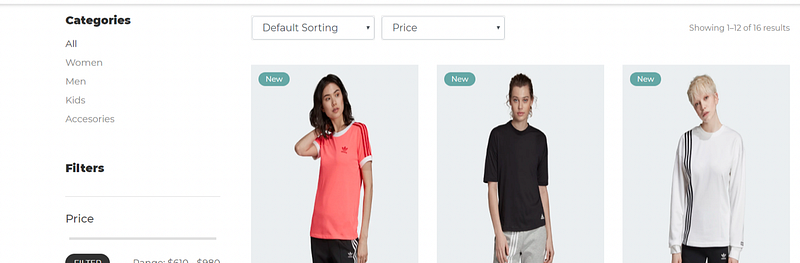
Welcome back! Web development is an awesome skill set to have, and luckily for you Python is an awesome language to develop websites with, so let’s use Python and Django to build out an e-commerce website! Now, this specific website is already built out for us and hosted on GitHub, to check out this entire project, here is the link (be sure to give the original creator of the code all of the credit):
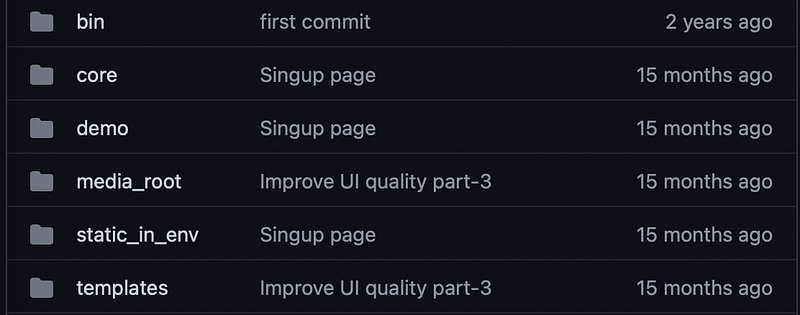
Starting off, you want to make sure you have Python 3 and Django installed on your machine, so be sure to install those if you already don’t have them installed. Awesome, at this point let’s take a look at this specific project, we can see that this project is built out using a few different folders. We have a bin folder, core folder, demo folder, media_root folder, static_in_env folder and a templates folder:
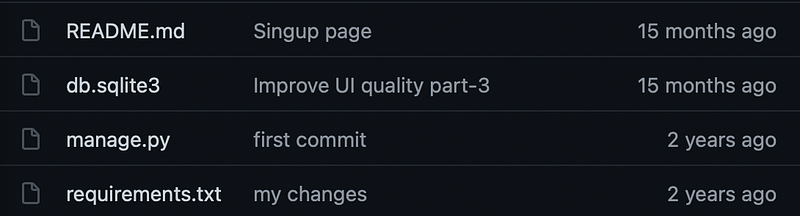
There are also a few files in this specific structure as well, we have a read me file, a sqlite3 file, a manage.py file and a requirements.txt file:
At this point, we want to open up our requirements.txt file and install all of the packages that are in this document (there are alot of them):
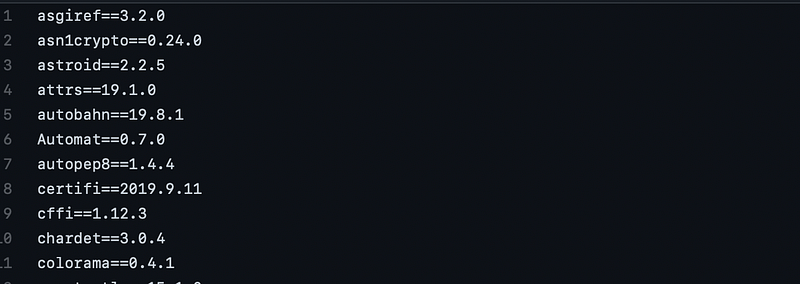
You can use this command to install all of these packages (be sure to navigate to your projects directory):
pip install -r requirements.txtOnce installed, let’s go through a high level overview of this project, within the bin folder you have a few Python files that help build out this project:

Within the core folder we have several different Python files, all of these files are important pieces to this project. We have the admin file, forms file, the urls file and the view Python file as well:
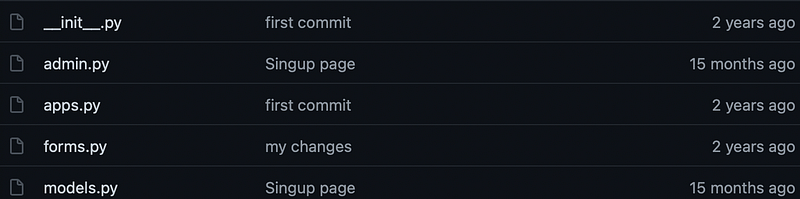
Within the demo folder, we have the files associated with the sign up pages:
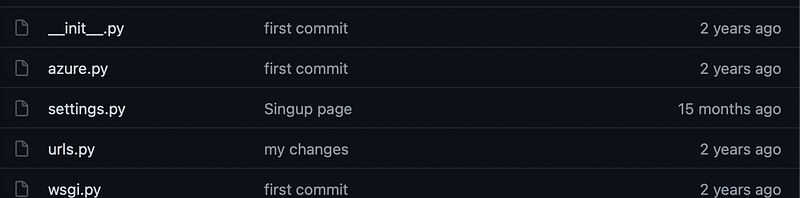
The media_root folder holds all of the assets for this projects:
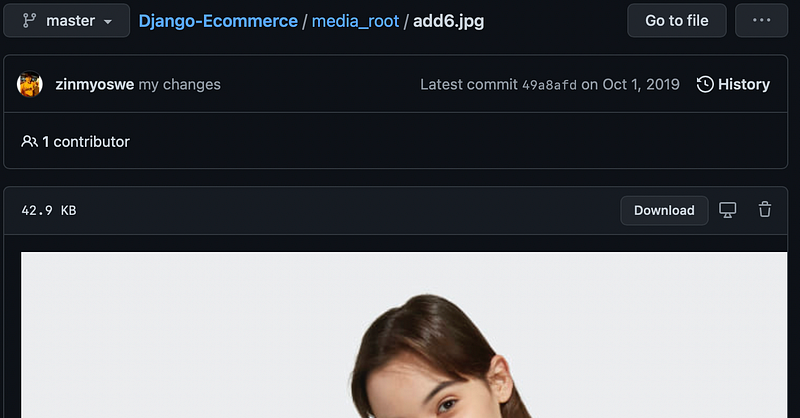
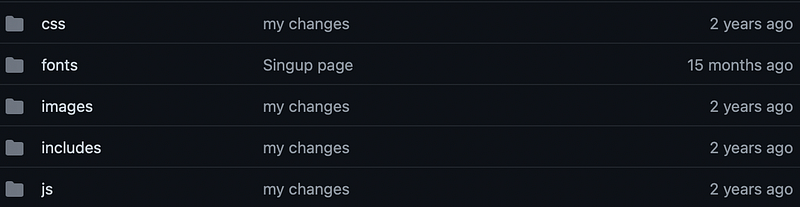
Within the static_in_env folder we have several different folders that hold our css and customizations of the website:
Finally, the templates folder holds all of our HTML code of our pages:
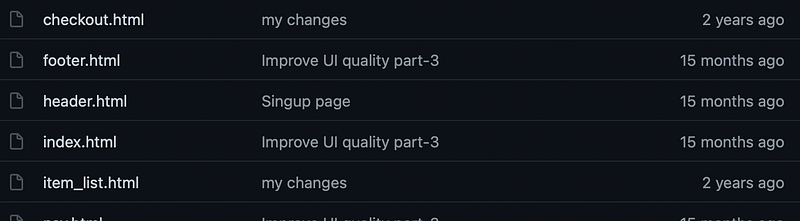
Awesome, at this point you’re ready to run this project! First off, you want to open up your terminal or command prompt, navigate to this directory (download the file from GitHub and navigate to this folder), once you’re at this point all you have to do is run the following command:
python manage.py runserverAt this point you might be asked to login as an admin, here are the login instructions:
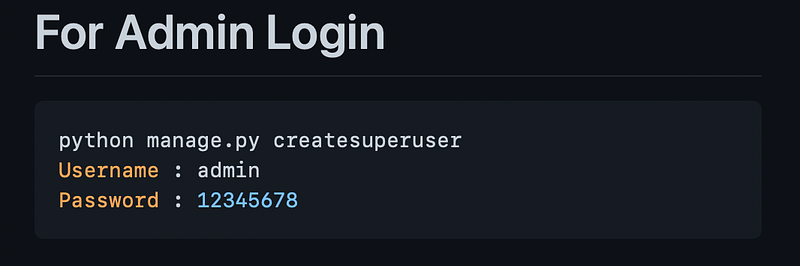
At this point, you should see your dedicated browser open up and navigate straight to the e-commerce website:
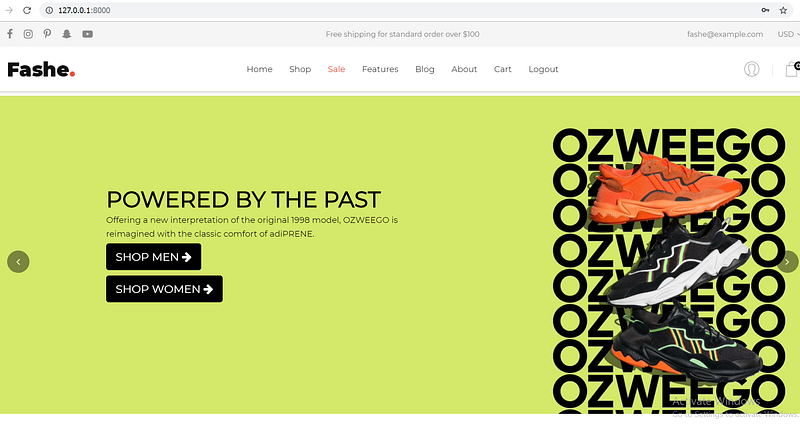
Congrats! You have just built out and ran this specific project! Did you enjoy this specific walkthrough, I would love to hear your thoughts about this specific project!
As Always
if you have any suggestions, thoughts or just want to connect, feel free to contact / follow me on Twitter! Also, below is a link to some of my favorite resources for learning programming, Python, R, Data Science, etc.
Thanks so much for reading!