Image upload leads to Mass Account Takeover & PII leak
Hi Everyone,
Today I want to showcase a very interesting vulnerability, that led to the leakage of customer data (emails, plaintext passwords, addressess etc.)
Paywall blocking you? Here is a friend link: https://medium.com/@mares.viktor/leaking-plaintext-credentials-by-uploading-an-image-ec11d64fbd63?sk=a3700345ec3dfaba6dd15c0f67a5c24a
As usual, we will anonymize the victim website and give it a domain of ‘example.com’. The website allows us to register as a user and to create locations for charging zones.
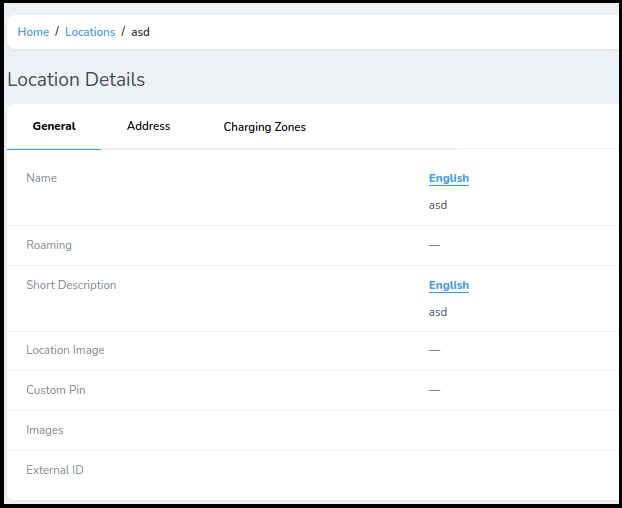
On the bottom of the page, you can see that we have an option to upload an image & there is also an External ID with no value. As usual, I was testing for different vulnerabilities such as XSS, SQLi etc. however without any luck.
So, I decided to upload an image and see what happens
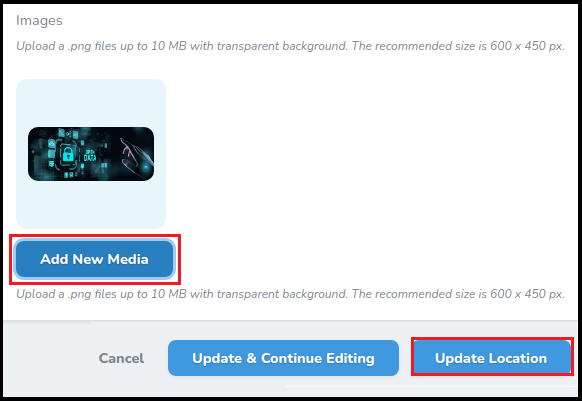
I usually go to the internet and find a random image to upload. Once I uploaded the image I test for the following things:
- Check adding a valid extension before the execution extension (use previous extensions also): e.g. file.png.php
- Try adding special characters at the end: e.g. file.php%20, file.php%0a, file.php%00 et.c
- Try to bypass the protections tricking the extension parser of the server-side with techniques like doubling the extension or adding junk data (null bytes) between extensions
- Add another layer of extensions to the previous check: file.png.jpg.php | file.php%00.png%00.jpg
- Try to put the exec extension before the valid extension and hope for the server to be misconfigured
- Bypass Content-Type checks by setting the value of the Content-Type header to: image/png , text/plain , application/octet-stream
- Bypass magic number check by adding at the beginning of the file the bytes of a real image (confuse the file command). Best resource: https://en.wikipedia.org/wiki/List_of_file_signatures
- Uploading a file with “.”, “..”, or “…” as its name.
However, none of the above tricks actually worked. So at this point I was getting a bit frustrated. I decided to just go back a little bit and check the whole image upload request. This led me to finding something very interesting… the image that is being uploaded is actually saved as an ID, rather than the image itself.
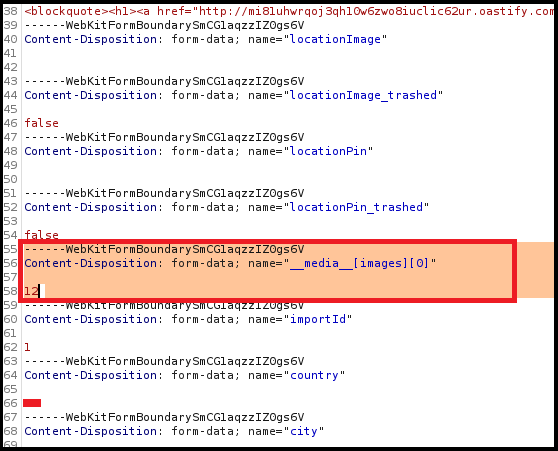
What also seems interesting is that the image saved as ID 12 is being taken from __media__[images][0] -> which is a list indexing method.
This led me to thinking that there could definitely be a potential vulnerability here. So I changed the ID from 12 to 1 aand…
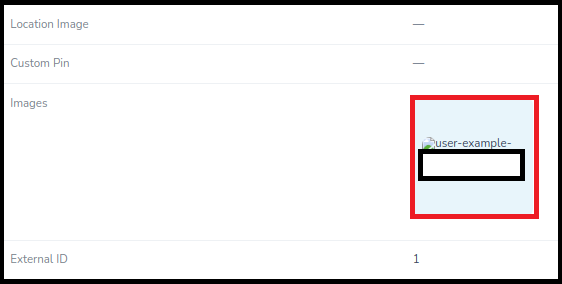
At first I thought that nothing happened and I just broke the application, as the image was changed, but it didn’t seem to work. Therefore, I went back to Burp Suite and checked the response carefully and woow… I was in for a treat
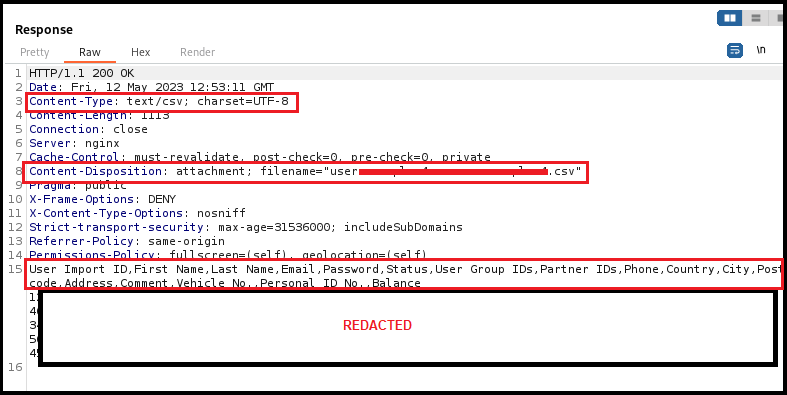
The file with ID 1 was actually not an image, it was a CSV file, that was used to import users. It contained their full names, emails, plaintext passwords and so much more…
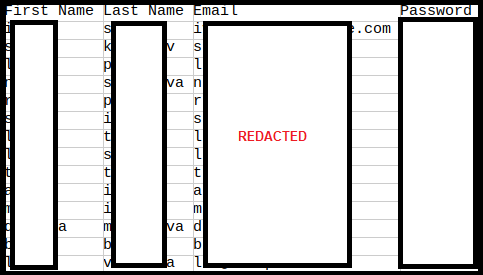
I straightaway reported it and it was a Critical vulnerability — I could access each of these accounts and do anything I want with them, since I had the emails and passwords all in plaintext.
Ultimately, there wasn’t anything too special in the exploitation, however this is something that I see for the first time and I thought that it could make for an interesting read.
Hopefully you found this interesting and somewhat educational. Happy Hunting!
Thank you for making it so far into the story. If you really enjoyed reading it, please consider supporting me by getting an affiliate medium membership at:
Each affiliate membership sends some money my way and helps me continue writing articles for you guys :)