
LanguageTool A Grammar Checker
Good replacement for Grammarly

Recently, a story of mind was published about finding a replacement grammar checker for the error-prone Grammarly premium edition grammar checker I currently used.
Within a day after that story was published, I received an email from the LanguageTool — proofreading software representative.
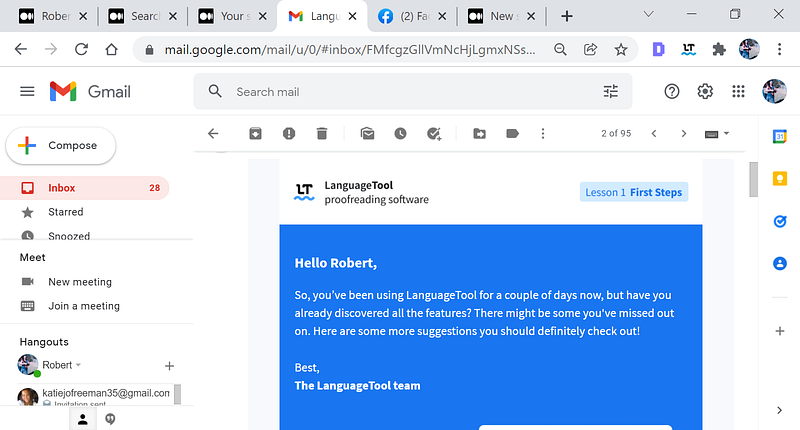
The representative stressed that there may have been some features I missed out on. He obviously saw the story. I heavily believed he was correct.
LanguageTool was the grammar checker that I recommended replacing Grammarly with, refer to the link above for details used in making this decision.
To set the initial settings. Look at the extensions.
To initially unpin Grammarly and pin LanguageTool, go to the extension settings or click on the extension icon at the upper right of the web page.
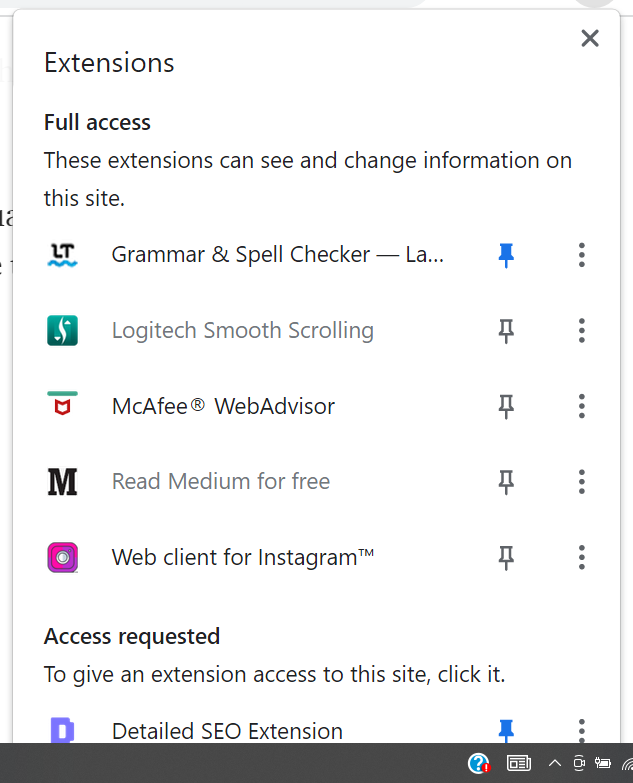
Once at the extensions page, unpin and pin the correct grammar checker. In the case you wish to use LanguageTool as your grammar checker, double-click on the LanguageTool icon,
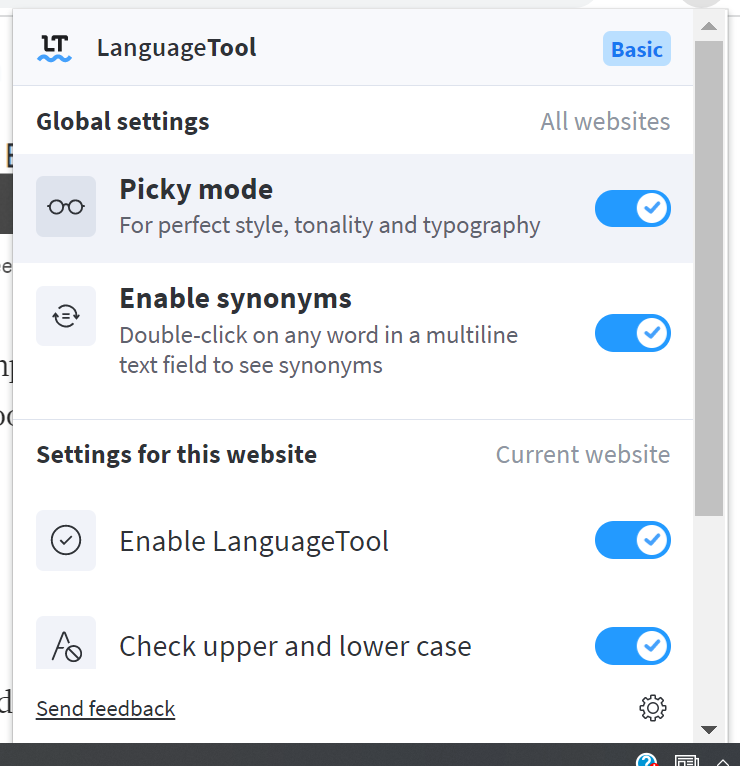
You need to set the global settings the way you like, and make sure that LanguageTool is enabled.
Picky Mode
The picky mode helps you make your writing perfect. It can be activated in the editor or add-on by clicking on the glasses icon. Picky suggestions are optional for people who need their writing to be formally correct.
Bidding adieu, I’ll go through the features the representative suggested. The screenshots will be from the Chrome web browser, but it will be similar to other web browsers.
Use LanguageTool in your favorite browser Chrome, Safari, Microsoft Edge, or Firefox.
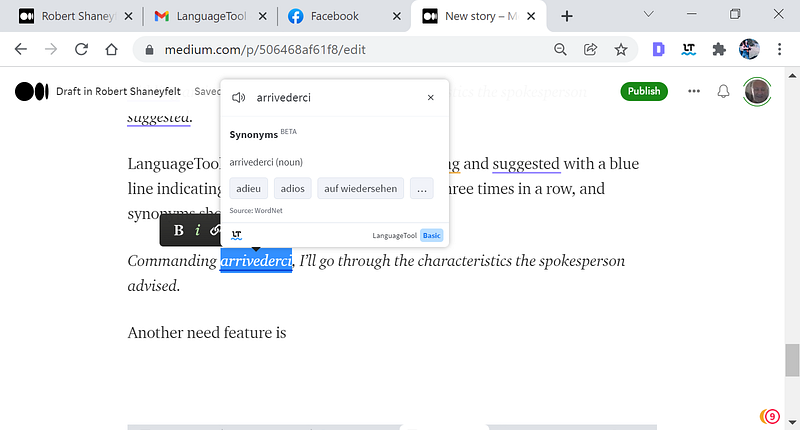
Sometimes it’s handy to have additional information for a word, such as synonyms, to make your text is more diverse. Articles and pronunciation can be quite tricky, as well. The word card can help with this. Just double-click on any word in your text to get further information.
For example: Bidding adieu, I’ll go through the features the representative suggested.
Modification of example sentence using first new feature.
Bidding adieu, I’ll go through the features the representative suggested.
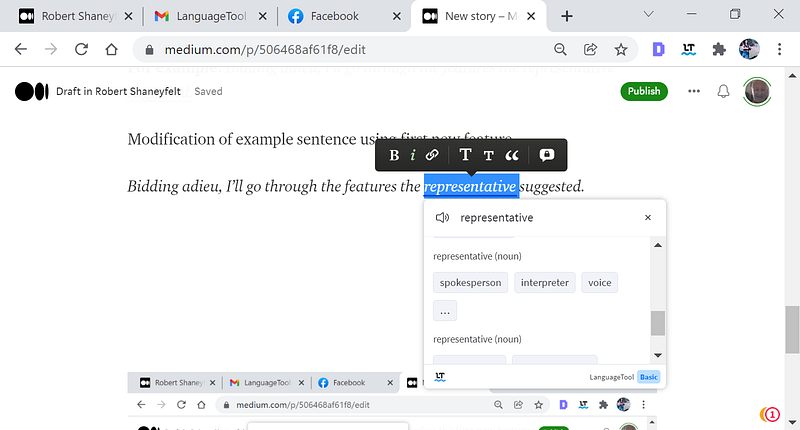
Bidding adieu, I’ll go through the features the spokesperson suggested.
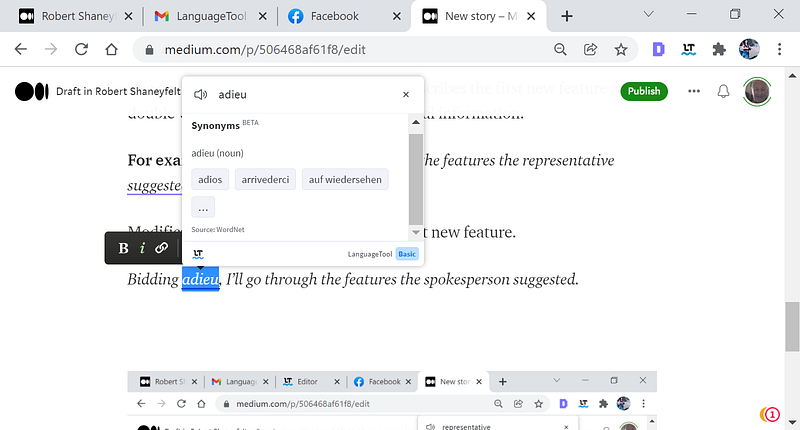
Bidding arrivederci, I’ll go through the features the spokesperson suggested.
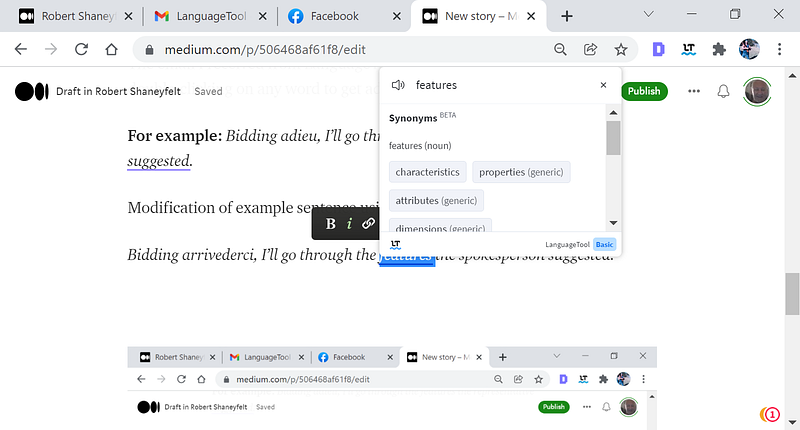
Bidding arrivederci, I’ll go through the characteristics the spokesperson suggested.
LanguageTool also underlined the words bidding and suggested with a blue line indicating that the words have been used three times in a row, and synonyms should be chosen.
Commanding arrivederci, I’ll go through the characteristics the spokesperson advised.
That was an example of using synonyms LanguageTool points out to make your writing more interesting to readers
Another need feature is the pronunciation of any word in your text by double-clicking the word then hovering the mouse pointer over the speaker.
Much work, little money. —Mucho trabajo, poco dinero.
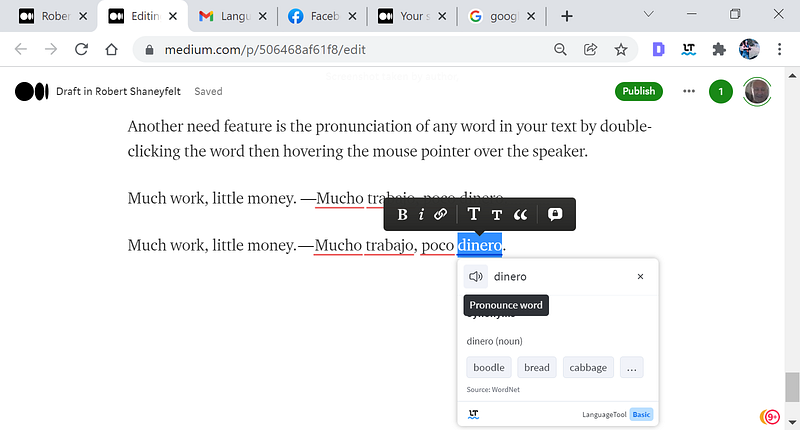
When double-clicking the word then clicking on the speaker in the upper left of the word card, the word is pronounced, It worked well for me in both Spanish and English.
Conclusion:
Not only does LanguageTool provide the usual spell and grammar checking but, but it has a built-in integrated thesaurus. It deems unique in that it can pronounce the words in your text over a speaker, I would propose temporarily disabling what ever browser grammar checker you're using now through the extension feature of your browser and testing LanguageTool out.
I think you will be pleased.


