
Keep Your Kids Out of Your Zoom Meetings With This Automation Trick
It’s amazing how much a simple indicator can change the relationship with your kids while you’re working from home
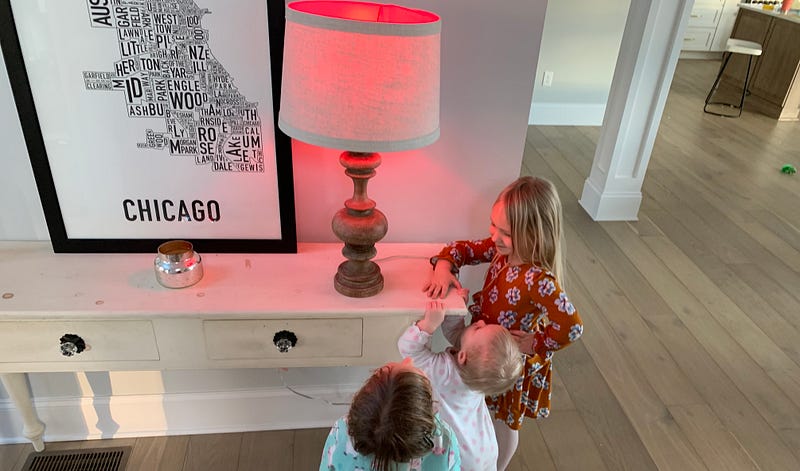
Kids Barging into your Zoom Meetings?
It’s a problem that everyone has had to contend with throughout the Pandemic: you’re making the big pitch in a Zoom meeting, and your daughter or son comes bursting through the door to run up, give you a big hug, and tell you that they love you (or that they need you to get the milk down, or that their sister is mean). This throws you completely off of your game as you shoo them out of the room, and it takes 5 minutes to regain your composure. It’s been nearly a year that we’ve all had to adjust to this blurring of work and home life, and it’s getting exhausting.
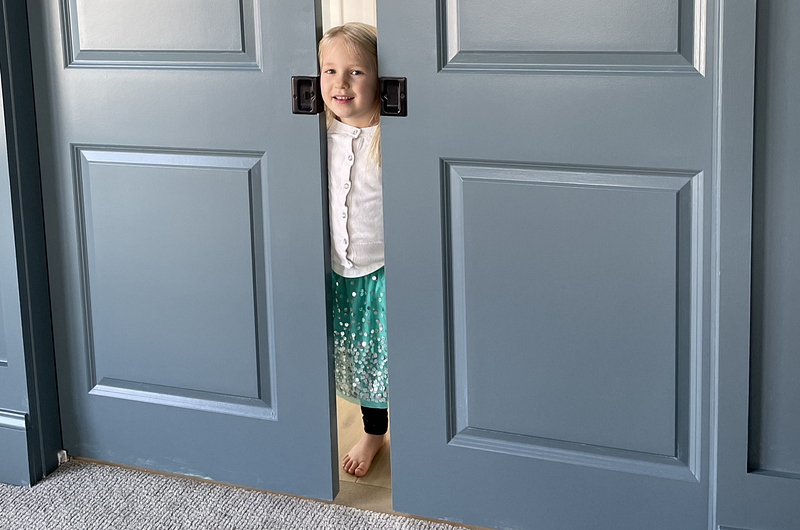
Obviously, you can solve the running in problem with a locks on your door (I got to thinking about alternative solutions because the doors in my new office don’t lock). However, locks do not let your kids know if you’re in a meeting or not, and there’s times where you’ve been banging your head against a problem for an hour and that hug is just what you need to brighten your day. Also, when kids don’t know if you’re in a meeting or not, they have a tendency to pound on the door or scream questions and demand that you answer them.
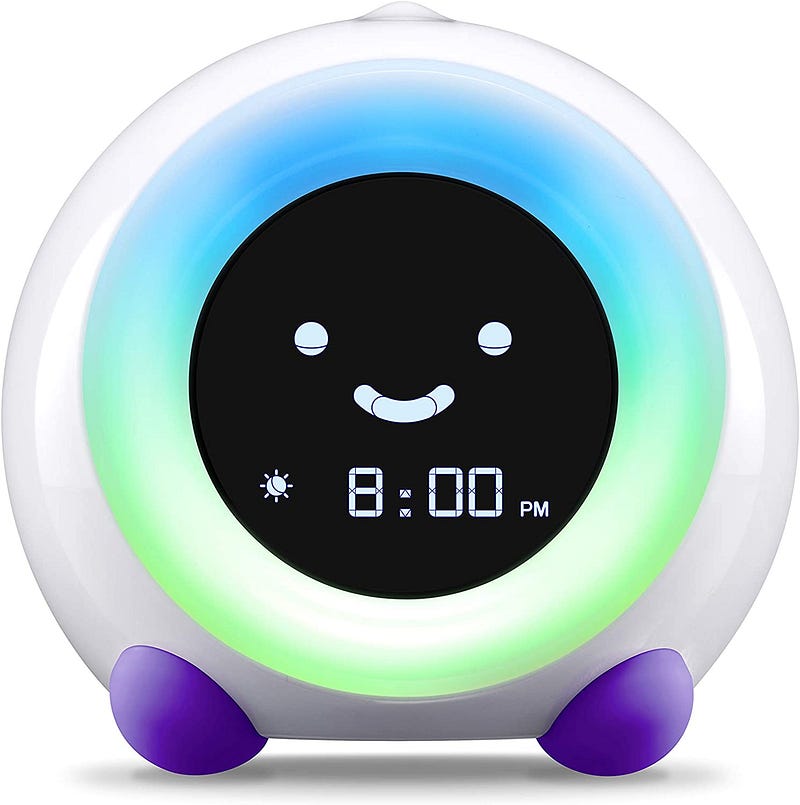
Wouldn’t it be nice if your kids just always knew whether you were in an important meeting behind those doors or just sitting there doing work alone and isolated? I got the idea for a solution from the Little Hippo Green Clock, which we have used to help our kids know when it’s OK to leave their room since they were still in cribs. If you have younger kids, this simple device is the difference between bleary eyed 5AM wake up calls and fully showered and ready 7:30AM greetings from your kids. And all it does is turn green at a specific time. It works because kids crave routines and the clock makes it simple for that routine to also work with your life by changing the start of their morning routine from “when I wake up” to “when the clock turns green”.
The smart home solution
So all I needed to do is find a way to have a “green clock” for when I’m no longer in a meeting. Well, with today’s technology, it actually isn’t that hard at all. All you need is:
- A lamp with a Multi-color Smart Bulb that works with IFTTT
- A Zoom account (you likely already have one if you’re reading this article)
- A free IFTTT Account
- A free Integromat Account
- About an hour to do the configuration (detailed steps below)
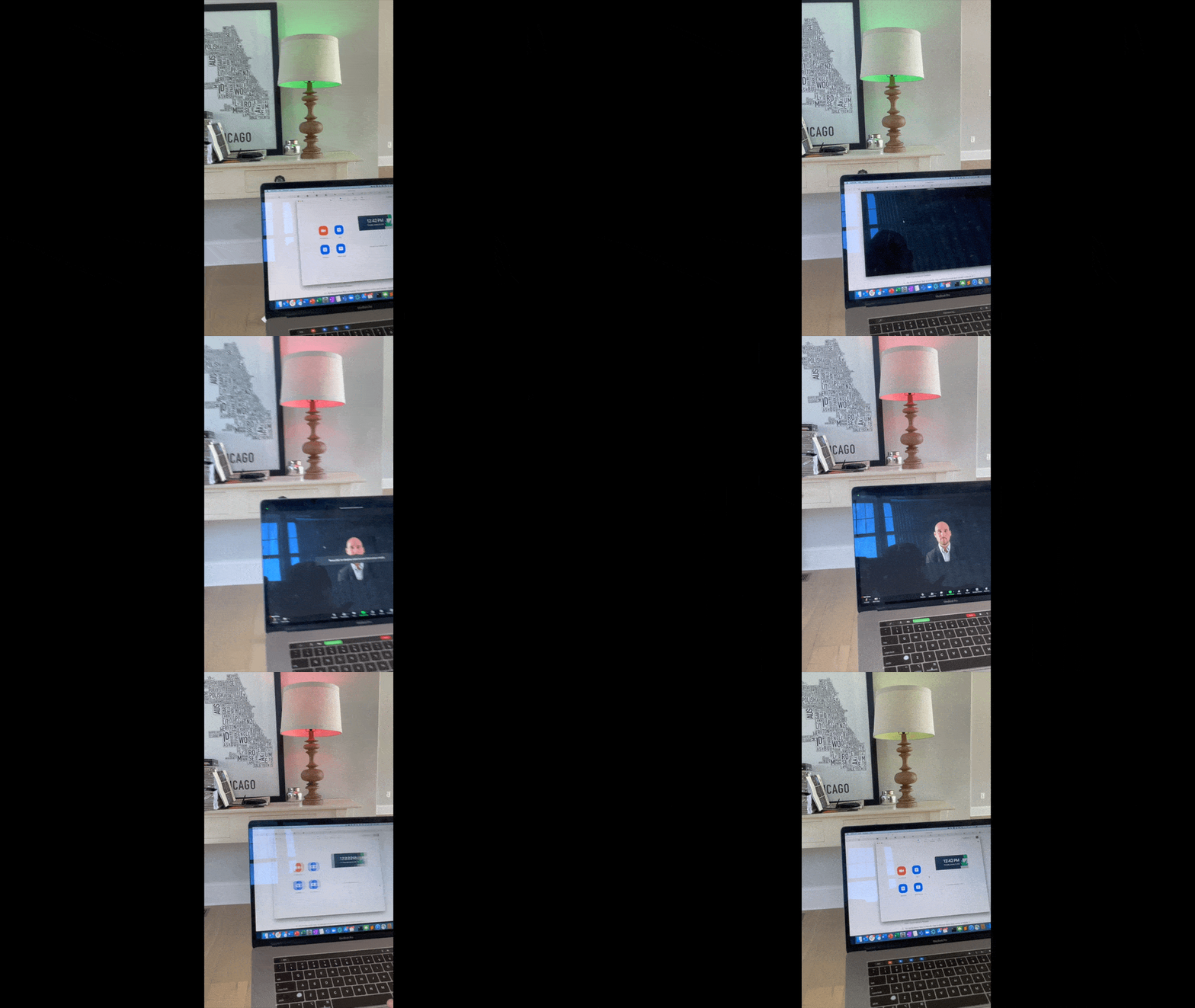
You then simply sync your smart bulb to your Zoom status, and it turns Red the moment you join a meeting, letting your kids know to stay away because mommy/daddy is in a meeting. Then the moment you leave a meeting, the light turns Green and the kids can come in when they need to (if they knock first). At least in my house, this has the side benefit that they often come running in to during that 3 minute span when one of your back-to-back-to-back meetings ends early with love and break up your Zoom fatigue. All in all, it’s led to a huge improvement in my work from home experience, both on the work and the home side.
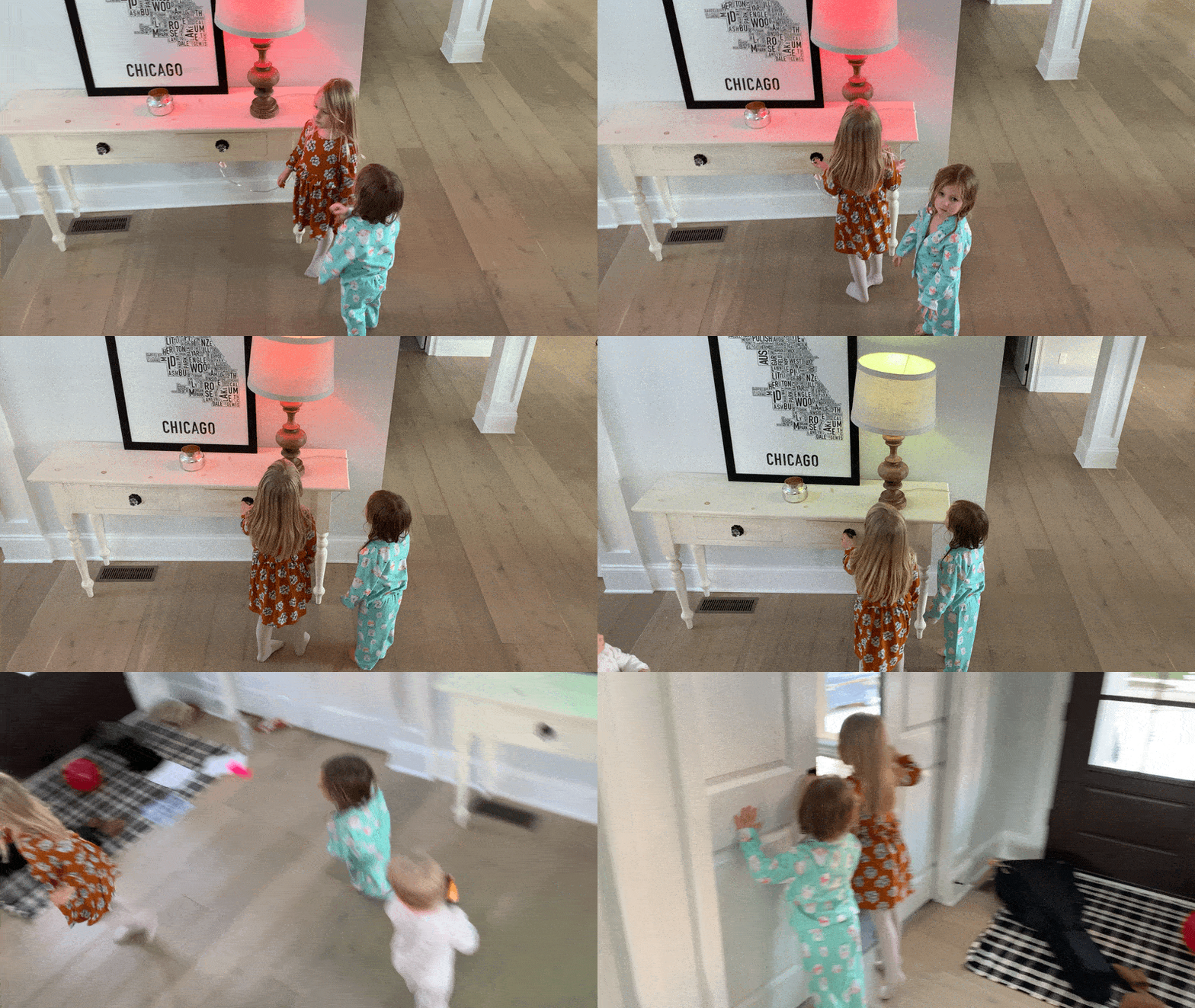
I’ve had this setup running for about 3 months now, and it has been surprisingly successful. It’s really hard for young kids (mine are 5, 3, & 1) to understand what’s different about the times where they are causing a problems and times when I’m happy to see them. They also struggle to understand that it isn’t personal when you’re at turning the intra-day relationship with the kids from one of yelling through a door (on both ends) to one of quick hugs and getting the updates on school, toys, etc. from excited youngsters during my mini-breaks. I’ve also found that they are also interested in what my last call was about (and where the people on the call were from). We set up a map in their play room right across the hallway and it’s been a successful trick to get them to leave ahead of the next meeting to have them find the cities where the people I’m talking to are located.
So how can you do this too?
When I set out to do this, I was actually expecting that someone else would have already solved this problem, so I’m writing this to help the next person. For those interested in setting this up for yourselves, I’ve created a How-To Guide Article that walks you step-by-step through the 8 steps (with no coding) required to get this solution up and running in your home.
I’d love to hear more about the techniques others use to maintain sanity in your work → home-life balance. I’m also planning to follow up shortly on the broader implications of the connected, event-driven world that we now live in. The Do Not Disturb Light Bulb is just one example of what is now easy that was once impossible.