
JavaScript Day 14 — Mastering JavaScript Basics: A Comprehensive Guide for Interview Preparation
100 Days of JavaScript Interview Prep: A Beginner’s Journey
Welcome to Day 14–100 Days of JavaScript Interview Prep: A Beginner’s Journey
Embarking on a 100-day adventure focused on learning, practice, and growth sounds like an incredibly rewarding journey.
DAY 14 (April 5th, 2024) — Arrays in JavaScript with examples?
Question 1 — How do you check if an element exists in an array with examples ?
Answer :
We can check if an element exists in an array using various methods in JavaScript.
Here are few common ways with example
- Using indexOf() Method:
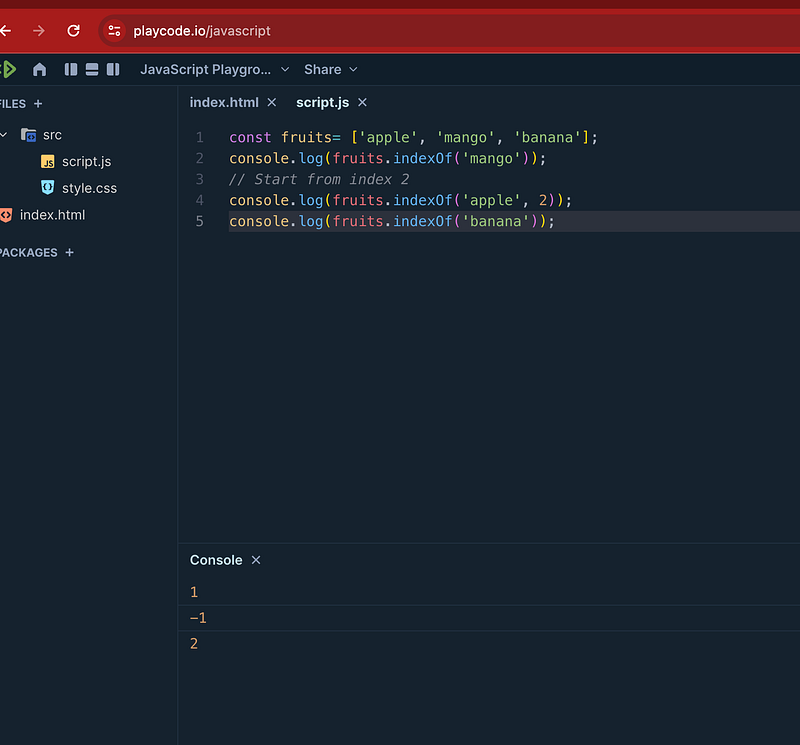
The indexOf() method of Array instances returns the first index at which a given element can be found in the array, or -1 if it is not present.
const fruits= ['apple', 'mango', 'banana'];
console.log(fruits.indexOf('mango'));
// output === 1
// Start from index 2
console.log(fruits.indexOf('apple', 2));
// output ===-1
console.log(fruits.indexOf('banana'));
// output === 2
2. ES6+ Method — Using includes() :
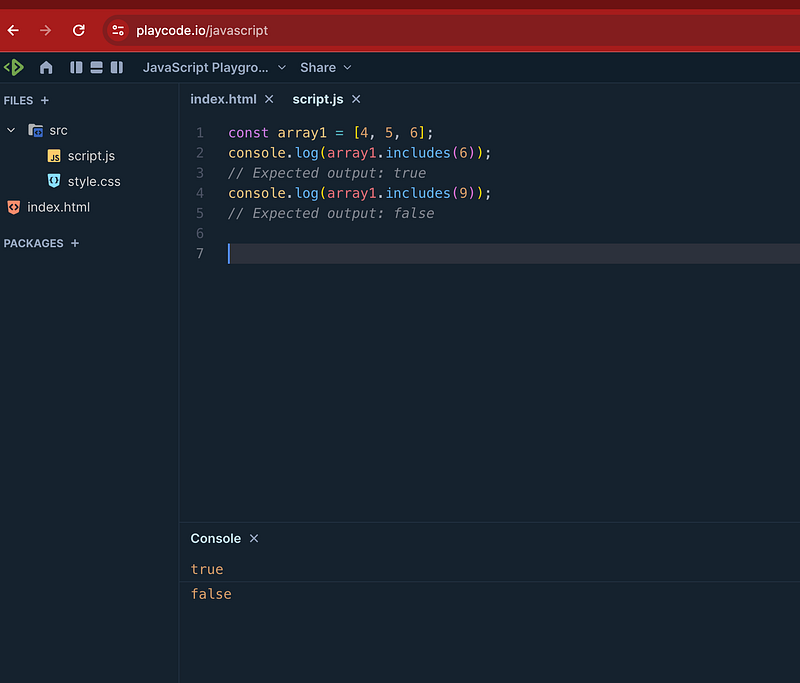
The includes() method of Array instances determines whether an array includes a certain value among its entries, returning true or false as appropriate.
const array1 = [4, 5, 6];
console.log(array1.includes(6));
// Expected output: true
console.log(array1.includes(9));
// Expected output: false
3. Using Some() Method
The some() method of Array instances tests whether at least one element in the array passes the test implemented by the provided function.
It returns true if, in the array, it finds an element for which the provided function returns true; otherwise it returns false.
It doesn't modify the array.
const array = [1, 2, 3, 4, 5];
// Checks whether an element is even
const even = (element) => element % 2 === 0;
console.log(array.some(even));
// Expected output: true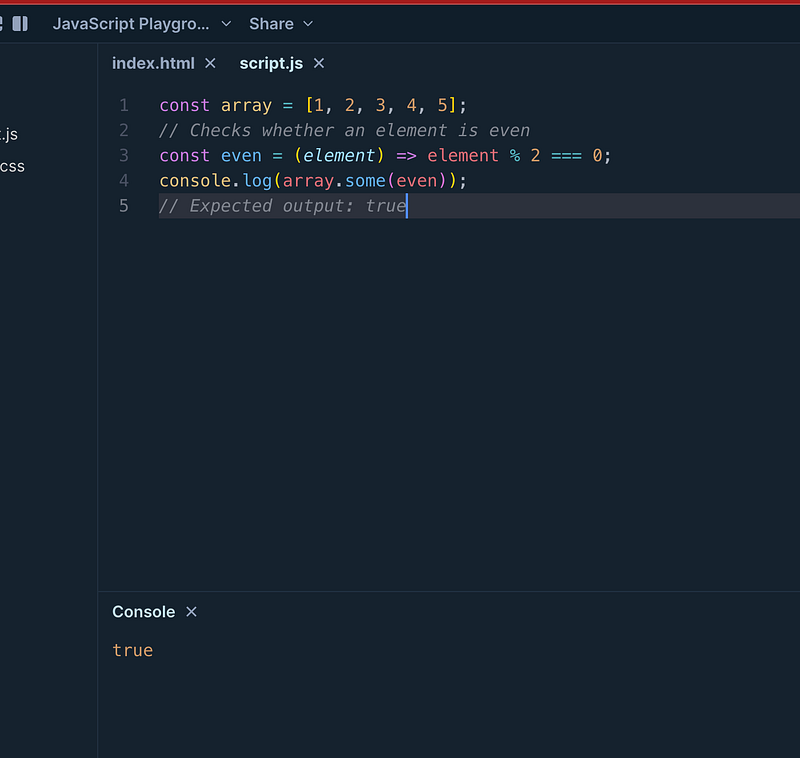
Question 2 — How to remove an element of array with different approaches?
Answer
- Using the
splice()Method:
The splice() method changes the contents of an array by removing or replacing existing elements and/or adding new elements in place.
let alphabets = ['A', 'B', 'C', 'D'];
// Remove 'B' from the array
let index = alphabets.indexOf('B');
if (index !== -1) {
    alphabets.splice(index, 1);
}
console.log(alphabets); // Output: ['A', 'C', 'D']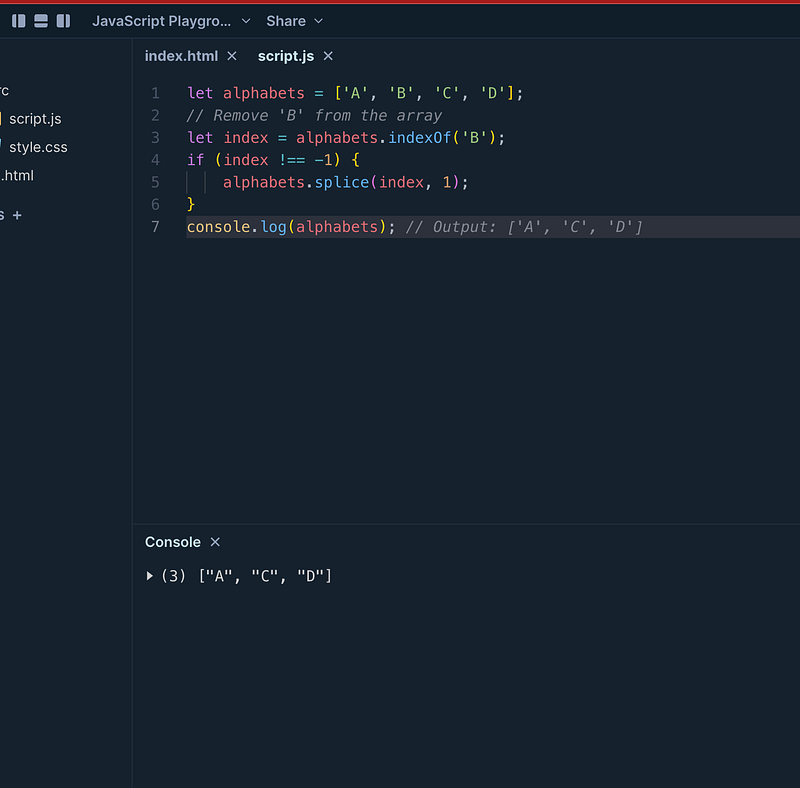
2. Using the filter() Method
The filter() method creates a new array with all elements that pass the test implemented by the provided function.
let alphabets = ['A', 'B', 'C', 'D'];
// Remove 'B' from the array
alphabets = alphabets.filter(fruit => fruit !== 'B');
console.log(alphabets)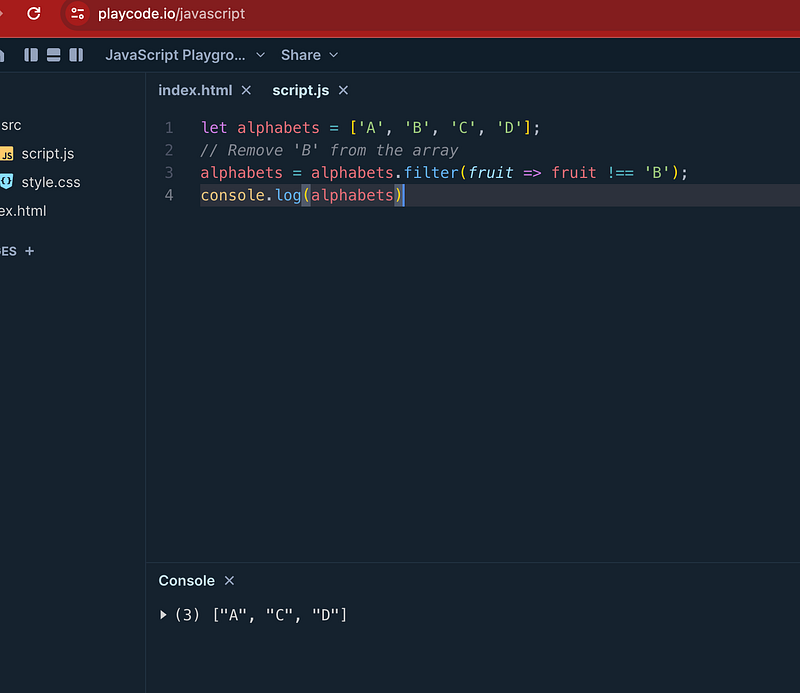
3. Using the pop() Method:
The method removes the last element from an array and returns that element.
It depends on what type of removal required
let alphabets = ['A', 'B', 'C', 'D'];
alphabets.pop()
console.log(alphabets) // A, B, C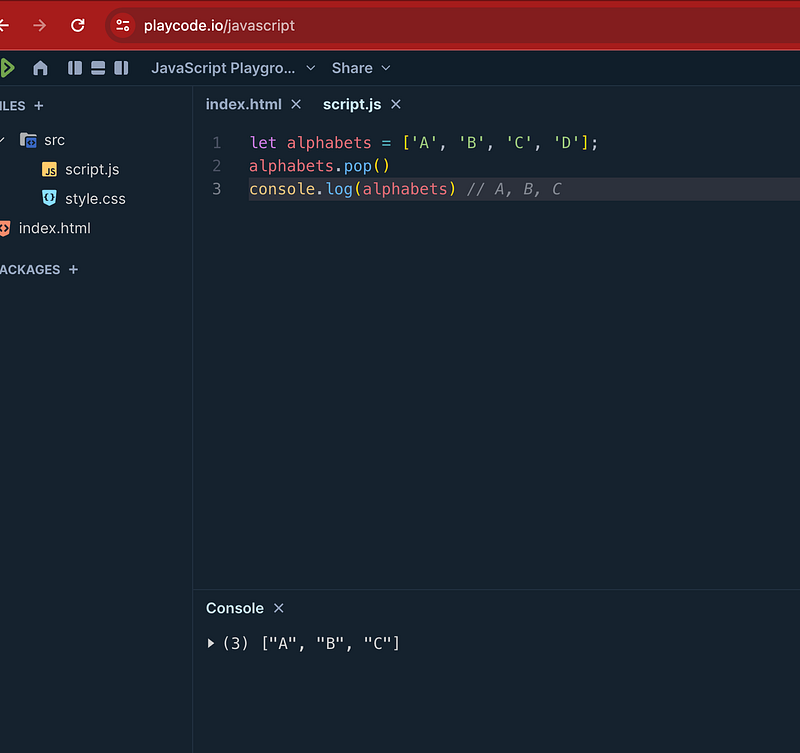
Happy Coding and Stay Tuned :)
Kind is cool !!!
Share knowledge to gain knowledge !!!!
Be kind and treat people with respect !!
If you find my videos helpful, then please subscribe, Claps and follow to support :)
Cheers Kirti Kaushal

Other Articles :


