
It Happened Again! This time I Illustrated a Children’s Book in Only 6 Hours With Midjourney 6
Would lightning strike twice, with a much more complex and artistic concept?
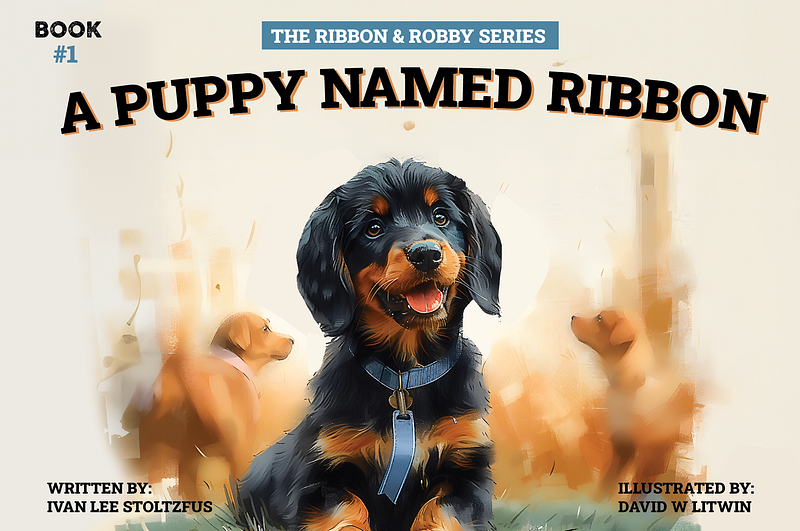
I was expecting it, but I’m glad it happened! Now, I have another how-to story to share with another proof of concept about the wonder of Midjourney. And, another opportunity for you to create your own.
Based on the statistics, many of you checked out my original story of how I used Midjourney’s Style Tuner to illustrate a children’s book that sat without illustrations for over twenty years. Oh, yeah, I completed the entire book in under eight hours.
I received numerous comments of gratitude for writing this how-to, but I wasn’t expecting a commissioned project out of the article. Three days ago, I was presented with that request by a reader who valued his time over his money and figured it would be more cost effective to see if I could illustrate his book for him.
Could I? I’m a confident person, but I wasn’t really sure. I agreed with hesitation, but. with a good deal of confidence in my abilities.
With an agreement in place, he sent me his current illustrated covers.
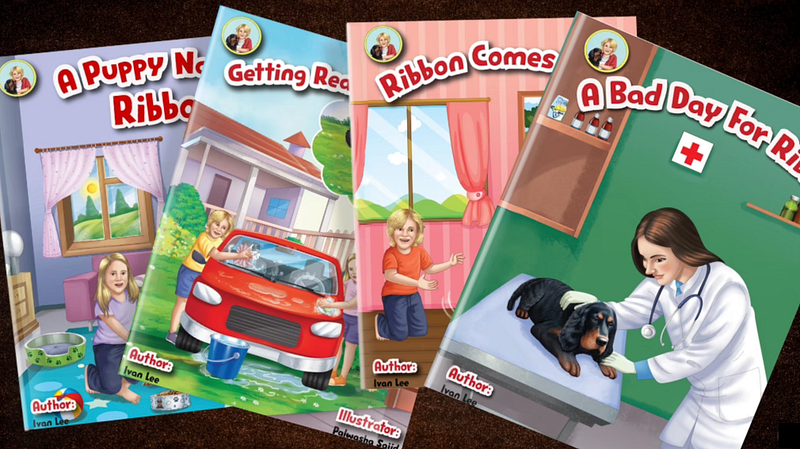
His goal was to use these original cover illustrations as a Kickstarter Campaign to generate the hefty funds necessary to illustrate the rest of the book. It wasn’t going well.
We decided to meet the following Saturday morning and, following the strategies from my first story, use Style Tuner to create the “style” of the project.
Within 30 minutes, we were creating images like these: (It wasn’t going well).
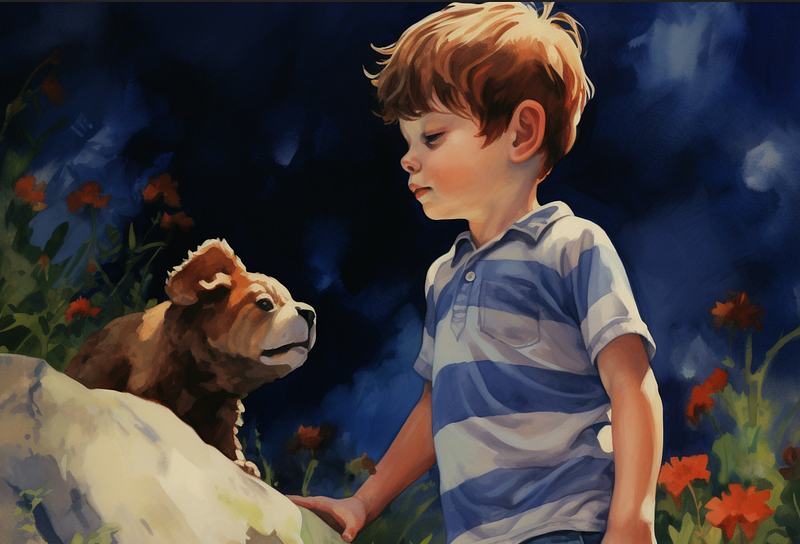
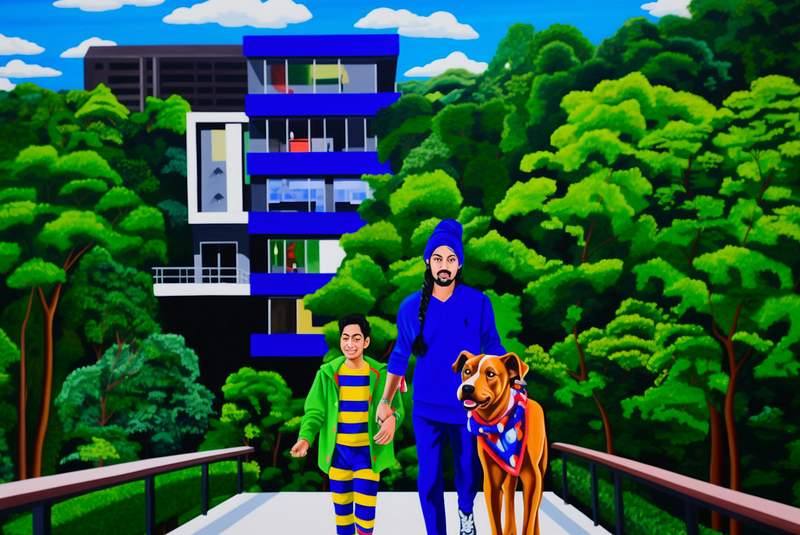
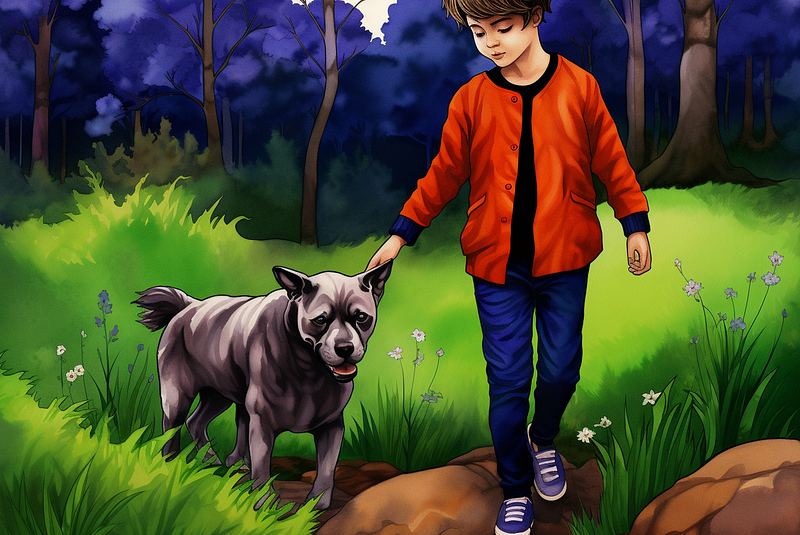
Yeah, that wasn’t going to work. My “Angel” book was much more simplistic. He was looking for artistic and watercolor-based realism. But I wasn’t ready to give up.
With a little prompt inspiration I switched to Midjourney v6 and typed this:
/imagine: Children’s story book illustration watercolor cartoon style with a ten year old boy playing with his black Irish Setter puppy, high quality, simple colors, vivid colors — ar 3:2 — s 750 — v 6.0
That produced this…
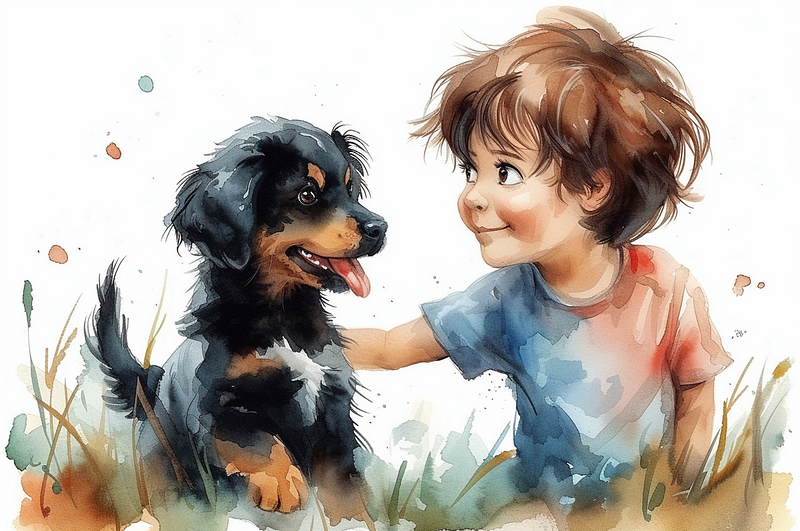
NOW, I was getting somewhere! But the problem with Midjourney v 5.2 is that the consistency between images wasn’t consistent. Would v 6.0 deliver more? And, how could I continually create with this new style I was starting to love? Below is the step-by-step how to, that you can now follow along with, because once you have your look, you can add image after image into Midjourney to prime the system.
The detailed how-to for consistency and quality.
To insert an “inspiration” image into Midjourney, you simply need to drag it onto the Discord server. Within seconds, it will show up as an image with a prompt. Simply hit return to insert the image into Midjourney as a workable image.
Then, just right click on the image and scroll down to “copy link.” Use that link address as the first statement in your prompt, like this (shown in blue):

Then, once you have the next generation, add that image in front of the first linked image and continue until you get the similar look, like this.
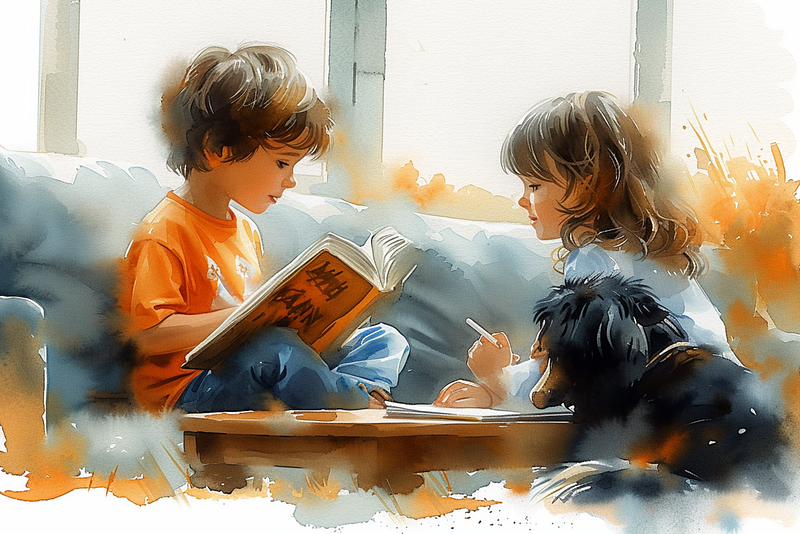
/imagine: https://s.mj.run/hBRpR0IWbmY https://s.mj.run/OWrWGenB8M0 https://s.mj.run/7guOeUSXVuA Children’s story book illustration watercolor cartoon style of a ten year old boy reading a large book on an oversized couch in the living room, to his right his 12-year-old sister sits, doing her homework, she’s not paying attention to her brother, coffee table in front of the children, windows behind the couch, high quality, simple colors, vivid colors — ar 3:2 — s 750 — v 6.0 — no dog, puppy, animal
which produced:
And that’s it!!!!
Well, not really. So, I’m going to share with you four key pitfalls that might take place and then how to use this and other platforms to address them.
Pitfall 1: How to get the precise animal you’re looking for
Now that I had the look, how could I ensure I got the right dog, a very specialized Gordon Setter?! Midjourney is amazing, but is it that good? If this was going to work, I needed to find out.
So, instead of just adding my generated images into MJ, I also purchased and downloaded this stock photo and added it into the mix.
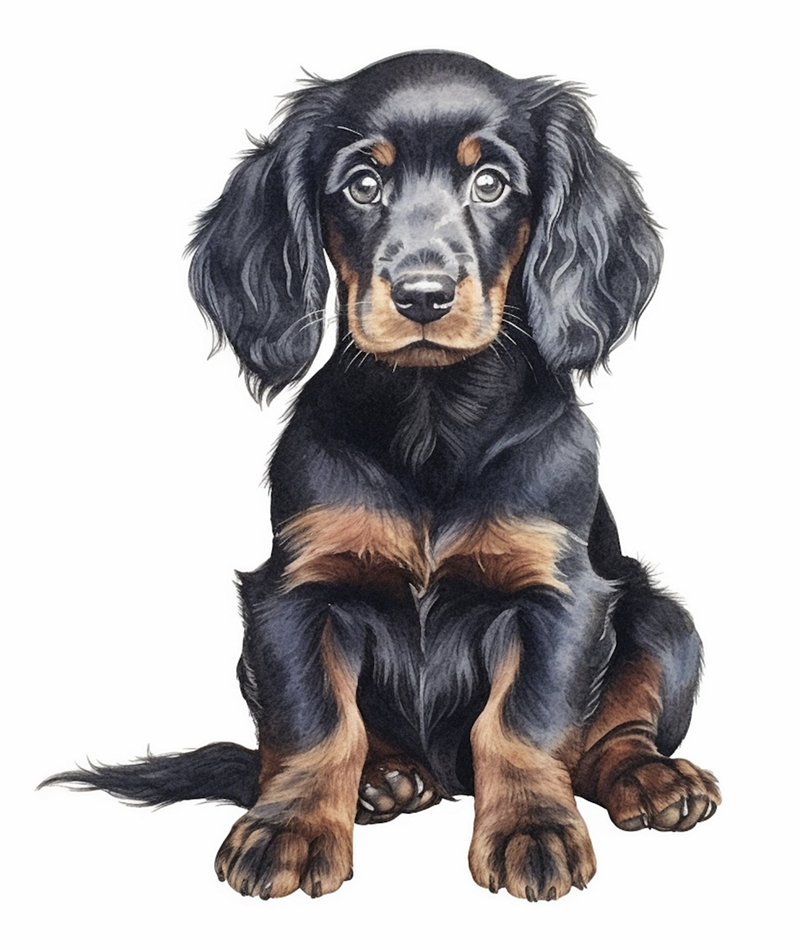
Here’s my prompt:
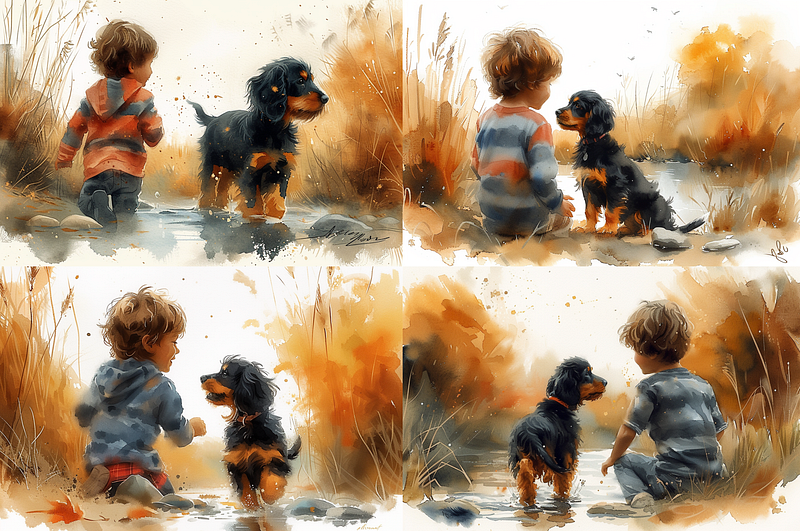
https://s.mj.run/hBRpR0IWbmY https://s.mj.run/OWrWGenB8M0 https://s.mj.run/7guOeUSXVuA Children’s story book illustration watercolor cartoon style of a ten year old boy running down by a creek, with his black and tan Irish Setter puppy, trees, stones and reeds, high quality, simple colors, vivid colors — ar 3:2 — s 750 — v 6.0
That produced the following four generations. Notice how Midjourney even got an image of the dog from the back!
Pitfall 2: How to get the precisely repeated style
I told you that adding multiple images into Discord/Midjourney helps prime the pump. But to further ensure a consistent look, you need to keep most of the prompt the same for each generation. I’ve bolded what remained consistent in each prompting through the entire book creation:
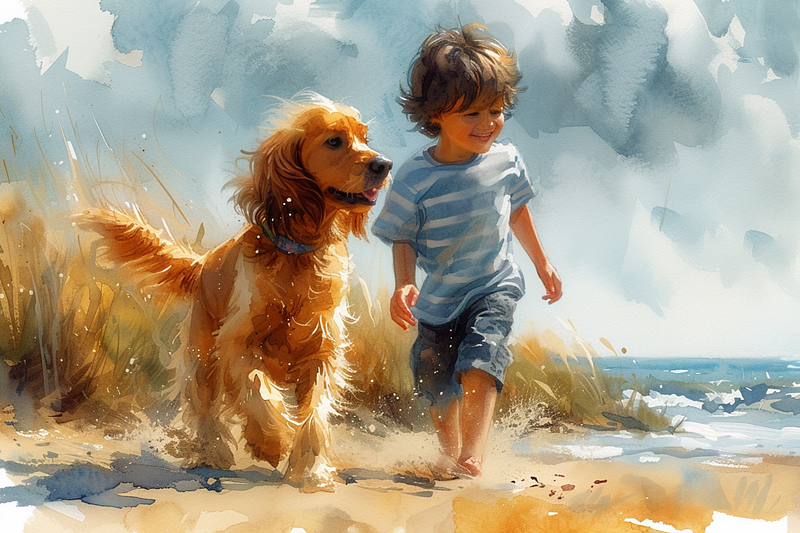
/imagine: https://s.mj.run/hBRpR0IWbmY https://s.mj.run/OWrWGenB8M0 https://s.mj.run/7guOeUSXVuA Children’s story book illustration watercolor cartoon style of a twelve year old boy with dark hair, running down the beach with his yellow Irish Setter dog, bright cloudy sky, high quality, simple colors, vivid colors — ar 3:2 — s 750 — v 6.0
Note that the style is nearly identical, but with a totally new look and a new dog breed!
Pitfall 3: Creating more than a rectangular painting
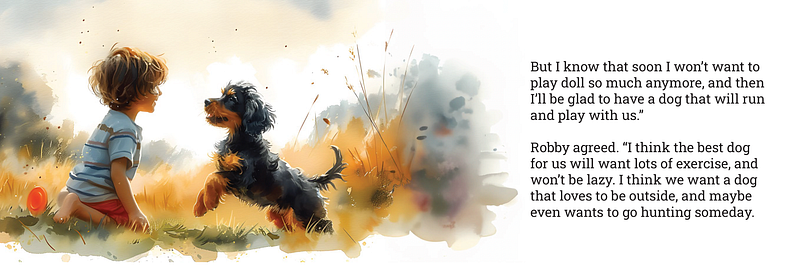
Yes, these images rocked. But just image on left and text on right, was going to cut it for an entire book. Enter Adobe Photoshop and Generative AI. Don’t lose me here, this is super simple and I can’t recommend it enough.
Here’s another image that was created.
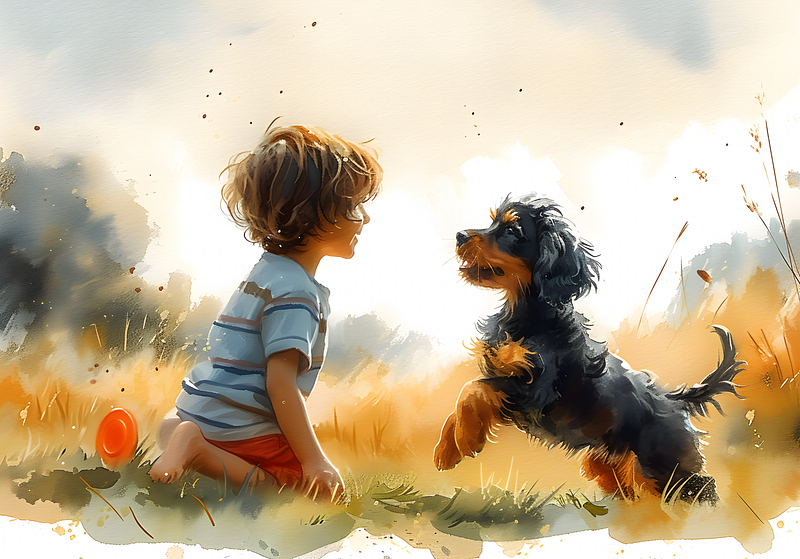
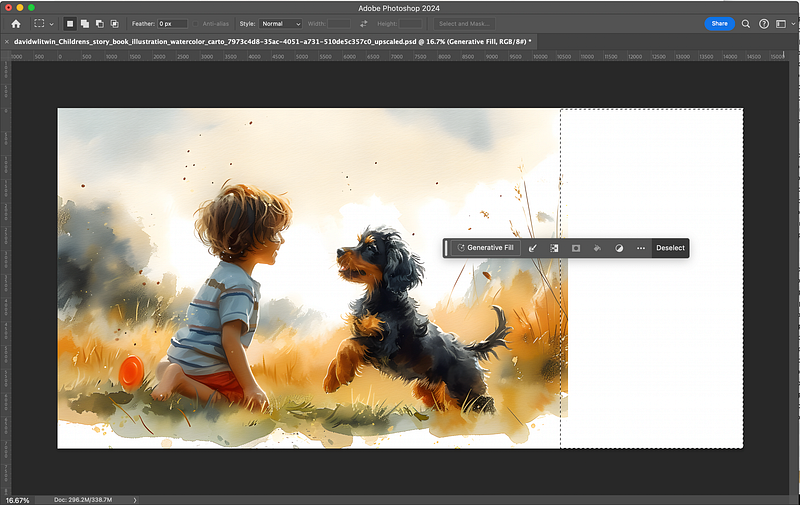
Another amazing shot, but I wanted to extend this image to the right and taper it off. I simply extended the art board to the right in Photoshop, selected just a slight bit of the end of the right of the image, and drug the bounding box the left as far as I wanted it go. Then I simply clicked the Generative Fill button (shown here) and hit return.
That, without any effort, produced this final image.
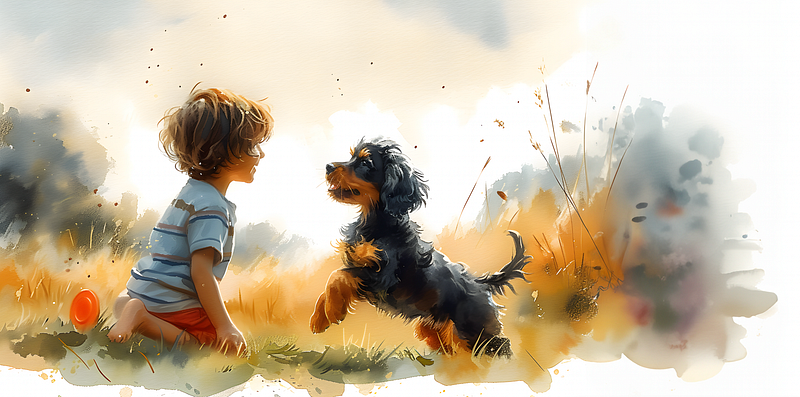
Now I had an image that could extend off the single page and produce a much more dramatic visual experience as you can see here.
Pitfall 4: How do you create a large crowd in the background of a watercolor??
Finally, near the end of the book, I needed to create a series of images at a crowded dog show. How would I create images that not only focused on the foreground, but still had recognizable imagery in the background. Not an easy request.
But this is Midjourney 6.
Here’s my prompting:
/imagine: https://s.mj.run/Vf5pGddHGSc https://s.mj.run/JIidX_FJbEY https://s.mj.run/4Dpt9EzUnVY Children’s story book illustration watercolor cartoon style of a forty year old man standing and talking a forty five year old blond woman at a busy tradeshow convention, standing in front of a booth tent, wide angle above view drone shot, busy, simple colors, vivid colors — s 750 — v 6.0 — ar 3:2
“At a BUSY TRADESHOW CONVENTION,” and that consistently produced the following three images.
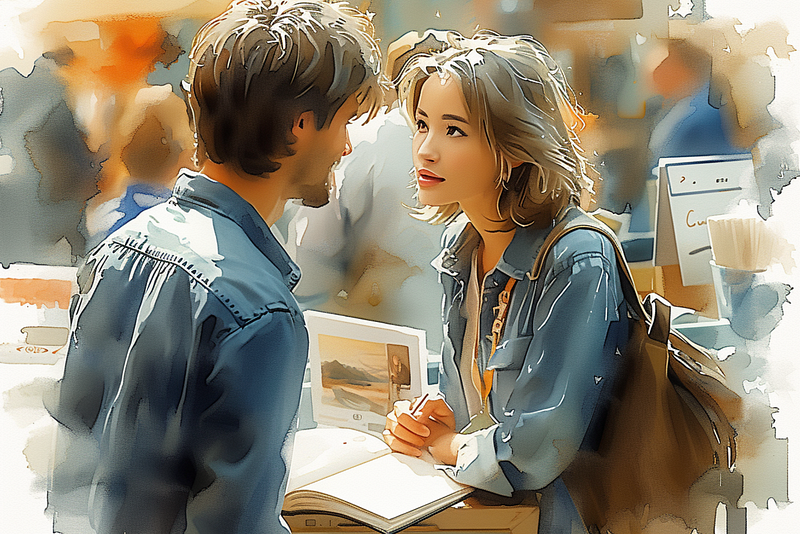
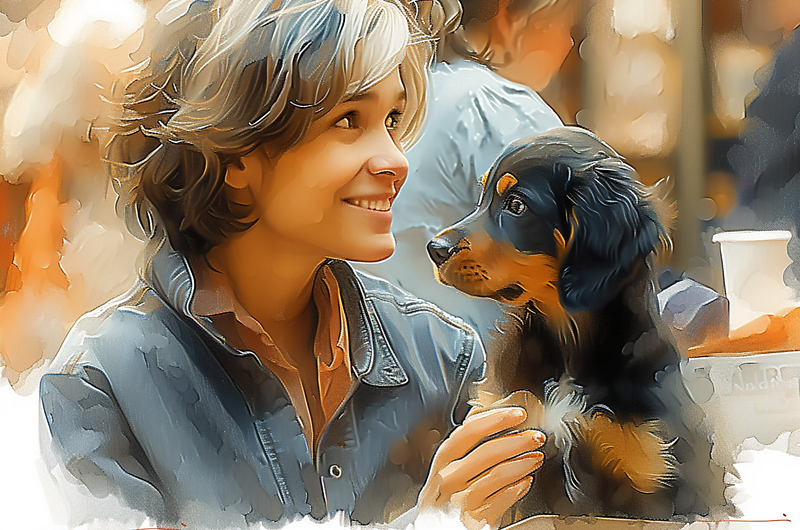
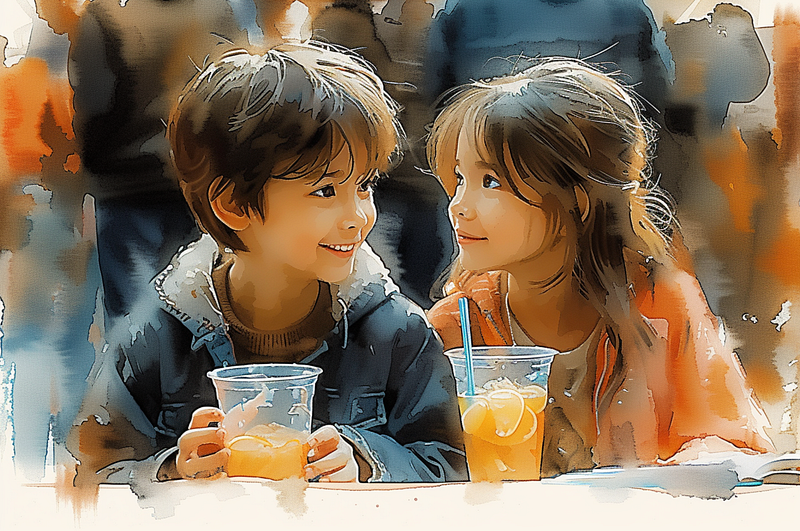
Not only did I get the right background, but note the consistency in color and depth in each of these three generations!
In Conclusion
I tried to give you strategies to create consistent, dynamic Children’s Book imagery while addressing a few pitfalls. Of course, it’s not that easy. But if you’re willing to sit and learn, it is possible that you’ll be able to produce a consistent style and generate a book in less time, and for less money than you could have believed possible.
NOW, if you would rather save your time, like this particular author did in commissioning my help, just reach out and let’s talk! Maybe the book we work on together will be the subject of my next article.
AND if you want to support this fantastic author and this new book, you can see the campaign here: https://www.indiegogo.com/projects/ribbon-and-robby/x/36702783#/
If you are ready for SO MUCH MORE, I’ve created a Masterclass to teach you to advance beyond anything described here. Start this new year as an AI Master, and sell your amazing images for added profit. Here’s the promo:
And below is the link to the course at a great Discount!


