
Introduction to Web Development
A beginner’s guide for dummies

I admit, trying and wanting to learn web development can be an intimidating process. With the information overload, the internet has to offer; we often quit before even giving it a try. If you don't know where to get started, you have come to the right place.
Through this article, I aim to guide you through the process of learning and understanding web development in simple terms.
We will together take one step at a time.
What is web development?
Web development is basically the creation of website pages — either a single page or many pages. For instance, Facebook is a culmination of many webpages together. While single page websites often require endless scrolling and hence is relatively uncommon.
How do websites work?
Just like the files that are stored in your computer, websites also basically files that are stored in another computer called the server. Many servers are together connected through the internet. And this why, when you open a link, that particular file from that server gets loaded on your computer and you see that particular website.
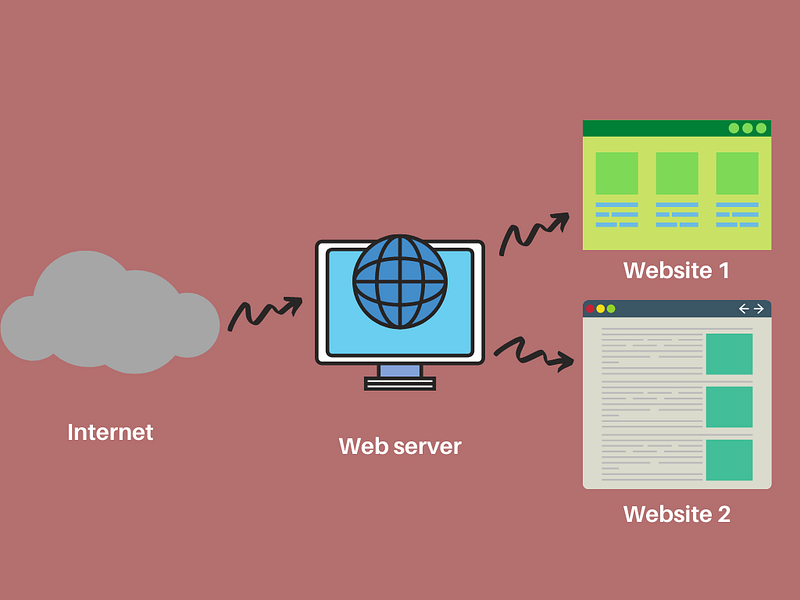
In this case, since you are the one who is accessing the server, you are the client. So, your browser acts as the client in this scenario.
What are frontend and backend?
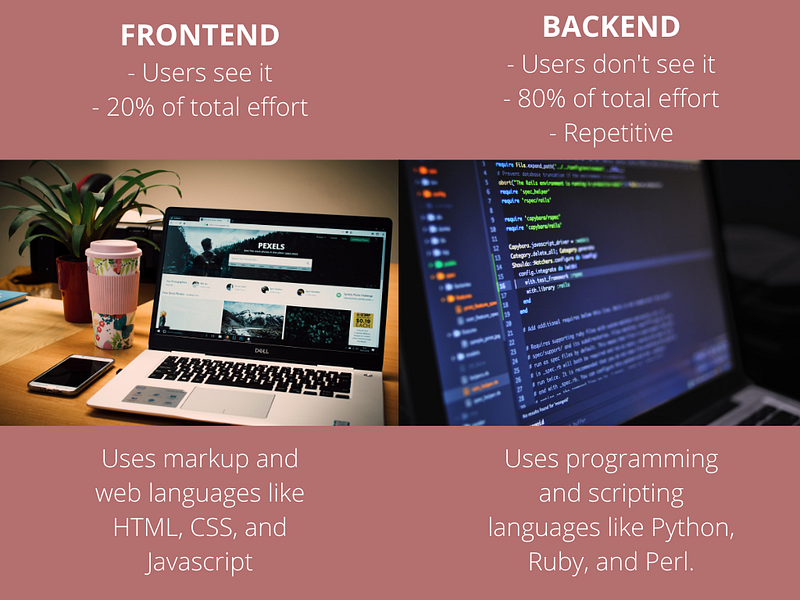
Frontend and Backend basically depend on the kind of relationship you as a client has with the server.
Frontend, as the name suggests, you will deal with what is in front of the screen, that is, when on the client’s side.
The same way, backend deals with what is behind the screen, as in the server, which you cannot see.
Learning the basics — HTML, CSS and JavaScript
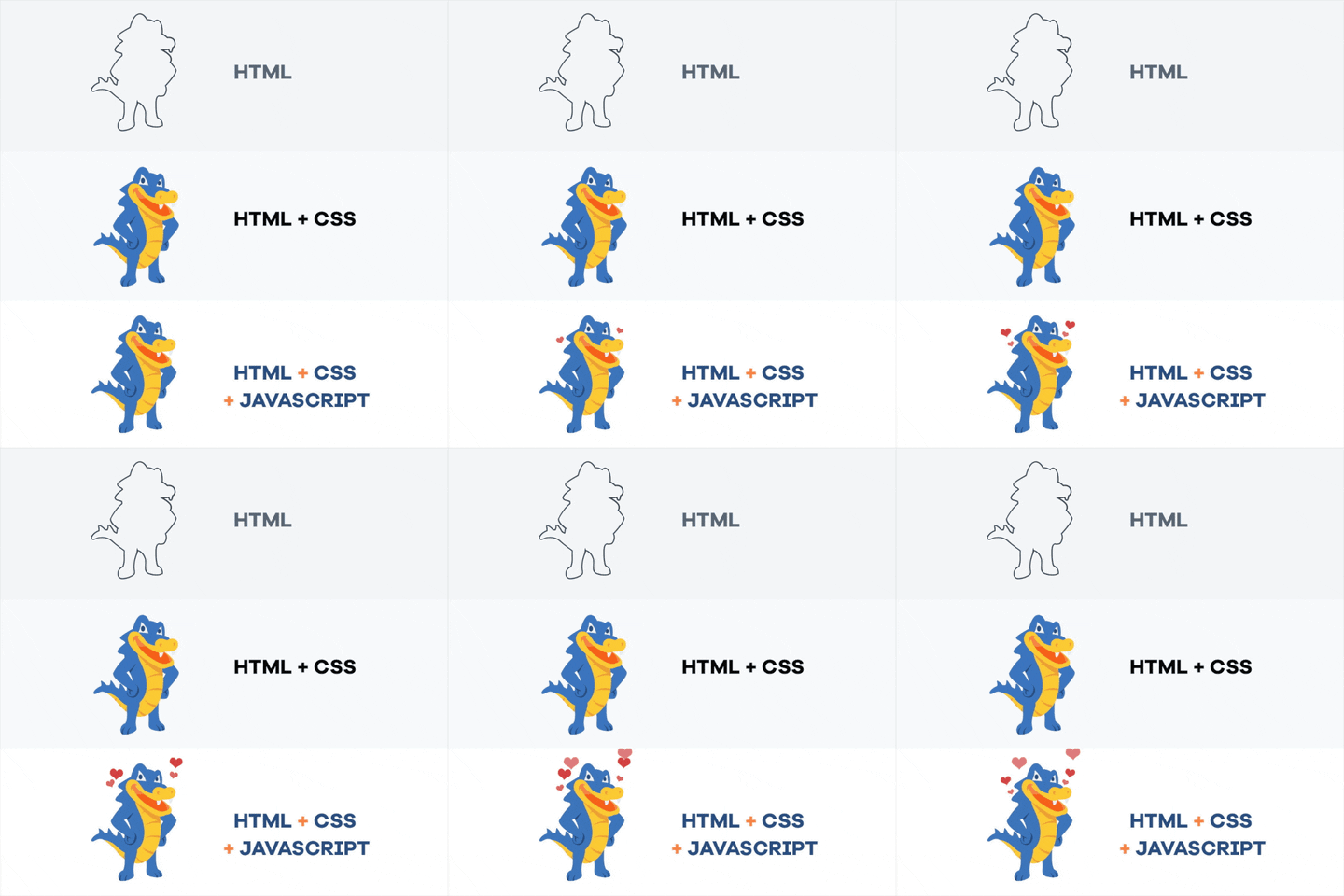
Three basic components make every website. Those are: HTML, CSS, and JavaScript.
HTML:
Hyper Test Markup Language, HTML is like the mother of all the websites. In other words, it is the main file that is loaded on your browser when you look at a website. The most basic website can be created by simply using just HTML and no other kind of file.
CSS:
The Cascading Style Sheets, CSS, causes the website to appear more appealing. Without it, any website will look as simple as an MS Word Document. With it, you can add animations and drawings on your website and modify it — the way you want. It acts like the make-up that beautifies your web-page.
JavaScript:
JavaScript is a programming language that allows you to interact with certain elements on the website and change them according to your wishes. JavaScript acts like the accessories that are used to adorn the website, thereby making it more appealing.
CSS adds style to the basic HTML. And the JavaScript adds interactivity with the website and gives a dynamic nature to the website.
Code editor
To work with the above-mentioned three types of file, you will have to download a program in your computer called the code editor.
The type of coder editor you must use depends on the kind of code you want to write. For web development, the best-recommended editor, however, is the VS code.
VS code:
VS code is the lightweight version of Visual Studio and has an incredible speed and is very easy to use. Because of its unique and compelling features, the VS code is a highly recommended editor.
Atom:
There is another code editor, Atom, which has been created by GitHub and is advertised as a ‘hackable text editor.’ It has the feature of customizability. We can install packages and themes that will then add features to the program.
Version control:
There is also something called the Version control, which is source control. It keeps track of every code that you make in your project file. It enables you to go back to the previous change if you ever make a mistake. You can read more about Version control here and here.
Git is the most used version control system. You can store every file of yours and even change the history in collections.
To infinity and beyond with frameworks
So, now that you know all of that, you must understand that to create a website, you will have to work with frameworks.
A framework basically is like the Legos, with which you make a structure. They are like the building blocks created by someone else, and you use these to make your own website, and use them as and how you want.
To use a framework, you will have to install it on your own website files. After that, you can then add commands on those structures to create the website according to your needs.
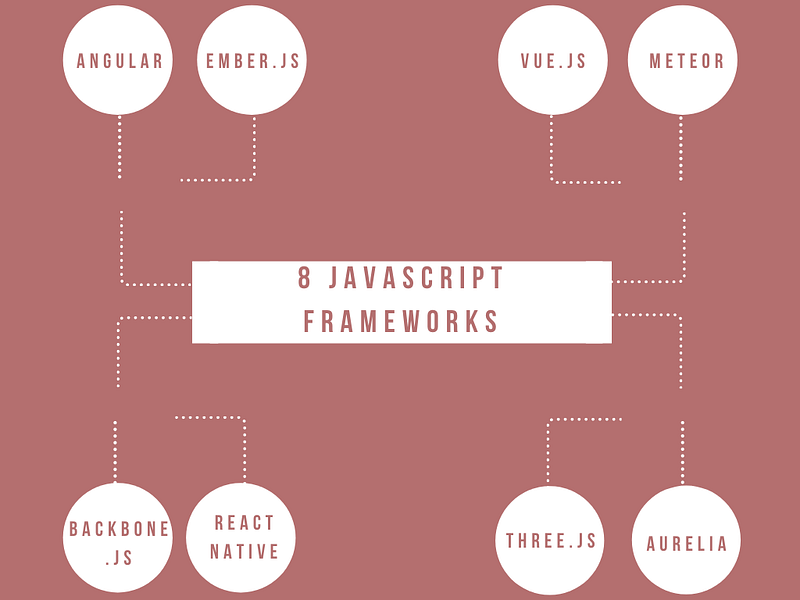
React, Vue and Angular are some examples of JavaScript front-end frameworks.
After you have understood the basics of working with JavaScript, you can easily learn either one of the JavaScript frameworks.
React was first created by Facebook. It is the most popular framework right now. You can easily learn to react by going to React.js website.
Google created Angular. It was the first big framework ever made. You can easily learn Angular on their website. Also, there is an Angular crash course available on YouTube by Gary from DesignCourse.
Vue, on the other hand, is a newer framework created by a former Angular developer, Evan You. Though it is smaller in use as compared to the other two, it is relatively easy and fun to use.
So, that was all about the basics of web development.
Parting Words
However, before you leave, there are a couple of things you need to keep in mind.
— Do not try learning everything once. You will end up going back to square one. And trust me, that’ not what you want.
— Have patience and do not jump from one video tutorial to the next. Skim through a few, but please choose only one to learn from.
So, that’s all from my end.
Oh! Just one more thing: