
3 Ways to Insert Code in Medium Articles
PLUS a fresh NEW one!
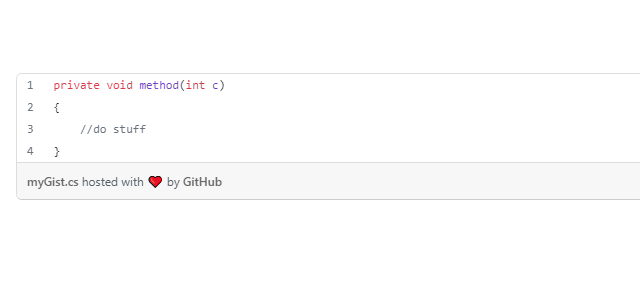
Objective: learn how to put code snippets in a Medium article
I found myself extensively putting code snippets in my Medium articles. Well, it was not so unexpected since I majorly write about game developing, and more specifically I produce tutorials.
It came to my mind that a quick guide about this Medium feature could be very helpful for anyone writing about this topic.
Long story short: I use 3 types of code input.
In-line small snippet
This kind of snippet would appear like this or this:int a = 0; .
To put such a snippet a back-tick ` is necessary: the shortcut is ALT + 96 . Once the back-tick appears in the text editor, start writing code immediately after it.

Snippet block
If you need to put several lines of code, the block is what you may need. The block can be started by inserting 3 consecutive back-ticks ```. It will appear like this:
//Don't forget
//to put the 3 back-ticks ```
//in a new line or paragraph in Medium Editor
Using GitHub Gist feature
The last way is my favourite one. It will allow a little syntax highlighting, according to the language you choose. Moreover, the colours automatically adapt to the dark themes of the browser.
I’m talking about Gist, powered by GitHub. Of course, you need a GitHub account.
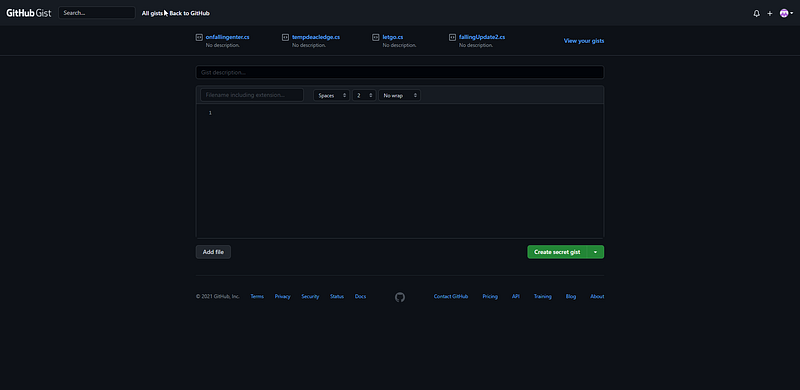
On the page, you will find a text box in which you can write or paste your code. The box also accepts TAB and SHIFT+TAB inputs to adjust indentation. You can set a description for your gist, and a name.
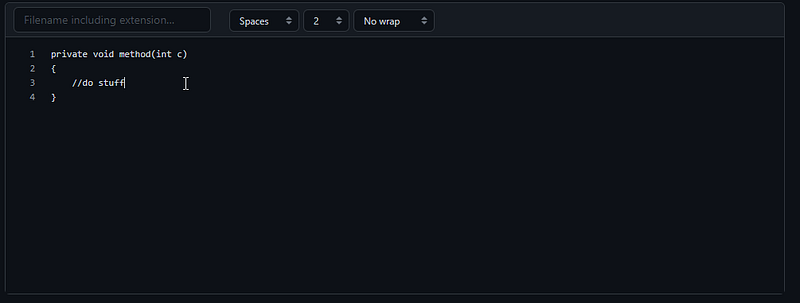
When you choose a name, don’t forget the extension! In this way, the language will be recognized and the highlighting will appear.
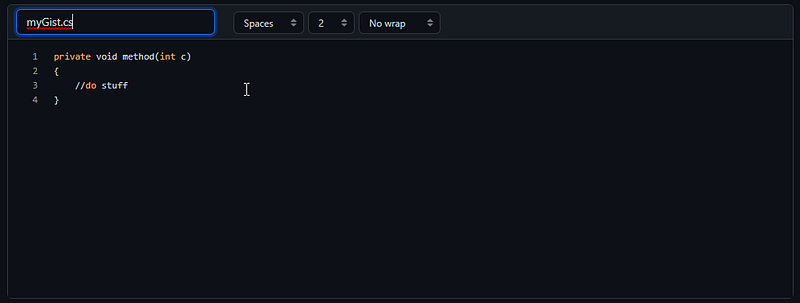
Now you can save it: choose whether it should be private or public, then save it.
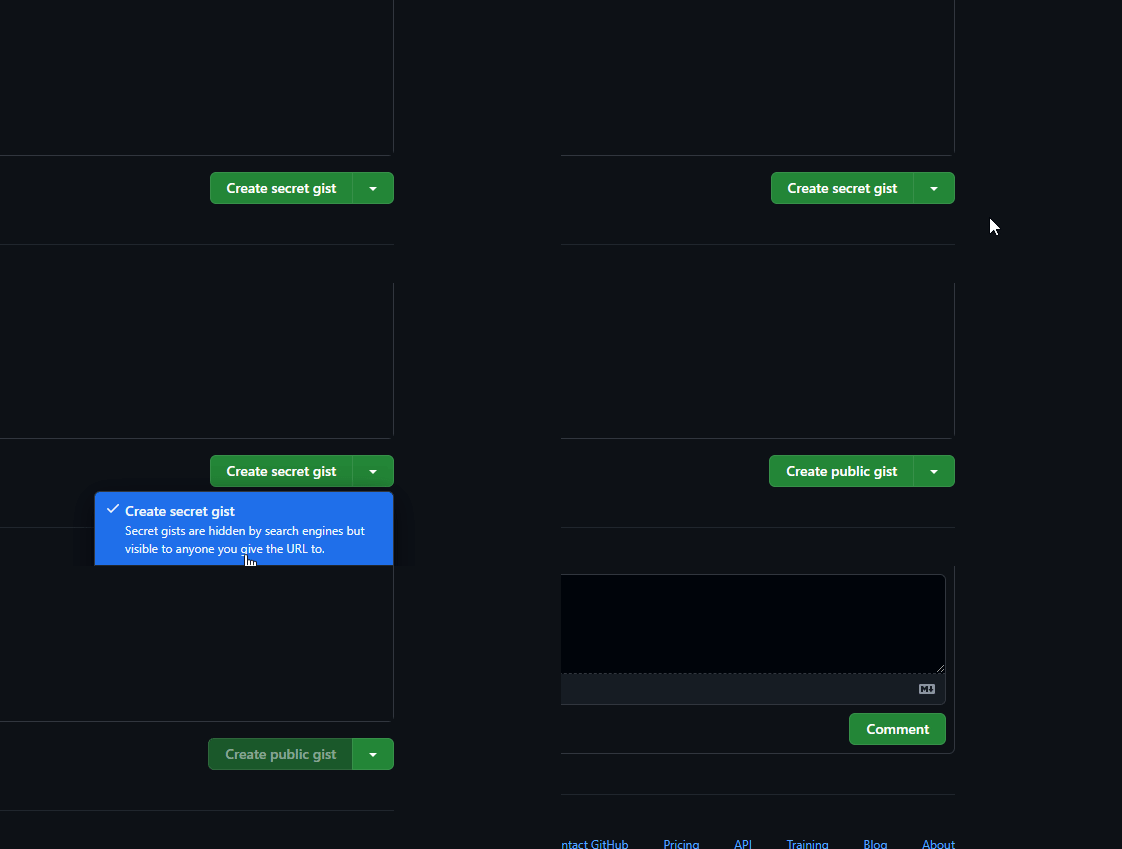
Once the gist is created, you’ll land on a new page where you can edit or comment on it or, as I do, copy the link to it.
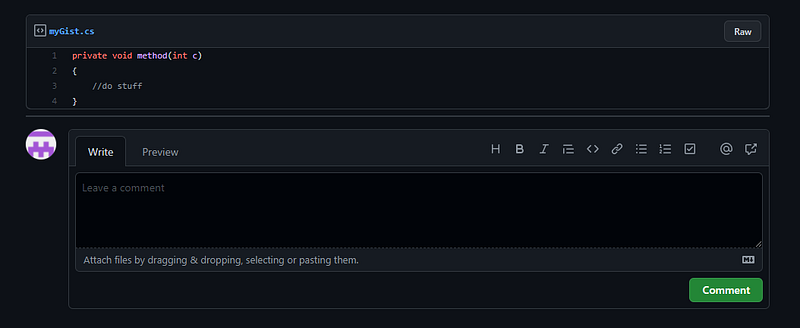
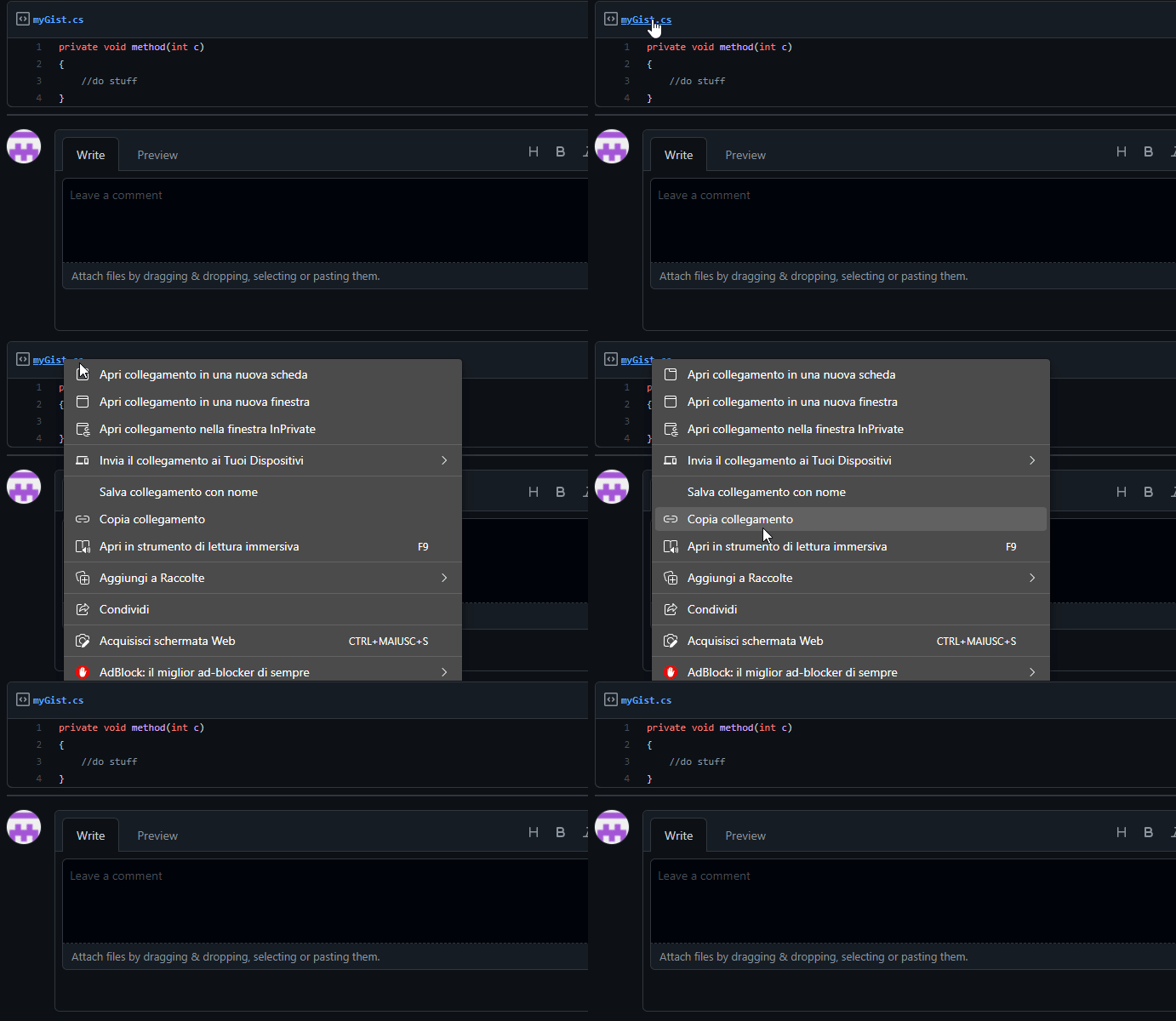
The link can now be pasted in your article.
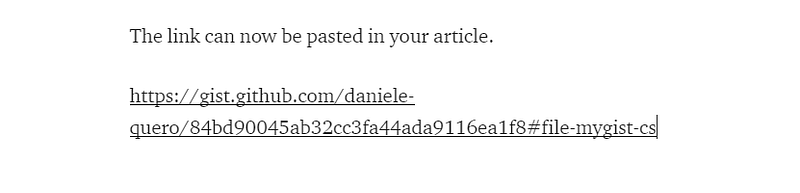
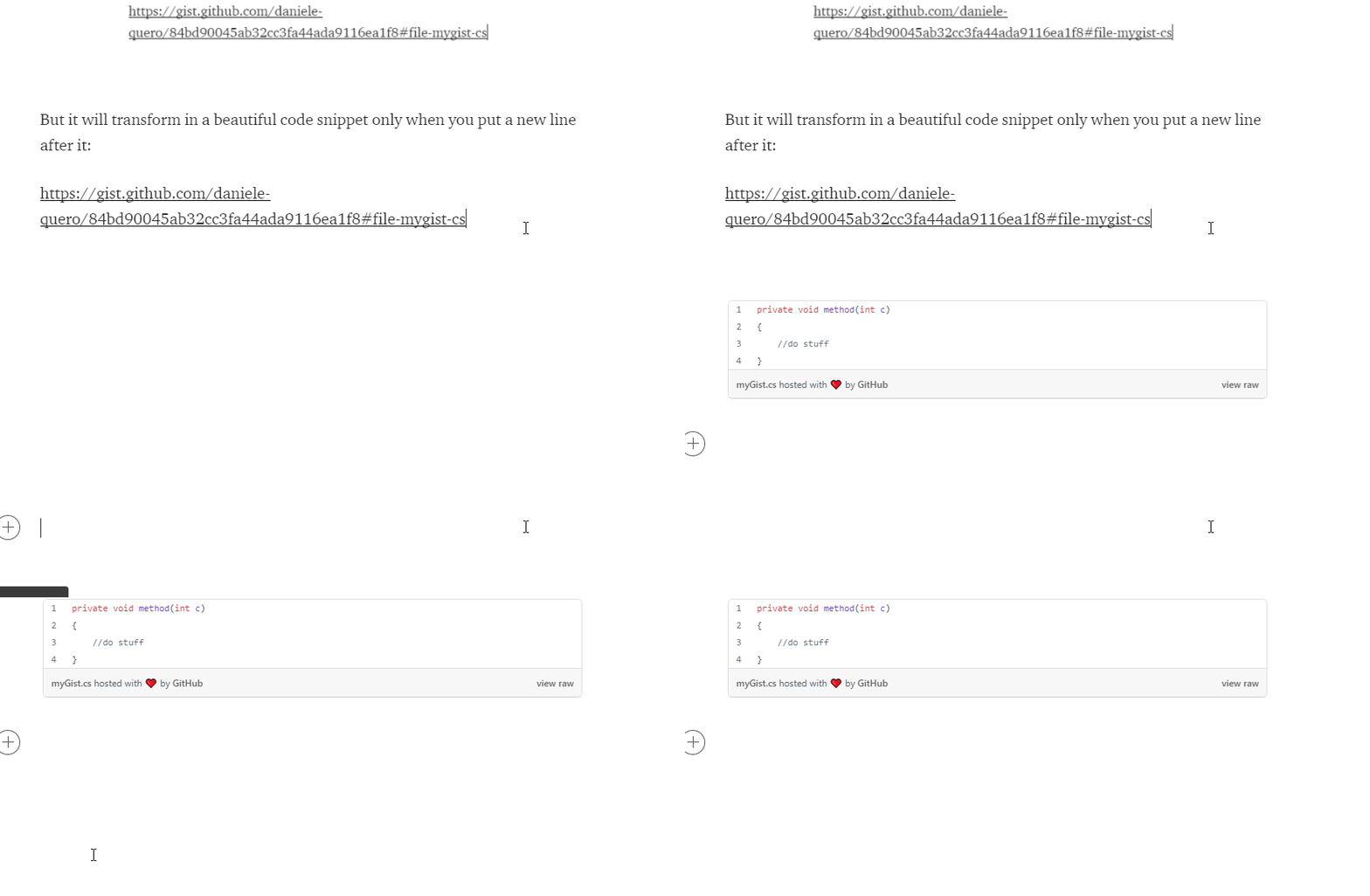
But it will transform into a beautiful code snippet only when you put a newline after it:
Bonus — Carbon Snapshot
I found out a fourth way to put code in a Medium article, especially suite fro those who don’t want their code to be easily copy-pasted.

I’m talking about inserting code as an image!
Even if you may just put a cropped snapshot of your screen, there are better ways. I’m talking about Carbon.
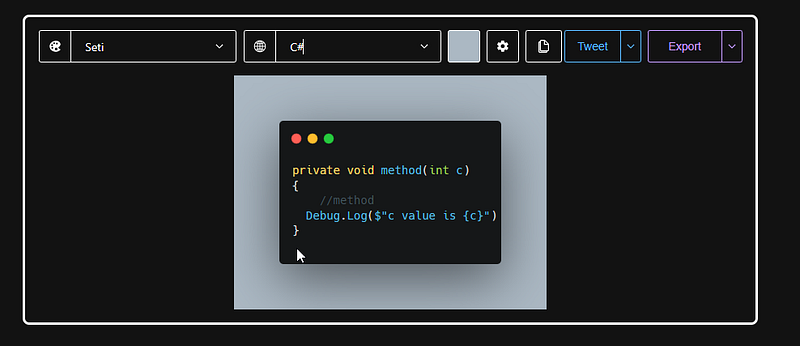
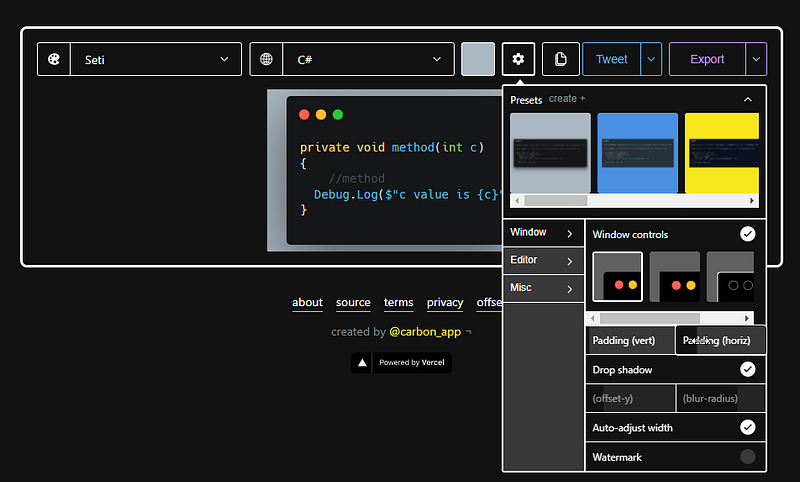
On this page, you can paste your code, choose the target language, colour palette or size of the snapshot (for example if you want it to just hold the code or be larger) and of the frame. You can even share the result on social media or simply export it as an image to be saved on your computer.
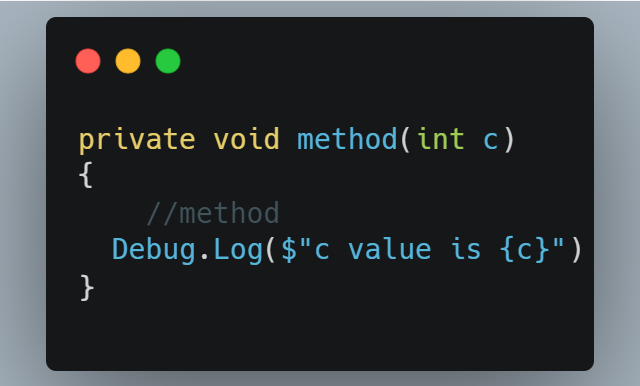
This is how the result will appear.
If you liked the article, please clap to it and share it!
Get access to my stories and those of other Medium writers for just $5 a month. As a Medium affiliate, I receive half of your payments as a commission.
Join my newsletter and receive regular notifications when I post.


