
Implement a Countdown Timer with RxJS in Angular
Implement a simple countdown in Angular

Counting down to some special event is something we do a lot.
In this guide, I will show you how to implement a simple and effective countdown timer in Angular using RxJS.
So far, 2020 has been a roller coaster year. How about we implement a countdown timer to the year 2021? The countdown timer we will implement will be updated to the second.
Without further ado, let’s jump into the code.
Create an Angular application
We will get started by creating a simple Angular application via the CLI with the following command.
$ ng new count-down-timer --defaultsOnce the application is created go into its root directory.
$ cd count-down-timerThen add a new component named count-down which will contain the logic for our countdown timer using the following CLI command.
ng g c count-down
At this stage, your project structure should be similar to this.

Implementing the countdown logic
The logic for the countdown time is not complicated. We need to find the difference between the D-day i.e., the day of our event and the current time.
The difference in the time we get is in Milliseconds, so we will convert it into corresponding units i.e., days, hours, minutes, and seconds.
To make sure that the time keeps updating every second, we will use subscription interval which will get the difference in time every second.
To avoid memory leaks in the application, we will unsubscribe from the subscription whenever the count-down component is being destroyed.
The component code should look as below. I have gone for readability over efficiency, so feel free to make modifications if you wish to.
I will not go into detail regarding the time difference calculations in this article, however, I have provided a link to an article regarding the same in the conclusion section.
In the corresponding template code, i.e count-down.component.html, we will display the time to our D-day in respective units using interpolation as follows.
Add some CSS styling to the component’s style template as follows. The styling will center our output and adjust font size.
The CSS is pretty basic, to keep things simple. Feel free to tweak it.
Displaying the timer
To display the time remaining to the D-day, we will inject the count-down child component into the app.component.html parent component as below.
Remove all the code in the app.component.html and replace it with the following single line of code.
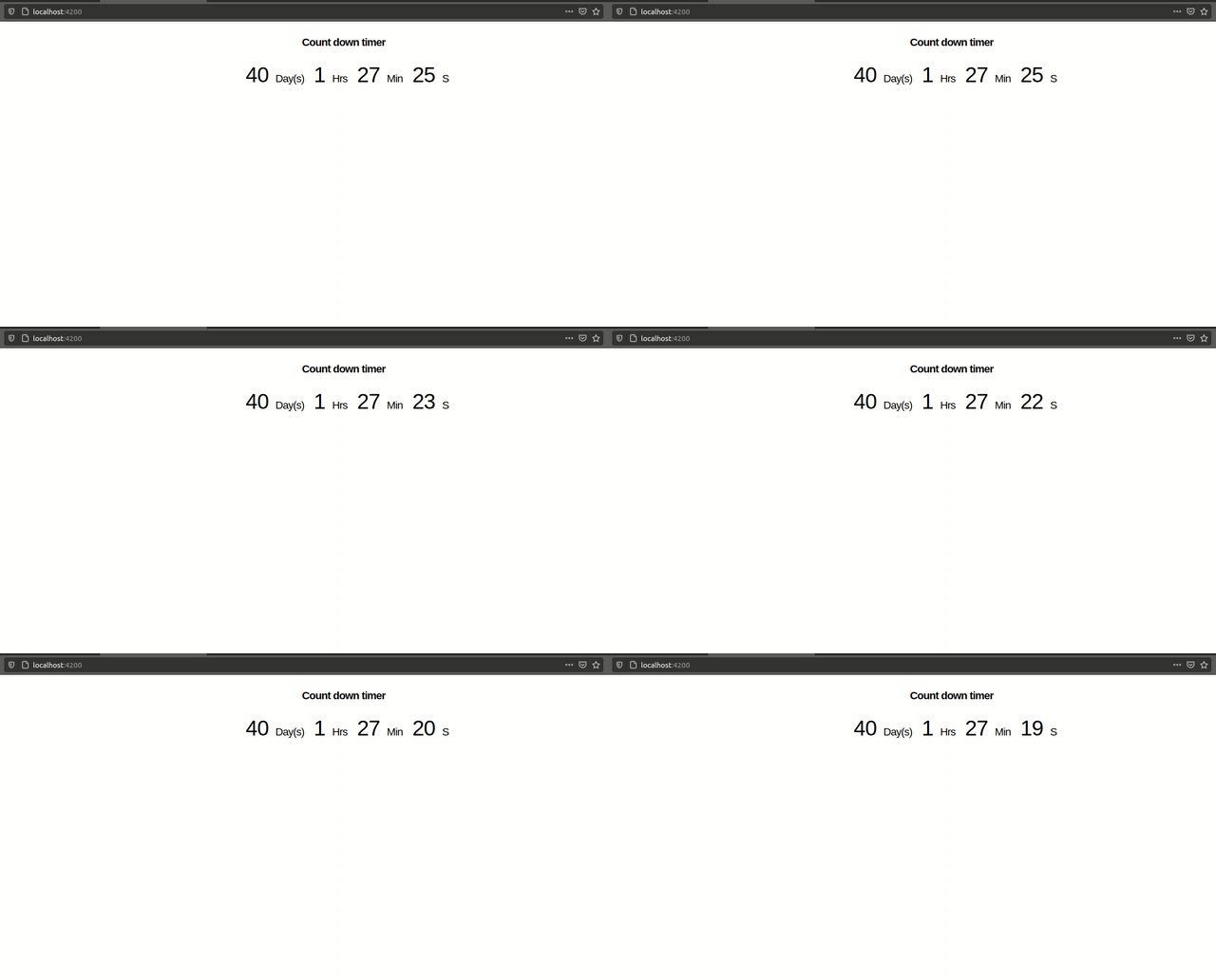
The countdown timer in action
To serve the application in your default browser, you can run the following command.
ng serve -oHere is a look at the countdown timer in action.
Conclusion
There you have it, a simple implementation of a countdown timer updated to the second.
For a comprehensive guide on calculating time differences in JavaScript, you can take look a guide by the Javascript Jeep🚙💨 here.
Further Reading
More content at PlainEnglish.io. Sign up for our free weekly newsletter. Follow us on Twitter, LinkedIn, YouTube, and Discord.
Interested in scaling your software startup? Check out Circuit.


