Immensely Upgrade Your Development Environment With These Visual Studio Code Extensions
Let’s talk about code — Visual Studio Code
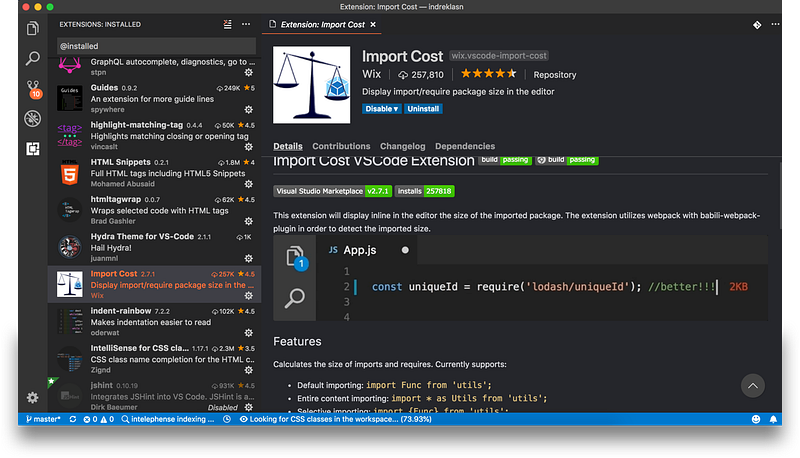
Let’s talk about code — Visual Studio Code.
Some of my readers requested that I write about the extensions I use — so here we go!
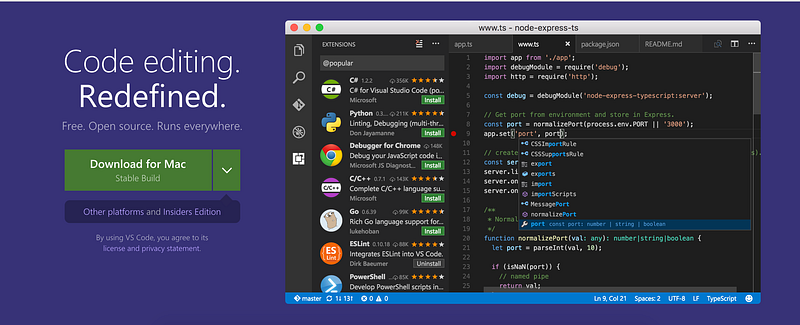
Our VSC will be a five-horned laser-powered unicorn. Here are the most useful extensions I use every day!
If you’re new to VSC, click on the bottom icon on the sidebar to install extensions.
Become a Medium Member to directly support my work. You’ll also get full access to every story on Medium. Thanks in advance!
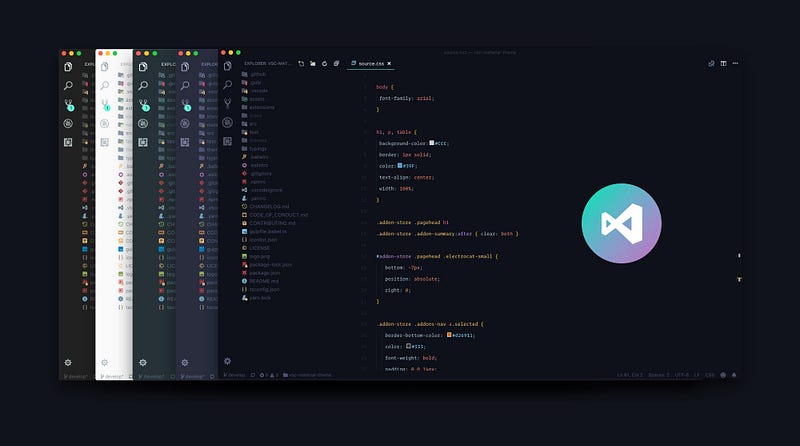
Material Theme
The most epic theme now for Visual Studio Code:
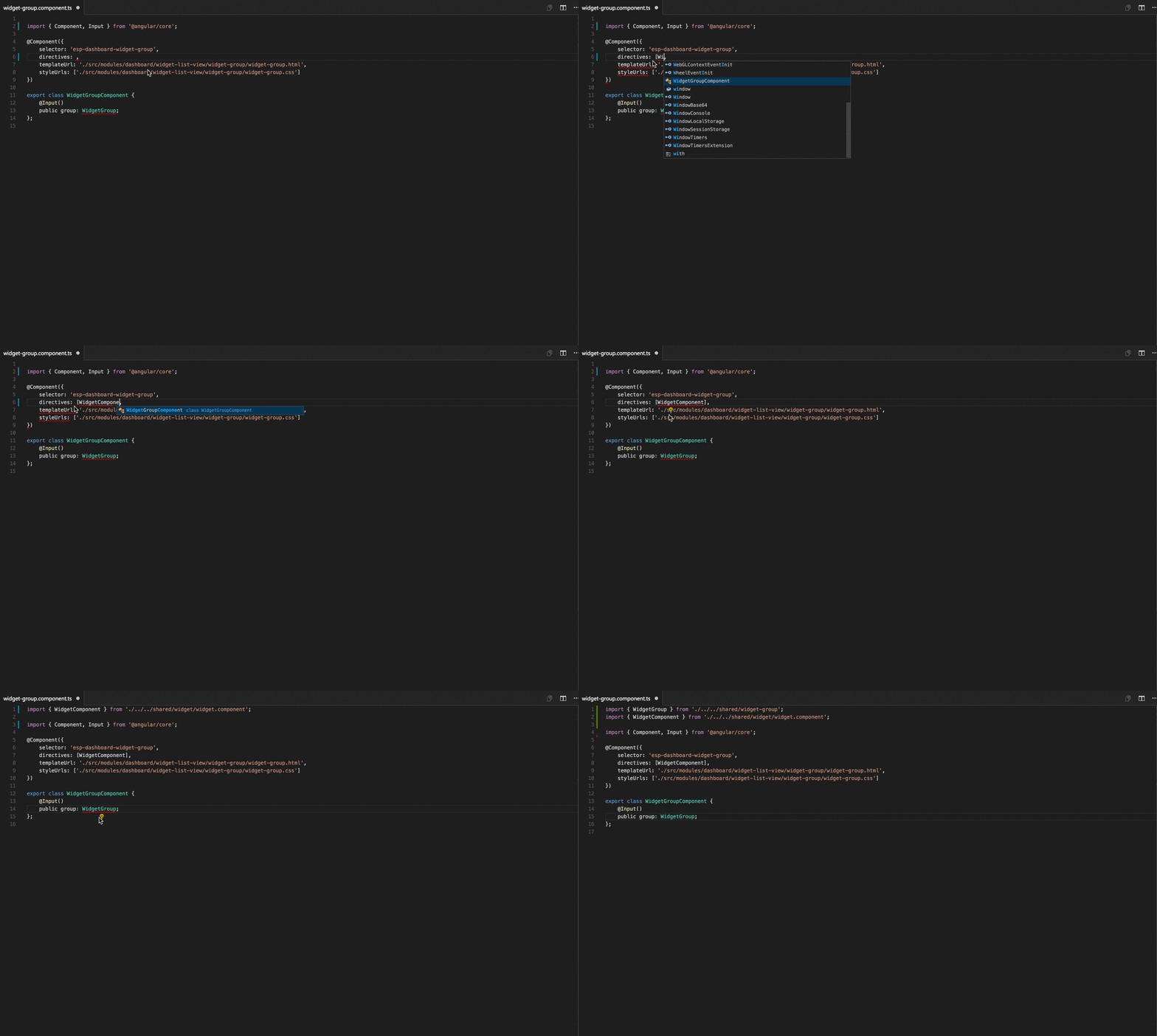
Auto Import
Automatically finds, parses and provides code actions and code completion for all available imports. Works with Typescript and TSX.
Import Cost
This extension will display the size of the imported package, inline in the editor. The extension utilizes Webpack with the babili-webpack-plugin in order to detect the imported size.

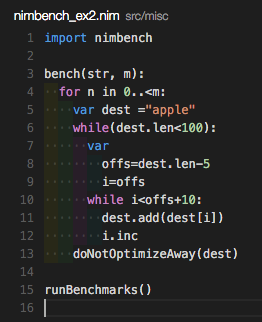
Indent-Rainbow
A simple extension to make indentation more readable.
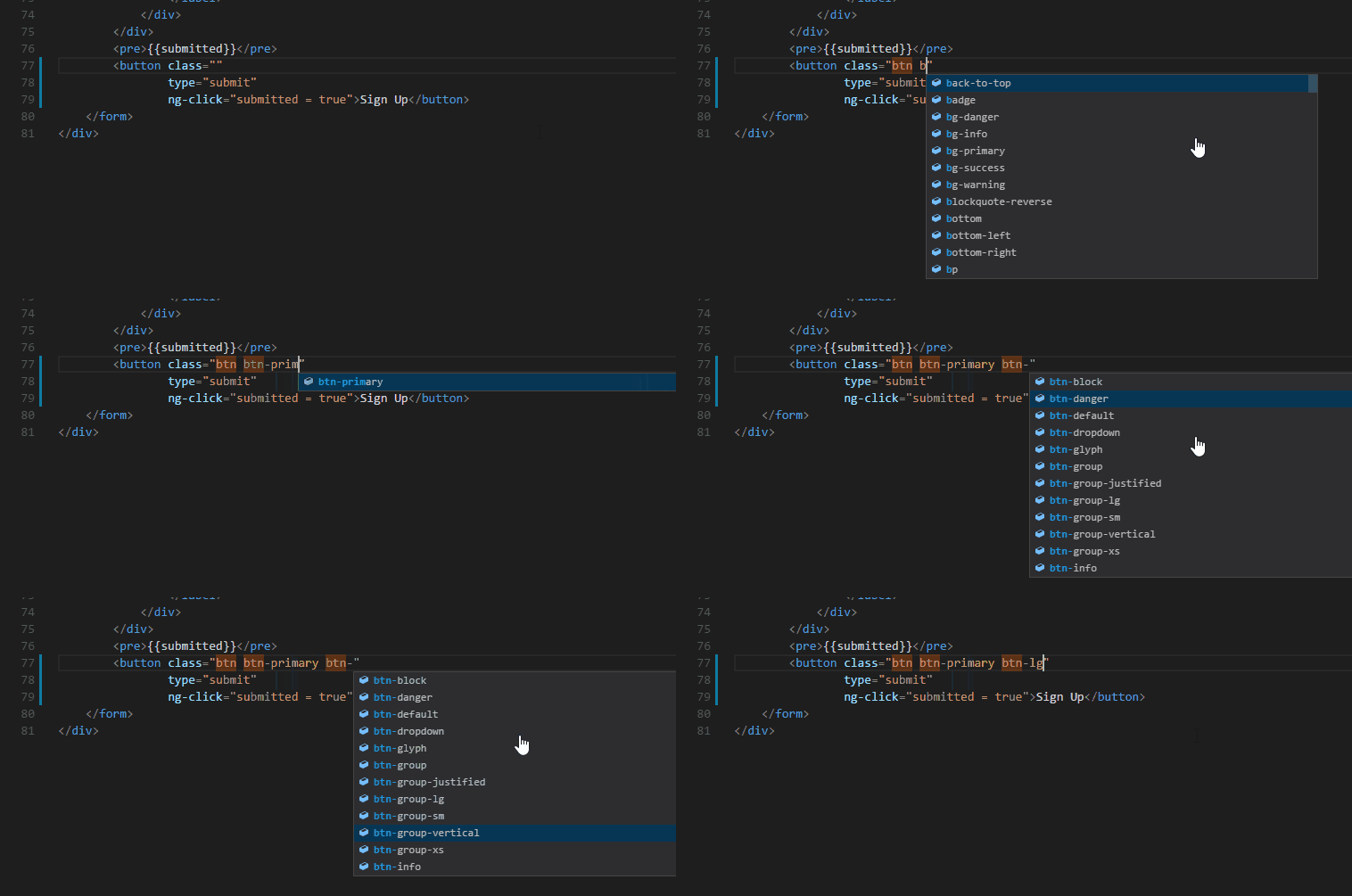
IntelliSense for CSS Class Names in HTML
A VS Code extension that provides CSS class name completion for the HTML class attribute, based on the definitions found in your workspace or external files, referenced through the link element.
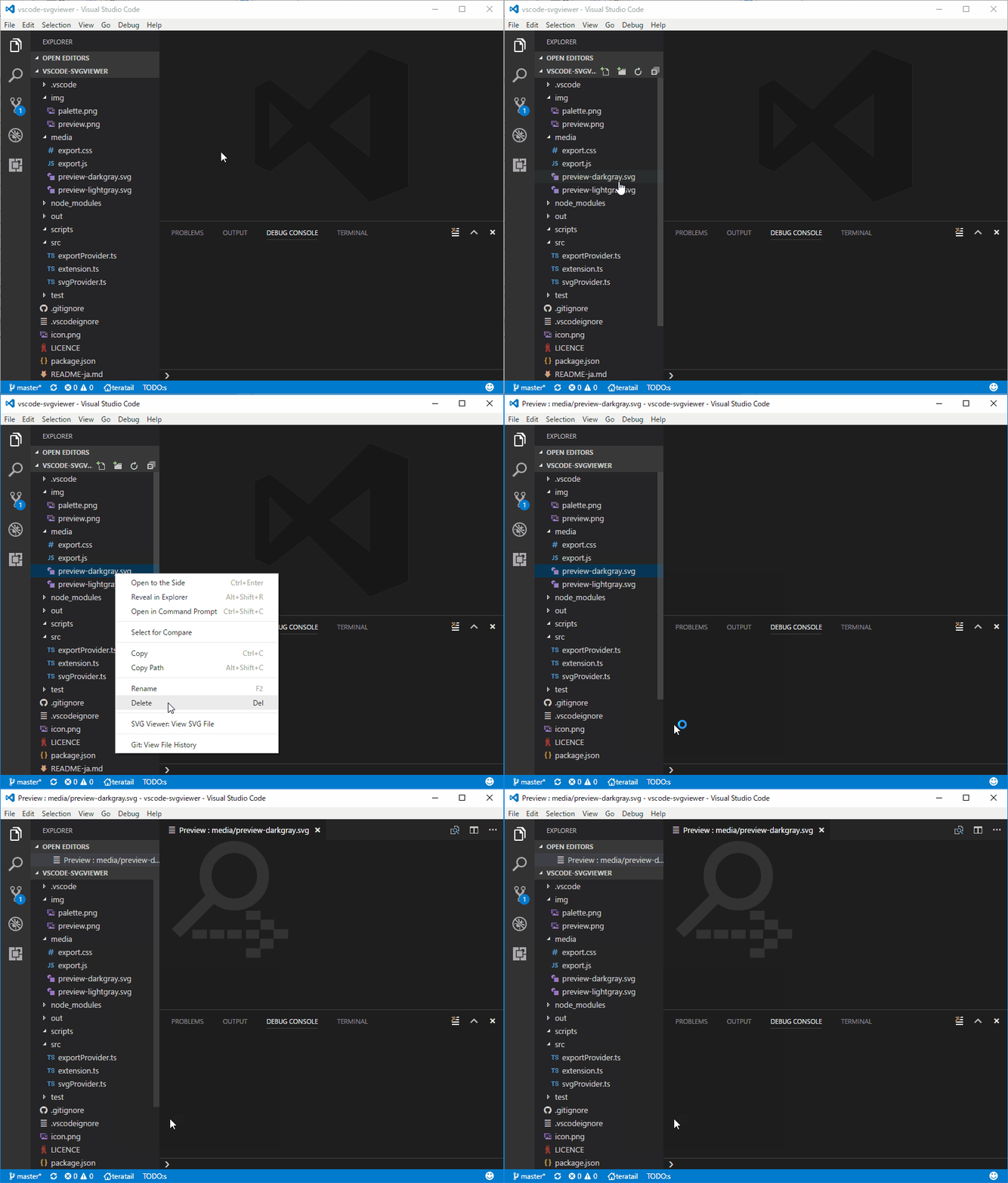
SVG Viewer
An easy way to preview SVGs.
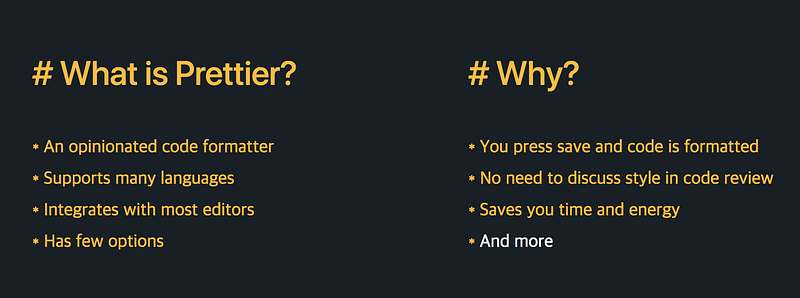
Prettier — Code Formatter
Can’t live without this one! A VS Code package to format your JavaScript / TypeScript / CSS using Prettier.
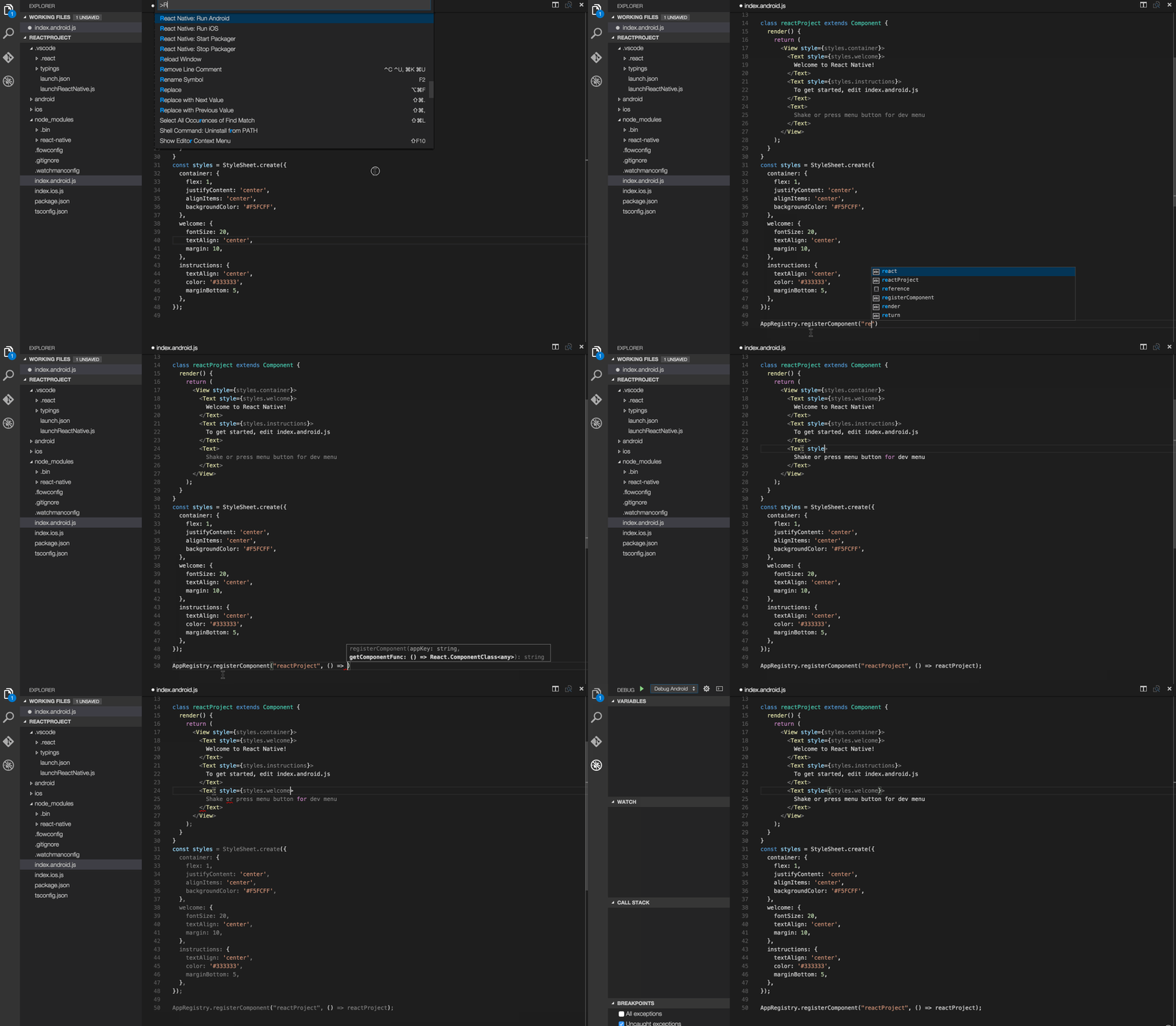
React Native Tools
Code hinting, debugging, and integrated commands for React Native.
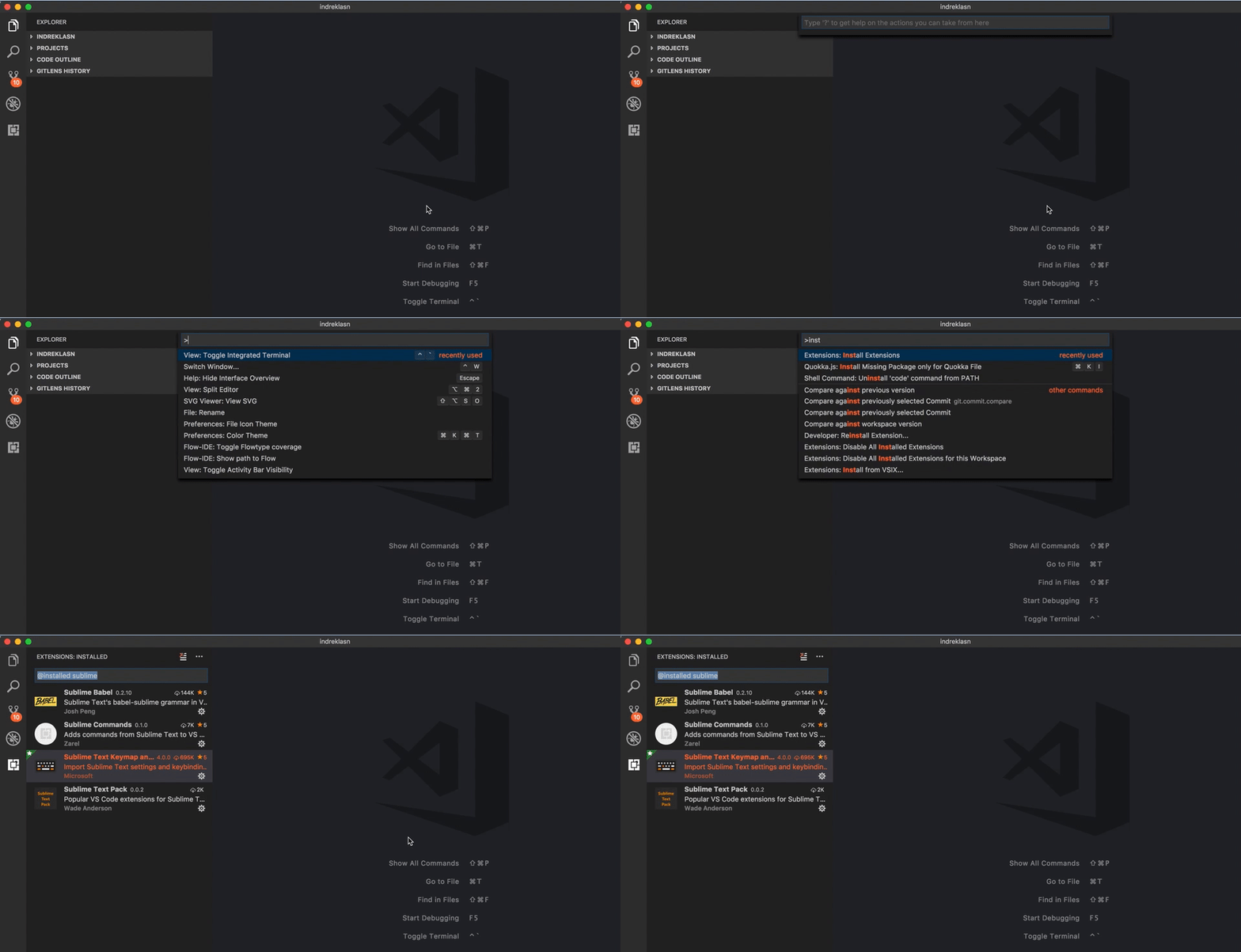
Sublime Text Keymap and Settings Importer
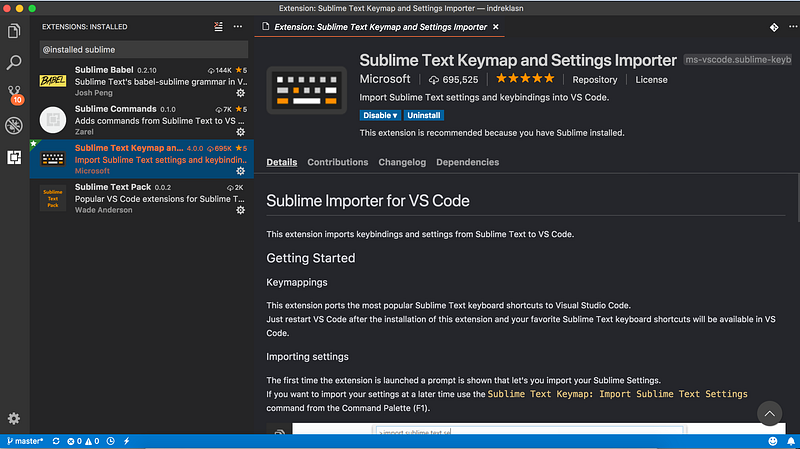
This extension converts Visual Studio Code bindings to the same as ST3. Give it a spin and try this:
cmd ⌘ + P — Mac
ctrl + P — Windows
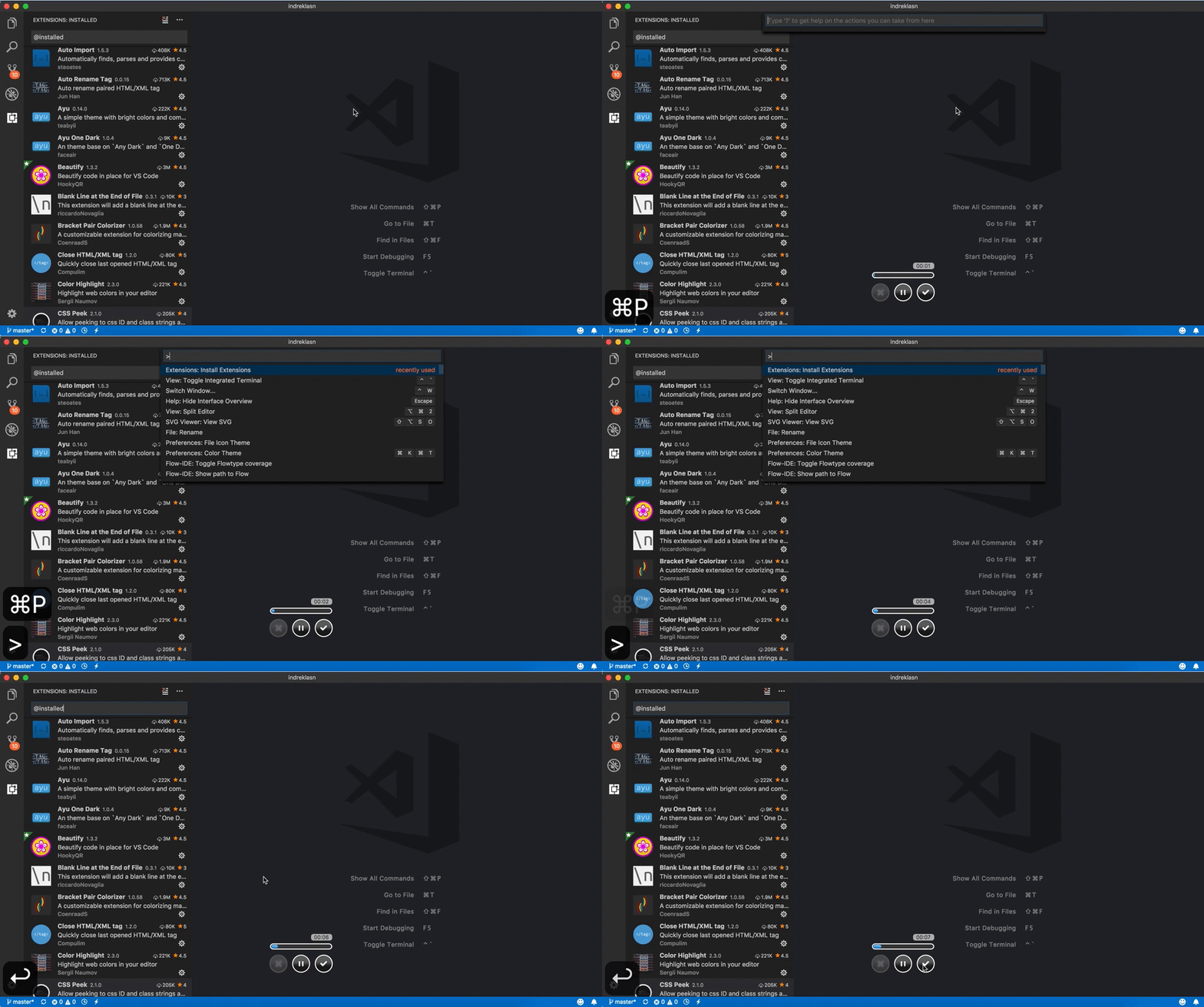
You can go to files, and if you add the > symbol in front of the search you can search for actions — like toggling the built in terminal, installing extensions, and so on.
Big win for those of us who are used to ST3 shortcuts.
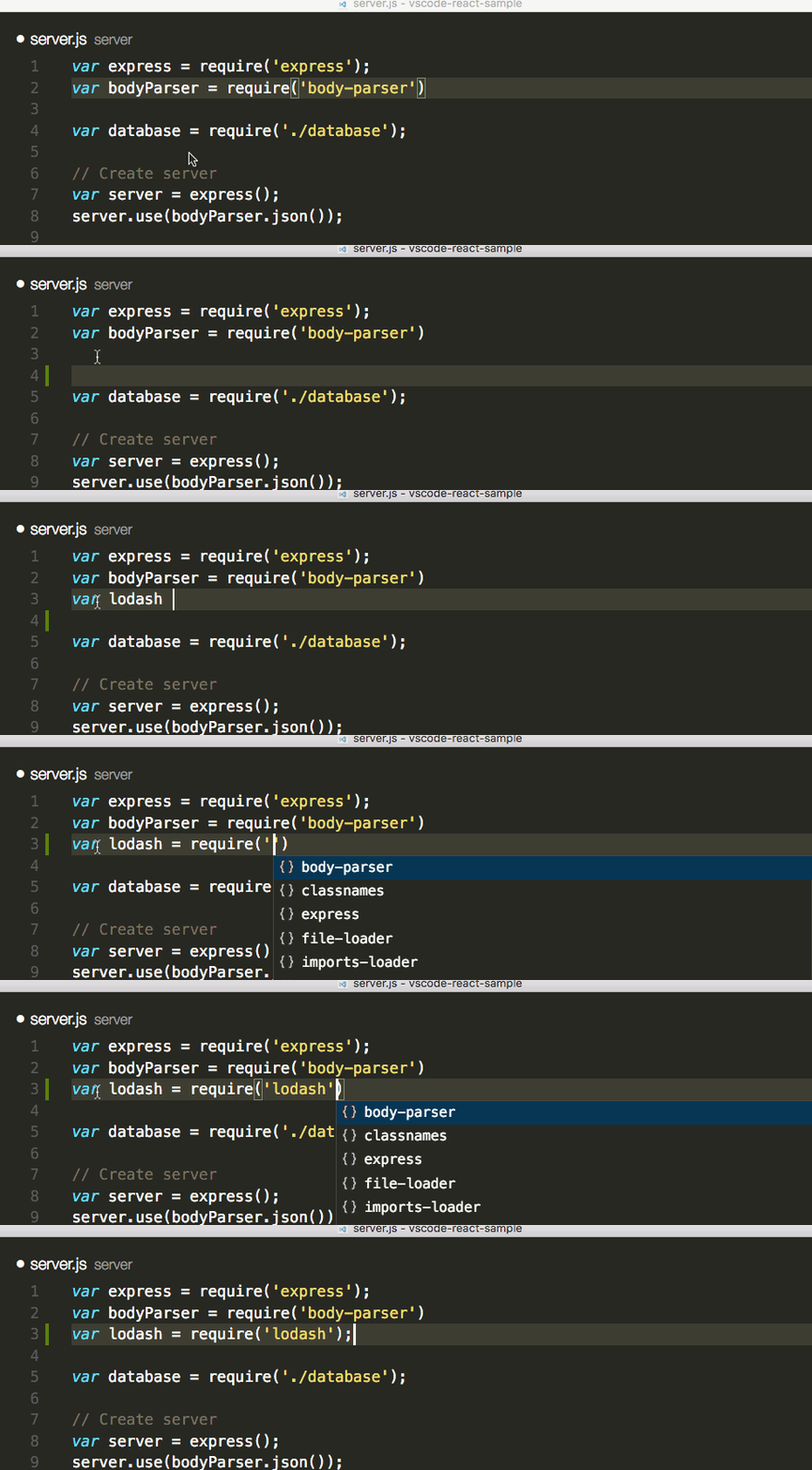
npm Intellisense
VSCode plugin that autocompletes npm modules in import statements.
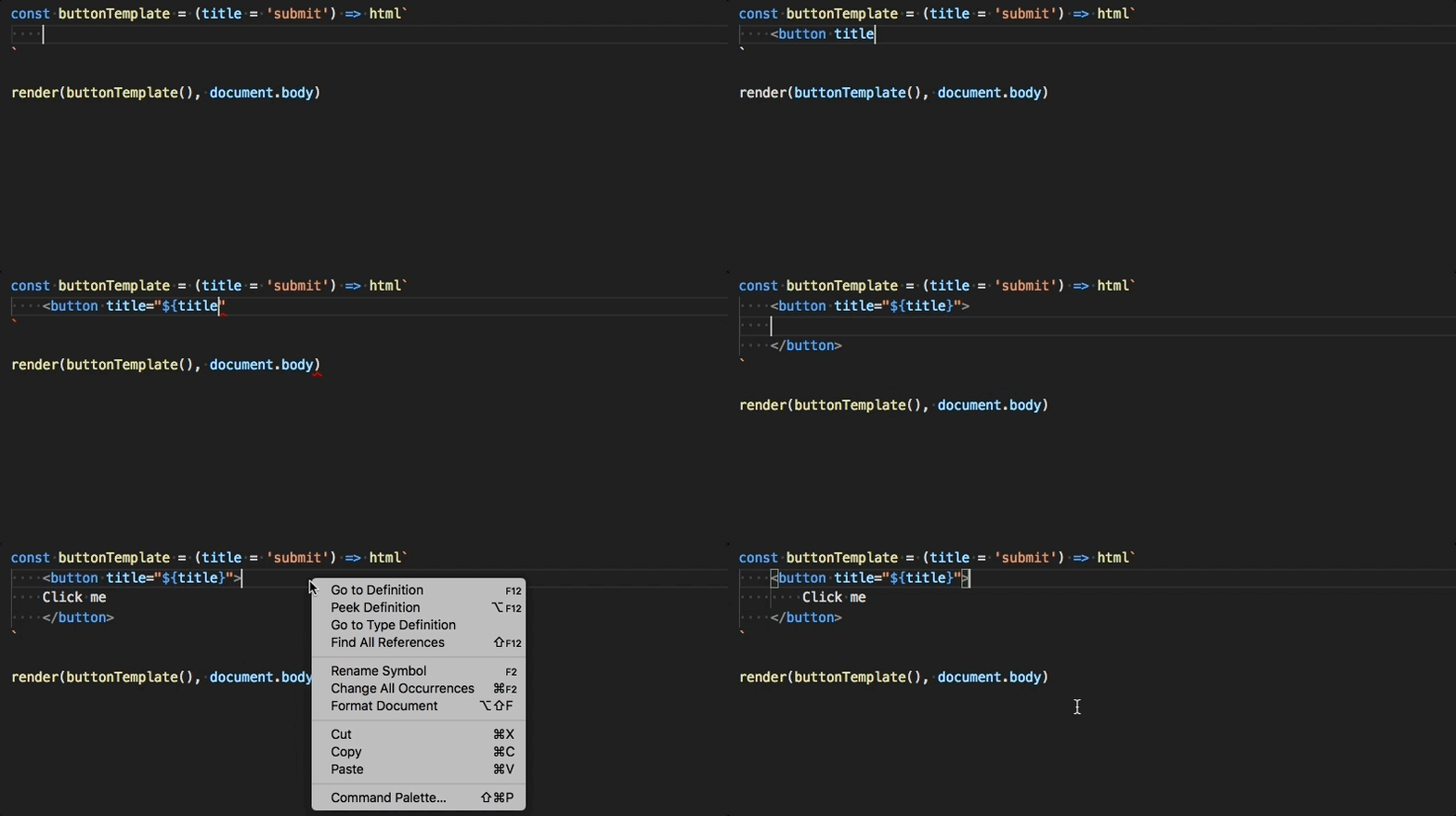
Lit-html
Adds syntax highlighting and language support for HTML, inside of JavaScript and TypeScript tagged template strings, as is used in lit-html and other frameworks.
GitLens — Git Supercharged
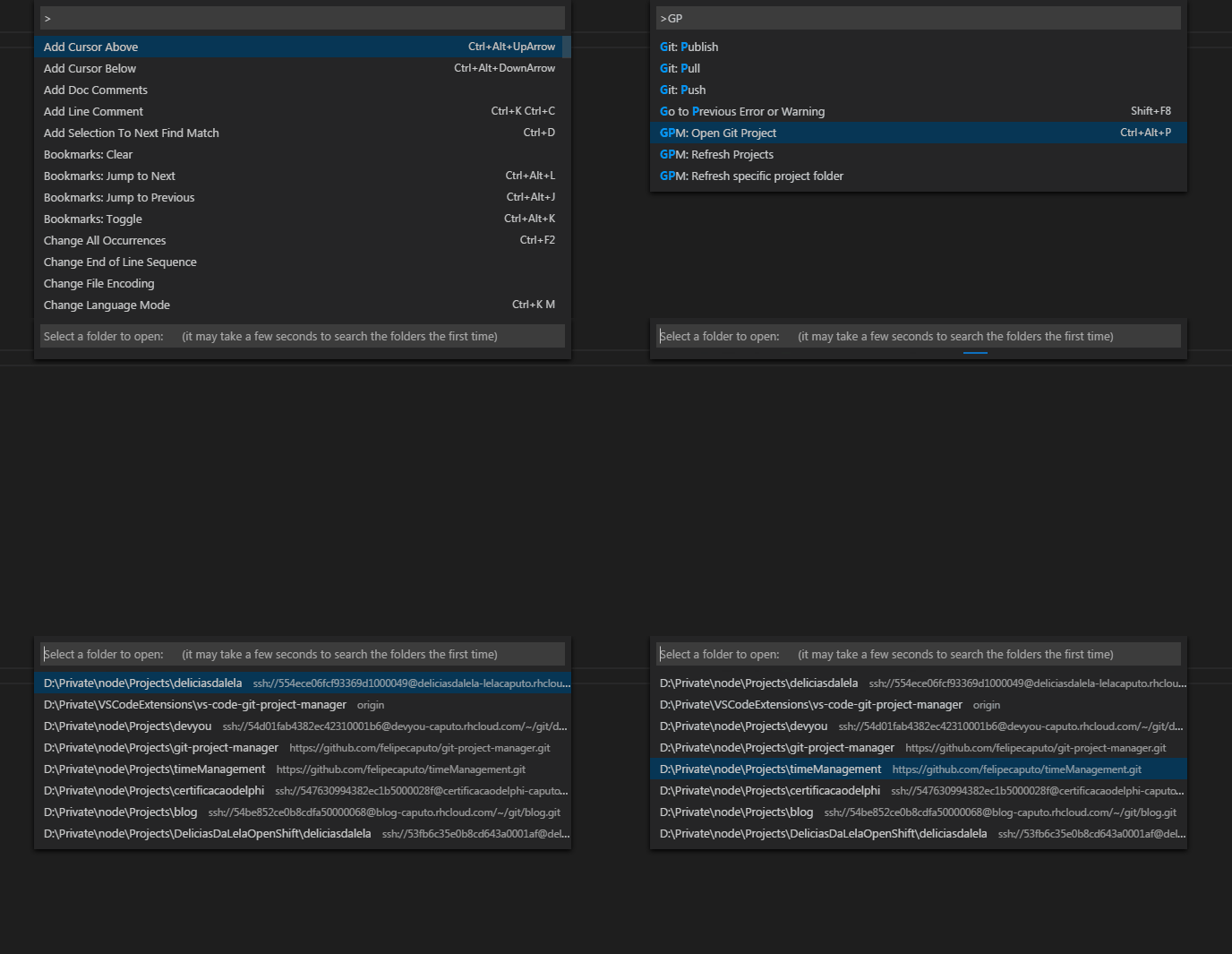
Git Project Manager
Git Project Manager (GPM) is a Microsoft VS Code extension that allows you to open a new window, targeting a Git repository directly from a VS Code window.
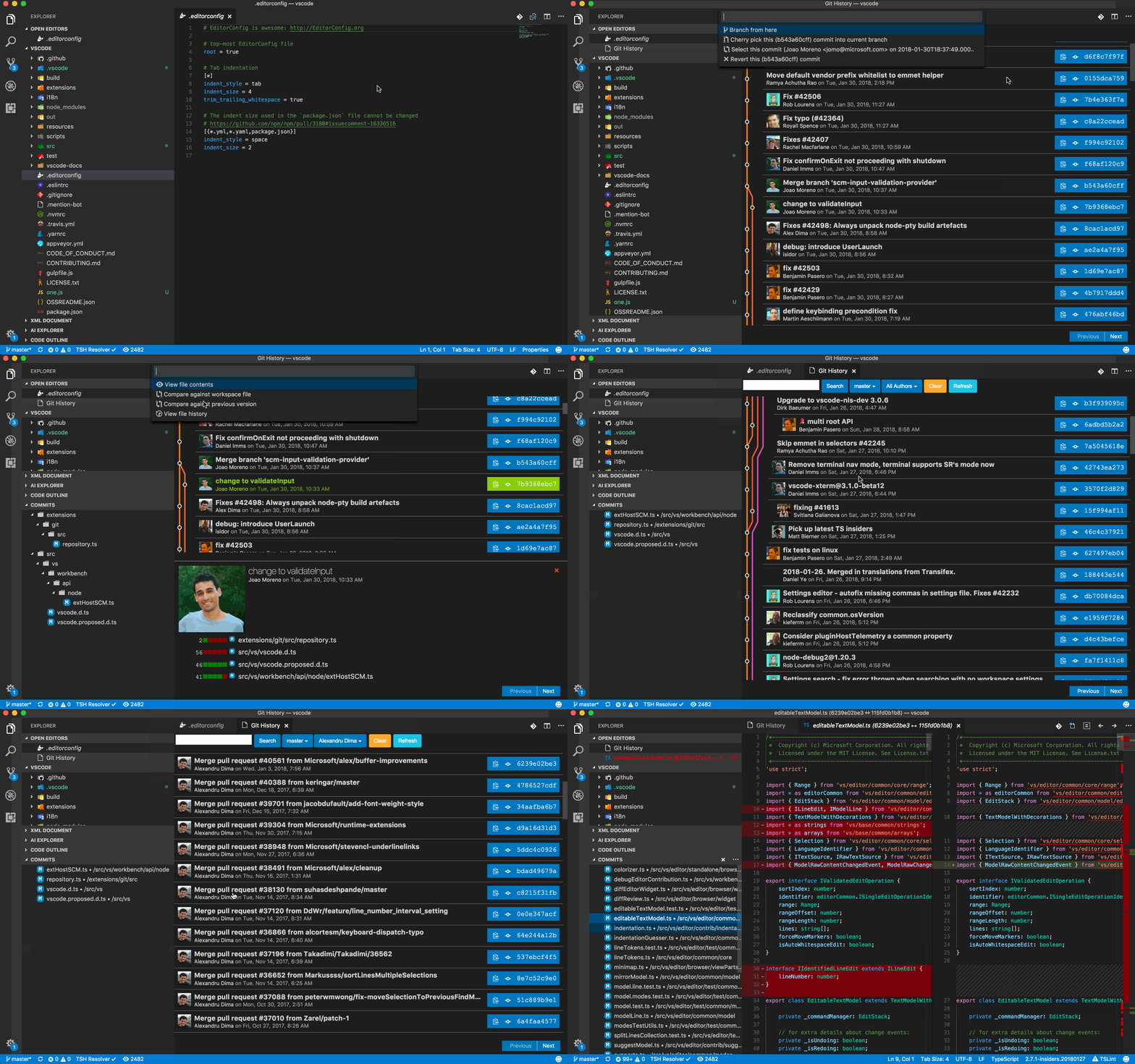
Git History
View a Git log or file history, and compare branches or commits.
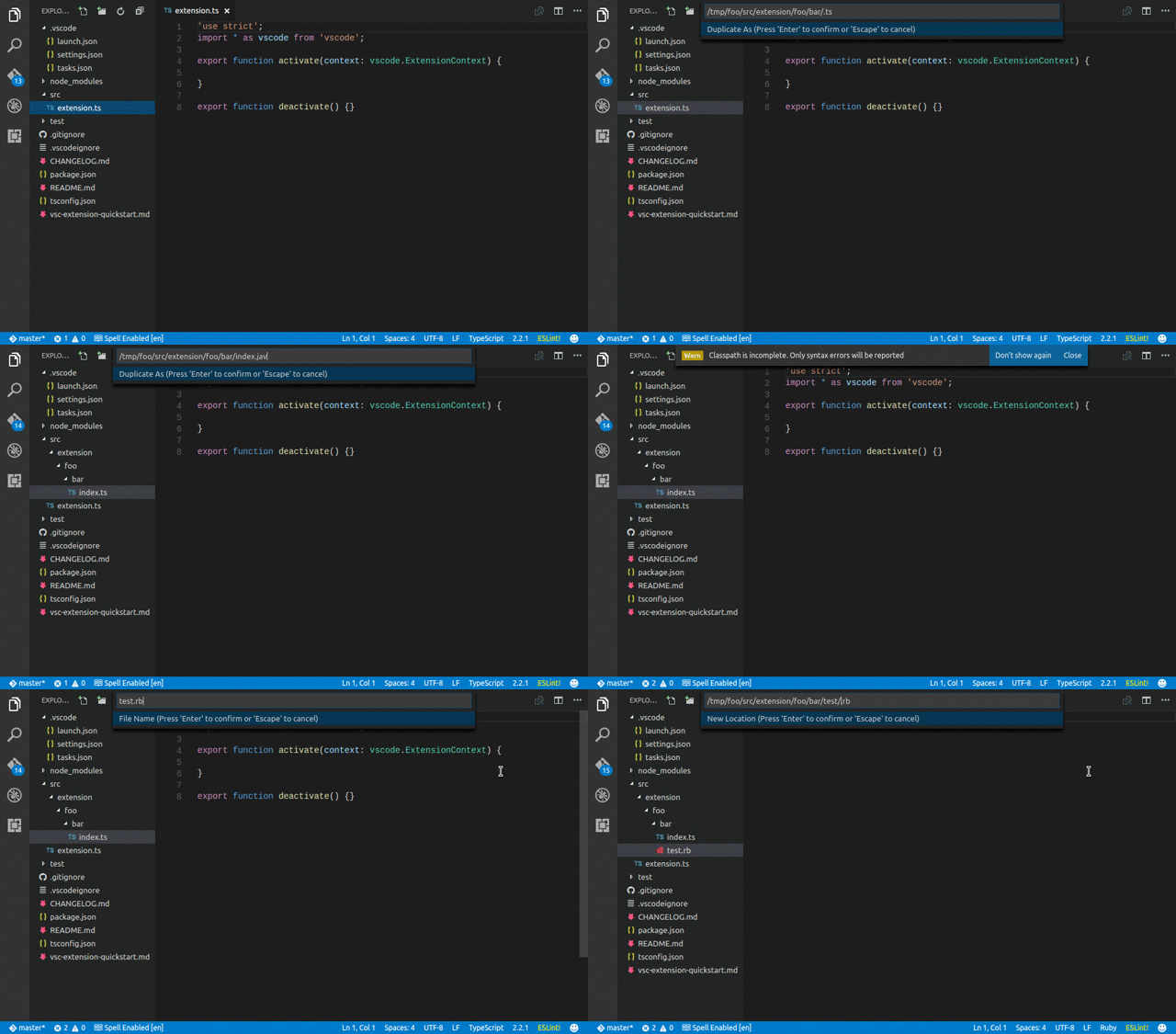
File Utils
A convenient way of creating, duplicating, moving, renaming and deleting files and directories.
Bracket Pair Colorizer
A customizable extension for colorizing matching brackets. Very useful when working with a lot of callbacks.

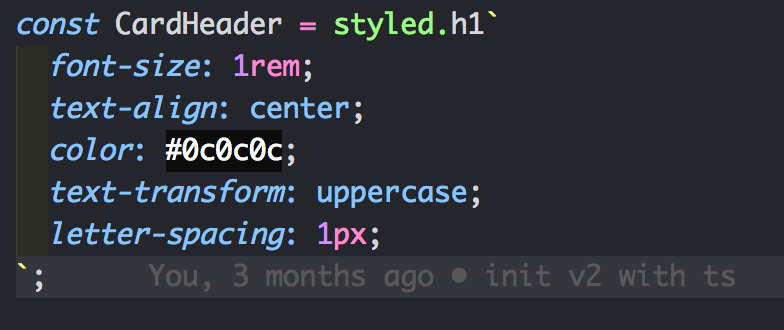
Color Highlight
This extension styles CSS/web colors found in your document.
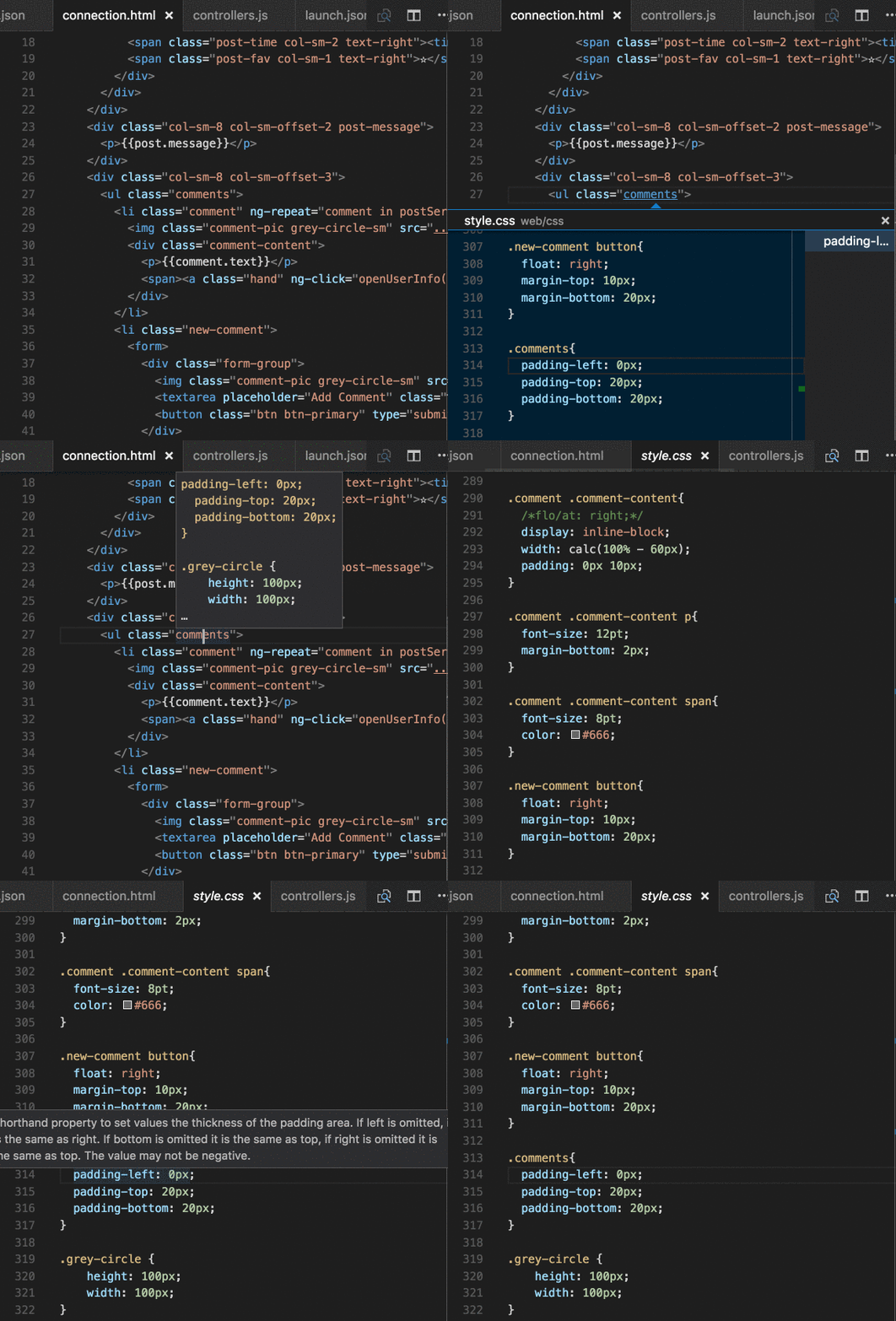
CSS Peek
Allow peeking to CSS ID and class strings as definitions, from HTML files to respective CSS. Allows peek and go to definition.
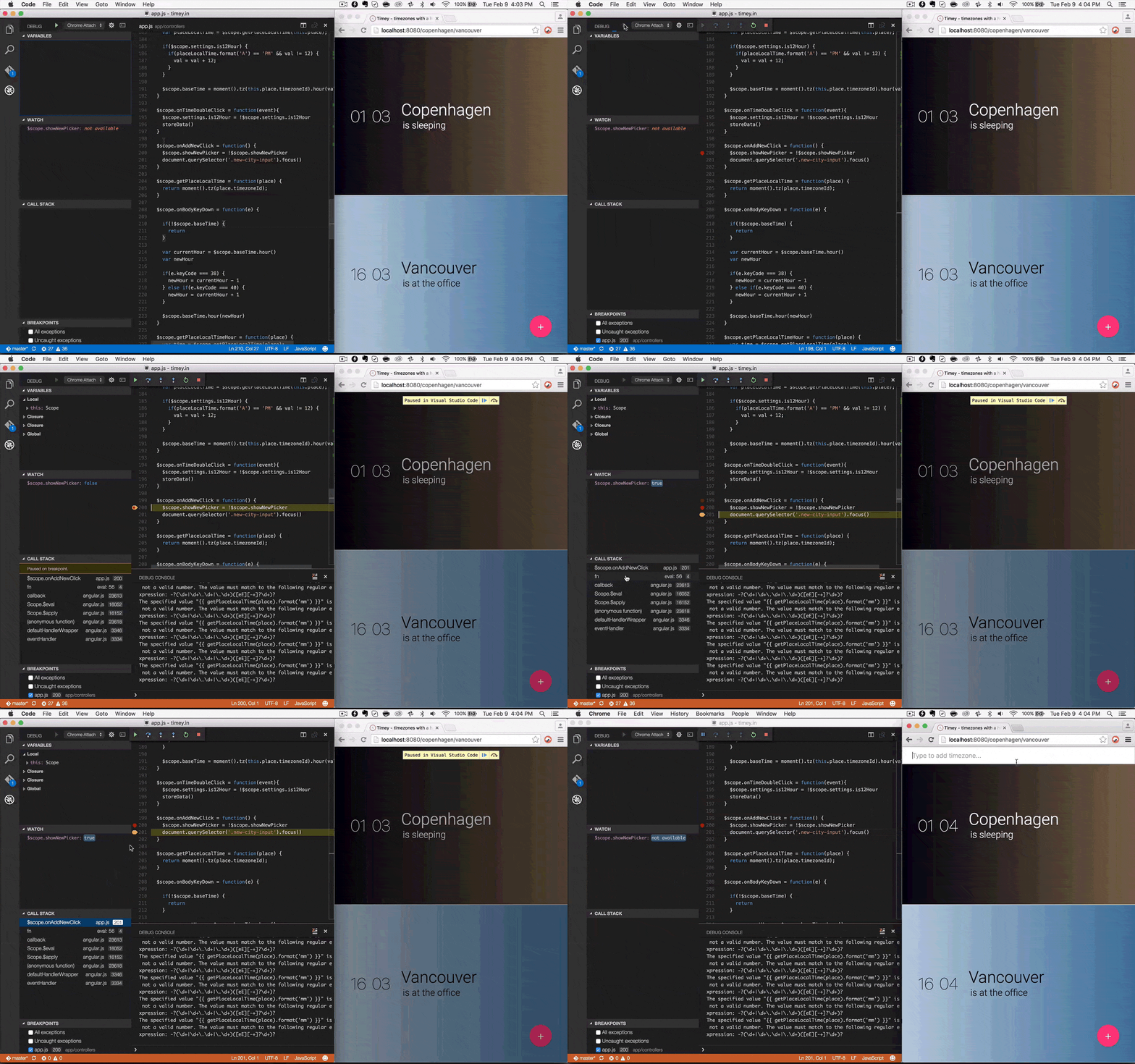
Debugger for Chrome
Debug your JavaScript code in the Chrome browser, or any other target that supports the Chrome debugger protocol.
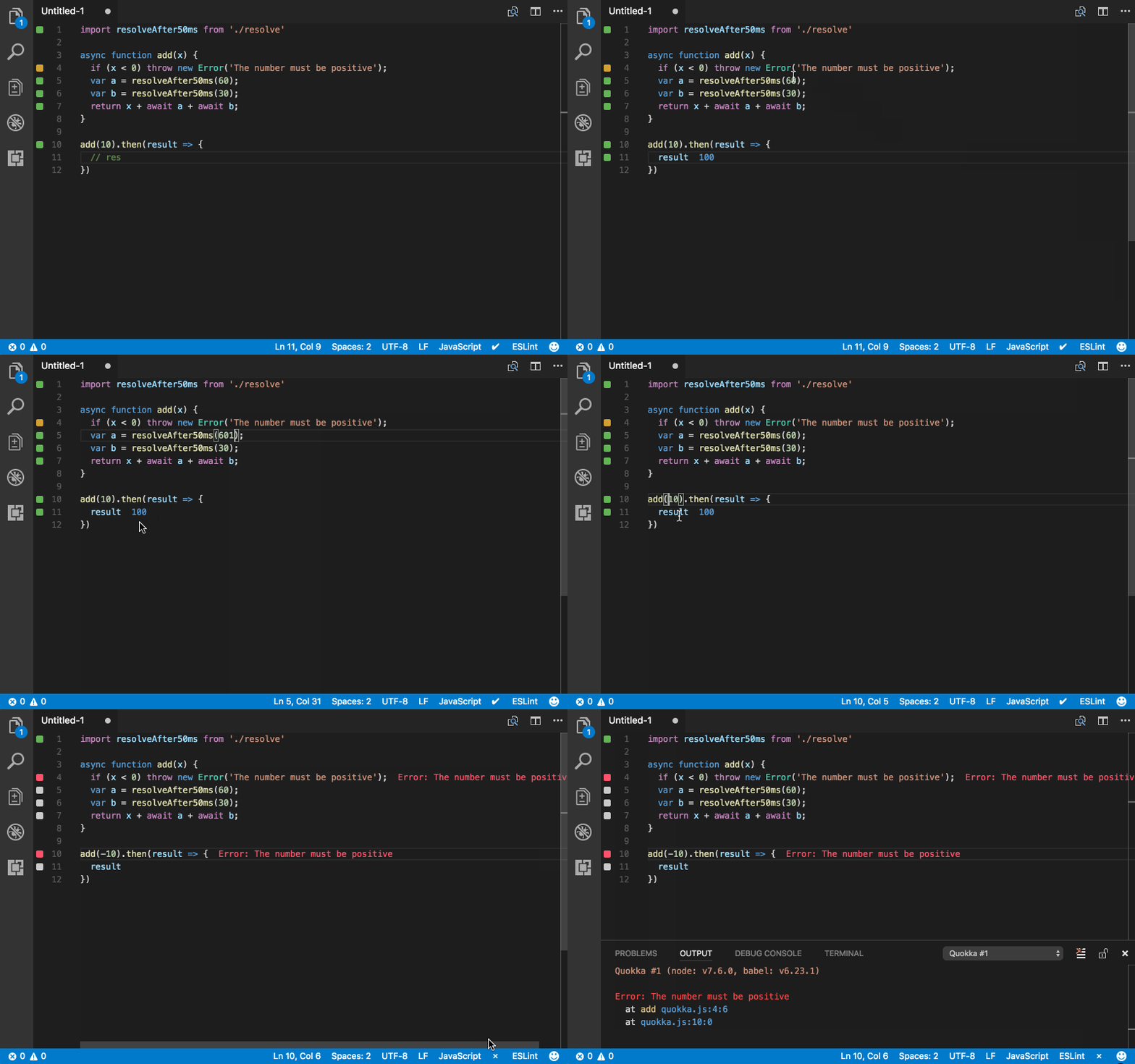
Quokka.js
Live Scratchpad for JavaScript (useful for quick demos).
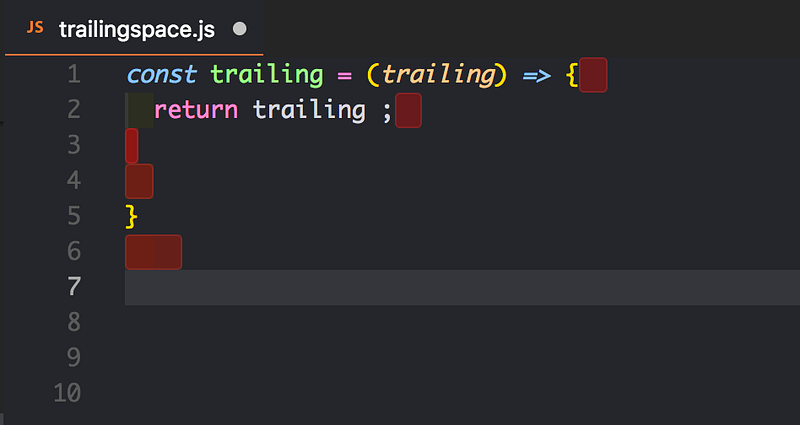
Trailing Spaces
Highlight trailing spaces and delete them in a flash!
TypeScript Hero
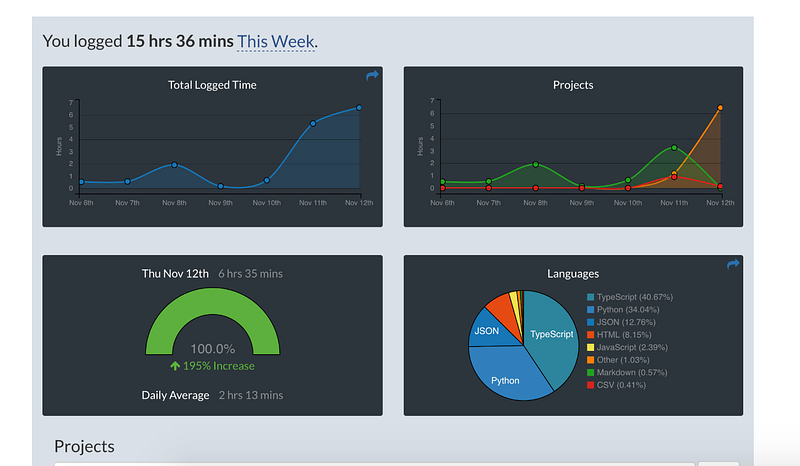
WakaTime
Metrics, insights, and time tracking — automatically generated from your programming activity.
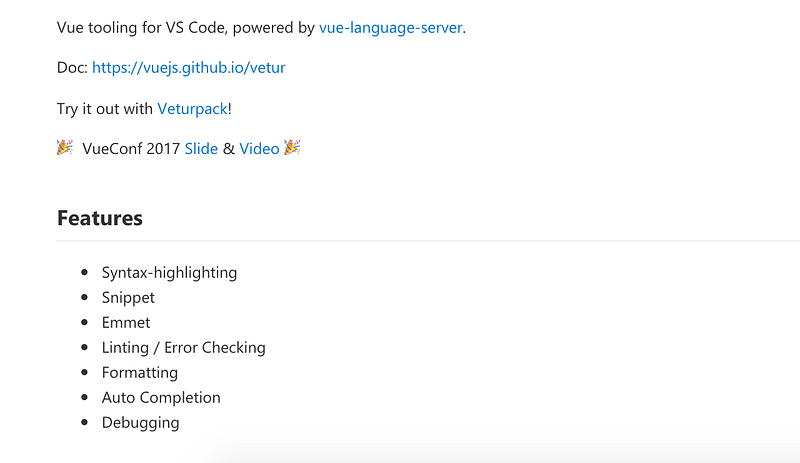
Vetur
Vue tooling for VSCode
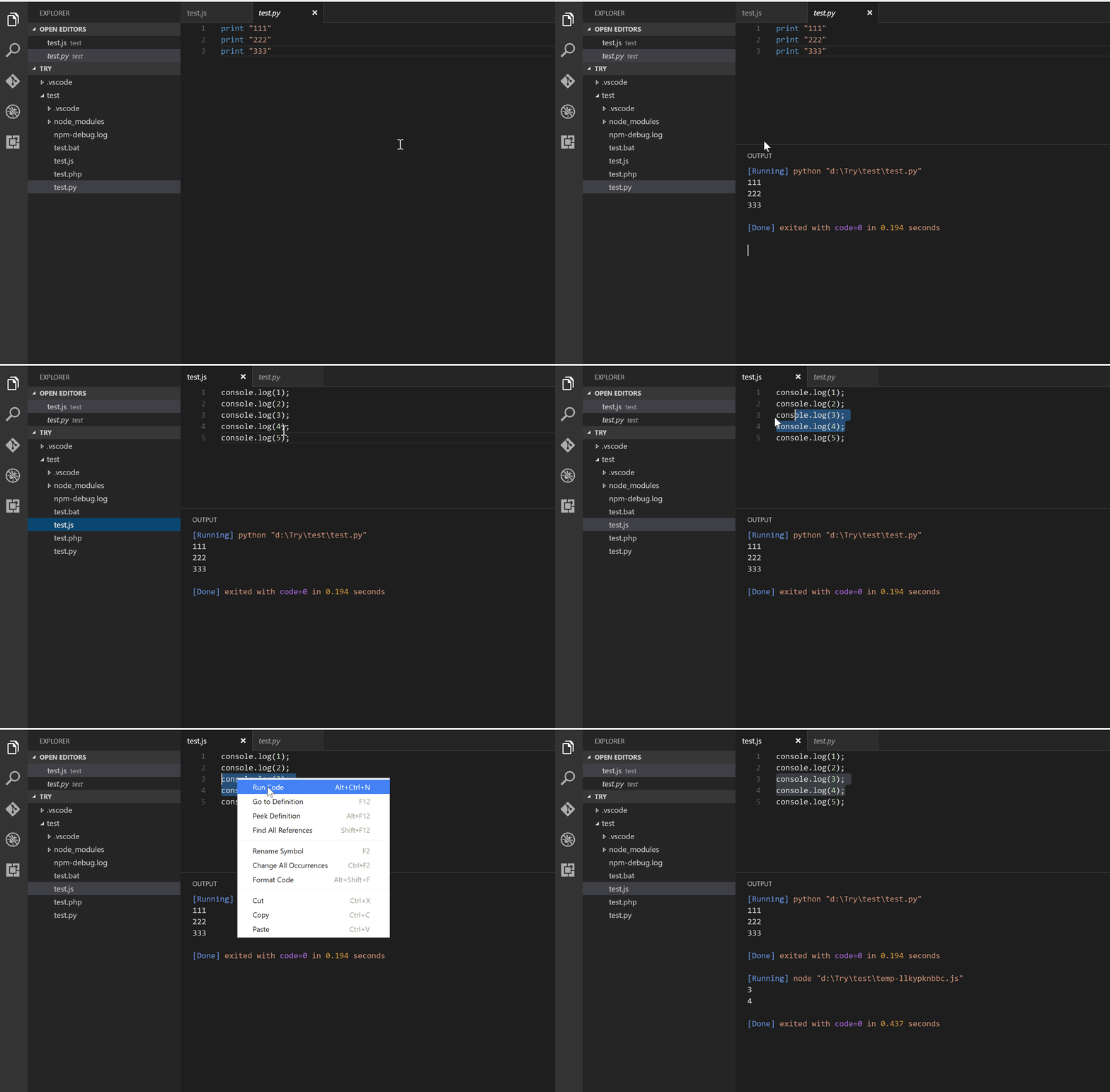
Code Runner
Run a code snippet or code file for multiple languages.
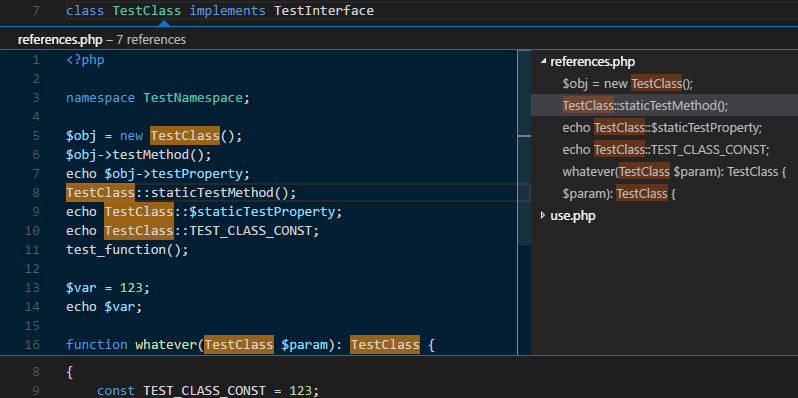
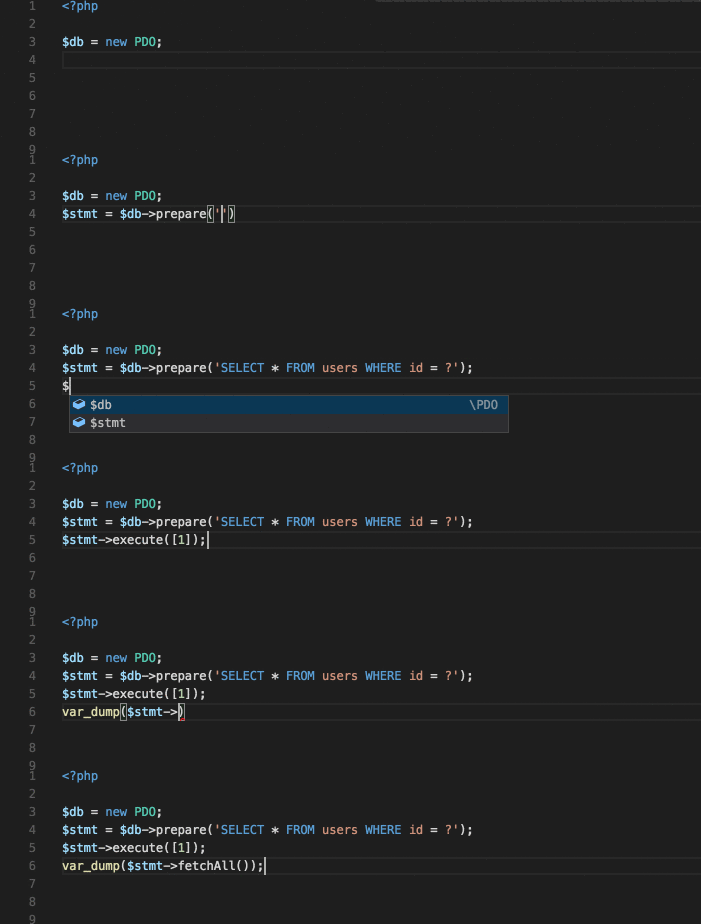
PHP IntelliSense
Advanced autocompletion and refactoring support for PHP.
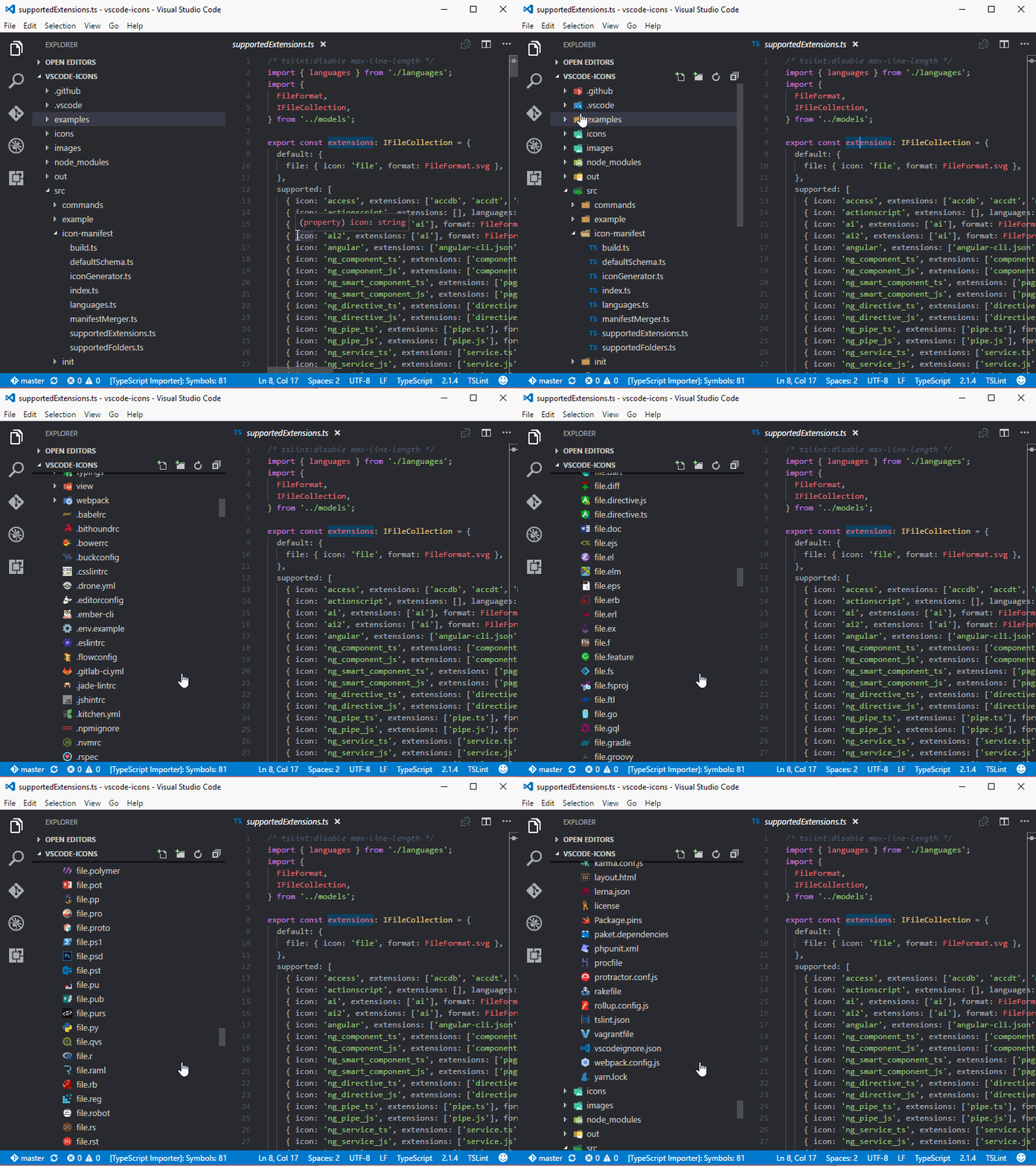
Vscode-icons
Icons for VS Code.
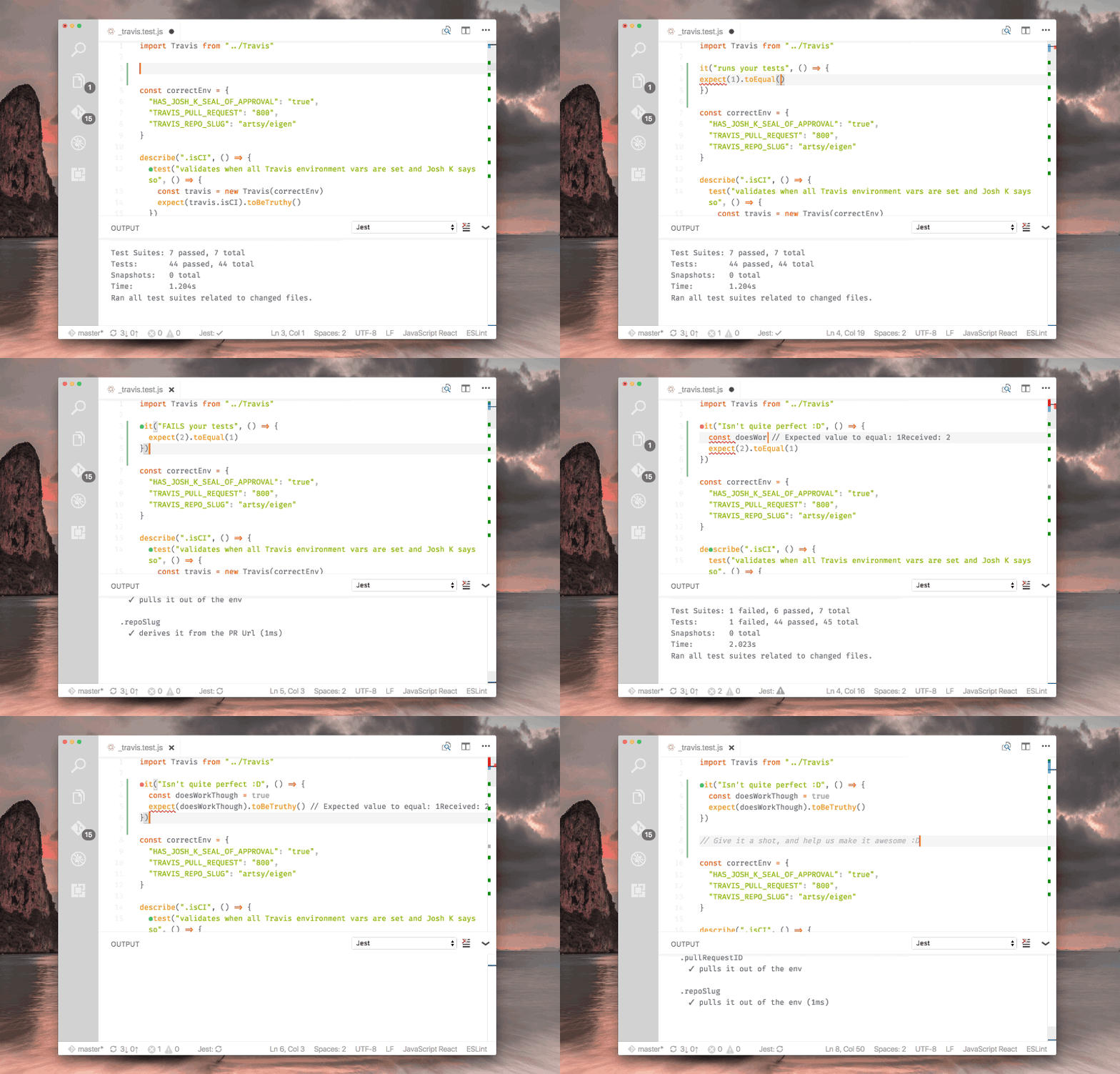
Jest
Use Facebook’s Jest With Pleasure.
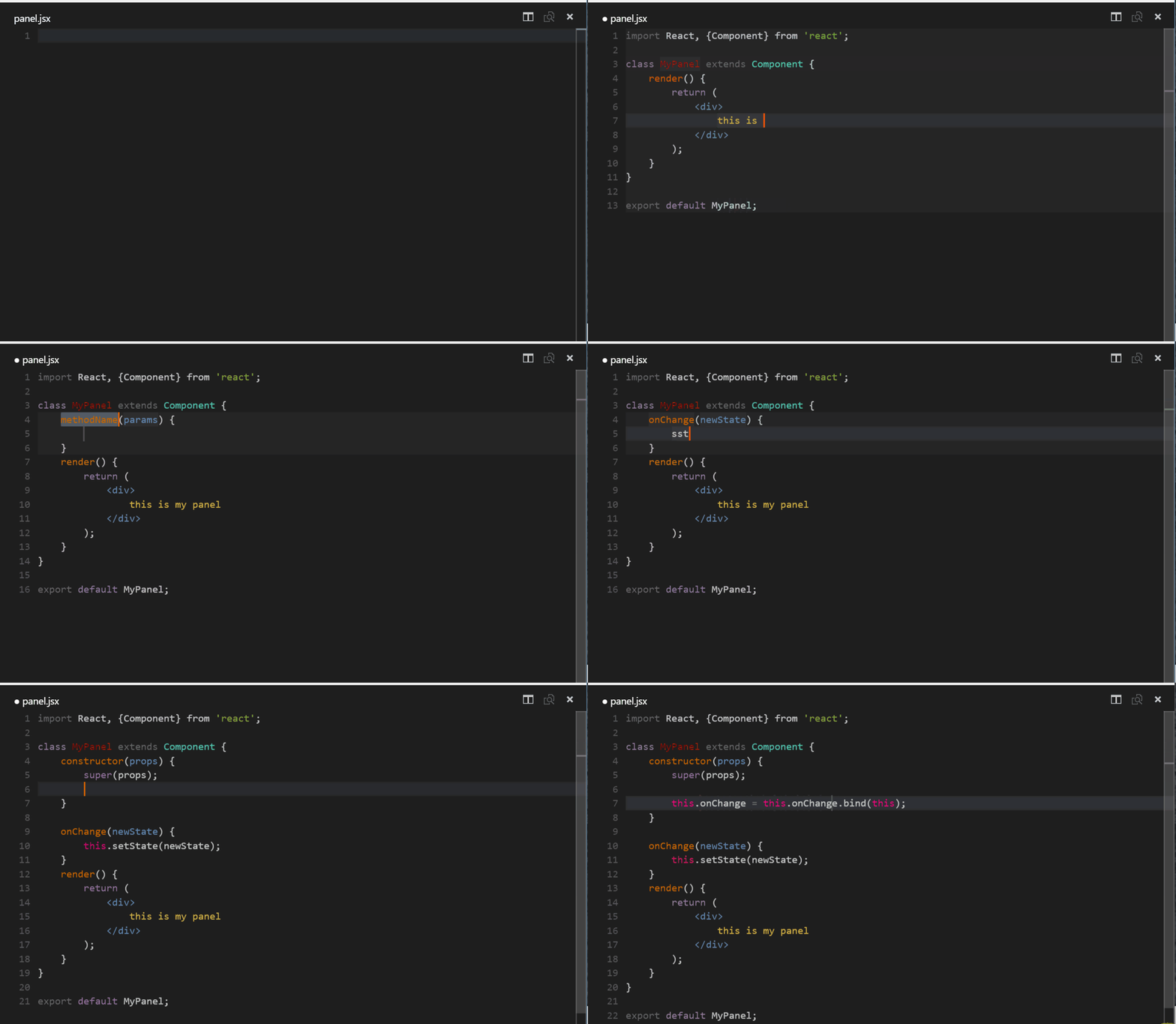
React.js Code Snippets
Code snippets for React.js development in ES6 syntax.
If you know any handy extensions, please post them below and I’ll add them to the list.
The best way to keep up to date with my content is through my newsletter. Be the first one to get notified.