
I’m switching back to Windows. Here’s why.
Batman and the Joker, Potter and Voldermort, United and City, PC and Mac, all sworn enemies that demand absolute allegiance. Like good vs evil, the PC and Mac debate seems to require dedication to one or the other and fans of each will exchange blows (virtual at least) to demonstrate their loyalty.
Don’t know about you, but I feel an inerrant requirement to commit fully to Mac or PC but don’t seem to be able to do it. For the past six months or more I’ve used my MacBook Pro as my daily device, but as Windows 11 has moved past it’s bug-filled-youth, I’ve found myself using this more and believe it suits my workflow better.
So for now, I’ve made my Windows 11 equipped Dell XPS my daily driver, and I want to explain why I believe it makes me more productive.
Full disclosure, I’m a writer, reader and number cruncher. I rarely edit videos or pictures.
Familiarity
As a Windows user of 25 years, Windows 11 just feels more familiar. Using Home and End buttons, for example, seems natural compared to the multi-fingered Mac keyboard shortcuts which evoke memories of learning to play piano. Even though mastering these shortcut combinations can create efficiencies, it’s the muscle-memory instigated basic Windows gestures that get me around quicker.
Feature Rich
A huge part of the appeal of Windows for me is the in-built features. Specifically:
Clipboard Manager
I have Paste on the Mac which is great but a paid third party app.
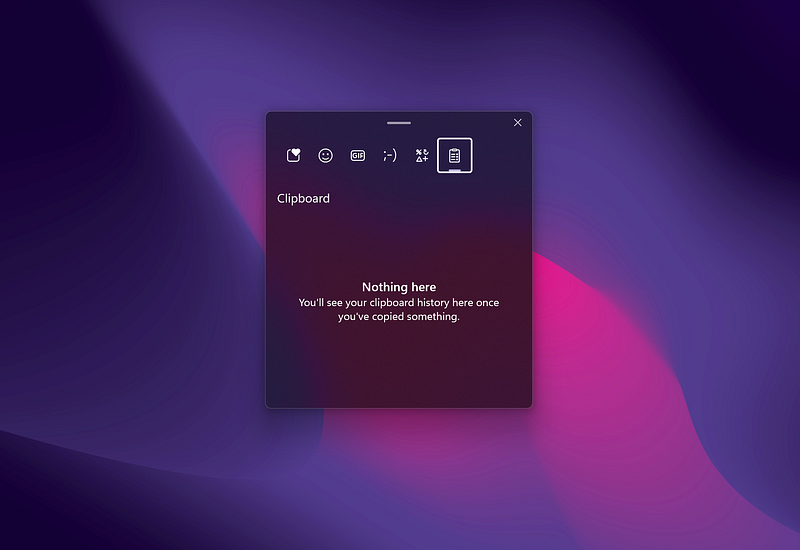
But this little Windows feature is really useful and used daily. Use WIN + V instead of CTRL+V when pasting and you can access your clipboard history.
App Switcher
One feature we know and love is Alt+Tab to pivot between apps. While this is operational in MacOS, the Windows version comes with intelligence that treats app-windows of a single program as different windows. For example, if I’m working in Outlook and have a pop out window for drafting an email, with Windows, Alt+Tab will present both within its cycle, but Mac will treat both windows as one app.

Notice how both the Outlook app-windows are available to cycle through in Windows above.
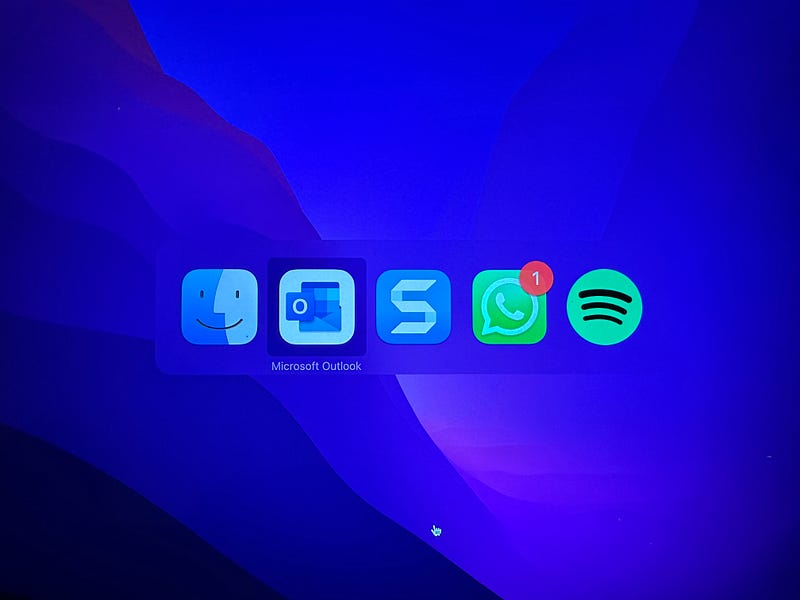
App Switcher on Mac shows the single Outlook window available, despite two being opened.
What’s more, when using Edge Browser on Windows, tabs are also treated as separate and these will all show in your available apps.
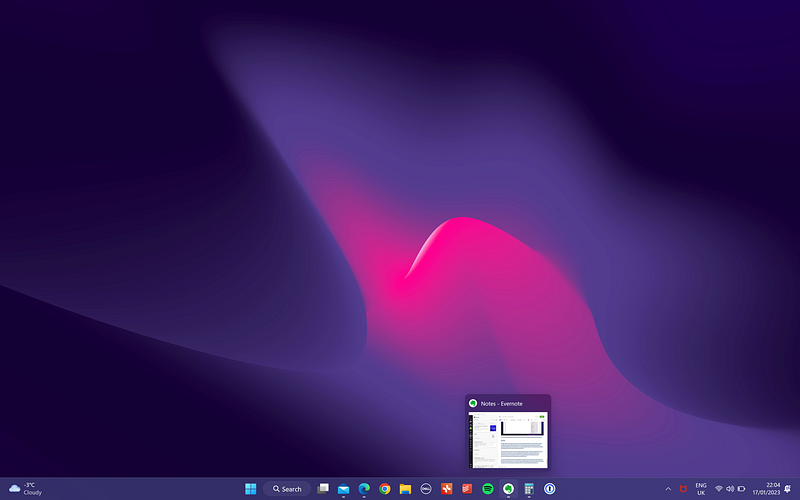
Lastly, notice Windows gives you an app preview, whereas MacOS limits this to the icon. I’ve blurred the image for privacy, but, you get the idea.
A similar preview can be seen when hovering your mouse over a minimised app in the taskbar.
Window Placement Manager
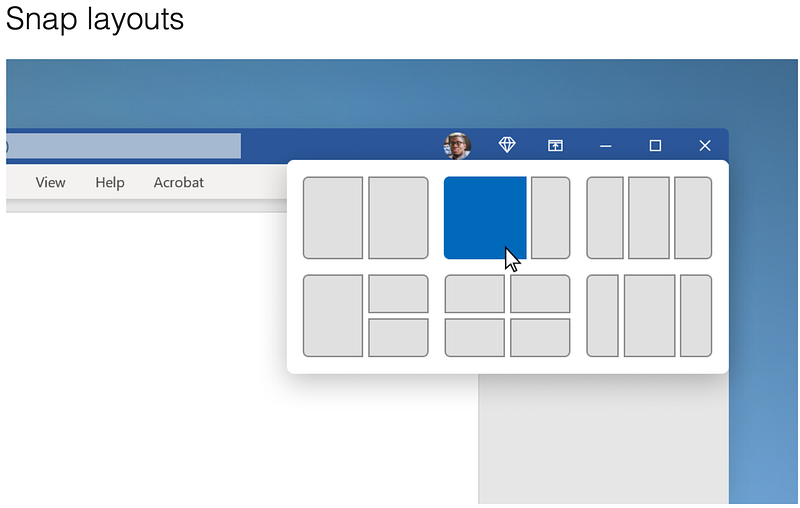
A party trick within Windows 11 is the Snap Layouts feature, which provides you with multiple window configurations to help view and operate multiple programmes on your desktop. While Apple responded with Stage Manager, the Windows solution, to me at least, feels more suitable to the task.
Floating Menus in Office
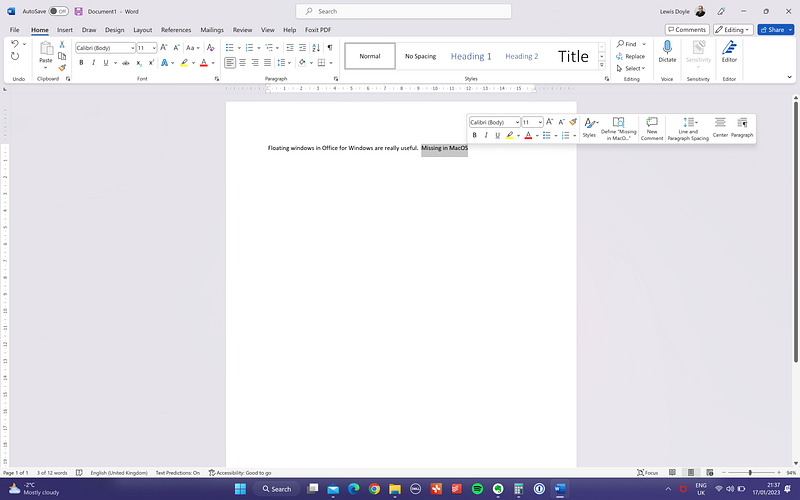
The floating menu in Office for Windows is really useful for placing editing tools in proximity of your mouse pointer, but this is replaced with an aesthetically dull text menu on the Mac equivalent.
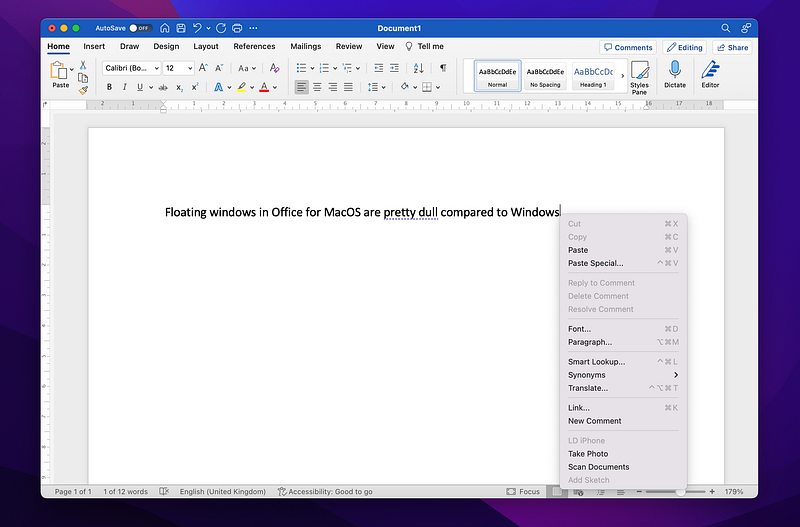
I mean my Apple-devotee friends are always telling me that design reigns supreme in MacOS.
OneDrive
Perhaps this is a little unfair, because it’s another Microsoft product, but I like that I can have multiple OneDrive accounts registered in my native File app giving me access to my own personal OneDrive account and, if I want it, my professional account. This removes the friction of having to log into the web version to access files.
Design
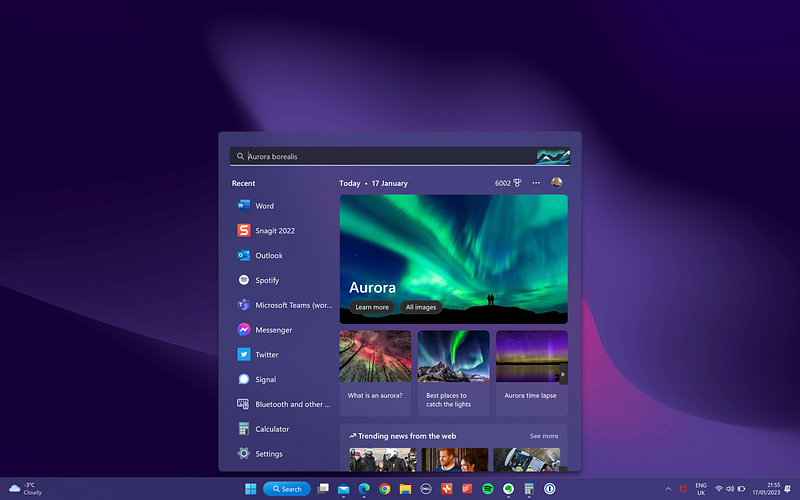
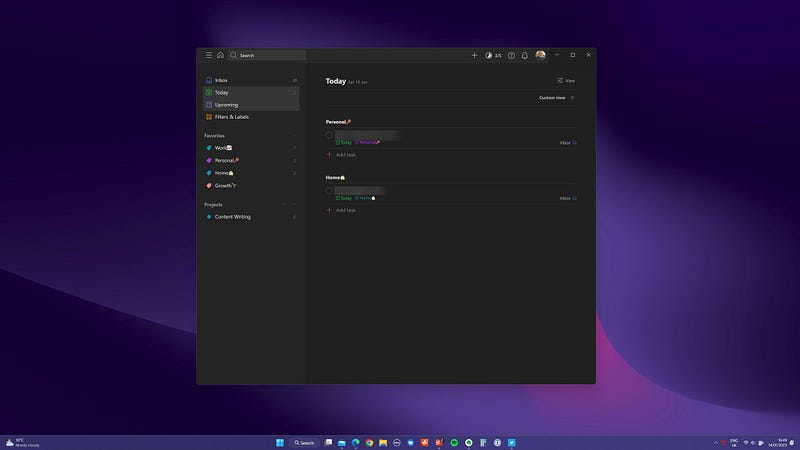
Windows 11 has a beautiful design and I believe this creates aesthetic parity with MacOS now.
Conclusion
These are just a few reasons why I am really enjoying Windows 11 and am using the XPS as my daily driver over the Mac. I haven’t handed back my Apple-fan-card just yet but for my workflow, which is very different to that of the content creator, I find Windows to be a productivity beast which natively packs everything I need.
I’m under no illusions, my M1 Pro MacBook Pro is more responsive, has better battery and has zero fan noise, but when I’m in the zone, those things disappear into obscurity and what matters is what’s in front of me and how I interact with it. That’s the strength of Windows 11.


