
I’m DONE With the SSD Issue! M2 MacBook Air 1 Week Later (review)
It’s time to move on
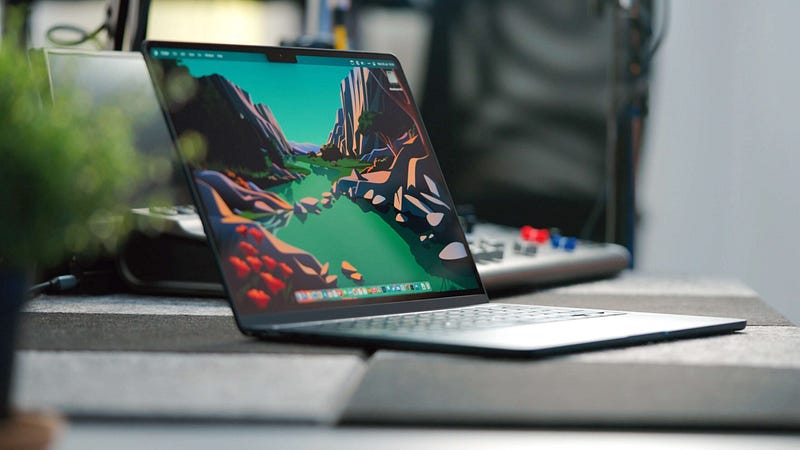
I’ve had the base model M2 MacBook Air for about a week now, which means it’s time for my first (of many, no doubt) official review of Apple’s long-awaited laptop.
I offered some opening thoughts about the M2 MacBook Air last week, but in just under seven days, my thoughts have developed somewhat.
For those who aren’t aware, I opted for the base model. This is the benefit of running a smaller YouTube channel like mine — although I don’t receive review units from Apple, I do get to choose the exact spec I want and keep it long-term.
This is good news if you’re considering the base model M2 MacBook Air (I know a lot of you are) because you’re about to find out what this machine is really like. Equally, if you’re looking to spice up your M2 MacBook Air a bit, you’ll be able to see where you’re starting from with the ‘cheapest’ model available.
Loss of the wedge
The iconic wedge design of the previous generation MacBook Air has gone. Well, that’s not strictly true — you can still buy the M1 MacBook Air, which we’ll get onto in a bit — but you catch my drift.
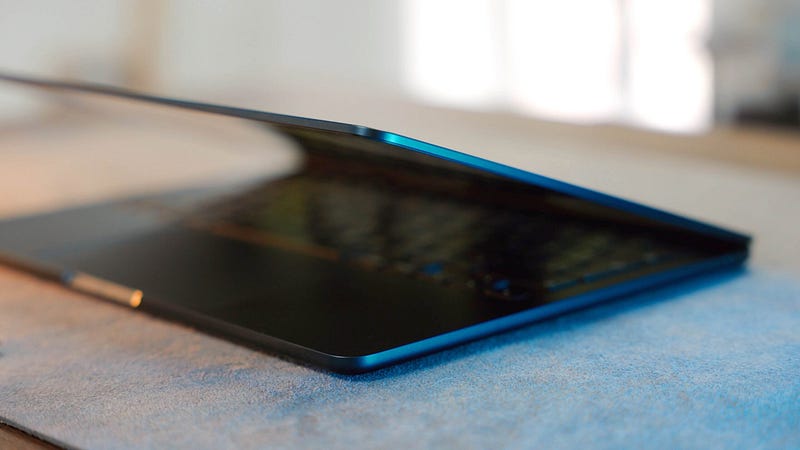
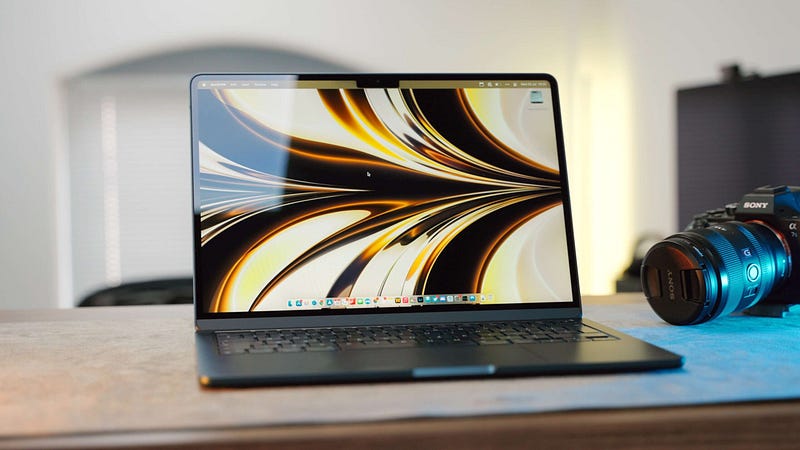
But what you see here is the new iconic design for the MacBook Air. Us humans are fickle, you see — the wedge looks a bit dated now the new kid on the block has come along, doesn’t it? That’s entirely unfair, but it’s so easy to have your head turned in tech.
I really like the new design language for the MacBook Air, but I do worry about how thin it is. I’ve heard of people inadvertently bending their beloved laptops while transporting them in rucksacks, and the M2 MacBook Air feels primed for that to happen.
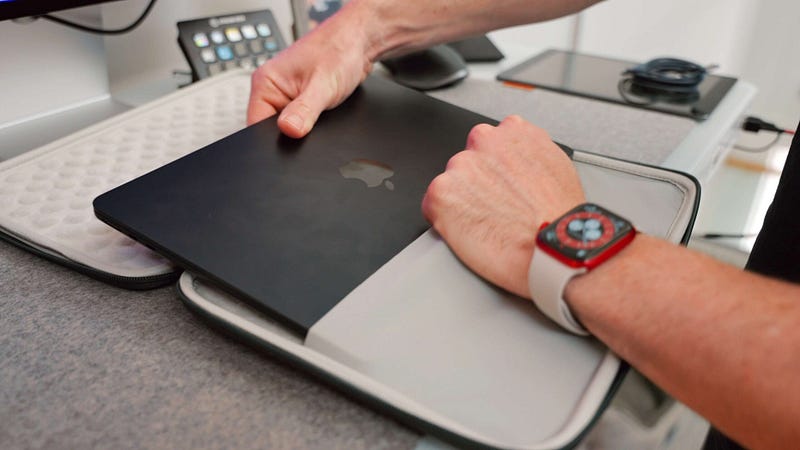
To counter this, I’ve bought a hard case from Inateck. There are loads of options on the market, but this one gets my vote for its looks, build quality, and the additional structural rigidity it affords.
Having spent a week with this new design, I’m a convert; the ‘squashed’ MacBook Pro aesthetic was exactly the right direction for the new MacBook Air. There are some niggles, though.
I agree with others who have noted that it would be nice for one of the USB-C ports to have been moved to the other side of the laptop. But that’s a small gripe when you consider the main design niggle.
Those smudges…
I opted for the Midnight version of the M2 MacBook Air — which I still maintain is essentially black in all but very specific lighting conditions.
The problem with this one — as seemingly every other reviewer has pointed out — is that it is one of the worst fingerprint magnets you’re ever likely to encounter.
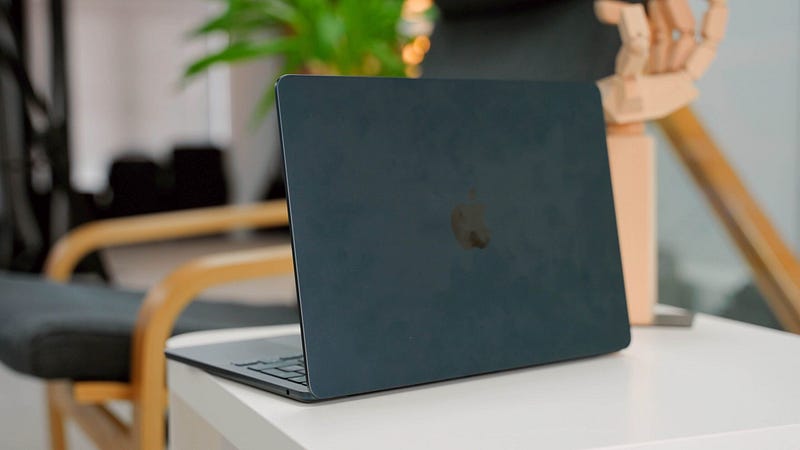
The smudges this thing picks up are completely unavoidable, too. In fact, they’re so magnetic that I decided against constantly cleaning the laptop during my b-roll shoot; it would have taken forever just to obtain the imagery I needed.
Unless you plan on constantly cleaning your M2 MacBook Air with a microfibre cloth, you’ll need to get used to the presence of fingerprints and smudges on your Midnight laptop. It’s a shame because when clean, it is one of the best-looking MacBooks I’ve seen.
There have also been reports of chipping around the USB-C ports if you inadvertently miss the target with the connection once too often. There’s already tiny evidence (I think) of that on mine. If widespread, this doesn’t bode well for the rest of the casing on this version of the M2 MacBook Air. We shall see.
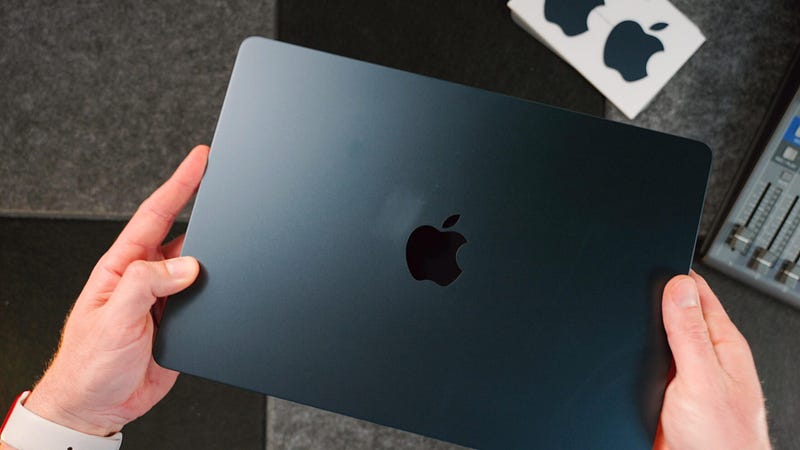
My advice? Go with one of the other colours. The Midnight M2 MacBook Air reminds me of the Jet Black iPhone 7; it looks gorgeous in product shots and when you first get it out of the box, but as soon as you put it to use, you can wave goodbye to those good looks.
How I’m using it
Before I get onto performance, it’s worth noting how I use this laptop, because I think it’s typical of Most MacBook Air users.

For the last two years, I’ve been using my trusty M1 MacBook Air as the driving force behind this business. I haven’t used it for video editing (bar a couple of occasions when I found myself in a pinch) but it has been used for pretty much everything else.
Primarily, this is writing daily for my blog, dealing with emails, creating sponsorship contracts, working with my external team, taking Zoom calls, fiddling with spreadsheets, and undertaking photo edits in Lightroom.
It’s what I would call ‘normal stuff’ (bar Lightroom, possibly) and I’ve never owned a computer that’s as good at doing that stuff as the M1 MacBook Air.
This essential role is now filled by the M2 MacBook Air. So, my thoughts on its performance are based entirely on that use case.
Performance
This isn’t a computer for professional creative work or developers. It can be used in a pinch for those tasks, or if you’re more of a hobbyist — and it is indeed capable of far more than for which many give it credit — but bread and butter for the MacBook Air is the ability to absolutely smash through normal work.
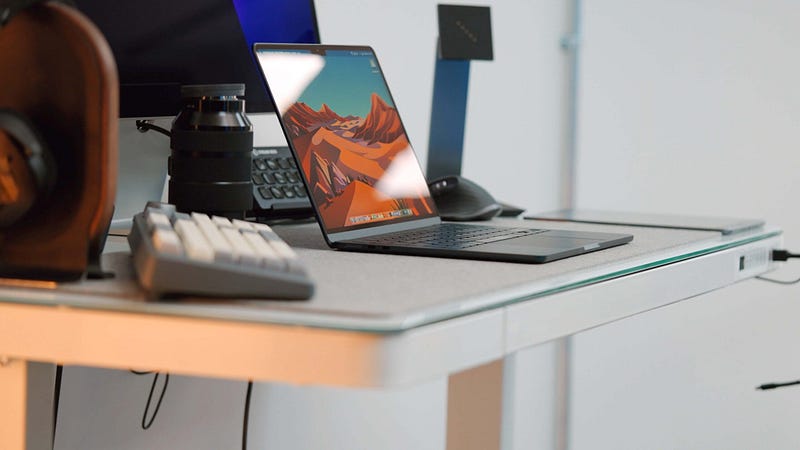
The base model I have is the version with 8GB of unified memory and a 256GB SSD. It feels identical to the M1 MacBook Air for the tasks I mentioned earlier — if not a little quicker when opening apps. This might be because it’s new, and it’s of course something I’ll report back on. Regardless, it’s a snappy little thing.
I conducted a fairly crap Final Cut Pro export test during my first impressions video, but I won’t be using this laptop for video editing unless I find myself in a hole. When that happens, I have no concerns about it doing the job for me.
To reiterate, this laptop is built for everyday work and it remains the best option for it, in my book — if your budget can stretch (I’ll get onto that in a bit).
The screen and battery
I feel like there isn’t a huge amount to say about the M2 MacBook Air’s screen, but that isn’t for any bad reason.
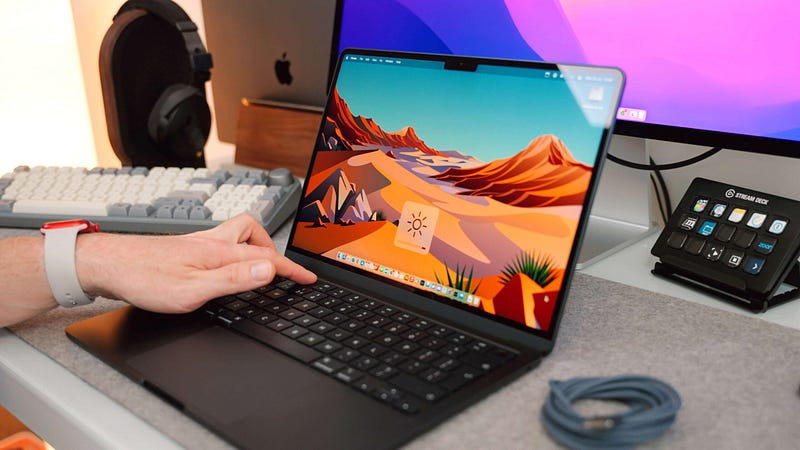
It’s definitely a better screen than the M1 MacBook Air’s, but not punch-you-in-the-face better. It’s not sharper (Apple retina screens all look identical in that regard) but it is 100 nits brighter, which is noticeable. It’s slightly bigger, too, which is nice.
The M2 MacBook Air’s screen just feels made for 2022, which is all we wanted.
Oh, and just to confirm, the notch still has zero bearing on anything you’ll ever do with this laptop and you’ll forget it exists within 30 seconds of using it.
A quick nod to the battery life, too — it remains epic and will easily get you through the day. The return of MagSafe is indeed triumphant, and standby time is still world-beating. It’s nice to see that one of the best elements of the MacBook Air has remained; the battery performance makes it such an easy laptop to live with.
Final thoughts
There’s one big issue with the M2 MacBook Air and that is the price. It’s $200 more expensive than the M1 version, and that uplift is only worth it if you want the latest and greatest. As noted earlier, both laptops feel pretty much identical, performance-wise.
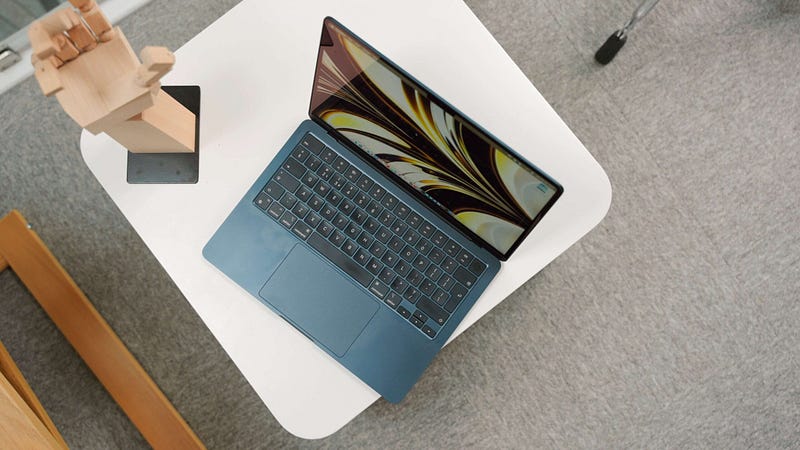
For $200 you’re getting a better screen, the new chassis, MagSafe, and the kudos that comes with having the new one. If that’s enough for you — go for it!
Equally, if you can only afford the base model version, don’t sweat it — this is a great laptop and one that I’m enjoying using every single day.
Unfortunately, I think that for a fairly large portion of the market, the M2 MacBook Air is going to be seen as too expensive, particularly with the cost of living as high as it is right now.
The good news? The M1 MacBook Air is still available and remains an awesome buy. I wouldn’t feel bad about opting for that one — you’re certainly not missing out.
I’ll be returning with lots more thoughts about the M2 MacBook Air over the coming months — so, stay tuned!
Before you go
Join my behind-the-scenes mailing list
If you enjoy my writing, it’s only a snippet of what’s on Medium. I’m a paying member myself and highly recommend joining. Click here to join (a portion of your membership fee will be sent my way and therefore directly support my work!).
This post includes affiliate links
Originally published at https://markellisreviews.com on July 22, 2022.


