
I Was Invited to Test the Vocal Media Application and This is the Experience
Congratulations to the whole Vocal team, the Application is Impeccable
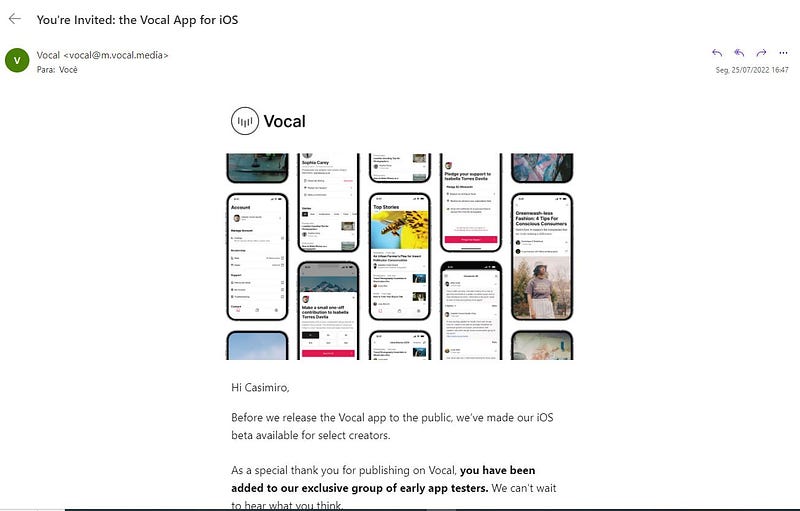
The experience in using the app is well optimized, the developers have spared no effort in implementing good features, being the beta version, has no way to charge immediately features that may be implemented soon.
What Can Users Face When Using the App for the First Time?
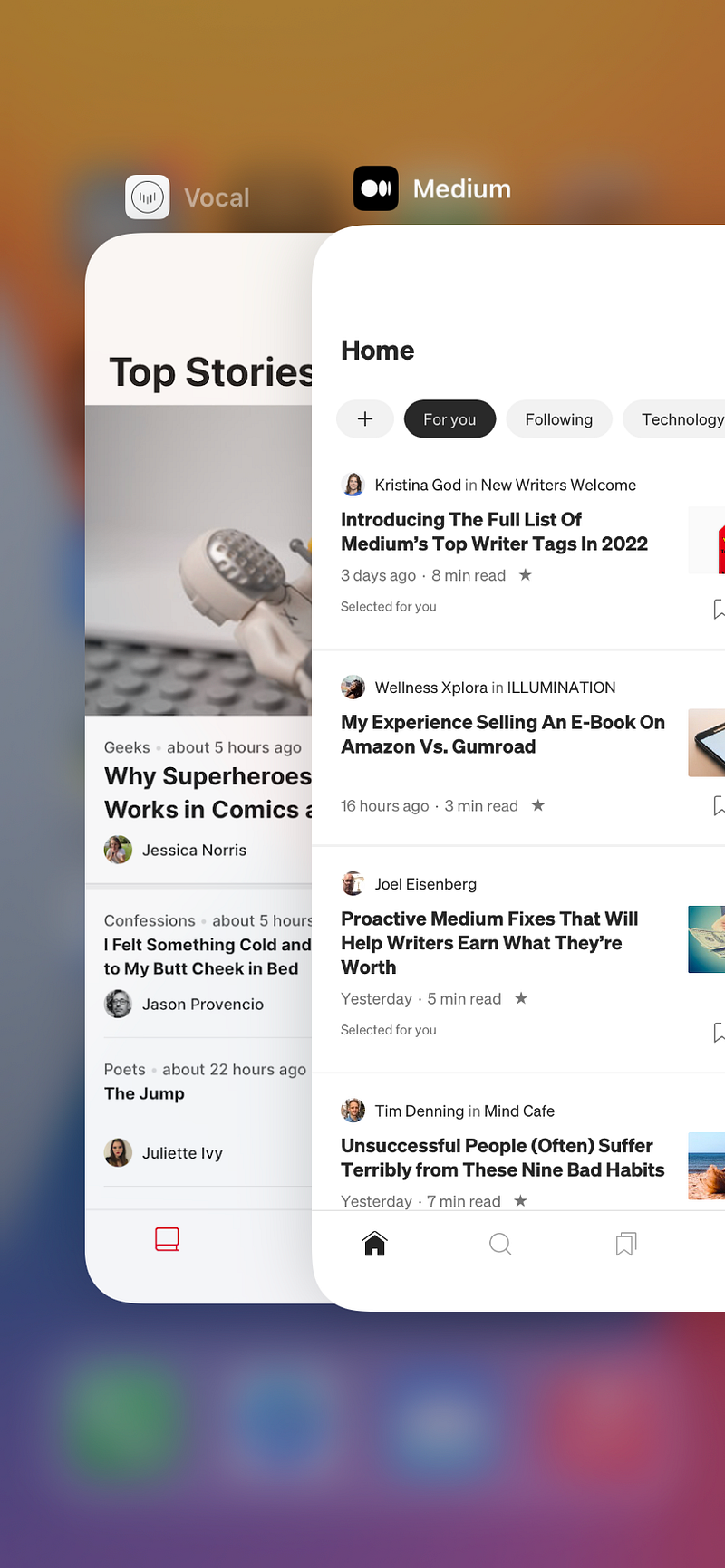
It is not yet known if there will be new features in the full version, but right away when entering the app, the user is faced with a basic relational interface, but very professional and similar to the navigation of the Medium app. Maybe they could put some titles in the header of the app in the very first menu, to give it that more interactive profile, but it looks nice nonetheless. The app has three buttons in the interface, where the first is where users can find the featured stories (Popular stories), and the second menu is the library menu, in this menu, you can see a lot of looks with the web version of Medium, already in the third menu is where you can find your account details.
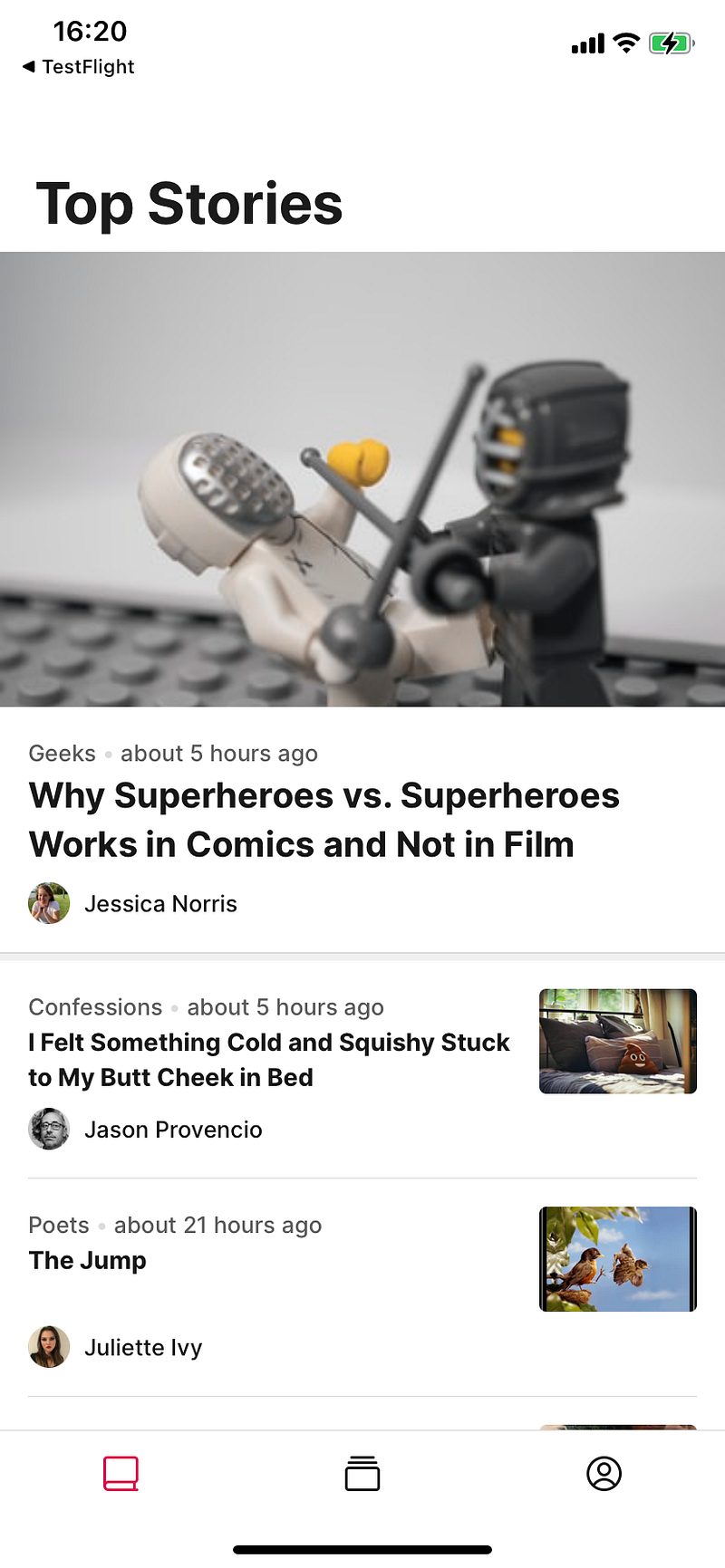
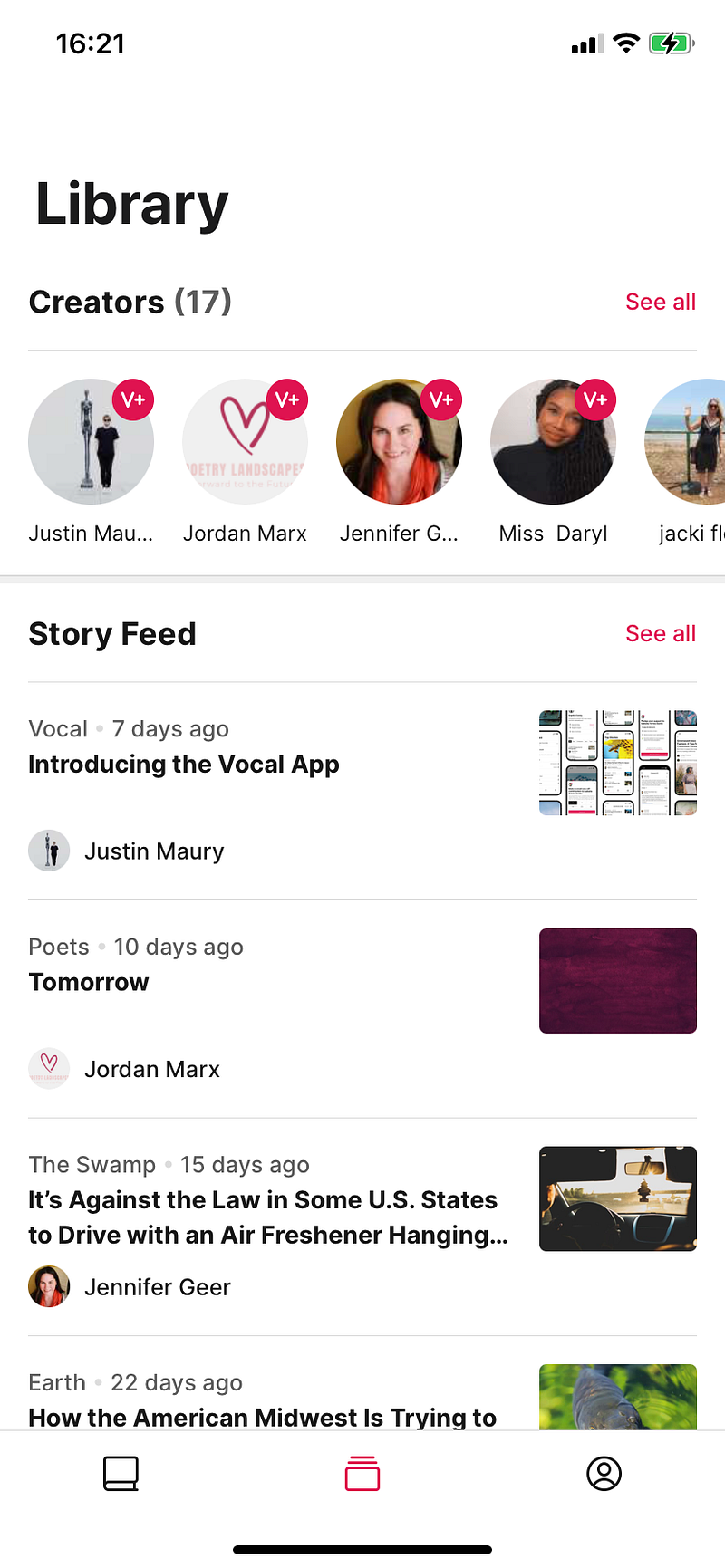
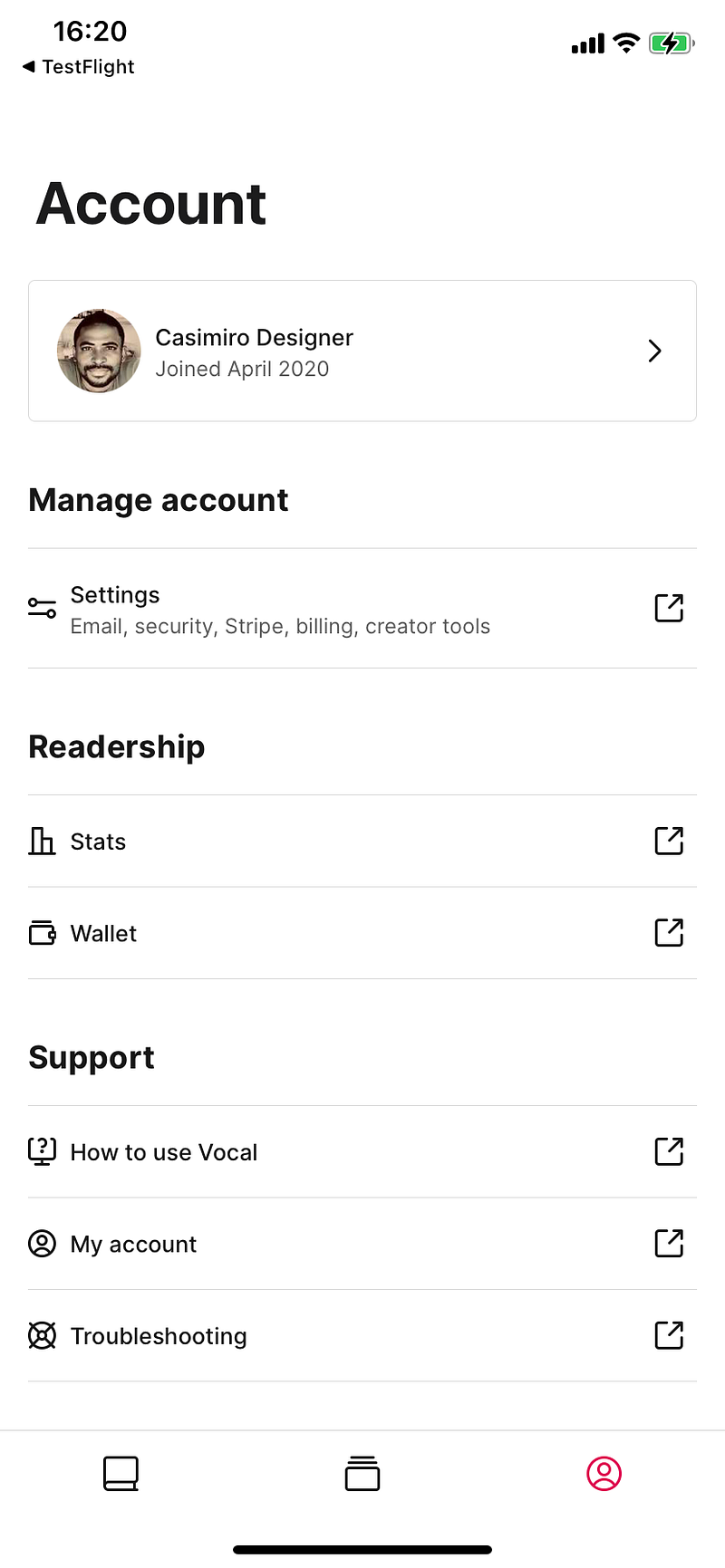
Being in the Vocal app, you can read stories, leave comments, follow your favorite actors, and see your profile in full, but to go into profile settings, see the status of stories, see your portfolio or other Medium options, these options were built in to take the user to the web version, there is no way to see it from the app. It is not yet known if these options will be made available for use within the app or not.
Writing
Just like Medium, you have no way to write stories through the app, I did a little comparison with the Medium App, and they look like twins. Also, there is no way to select text and copy.
At the moment it does not have much yet, but it is still interactive to read stories through the app and anywhere in the world.