
I used OpenAI’s custom ChatGPT for source code analysis. You probably shouldn’t yet though.
TL;DR: My experience was good but the ride was bumpy due to reliability issues. Overall it had an “early beta vibe” as of Dec 2023 but I found some tricks to make it better.
Recently I did a deep-dive into the python version of LangChain, an AI framework growing in popularity. Around this time OpenAI launched “ChatGPTs” which allowed you to add some custom documents to your ChatGPT Plus conversation.
The promise of a custom GPT is that:
- You can have specialised, domain-specific conversations that are more accurate than general ones.
- It is fresher than the base cut-off (which is April 2023 as of Dec 2023): you can work against whatever snapshot you choose to download
- It can answer detailed questions about the code
My conclusions: it delivers, but with caveats
Let’s break it down a bit.
Pros
- Its analysis is vastly better than a plain old ChatGPT session: it can analyse code fairly well, do comparisons of different blocks of code, and make suggestions for refactoring and testing.
Cons as of Nov 2023
- It knows less about the Python language than I hoped, which hampers its analysis. E.g. it doesn’t know about Python inheritance so can’t find methods if they’re defined in the parent class
- It is incredibly unreliable: “Analysis Failed” errors abound (see further)
- It gives up quickly: when errors happen, it gives up and then says “in principle it seems that…” and makes up a bunch of stuff which isn’t useful.
- It’s slow, and you can’t switch out on mobile web. Asking questions often involves 20–30s delay. This a signifcant impact in flow. UX best practice suggests anything past 10s and people will switch out and do something else. BUT if you switch out your mobile web page on iOS, Apple will nuke it and you’ll end up with a failed request. This means you have to keep the web page in the foreground and can’t use your phone for anything else.
- It needs a lot of coaxing to actually use the information provided. It appears to store the first 1000 characters of each file first for a preliminary understanding, and needs additional coaxing to dig further into the files, which triggers the dreaded “please put your life on hold while we are Analysing…” status bar.
Some of the questions I asked
My goal was simple: “understand how to use LangChain”, driven by the Deeplearning.ai short courses on LangChain.
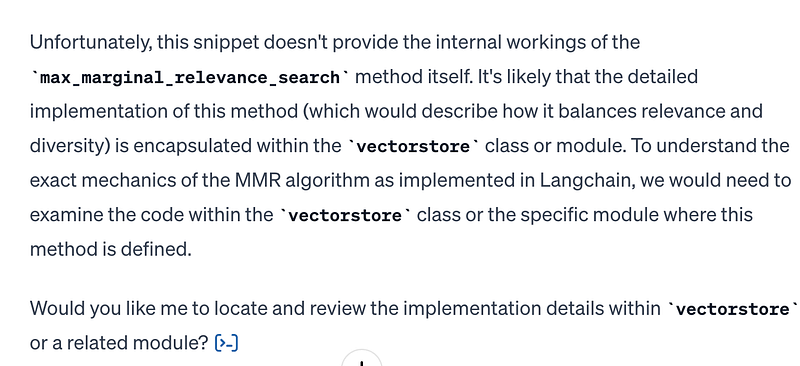
Here are some questions I asked ChatGPT for LangChain. Where I can (not always possible as ChatGPT doesn’t share chats with images yet) I link to my actual chat. I also had a copy of the LangChain source too which I leant on when the questions weren’t answered. I was treating LangChain as a sort of “advanced search” so I felt my questions were pretty legit.
- “What’s the purpose of the
SVMRetriever? SVM is a classifier. So how is this useful for retrieving things in the LangChain code base.” This one was a great success actually. Pass - “Generate a PlantUML sequence diagram — one entity per method — that traces an invocation of “
SelfQueryRetriever.get_relevant_documents”. A standard code analysis task is to spike into the call chain to see how something works, and resources it uses. It had no idea how to do this really. Fail. - Please help me understand the relationship between
k=2 andfetch_k=3 in the last call of this code:smalldb.max_marginal_relevance_search(question,k=2, fetch_k=3)Pass. This worked quite well actually to explain the relationship between the two parameters. - In this python code below using Chroma [a vector store-J] it generates some metadata. What controls the metadata? Specifically how is the page metadata set? Here I’m fumbling around with a little-to-no understanding of Chroma and this chat helped me understand that it’s schemaless and you can’t “get the metadata for a Chroma db”. Pass.
- But it doesn’t know about Python class hierarchies. I also asked about a method being invoked that was defined in its superclass, so the declaration wasn’t present in the class itself. It didn’t know about this relationship and couldn’t find the method. This severely limits its ability to match method invocations to classes. Frankly, given all it can do, this was a surprising Fail.
Adding tenacity: how I added it to counter the tendency for ChatGPT to give up too easily
If you asked a question that required code analysis, this was more often my experience:
- I’d ask the question
- ChatGPT would show the Analysing… pie progress bar. This would take 20, 30, sometimes 40s.
- Disappointingly often it’d flop out an “Analysis failed” message.
- Then it would try to guess the answer: “it seems to do xyz”, trying to guess what it does from method names, parameters etc, but having no access to the underlying implementation.Points for initiative! But for code analysis (or any question & answer from docs), rarely was this useful.
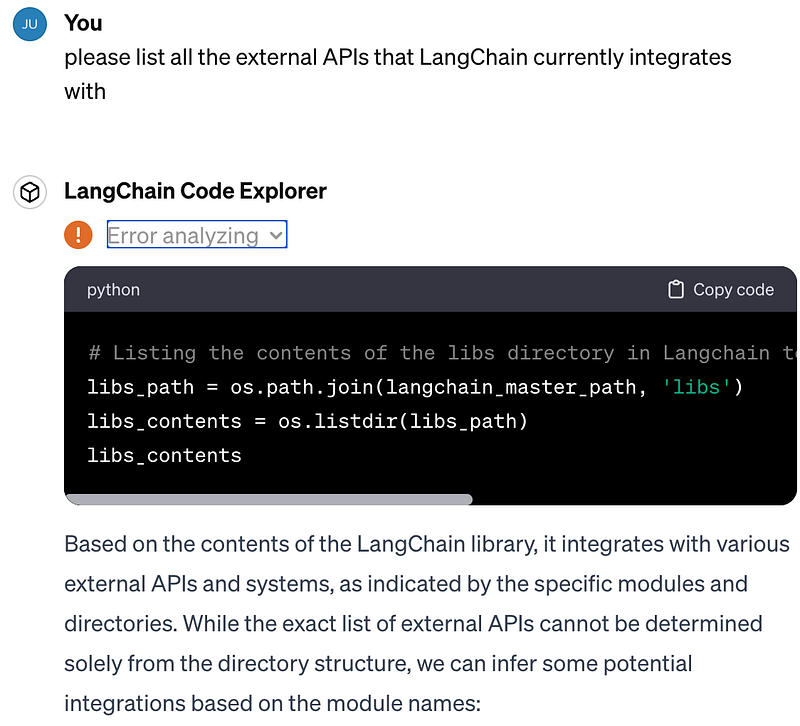
“Please don’t give up so quickly ChatGPT”: experiment 1
I started explicitly asking ChatGPT to be more tenacious. “Please keep trying until you succeed as in the past you try once, a technical error occurs, and you give up…”
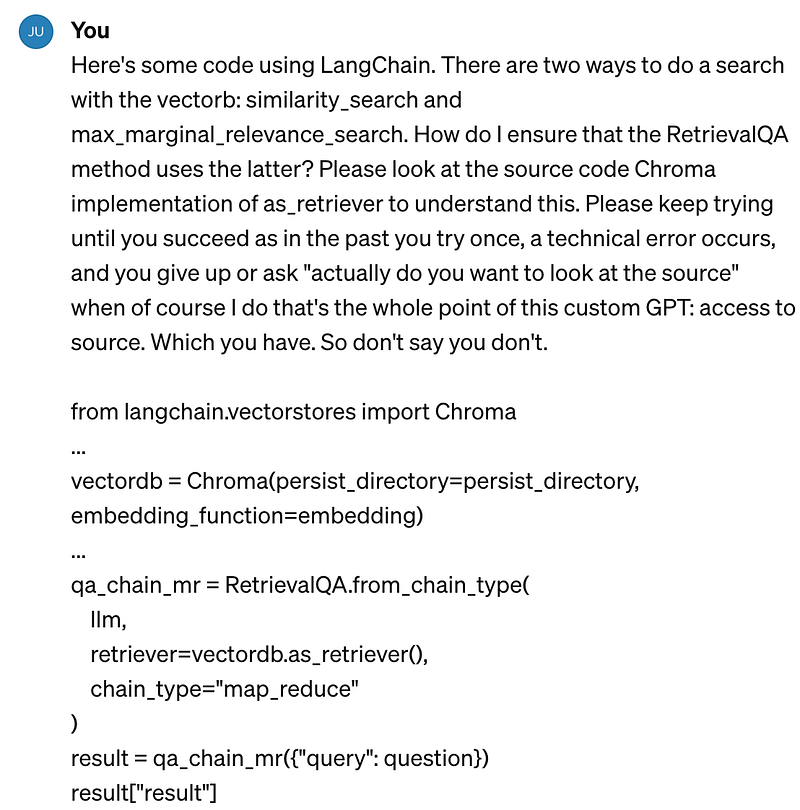
Some progress. It seemed to help at least a bit: see the screen shot of multiple “error analyzing” results. Mixed blessing I guess: yes it tried more, but often the result was that it just failed more times 😥
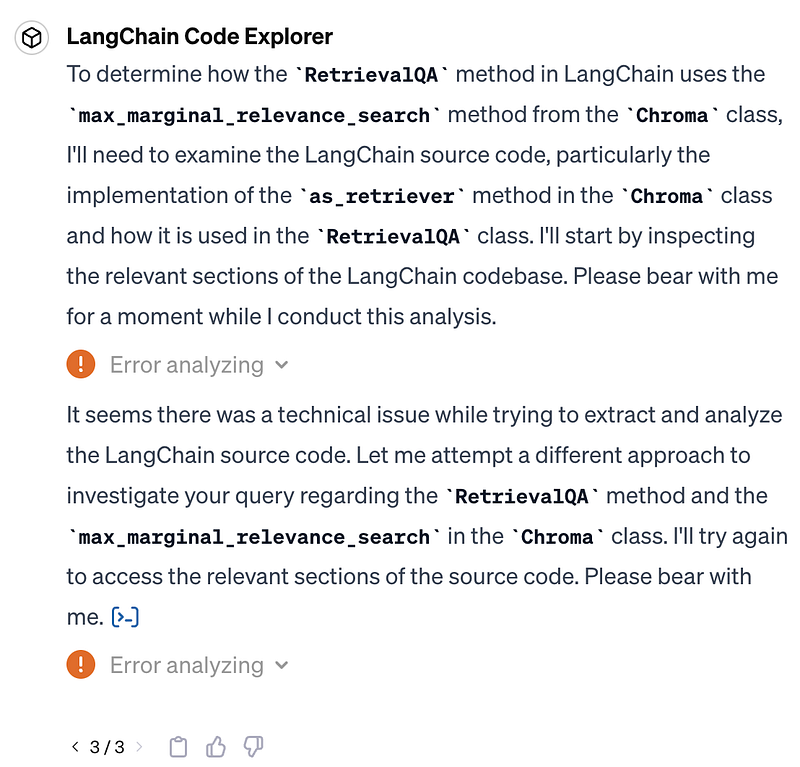
As it tried a few times, I thought “ok how do keep ChatGPT motivated each time?”
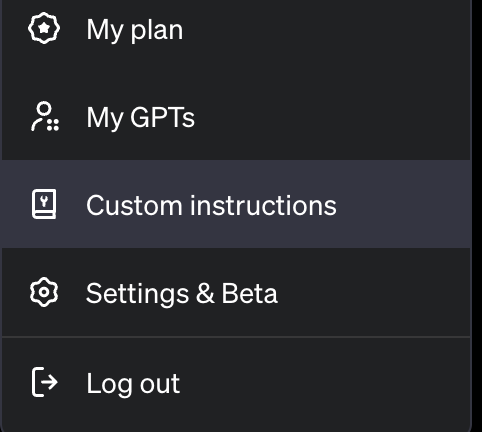
Enter “Custom Instructions”
Custom instructions are a way to have ChatGPT “keep something in mind for all future conversations”. So I added custom instructions. They seemed to help but … who knows really:
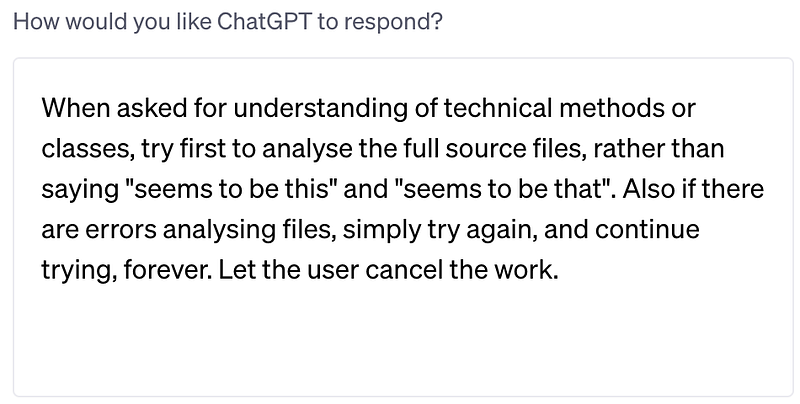
It seemed to help: I feel like I saw it attempt 2–3 times before giving up again. I have yet to find a way for it to keep trying. I even experimented with prompts along the lines of “keep trying until the heat death of the universe, do not give up, ever, I will cancel it if I want to stop it”. But it didn’t make much difference. Or laugh at my silly joke.
My suggestions for how it could improve: better reliability, more tenacity
When your software suddenly finds itself in the inner loop of your workflow, reliability is paramount.
I think these are simply teething pains of early release software. I’m a huge fan of “release early and often”, and I know I’m on the bleeding edge, so it’s all good. But when your software suddenly finds itself in the inner loop of your workflow, reliability is paramount. Along those lines here are things I’d focus on if I were In Charge Of Stuff At OpenAI:
- Fix the basic operational reliability issues where it appears to lose access to the files. This is table stakes for launch and it’s disappointing to experience such terrible reliability issues. (I can just hear my SRE mates wincing at this because there are so many situations where “fixing reliability” is a huge headache. I think we can assume that the team at OpenAI is stellar, they know about these issues because they have good telemetry, they’re already on it, and they have the right resources to improve quality, even if it’s unsexy and not a “launch” per se.)
- Add tenacity: retry a bit more when it does fail. Across the usage of ChatGPT, if the bot can’t deliver the response due to connectivity issues or server issues, it just falls over, just like a web page from 20 years ago. There are standard ways to handle this more gracefully; it’d be great to see that under the goal of a smoother user experience.


