
I Used AI To Create Marvelous Art For Blog Images
Make your own art in seconds
Blog images are essential in driving traffic to your blog and increasing your articles reach and performance. However, it’s not always easy to find blog images that are both engaging, unique and aesthetically pleasing. So let’s generate them!
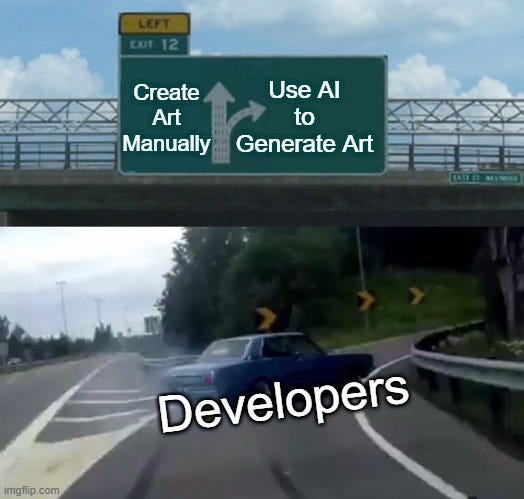
Current State of Blog Images
Fancy but repetitive
Several free stock photo platforms like Pexels & Unsplash have been giving away gorgeous images for a while now and Medium has already integrated the Unsplash Image API in the article editor, so why bother to look elsewhere?
The professional look stock photos give is charming but I find them less unique since many people are reusing them across multiple services therefore they may lack personality so they become just placeholders.
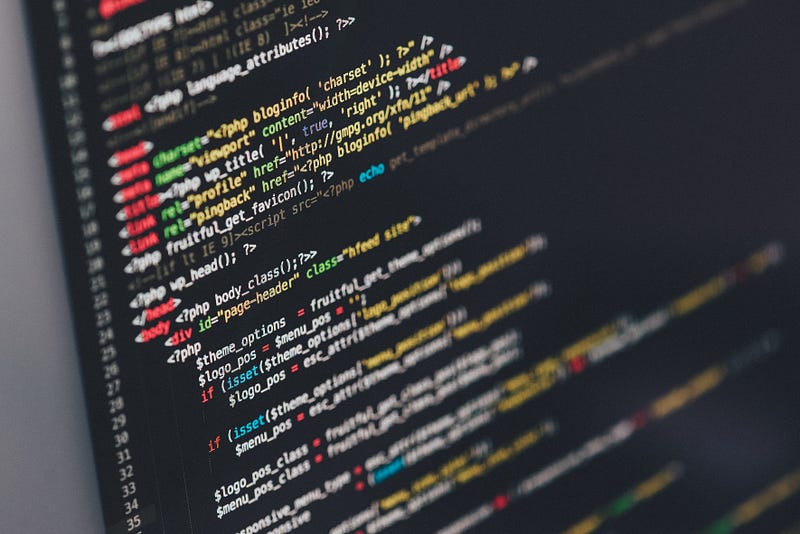
The overused coding stock photos, they are great but nowadays they are everywhere and they give almost nothing for the reader to remember. People remember ideas and words but throwing in some astonishing images can work greatly in your favour.
Placeholders to keep the reader interested but what good if the image is completely unrelated to the article. No question about their effectiveness, having attention grabbing pictures boosts retention and reduces click away ratios but I believe it could be done better.
AI Art Generating Platform
Clean implementation but difficult to scale
What if there was a service that extends the AI craze and builds upon it a product with real utility in a world where metaverse & crypto buzzwords are completely eating away at our psyche and wallets.
One day I was scouring the internet for AI related articles as brain food for (my App AI Idea Generating tool that I have in the works on the weekends). I discovered a marvelous article covering how he built a text-2-art generator using AI.
I won’t paraphrase what he wrote but go over the end product, how to use it and what other platforms are out there.
Text-2-Art has a simple UI that allows you to ‘convert’ text to images in multiple styles ranging from pixelart to full fledged concept art of different resolutions and image qualities.
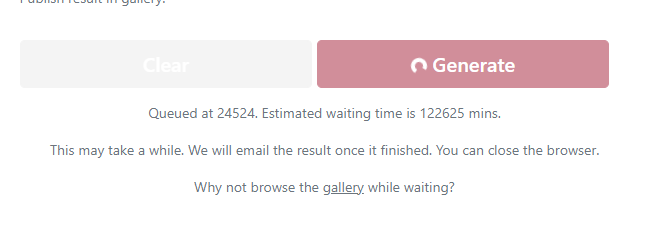
Unfortunately when I tried it out it seems the demand has greatly overflowed the queue either with bots or real users wanting to impress their artsy friends for free. I have to wait ~85 days for the image generation to be finished which isn’t exactly ideal.
AI services are insanely difficult (and expensive) to scale and maintain since they rely greatly on GPUs which have gone up in price due to the chip shortage and crypto mining rush.
The ML Model receiving the input prompt and is responsible for generating the final image can take up to 20 minutes to generate which can get out of hand pretty fast with many users.
Thankfully mfrashad provided the Google Colab file where we can manually run the code and get our own glorious blog images.
First we need to run the setup part to install dependencies and check the GPU size available. Don’t get scared by the robot beeep that the script makes when the GPU memory is lower than desired it may take a while so .
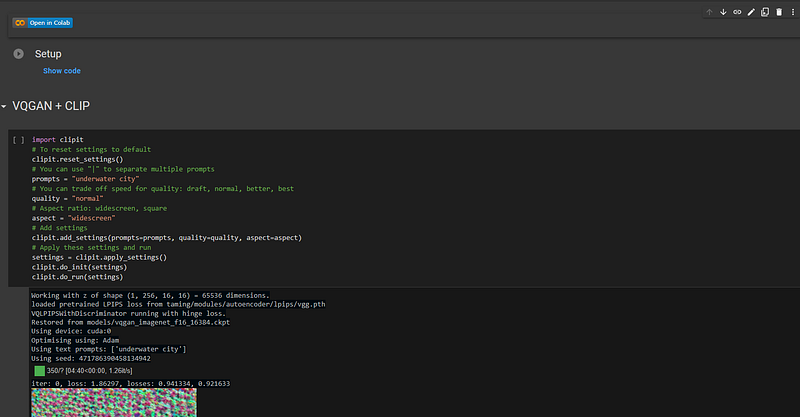
Once the installation is finished you can update the prompt and run the section, now it’s gonna take a tad but at least you don’t have to wait 80 days.
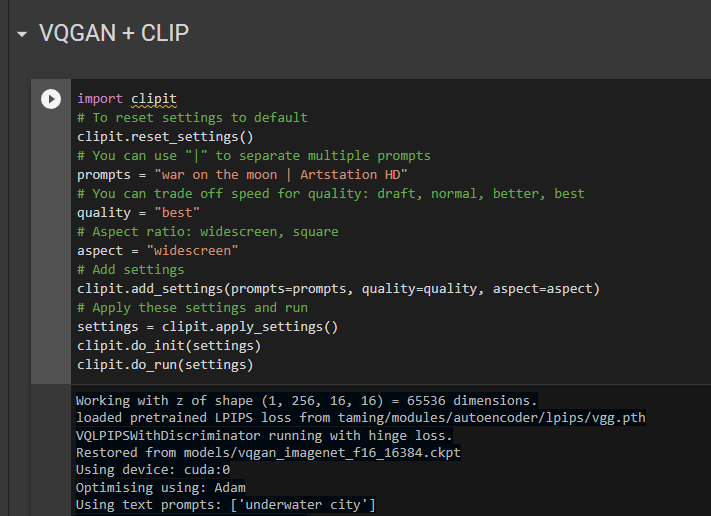
The ML model will now generate the image through multiple iterations and you can see the changes in real time so grab some 🍿 and watch AI doing AI stuff.
Hopefully it’s been less than that but now you can view the end result and every decision (change) the AI made across multiple iterations.
Alternatives
Everyone is doing AI nowadays
If you don’t like having to wait or to run some scripts yourself you may try any of the following feature-rich platforms.
1. ArtBreeder
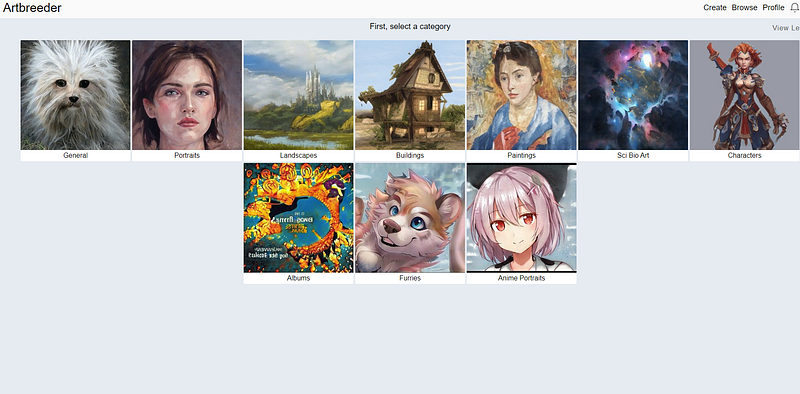
Yep it breeds art, sounds a bit creepy and may showcase a mundane interface but the outputs are anything but simple. Generate art from a multitude of categories and styles from landscape to fantasy characters.
There’s an animate feature where you can create smooth transitions between landscapes (or other images) which I’m not entirely certain how it works.
The overall array of editing tools and features is mind blowing.
2. GoArt (Fotor)
As I’m writing this article I wondered, what if I gave another AI art tool the output of the first one, what will it make? will it break? or will it blossom.
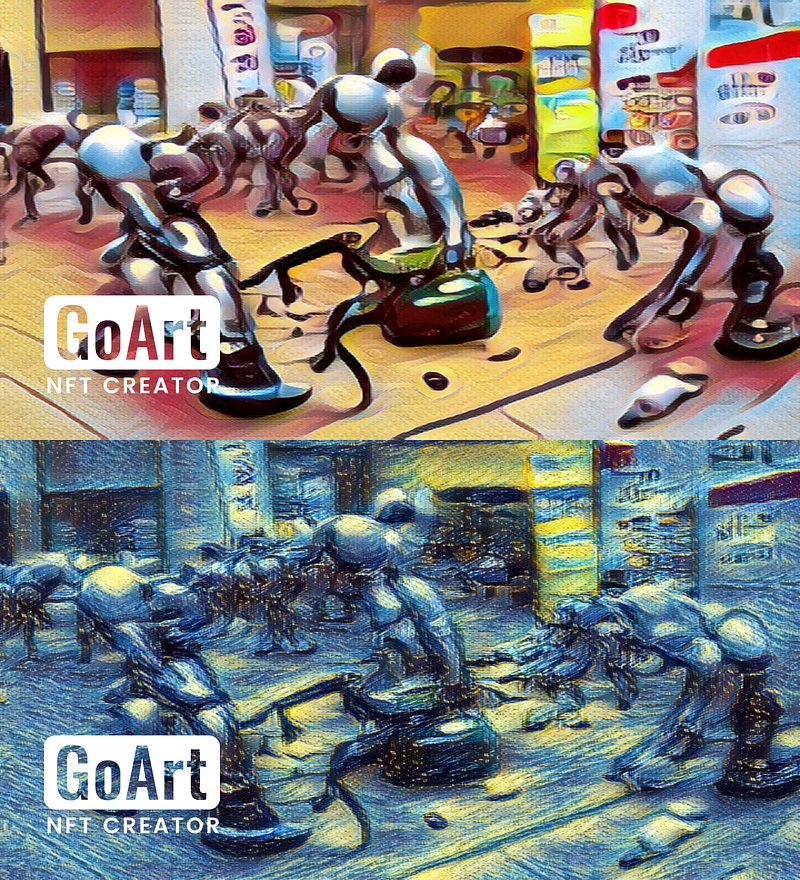
GoArt is a simpler more streamlined approach that instead of generating a brand new one it applies a filter like effect to it. You can choose the style out of a large range of art styles and apply different intensities.
This is how my previous AI revolution painting (Generated with text2art) turned out in pop art & structuralism art styles.
3. Dream (by WOMBO)
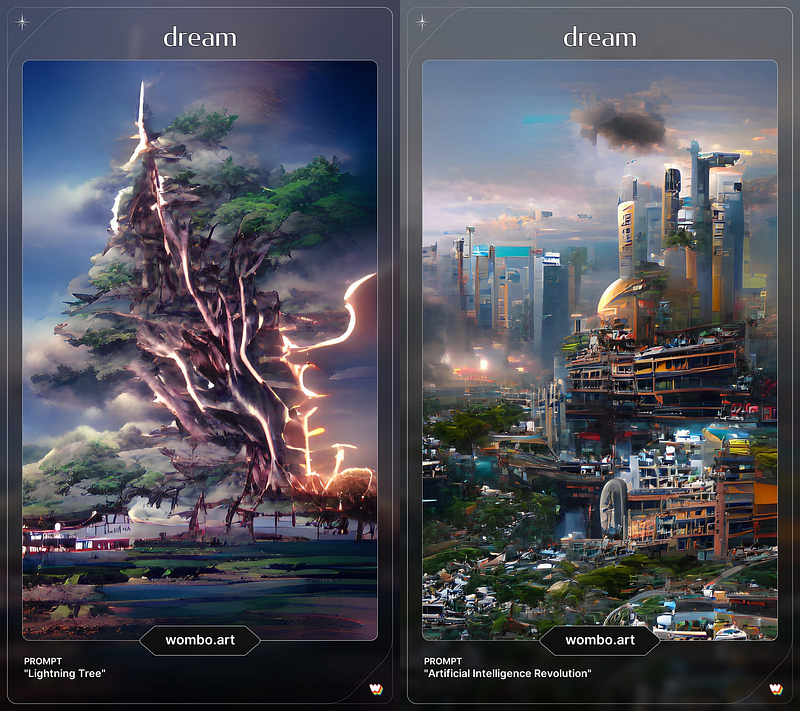
This list wouldn’t have been complete without a mobile app. Dream combines the best of both worlds performance (speed) & varied customizable options and splendid UI all packed in your smartphone.
Those 2 art pieces are generated in seconds and they may leave you gobsmacked as I originally was.
Hope you liked this short “AI/Art” story, don’t forget to clap 👏 and follow for more software-related content 🚀 & more AI articles coming sooner than you can say ‘NFTs are a Ponzi scheme’.
Get your Medium subscription now to get your knowledge over 9000:


