
THE WRITING JOURNEY
I Pressed the Button at KDP
Daily Journal Soon to Published at Amazon
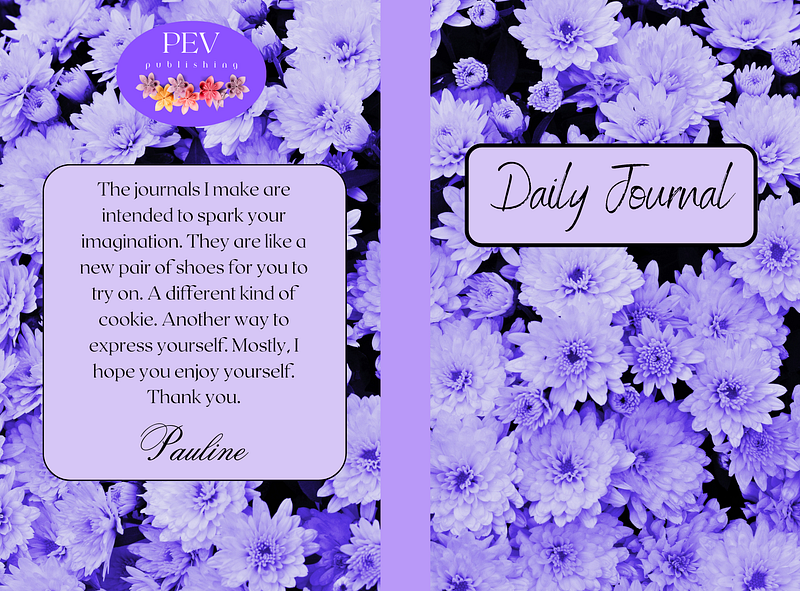
Oakie Dokie. After an entire week spent watching videos and taking SkillShare classes, I’m getting closer to publishing on KDP at Amazon. Even though I haven’t finished my book, I decided to move forward with a much simpler project just to get my feet wet.
I purchased the pro version of Canva for $120 for a year. You can do all of it with the free version, but it was just smoother to pay for it. You get the first 30 days free. For one thing, you’ve got access to all the pictures though you still need to have a look at the licensing requirements, and you can make a 120-page document for the inside of the journal. Otherwise, with the free version of Canva, you make a 100-page pdf and then a 20-page pdf and go somewhere else on the web to merge them. You made a separate pdf for the front and back cover and can print that in color. The journal is on the smaller side at 6x9 inches.
I’ve been watching videos by Paul Marles, who I highly recommend guiding you through all of it. Canva adds more bells and whistles all the time, so on some of his older videos, the examples don’t go exactly according to plan. It took me a bit to master the whole thing, and even now, I am certainly not proficient. It’s sort of like doing these 56 steps, and then you’ve got something you can be proud of.
I asked for a couple of proof copies before I hit the final button to go live on Amazon. They sell you the proof copies at print cost, which is $2.29 for the journal I made. I would have liked to put some fancy schmancy pictures on the inside here and there, but I’ll do that once I’ve figured out how. The book will sell for $6.99, which is pretty standard for other books like it, and I’ll be getting $1.90 in royalties.
In any case, it is a beginning.