

I finally found out how to FREELY pick topics to follow on Medium
I can’t believe it took me this long… While I would never pretend to be the sharpest spoon in the drawer, I feel I’m usually not too slow in figuring out user interfaces. But this is not all that easy to find, and I bet more are looking for the answer!
When first signing up with Medium, I picked some topics from a fixed list to generate reading suggestions. However, when writing my own stories I realized that keywords or topics could be chosen freely — but how would anyone ever find these stories if you could only choose fixed topics. Well, the answer is that you CAN pick other topics than those on the initial list. Just follow the guide below.
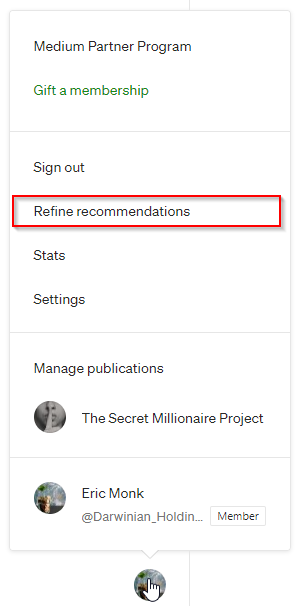
STEP 1: Find the “Refine recommendations” button in your menu
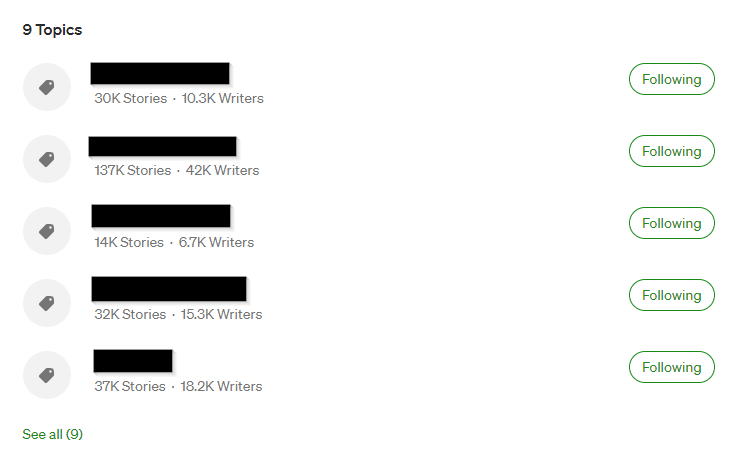
STEP 2: DON’T get fooled into thinking you can directly edit the list of currently followed topics! I spent quite some time fiddling with this to no avail…
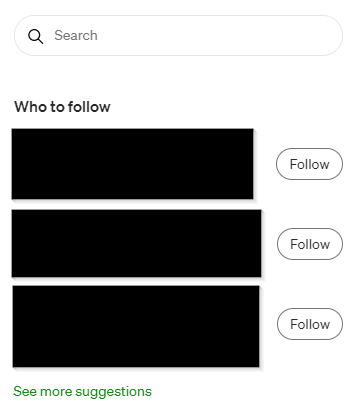
Real STEP 1: … Instead, find the search bar ANYWHERE on Medium and write the topic you want to look into. In case you’re wondering, yes I did just spend 2 steps to have you go to a menu for no reason at all other than to make a joke about what NOT to do :D
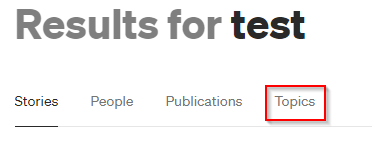
STEP 2: Choose “Topics” and click the variant you are interested in
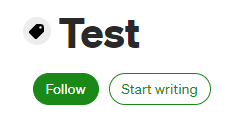
STEP 3: Click “Follow”
… Again, I can’t believe it took me this long to figure out. *FACEPALM*
For more tips on medium, read:
If you want to ALWAYS have access to great life-changing tips like this, go ahead and upgrade your life, your energy, your chi! … Or just your Medium subscription, and support silly writers like me.