
THE COPY FILES
I Discovered Designrr eBook Creator, and I am Insanely in Love
Produce more than boring old eBooks
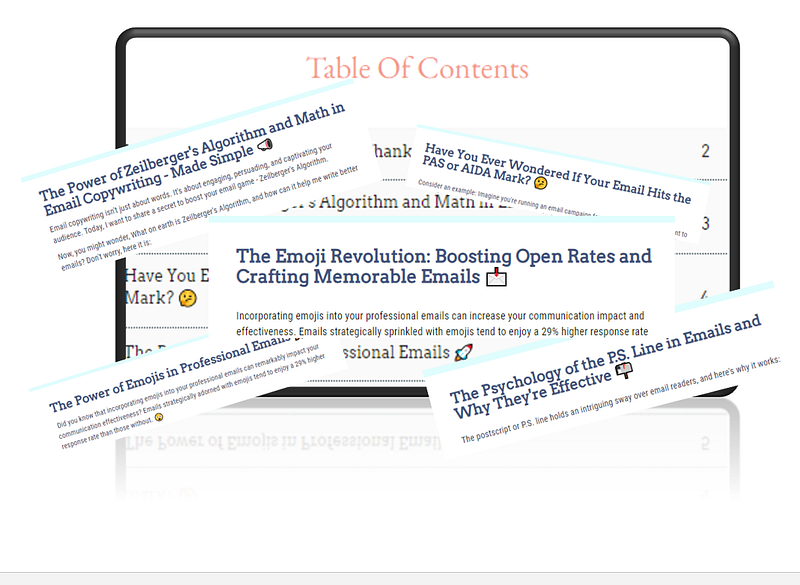
I recently discovered Designrr, a SaaS application that allows eBook creation online. You can import from Google Docs, Word, blog URLs, or copy and paste it. With a Pro plan, you have even more options.
If you believe all you can do is put together some lackluster eBook no one will ever read, let me debunk this.
There isn’t a free version, but I paid $27 for lifetime access to the standard edition. That typically runs $29 monthly, but the website frequently offers a lifetime deal. It’s basic, but you still get great value.
Using it for Medium posts
I spent a lot of time playing with it and became addicted in no time. Initially, I wanted to use it to organize my Medium posts into a book. I tried importing the material directly from the published URL with limited success.
Provided the post was around 300 words, it pulled it in just fine. When I tried adding articles with 1,000 words, the problems began. It collated some pages but not all, leaving chunks of content out. That was a major bummer because I hoped to extract it quickly and easily.
The workaround is to get it straight from your document instead. I always write my material in Google Docs and paste it into whatever platform I use. For the most part, Designrr pulls flawlessly from my drive as long as you label the appropriate headers.
LinkedIn posts became an eBook
I decided to compile some of my LinkedIn material for my first project. In an hour or so, I assembled an eBook containing posts I wrote this month. I didn’t edit any of it except to format it for visual appeal. I knew I wanted to use them in the future, so I strategically created information I could repurpose later.
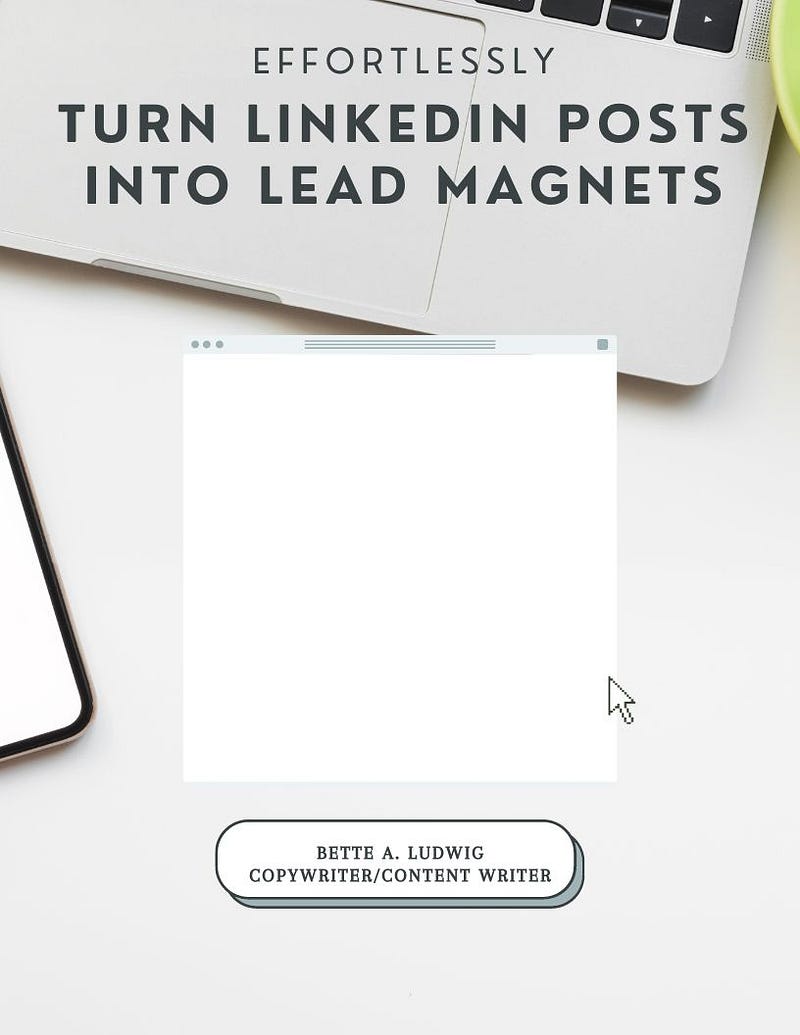
I opted not to use the cover with the eBook template I chose. Instead, I hopped on Canva to make my own. It took me roughly ten minutes. Whenever I assemble another eBook in the series, I change the title and add a different photo. You can publish it as a PDF/book or cool flipbook.
In addition to making a booklet out of the posts, you could use them as individual PDFs if you choose to. You can send them as lead magnets or attach them to emails. Publish them on your website to add another element to marketing yourself and your expertise.
Formatting process
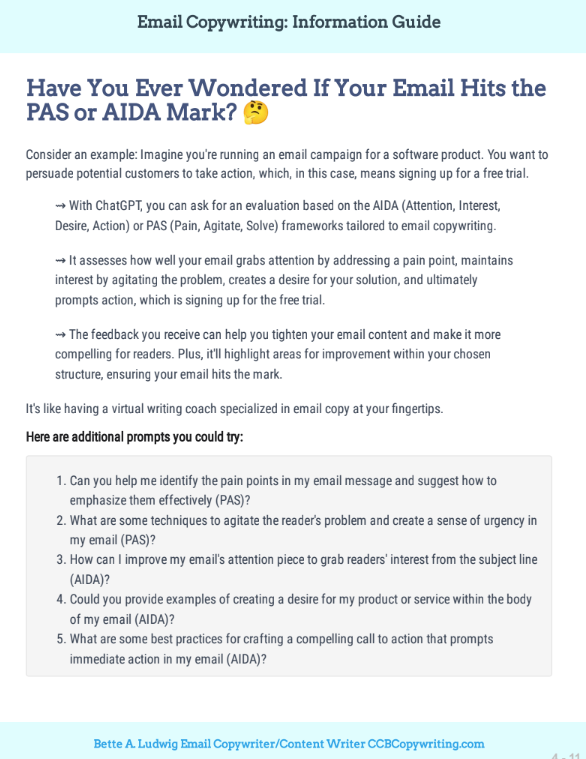
How pain-free is it to use? I found interacting with it for the first time simple and intuitive. However, I have done a lot with layouts using graphic and Word document designs. There will be a learning curve if you are inexperienced with that.
Inserting a table of contents proved to be straightforward and uncomplicated. With the drag and click of a button, it appears like magic. Suppose you need to delete or add a page; no problem. Just update the TOC, and presto, your new information populates instantly.
Emojis worked well most of the time when importing and exporting to PDF. However, they didn’t seem to work when used as bullet points. When I added one to the beginning of the title, it was left off when published. In the finished flipbook, neither was shown at the beginning nor the end.
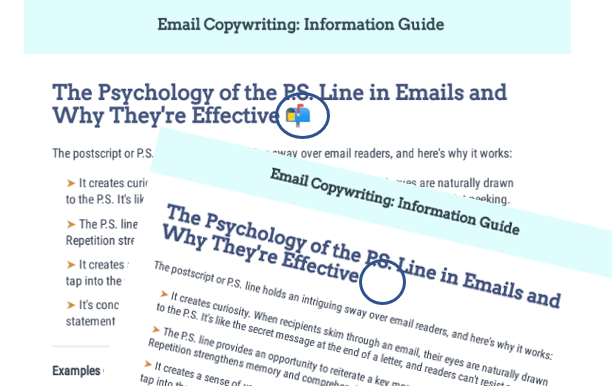
I observed a subtle difference when opening the document in Adobe compared to the Chrome default viewer. In Adobe, the emojis were excluded from the title, whereas in Chrome Viewer, they were included. Depending on your viewer, certain elements may display differently.
Which plan do you need?
The lowest cost package is enough for basic books like the one I attached. I suggest splurging on the next level if you plan to amass an extensive catalog of topics or need additional features like importing from Facebook.
The standard version provides fewer templates, and you can’t mix or match cover pages. I prefer using Canva to create mine, which you can simply use by customizing the dimensions with 816 w x 1056 h. After you finish, download it as a JPEG, upload it to Designrr, and add it to your cover page.
You can build unlimited eBooks and store them on your dashboard for editing anytime. The Standard plan allows up to ten flipbooks hosted on Designrr’s site and can’t be downloaded like PDFs. You can generate unlimited flipbooks with the Pro plan or higher.
Be mindful that changing templates mid-project is not feasible. Each one is structured differently, and once you format your content, it won’t pull seamlessly into another layout. It’s essential to commit to the one you want from the beginning.
If you prefer a large selection of graphics, you will find the assortment unremarkable and challenging to search for. Luckily, you can upload your own pictures. However, that process takes longer and is less convenient when you want to add a quick graphic to your content. That was by far the most significant disappointment in using the software.
It’s more than an eBook
At some point, I will likely treat myself to a yearly subscription. For now, what I have does the job. Even though labeled as an eBook, you can instead use your final product as a handout, a monthly newsletter, or marketing material for professional services.
You may think you don’t need any of those. However, there are other possibilities you probably haven’t thought of. Here are some to consider.
- Interactive Learning Materials
- Personal Journals and Diaries
- Recipe Books
- Travel Guides
- Interactive Portfolios
- Family Photo Albums
- Interactive Comics
- Customized Study Guides
- Poetry Anthologies
- Event Invitations
- Language Learning
- Employee Training Manuals
- Comic Strips and Webcomics
- Nonlinear Storytelling
- Photo Essays
- DIY Guides
- Interactive Poetry
Conclusion
You can try it for free before purchasing. If you have doubts, try it out first. I am beyond surprised and blown away by what I produced with little training, time, and effort. In addition to using it for professional reasons, it’s an ideal way to capture and preserve your writing legacy for the future.
Begin capturing memories through the art of poetry, the tradition of family recipes, or the beauty of family photos.
The possibilities are endless. So why wait?
Be the bridge that connects hearts and forms lifelong bonds because, as I said, it’s more than a boring old e-Book.
© 2023 Bette A. Ludwig: All rights reserved.
P.S. — Sign up for The Copy Files
P.P.S. — If you liked this article, Follow me on Twitter or connect with me on LinkedIn


