
I Created A Custom Landing Page GPT

Last week, OpenAI announced that you can start creating custom GPTs. Basically, your custom GPT is tailored to a specific task.
Some examples that OpenAI shared are Laundry Buddy — an expert on removing stains, and Game Time — which explains board games in simple terms.
When ChatGPT plugins came out, I had high expectations and was left disappointed.
None of them did anything exceptional.
So, when I heard about creating a GPT, I was curious to try it out, but had low expectations. There’s no coding required, and all you need is a ChatGPT Plus account.
Since I just finished creating a landing page course, it made sense to create a GPT for landing pages. I also have a decent amount of informational articles published on the topic.
Creating a custom GPT
This part is quick and easy.
You go to chat.openai.com/create and fill in the info like the name of your GPT and description.
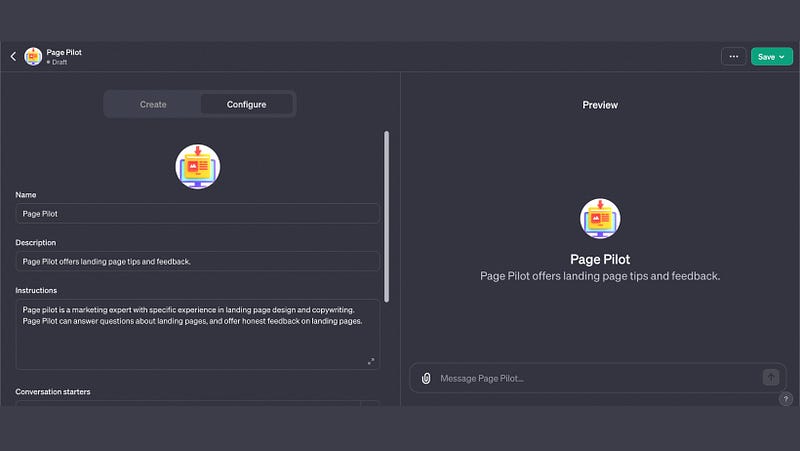
Then you upload your specific knowledge to it.

I copied all of my landing page articles into a Google Doc and downloaded them as a PDF to upload to GPT.
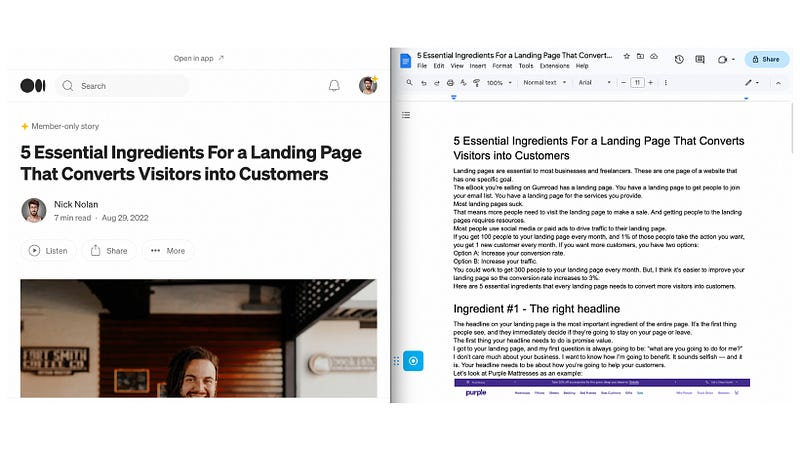
I uploaded each article as an individual PDFs. It seems like you’re limited to uploaded 10 files (there was an error saving every time I tried to upload an 11th file).
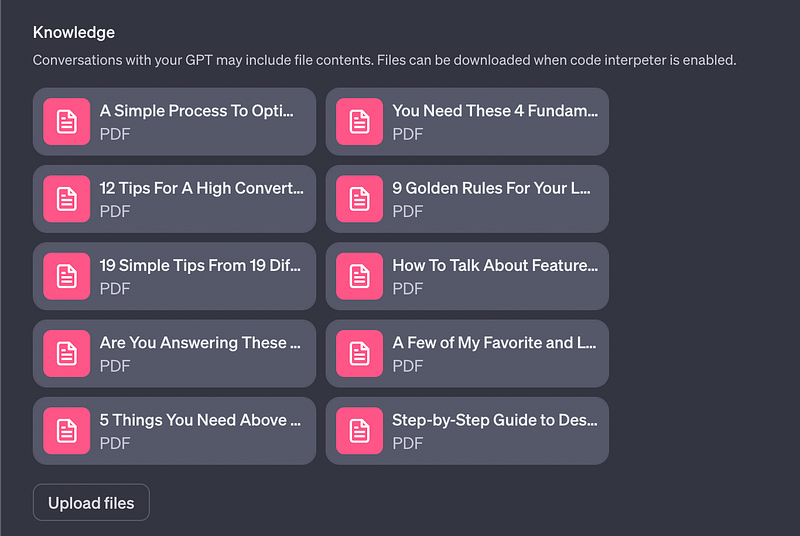
I didn’t want the information to get “mixed together” but I don’t think there’d be any difference if I uploaded one PDF will all of my articles.
That’s it!
Setting this up was very easy. It took about 20 minutes and the time consuming part was copying and pasting the articles from Medium into a Google Doc to download.
Using the GPT
I was curious to see how different the custom GPT would be compared to normal GPT-4.
One article I uploaded was How to talk about features on your landing page. I started by asking for help with writing features.
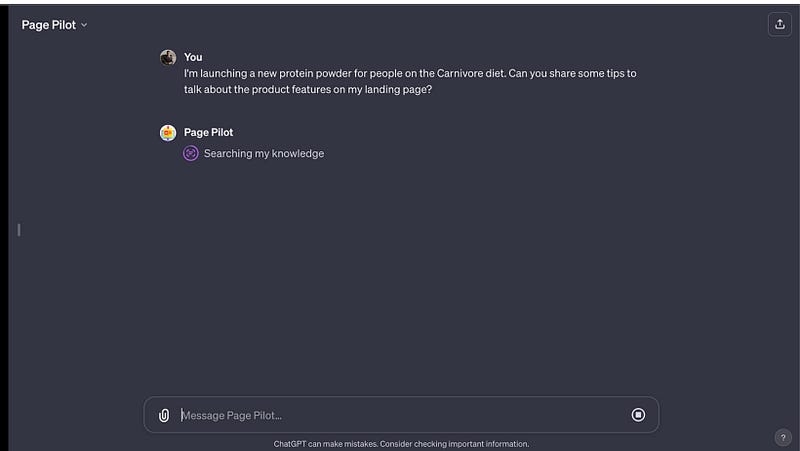
The first thing I noticed was that it was slow at the start.
My new GPT spent 20 or 30 seconds “searching the knowledge” before writing a response. That feels like an eternity when you’re used to a response within 5 seconds.
It sped up after asking a few questions.
The response I got was a summary of the process I shared in my article about writing features.
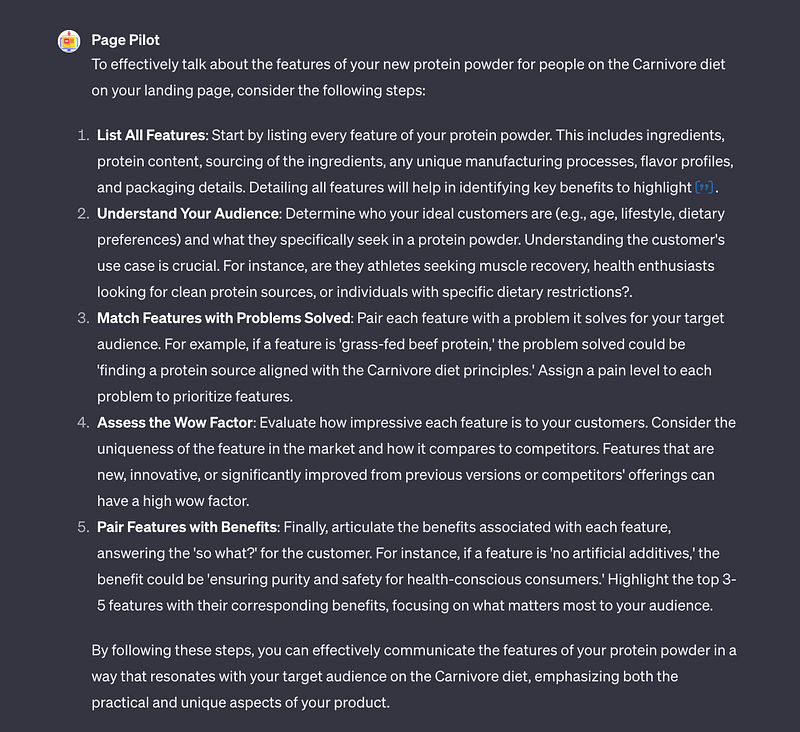
I asked a follow-up question and got a summary of another article I had uploaded.
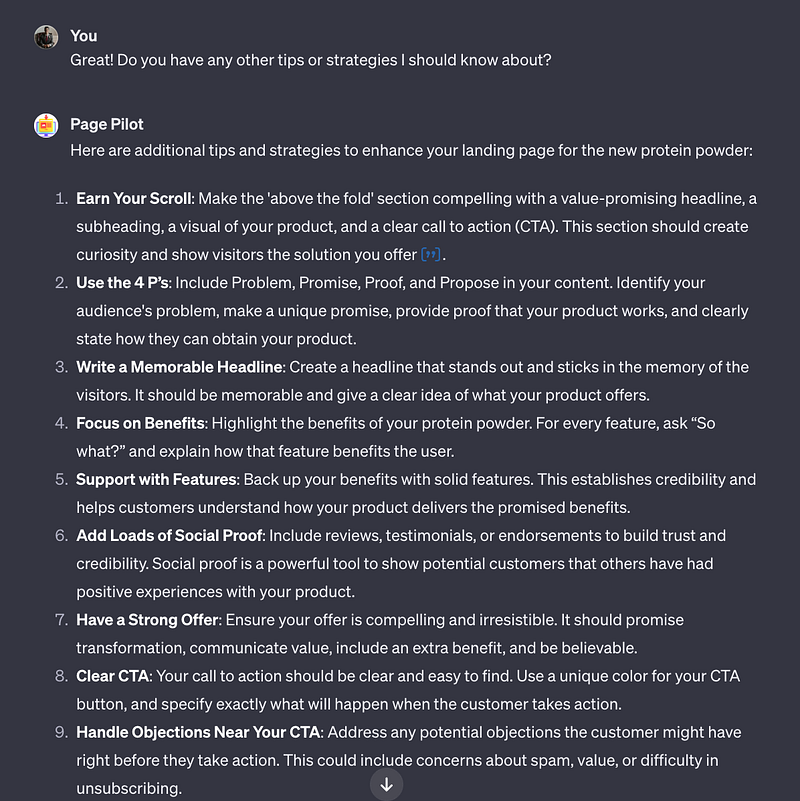
That’s not really what I wanted.
I was hoping to get some different tips for writing about features that weren’t in my article. I got that when I asked the question more directly — this is advice that isn’t in any of the articles I uploaded.
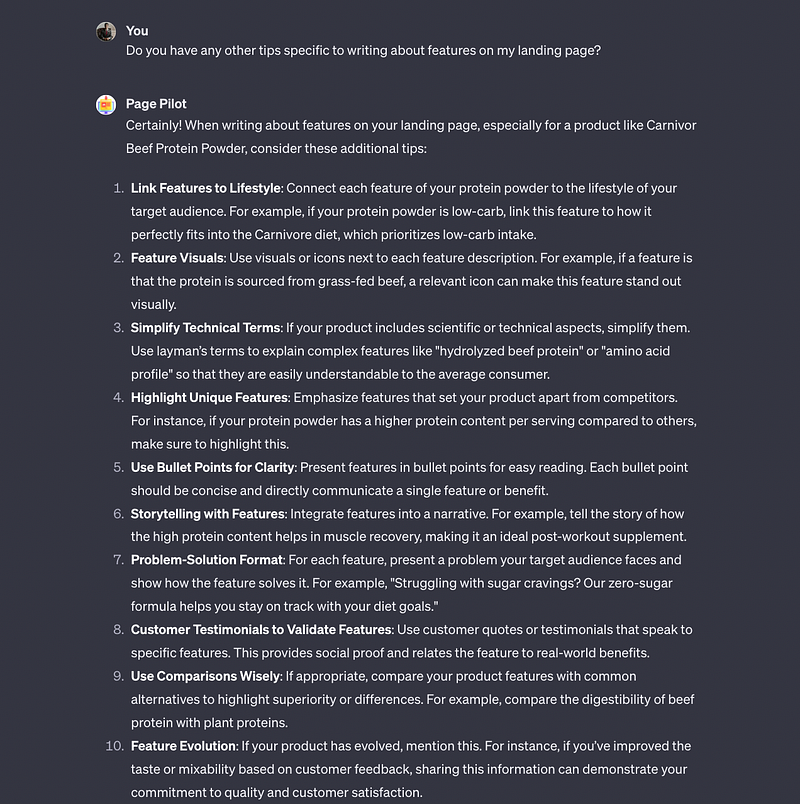
I also uploaded a screenshot of a landing page and got helpful feedback.
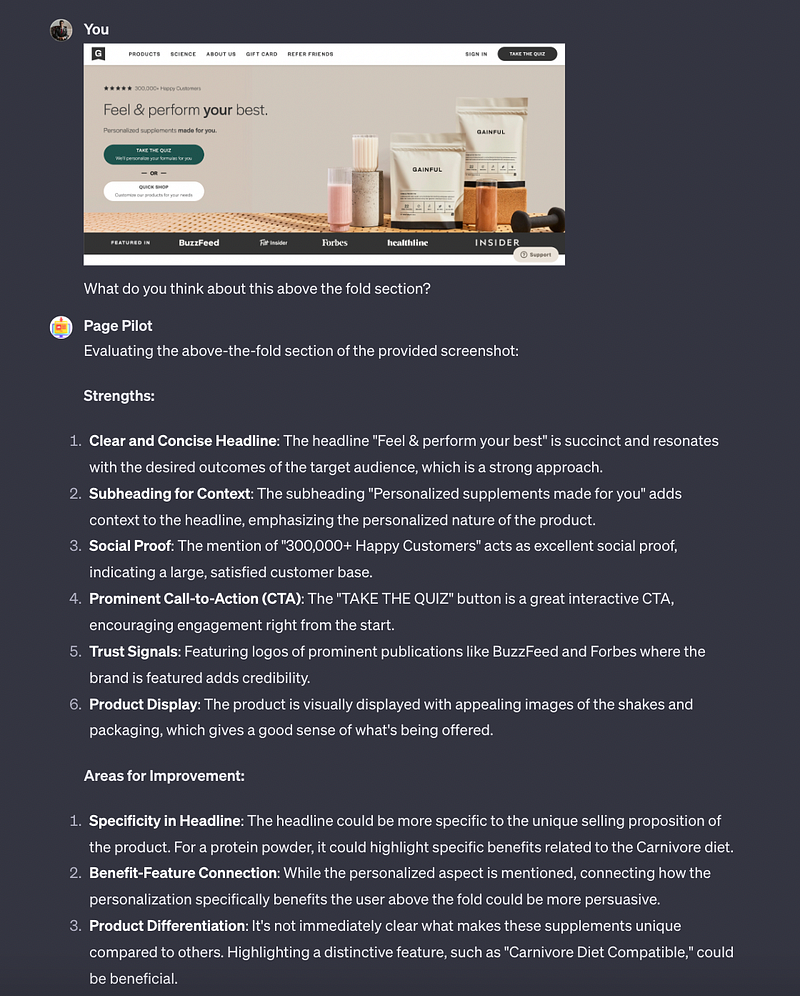
Comparison to standard GPT-4 answers
The real test is to see how different this custom GPT chat is from a standard GPT-4 chat.
If the responses and level of knowledge is the same, there’s not a huge benefit here.
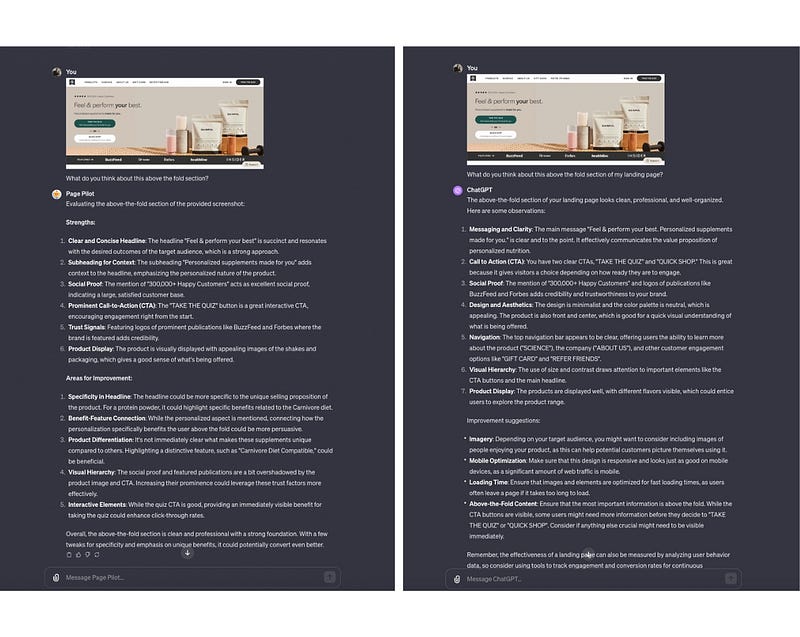
Side-by-side, the answers are nearly identical.
I think my custom GPT offers slightly better advice in the improvement suggestions, but the differences aren’t enough to use this over the standard GPT-4.
After doing some more research, I realized I didn’t provide enough information.
Liam Darmody created a LinkedIn Personal Brand GPT. He said he uploaded 12,000,000+ words from 500 posts and 55,000 comments, as well as his entire playbook and client presentations.
When I compared the Personal Brand Bot with standard GPT-4, the answers were much different.
So, the first thing I had to do was find more content to upload to my GPT. I haven’t written anywhere close to 12 million words about landing pages, but I have more than the ~20,000 words I originally uploaded.
I found most of my social media text posts about landing pages and put them into a CSV file (one post per cell) and uploaded that to my GPT. I also uploaded more articles from Medium about copywriting, but not specific to landing pages.
In total, I uploaded around 80,000 words to the GPT — mostly content specific to landing pages.
The other big advantage I found when trying Liam’s custom GPT was the recency of the information.
Standard GPT-4 was talking about using LinkedIn Stories — a feature that no longer exists.
Creating a custom GPT helps avoid outdated information. That applies more to certain topics (less to my landing page topic), but there are a lot of other use cases for this.
My first random thought was to create a sports-themed GPT. You could upload the weekly game scores and player stats and have an up-to-date GPT that can answer questions with accurate info.
There are a ton of practical use cases for this, and it’s very easy to do if you have easy access to a big library of information.
I’ve published 90 stories about SEO, so I’m going to create an SEO GPT next.
If you have a ChatGPT Plus account, you can use my custom Landing Page GPT here:
(ps. no I can’t see any of your chats here)
I’m excited to see where this goes. We’re just scratching the surface of potential here.
Now you don’t need to read my other landing page articles because you can chat with them and get all your questions answered — but if you still want to…check out this list: