
I Asked ChatGPT to Build a Data Pipeline, and Then I Ran It
Your job might be safe. For now…
There are several articles online about “I asked ChatGPT to <fill in the blank> Ranging from code creation to side hustles. Since my work primarily focuses on code creation and data engineering, I wanted to see if ChatGPT could build a data pipeline from scratch.
So for this article, I asked ChatGPT (GPT-4 specifically) to create a pipeline using some fake data I made, with the end goal being an aggregated table in Databricks to be used as a monthly sales report.
Prompt Engineering
Before evening opening ChatGPT, we must first talk about the concept of prompt engineering. Prompt engineering plays a crucial role in communicating our requirements to ChatGPT effectively.
I want ChatGPT to use Databricks and PySpark since those are the tools I use regularly. Likewise, I want ChatGPT to adhere to the medallion architecture, where each table is an incremental level of refinement. Remember that our end goal is a table that can be used to report a monthly sales figure.
Here is what I inputted for the starting prompt.
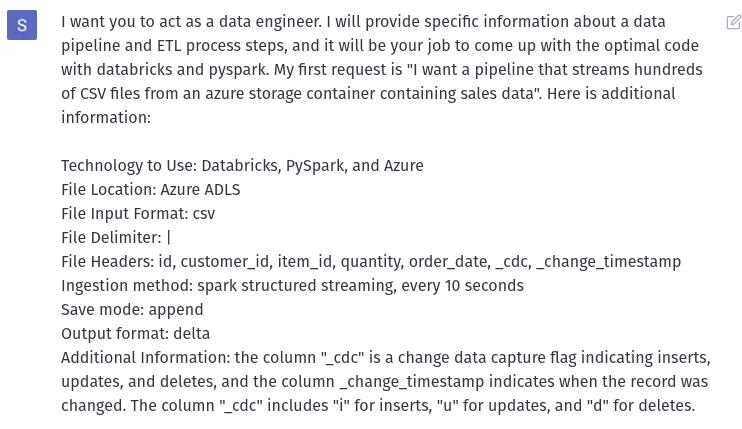
It’s a long prompt, but the model performs better with a specific starting context.
Bronze Layer
Based on the provided prompt, this is what ChatGPT provided back.
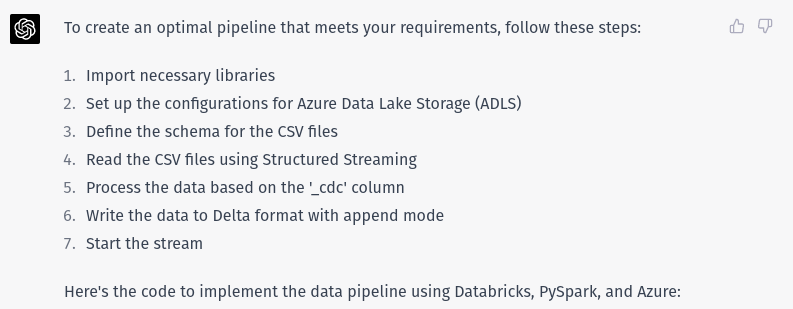
It clearly understands what is needed to set up the session, connect to a storage account, handle a schema, and start the stream. I didn’t even ask it to create the new column action, or to use checkpointing!
I’m not a huge fan of the code style ChatGPT uses with .formatand not f-strings, backslashes for line breaks, and multiple different option arguments on the readStream. But I can live it with.
Some of you might notice that the option for maxFilesPerTrigger is set to 10. The default setting is 1,000. This initial stream would take a long time to process all existing files if this was a backfill operation. So modifying that setting might be something to look at.
So far, so good. Let’s move on to the next layer!
Silver Layer\This is where it gets more challenging. I want ChatGPT to use the prior output and create a new table using the change data capture fields. The twist is I also want ChatGPT to use streaming for this step. So the output should include a foreachBatch operation. Something similar to the code provided in this documentation. Here is the result from ChatGPT.
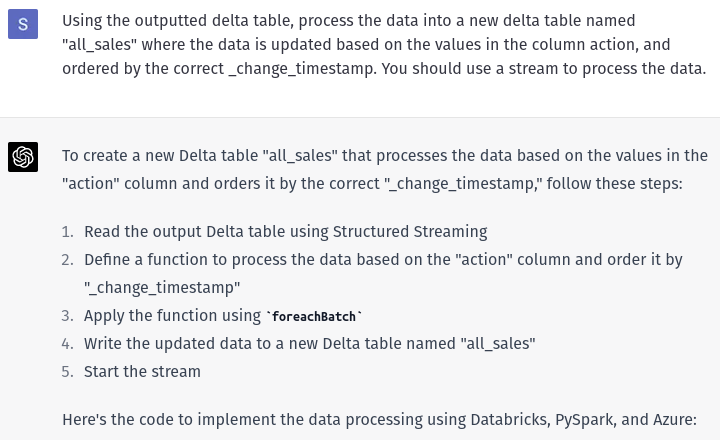
At first glance, this looks good! But once you dive into it, you can see some problems. This stream will run into an error related to having multiple matching conditions in one batch. So I prompted ChatGPT to fix it with a window function. This is what I got.
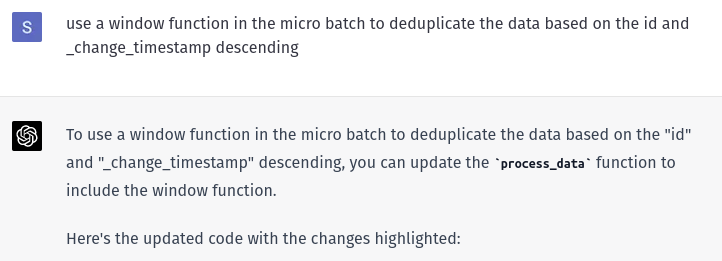
Still not quite right… The output says to Apply the function using foreachBatch (same as before), but the correction created a temporary view named updates. So I need to modify the merge execution statement to handle the view rather than the batch_df dataframe.
I’ve only provided ChatGPT like ~7 sentences and some poorly formatted bullet points, and it’s given me 110 lines of code back. That’s incredible! We are getting some gaps in the code, but that’s okay.
Let’s move on to the gold table.
Gold Layer
This last step is to create an aggregated table based on the customer_id, order_date, and quantity. I want the final table to tell users the total sales quantity for each customer ordered by month.
This is an easy task in SQL, create a view with a group by and order the data, but I want ChatGPT to stream the data into a table. So that means ChatGPT needs to apply the correct transformation and use the “outputMode complete”. Here is what ChatGPT answered.
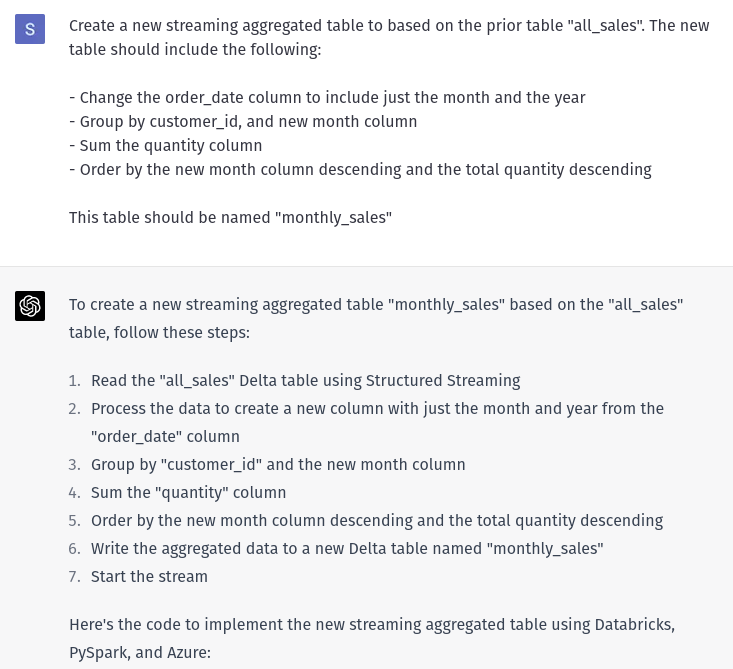
So close! It looks right, but there is going to be an issue with the creation of the column month_year. ChatGPT should’ve used the function concat or even better concat_ws . The current implementation would return a null value for all columns. And not to mention that the column name should be year_month, and not month_year.
At this point, we had to nudge ChatGPT to handle duplicates and found some bugs in the code. If we address those issues, will the code run?
Running the Code
So I set up my environment with a storage account containing 10,000 different CSV files with the appropriate headers and delimiters. I copied the three code outputs into three different notebooks and set up a workflow to process all the steps in order.
I did adjust the code for these few conditions:
- Fixed the bug in the merge statement, and the concat statement
- Changed the file paths to use a pre-existing mount point
- Changed the trigger to be
availableNowsince it’s not an active stream
After making those 3adjustments, the code runs! I get an output that I expect in the final table, and everything is working well.

So with only a few prompts and mindful review, I have the baseline for a new pipeline. It took 5 minutes to get everything generated.
Closing Thoughts
This is a silly little pipeline with some basic data and basic transformations. There were some code gaps and a few edge conditions that ChatGPT did not handle correctly, but that’s somewhat expected. Its training is only up to 2021.
Here is what I think LLM tools will do to data engineering in the near future;
- There will be an overall increase in the development throughput of pipeline teams.
- It will become even more important for a developer to understand the business context and to be able to interpret output from LLM tools.
- Prompt Engineering will be a new skill for a developer working with code.
- LLM tools will become companions for a developer and should be incorporated into your workflow.
All the code is available in the repo here.


