
Leonardo AI App Helps You Create Stunning Print on Demand Products
A step-by-step guide on how to use the Leonardo AI app to create digital assets for your print-on-demand dropshipping store
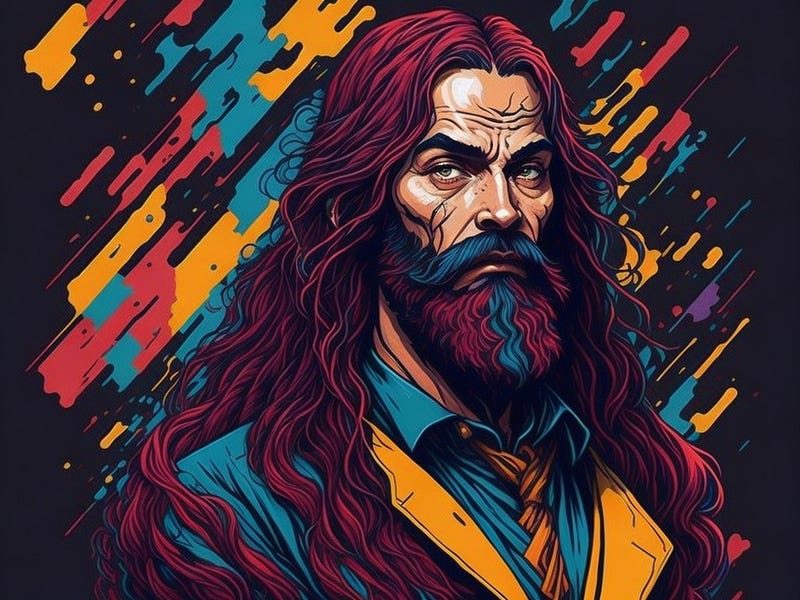
Looking to start your own business with the help of AI, but not sure where to begin? I’ve tried every Gen AI tool, but I was looking for a free and user-friendly app, and that was exactly what I got with Leonardo AI.
First, I’ll share with you a story about a fellow Portuguese entrepreneur who took a concept and turned it into a profitable business. João Santos had a fantastic idea for a print-on-demand company. With no prior experience in the industry, he turned to OpenAI’s chatbot.
The young creator used ChatGPT the CEO of his company, AIsthetic Apparel. Together, they worked tirelessly to research the market and create a business plan.
In just a few days, the company was up and running, and he had already raised an impressive $100,000 in funding. So, ChatGPT played a crucial role in blitz scaling the company’s business model, and now, you too can benefit from the lessons they shared along the way.
So stay tuned as I plan to show you how to implement this print-on-demand insight with the help of the Leonardo AI app along with Printful all-over print features and the platform dropshipping capacity.
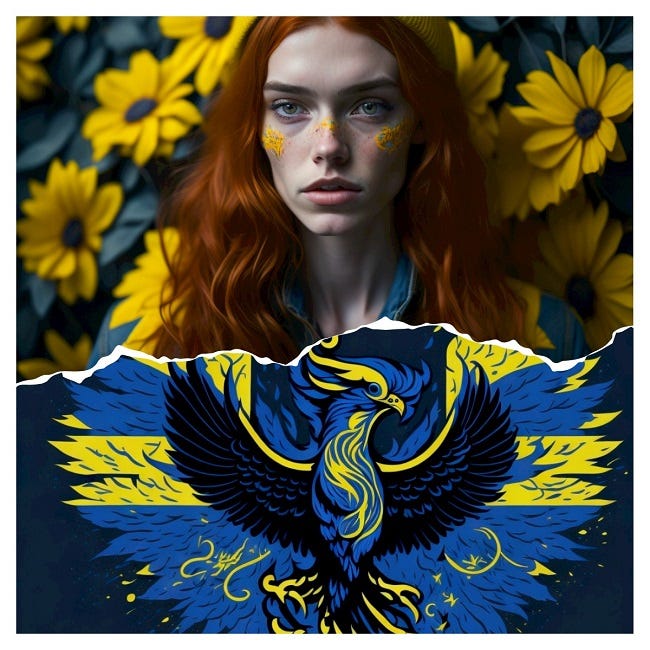
What is Leonardo AI?
Leonardo AI is a cutting-edge generative AI platform designed to assist digital artists, and creators in general, particularly those involved in game development, in effortlessly creating captivating images and artwork.
The platform focuses on providing accessibility to users, offering free usage with limited daily tokens, which enables artists to explore their creativity without facing financial barriers.
As a seasoned creative disruptor, I am always seeking novel resources and avenues to help manifest my concepts and this app leverages innovative generative AI algorithms that enable users to effortlessly generate visually stunning, ultra-realistic artwork and other assets aligned with their chosen aesthetic and style.
Key features:
One of the key features of this Gen AI app is its ability to generate stunning visuals with minimal guidance from the user. Artists can simply input simple prompts, such as keywords or descriptions (e.g., “Mona Lisa cyberpunk fantasy,” “hyperrealistic portrait of Mona Lisa”), and let the AI surprise them with its creative outputs, sparking creativity and providing a starting point for further artistic exploration.
Another noteworthy feature is its capability to produce a series of matching assets in a consistent style. By making slight tweaks to the prompt or description, artists can create a set of assets that maintain a cohesive visual aesthetic across their game or project. This allows for efficient content production and ensures that the visual elements blend harmoniously.
Business and E-commerce applications
The platform’s product team’s vision is to revolutionize content production, particularly in the gaming industry, as I’ve explained here. But it can also be used to create high-end digital assets for your digital store, as I plan to discuss in this article.
By leveraging Stable Diffusion and employing a text-to-image generation process similar to other well-known AI services like Midjourney and Dall-E, the app demonstrates its commitment to delivering state-of-the-art generative AI capabilities.
How to Get Started With Leonardo AI
So are you eager to use this app to explore the realm of AI-assisted content creation? Stay tuned while I walk you through the entire process:
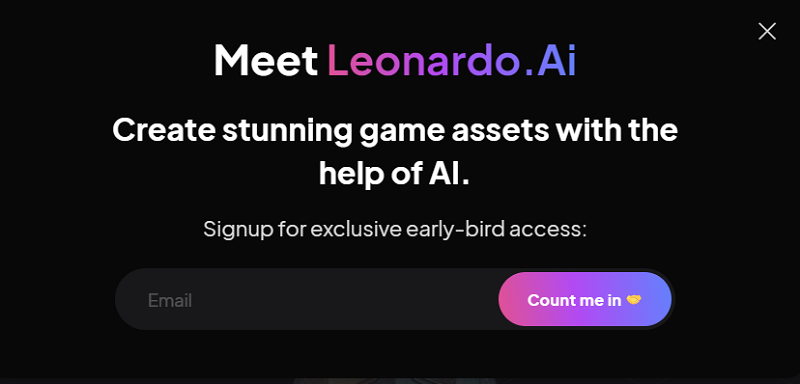
Registration for early access
- Navigate to the Leonardo platform here.
- Enter your email address in the field below the “Signup for exclusive early-bird access” text.
- Click “Count Me In”.
- Enter your email address and password and click “Claim Account”.
- Verify your email account.
- Go to Leonardo’s Discord account.
- Answer the questions on your screen.
- Click the “Introduction” option in the left-side menu.
- Briefly introduce yourself by typing your name and information in the message bar at the bottom.
- Click the “Priority Early Access” link and fill out the form.
Sign in and unleash your creativity
Please note that you must await the approval of your request. Once the platform validates your email, you can log in to the app by following these steps:
- Go to the login page;
- Click “log to Leonardo AI;”
- Enter your email address and password, or sign in using your Google account;
- Enter a username;
- You can now access this incredible AI art generator on your device.
The app allows you to create designs using text and image prompts on fine-tuned models.
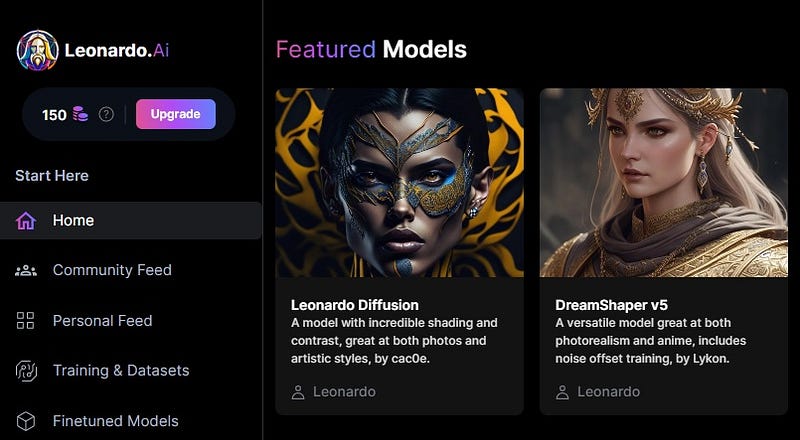
It’s incredibly easy to use and requires no prior knowledge of design or graphics. To create your designs using the platform, follow these steps:
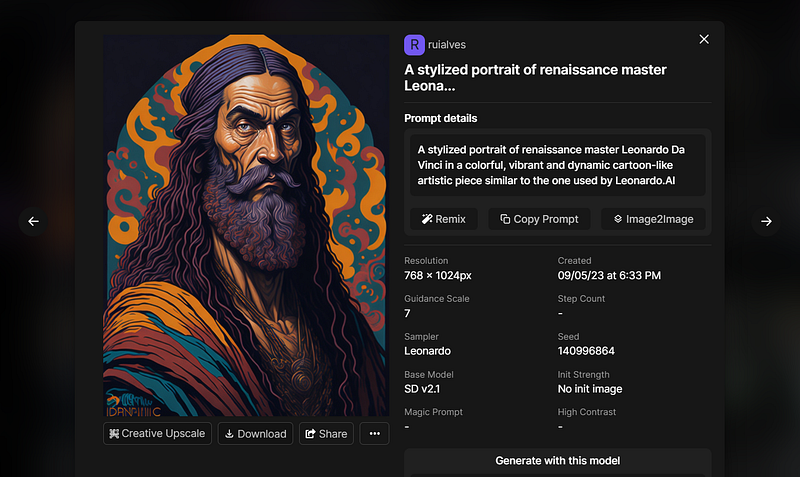
- Consider the type of design you want to create, whether it be for a t-shirt, mug, or any other product.
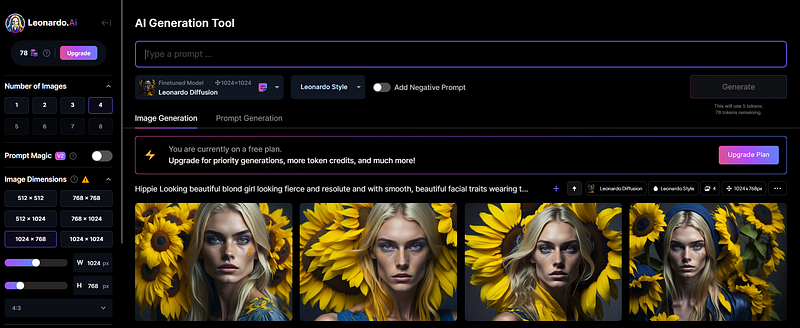
- Enter your text or upload an image to serve as a prompt for your design.
- Preview your design and make any necessary adjustments.
- Once you are happy with your design, download and upload it to your Printful store.
Bonus tips and insights
Here are some extra tips for choosing the right input and prompts for optimal results:
- Keep your prompts concise and specific. Based on the relevance of your input, the more impressive your designs will be.
- Use high-quality images as prompts. The quality of your prompts will directly impact the quality of your designs.
- Experiment with different design styles and parameters to find the right combination for your brand.
Leonardo AI: copyright and ownership
Nowadays, as you know, there are always uncertainties and constraints with every new AI tool, so it’s essential to understand the ownership rights of the content generated using the app.
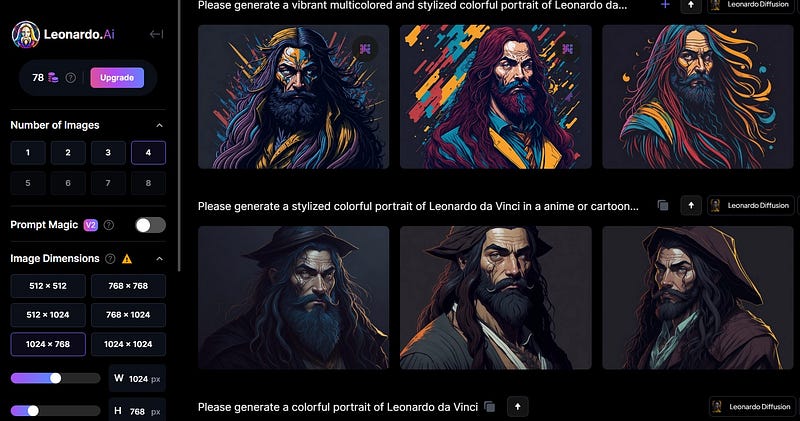
According to the platform guidelines, Any digital asset generated following your input is regarded as your intellectual property. Therefore, there is no need to fret over who owns the content you create; it’s yours and yours alone.
Using Leonardo AI for Print-on-Demand Dropshipping
It’s time to get down to business, as I know by now you’re interested in learning more about print-on-demand and how to set up an e-shop with Printful.
I’ve been looking into this business model for a while now. So let me tell you why I chose to go with this dropshipping platform.
I am positive it will help me turn my ideas into sellable products. So, I plan to set up a zero-hassle e-shop.
First off, let’s look at the many advantages of print-on-demand.
Read on to learn why this is an excellent format for creators like you and me who have many ideas but little space or budget to invest in product development.
With print-on-demand:
- Brands don’t need to have a factory to fulfill their customized products on demand, they just need to integrate with companies that already have this structure.
- You can focus on your marketing and strategies to further expand your business, such as creating new prints and collections, for example.
- You don’t need to make any initial investments, as payment is made only when you receive an order at your store.
- There is no need for any stock since printing is done on demand, you do not need to store them until they are sold, and you can create as many prints and collections as you like with the freedom to test designs and products.
Now, let’s dive into how to use Printful with your e-shop to scale your business.
Start by creating an account. Once you have it set up, you can make products created with your designs available in your online store.
- Printful offers a vast array of customizable products, and with Leonardo AI, you can create print-on-demand designs with ease.
- Create as many options as you like. After all, you only pay when you sell. This way, your target audience is free to choose what to buy.
- When a customer orders from your store, the order is automatically sent to the processing center closest to the final destination.
- They will print the product on demand, package it, and send it to your end customer with your branding.
Concluding remarks
Overall, this new AI-enabled tool offers a flexible and affordable solution for digital artists who wish to explore new creative possibilities and streamline their content creation process.
Looking at the latest developments, Leonardo AI stands as a layperson’s free, high-end alternative to Midjourney, as the platform continues to position itself as a powerful and versatile tool for digital artists and game developers.
With Leonardo AI, I am confident that I can create a profitable online store in record time, without worrying about the costs of hiring a graphic designer or photographer.
The platform’s ease of use and high-quality results make it an ideal choice for entrepreneurs and small business owners looking to stand out in the crowded e-commerce market.
I’m currently setting up my e-store using this Gen AI app, and I can’t wait to share with you further feedback on the success rate.
With this new business approach, I hope to reach new customers and expand my brand’s reach, all while saving time and money.
So why not give this Gen AI app a try and see for yourself the endless possibilities it can unlock for your business?
I’ve also explained how I landed a job as a scriptwriter while generating game assets with the Leonardo AI. You can learn more about the topic in the story below:
General references:
Agrawal, A., J. Gans, & A. Goldfarb (2017). How AI will change strategy: A thought experiment. Harvard Business Review.
Schweidel, D.A., Bart, Y., Inman, J.J. et al. How consumer digital signals are reshaping the customer journey. J. of the Acad. Mark. Sci. 50, 1257–1276 (2022). https://doi.org/10.1007/s11747-022-00839-w
Shankar, V., Kalyanam, K., Setia, P., Golmohammadi, A., Tirunillai, S., Douglass, T., Hennessey, J., Bull, J., & Waddoups, R. (2021). How technology is changing retail. Journal of Retailing, 97(1), 13–27.


