
How to Use Social Media to Promote Your Medium Articles
My favorite social media apps that you can use to increase your reads and views on Medium.
There is nothing more frustrating than pouring your heart into a Medium article, pressing publish and, *crickets*. I understand the struggle! I am a blogger and social media manager so I spend A LOT of time on social media. But for some reason, it never dawned on me to use social media to promote my Medium articles. But once I started promoting my articles, they have been performing way better!
So without further ado, here are my favorite ways to promote Medium articles on social media.
I have two key strategies for promoting my Medium articles on Facebook.
1. Post on your personal account
I use to worry about sharing too much on my Facebook account. What if I annoy my Facebook friends? What if no one cares about my writing? What if I’m seriously overthinking a post that people can just ignore if they don’t want to read it? 😂
Be brave and live your brand! I share all of my Medium articles on Facebook. Think about it, your Facebook friend list is full of family, friends, and colleagues who (hopefully) are all rooting for your success! Make it easy for them to support you and read your articles.
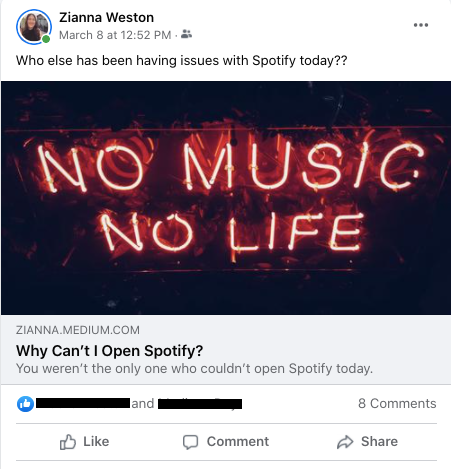
Keep your descriptions brief, and always make sure that you have an image at the beginning of your article so that when you share it on Facebook there is an image.
2. Share to Facebook groups
Facebook groups will be a great place to share your articles with people that you might not know in real life. There are Medium engagement groups full of fellow Medium writers looking to support each other. Medium Writers & Genuine Readers currently has over 6100 members who are all readers and (mostly) writers on Medium.
New Writers Welcome is a group for Medium writers who write for the New Writers Welcome publication, and there are over 800 members. I found these groups by searching “medium writers” on Facebook, but there are probably more groups that I am not yet a part of. If you know of any others, please comment on this article!
You can also join topical groups. If you write about pets, consider sharing your articles in groups for pet owners. Or travel content can easily be shared in travel groups. The only warning I have is to be sure to read the Facebook group rules carefully. Most groups have strict rules against spamming that you will want to honor, or else you will be removed from the group by the admin. You also want to make sure that you’re not the person who posts a million articles in a Medium group and then doesn’t read anyone else’s articles. Those people are the worst…
There are several options for how to share your articles on Instagram.
Stories
Instagram recently made it possible for accounts of any size to post a link in their stories (you used to need 10,000 followers).
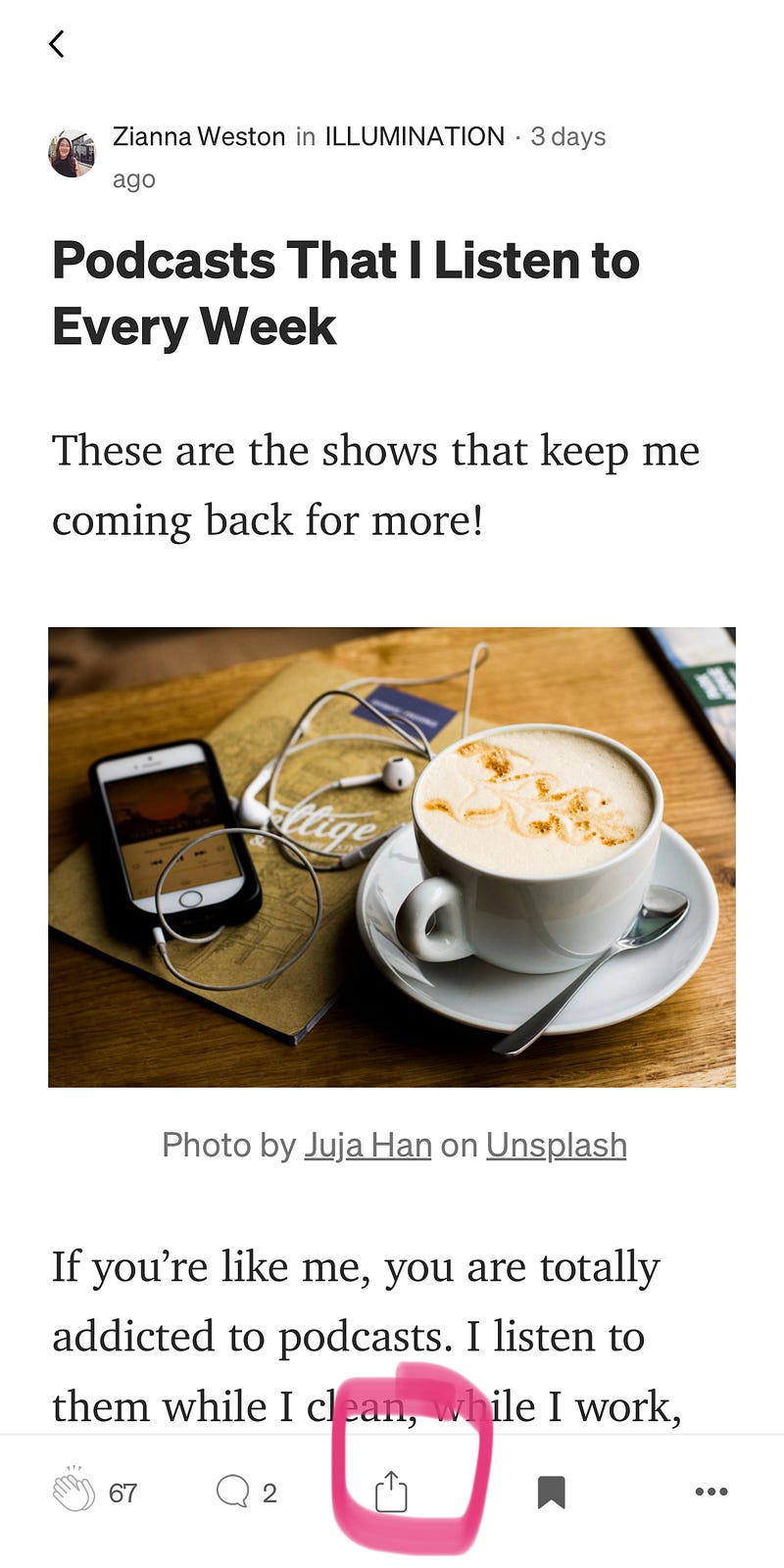
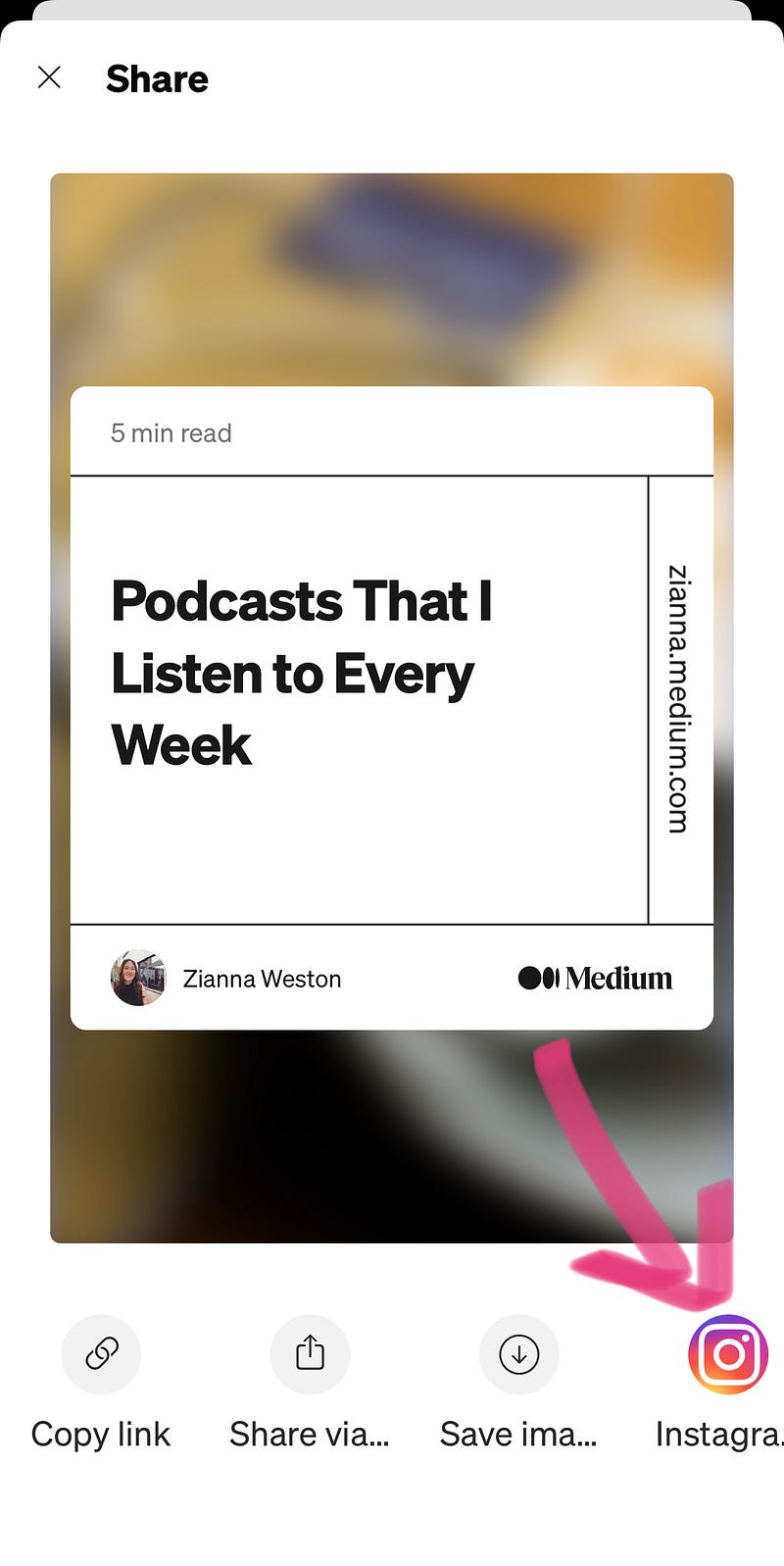
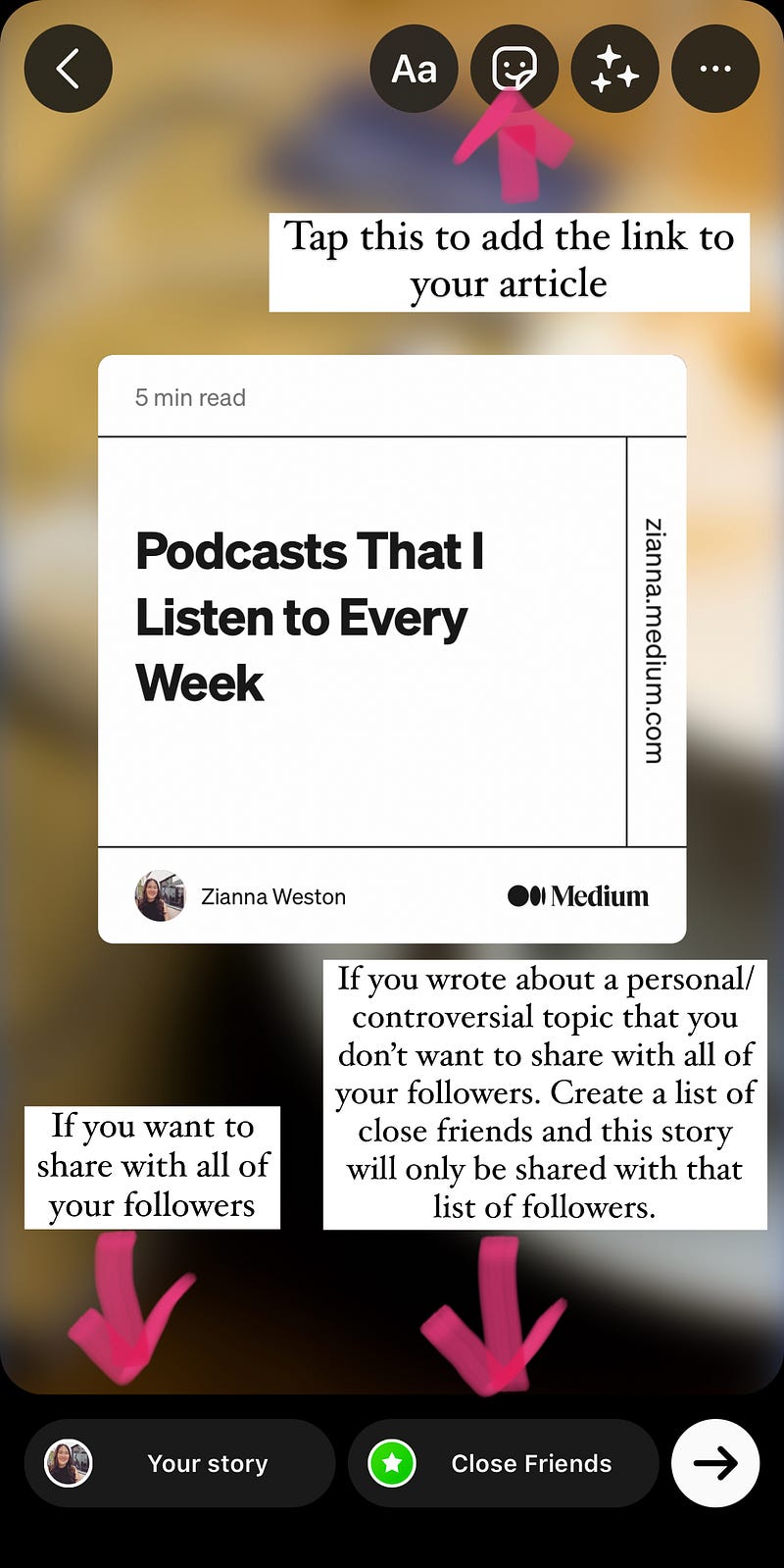
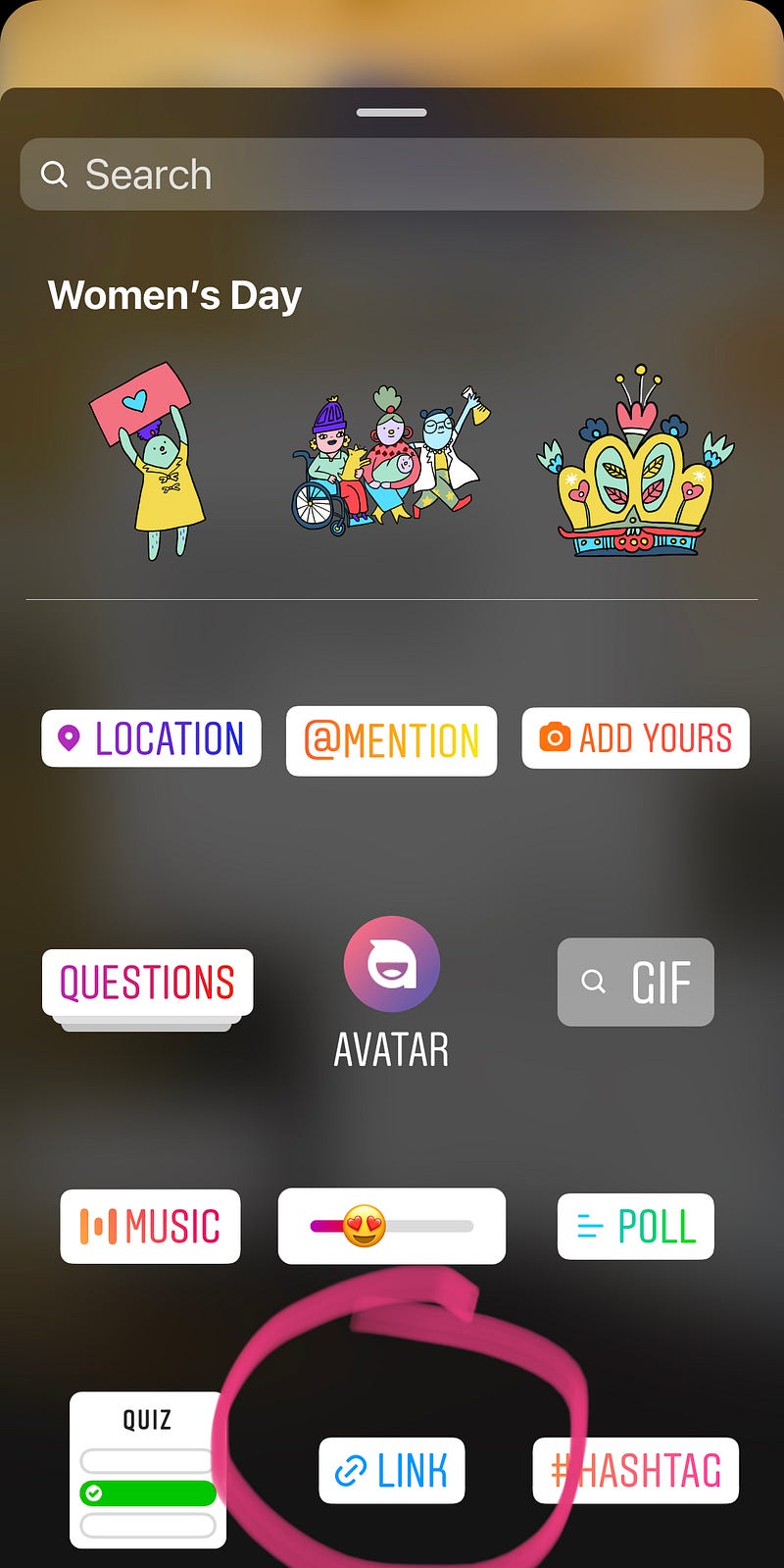
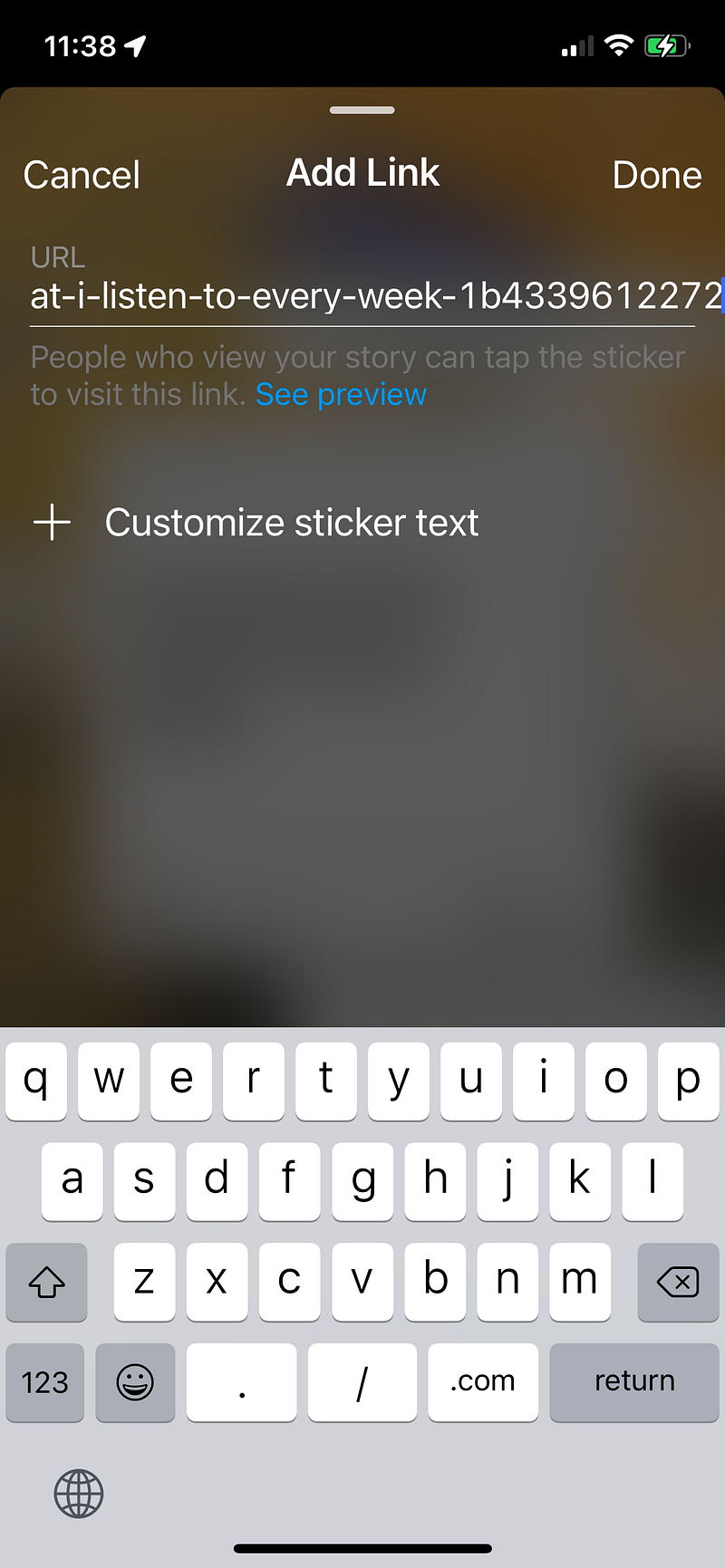
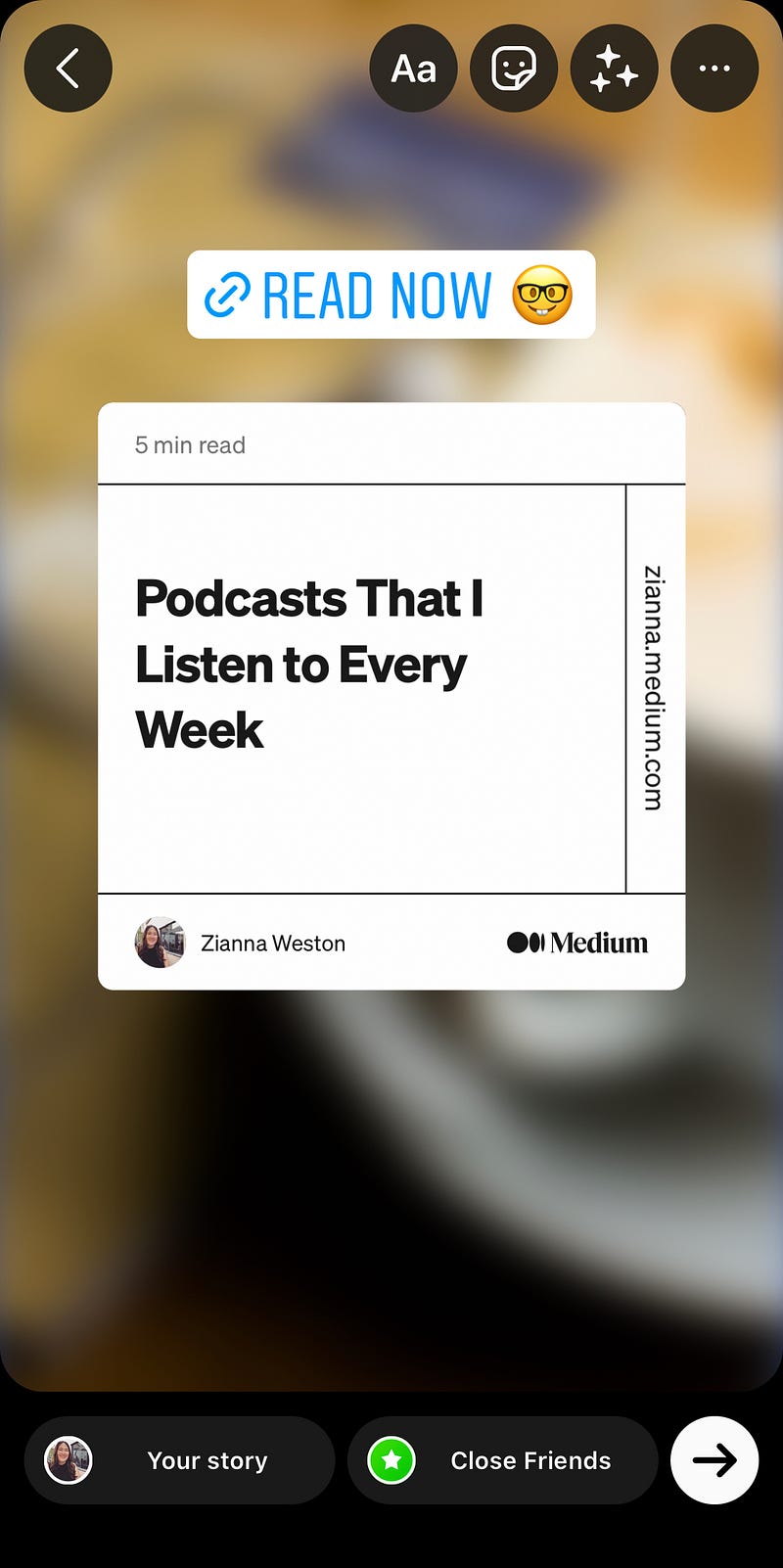
How to share Medium articles to your Instagram Story (reference images below).
- Select the Medium article you want to share in the Medium app and tap the “share” icon. Then select “Instagram”.
- Once in the Instagram app, tap the sticker icon in the top right hand corner (third from the right).
- Tap the “link” icon. Paste the URL link for your Medium article, and tap “customize sticker text” to choose what your link sticker will say. Commonly used phrases for stickers include “read now” or “learn more!”.
- Then choose if you want to share your story with all of your followers (and non-followers if you’re a public profile), or with close friends (you can make a close friends list to hand select who will be able to see your story).
How to share Medium articles in your Instagram bio
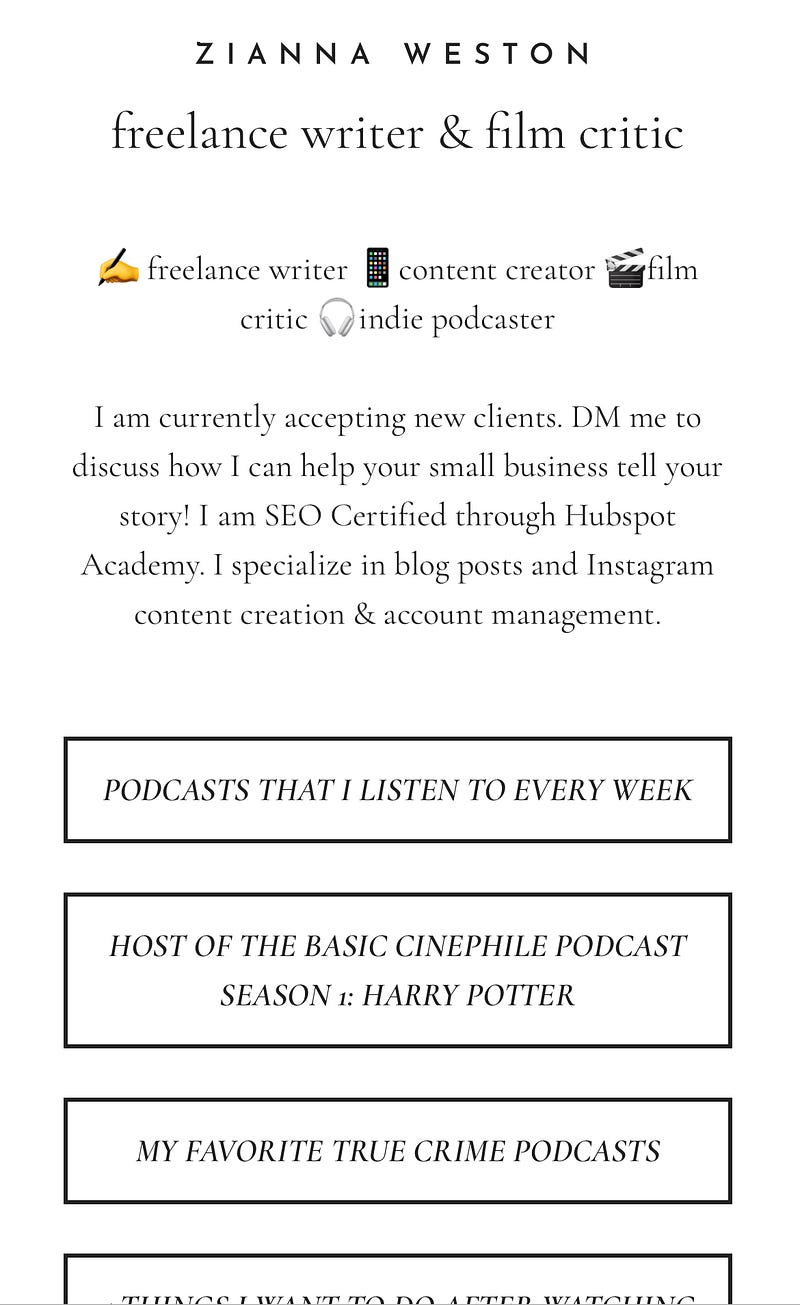
You are allowed to share one link in your Instagram bio. You can update this with your latest article to make it easily accessible to your followers. Or there are ways you can create a landing page to share multiple links.
I use milkshake, but there are lots of other free options. Comment if you have an app that you use and love!
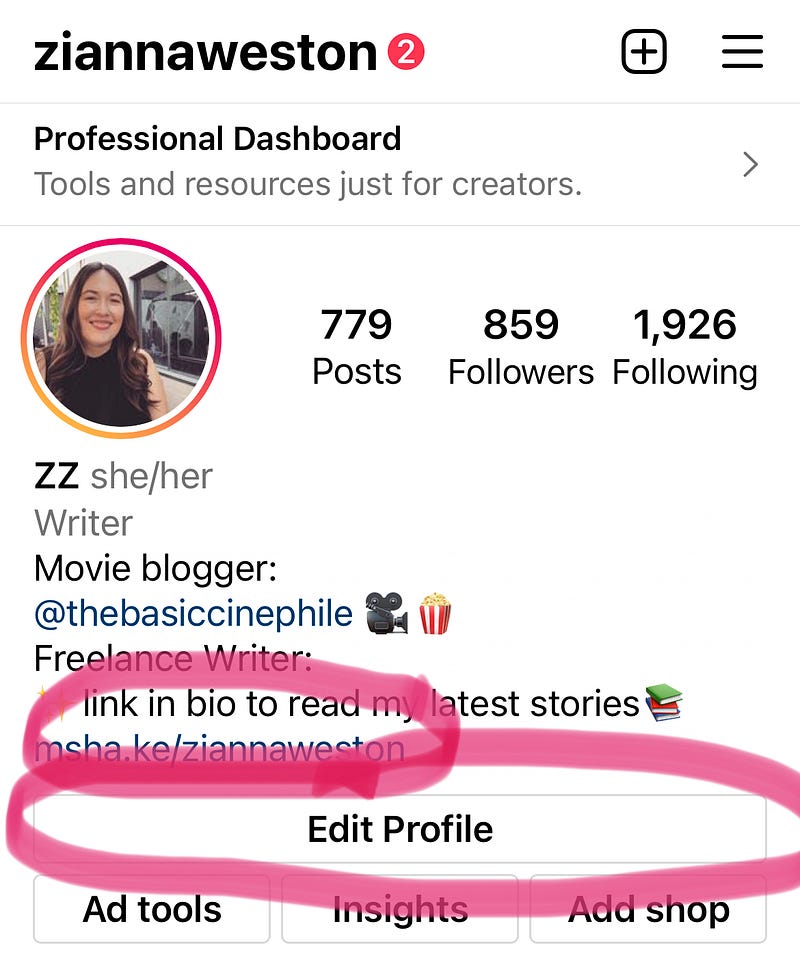
- Go to your Instagram account. If you already have a link shared, you will see it here.
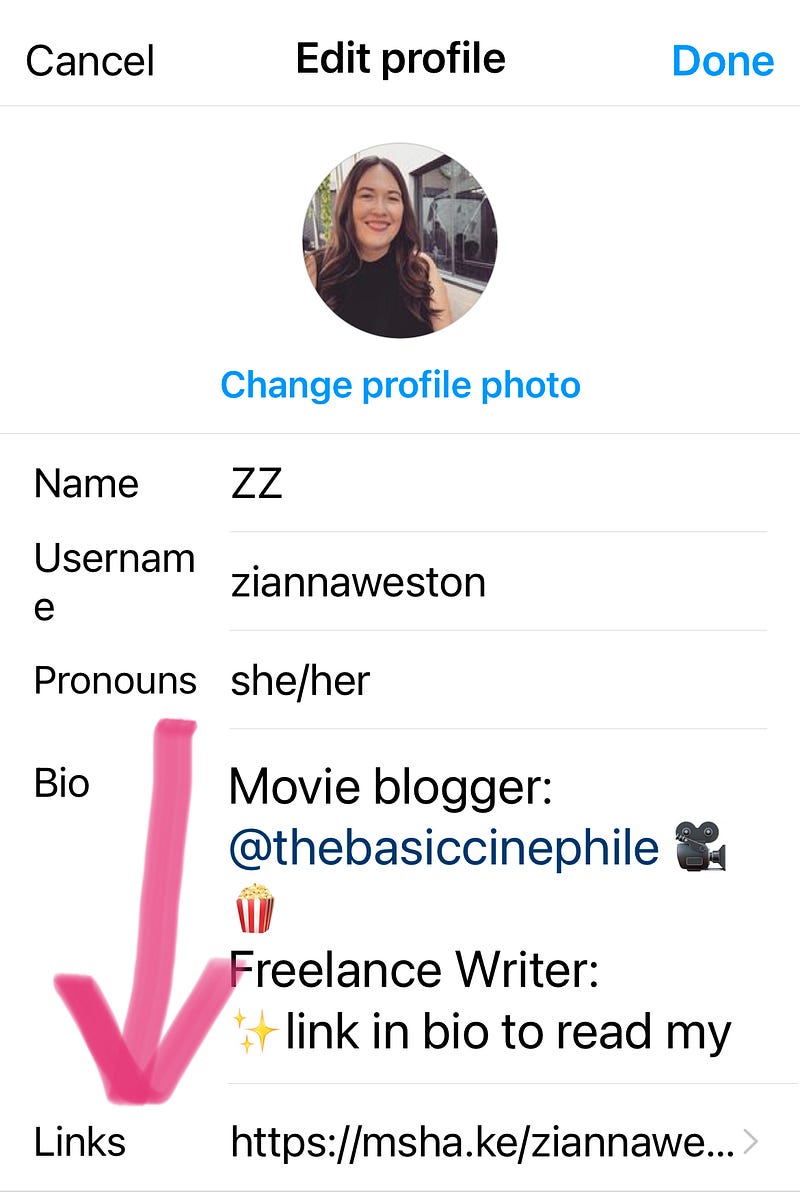
- If you want to update the link, or you don’t have one and want to add it, tap ‘edit profile’.
- Then tap ‘links’ and add your link! You can link your article directly here. Or if you’ve created a landing page like I have, you will add that link here so that you can share multiple links with your followers!
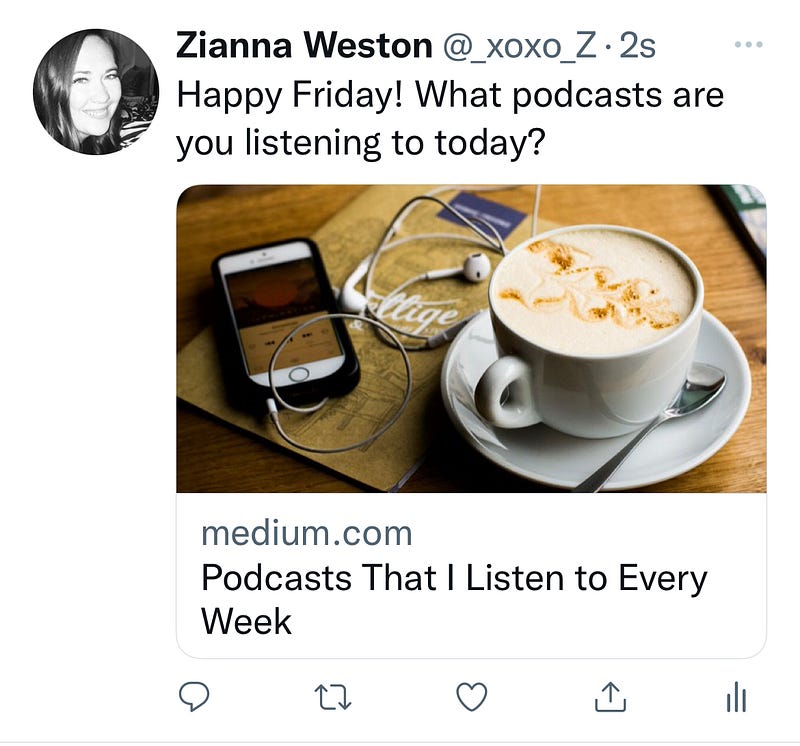
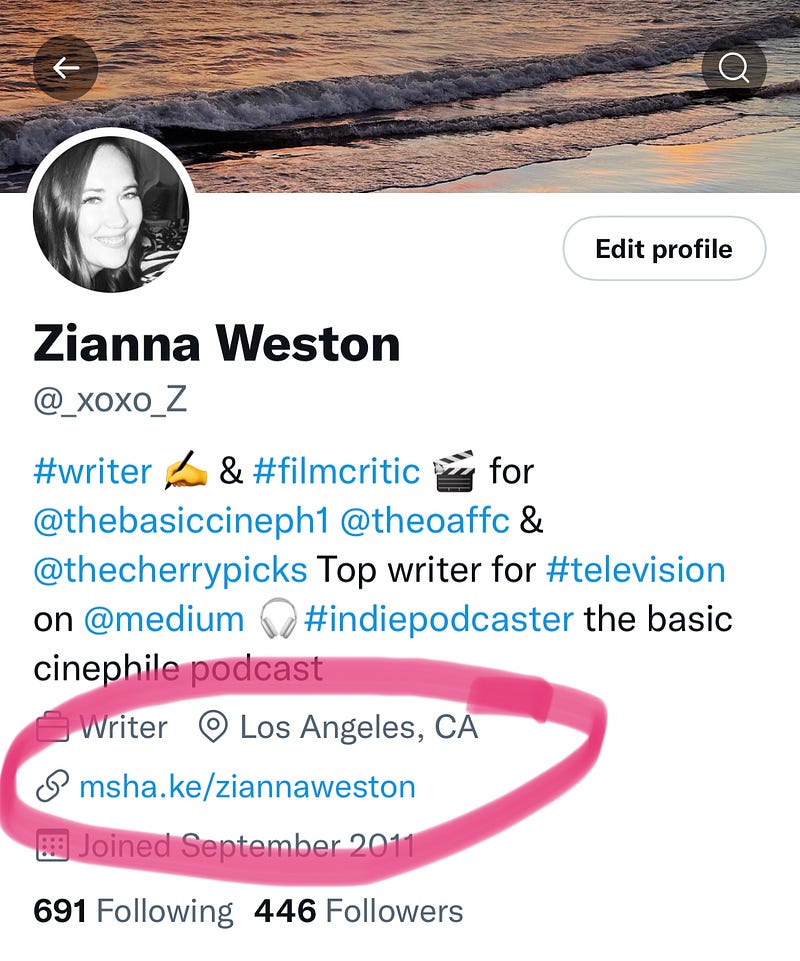
Sharing your Medium articles on Twitter is super easy! You can simply tweet with a link to your article. Or, like Instagram, you can use your bio to link your followers to your articles!
I also highly recommend following the hashtag #writerslift. Fellow writers on Twitter are constantly hosting writers' lifts which are a tweet where if you follow the account that tweeted, and retweet their writer's lift tweet, you can reply with a comment that includes a link to your latest article. They will retweet your link, and often lots of other writers will retweet it too, and it’s a great way to gain new followers and connect with other writers!
Promoting Medium articles can be tedious, but I have found that the articles that I promote always end up with more views and reads. And if you’re already sinking so much time into writing quality articles, you want to make sure that the world sees them!
This is just a brief overview of my social media content-sharing strategy. Comment if you’d like to learn more! Instagram is my bread and butter, Twitter is my new flame, and I also know a bit about LinkedIn and Pinterest. Let me know what questions you have and I can address them in a future article!
Never miss a story from me or any of the incredible writers on Medium! Click the link below to sign up for a Medium Membership! For $5 a month you can support me and other writers and get access to thousands of stories on Medium every month.


