
How to Use Midjourney for UI/UX Design
Here are some techniques to create amazing AI art for UI/UX design.
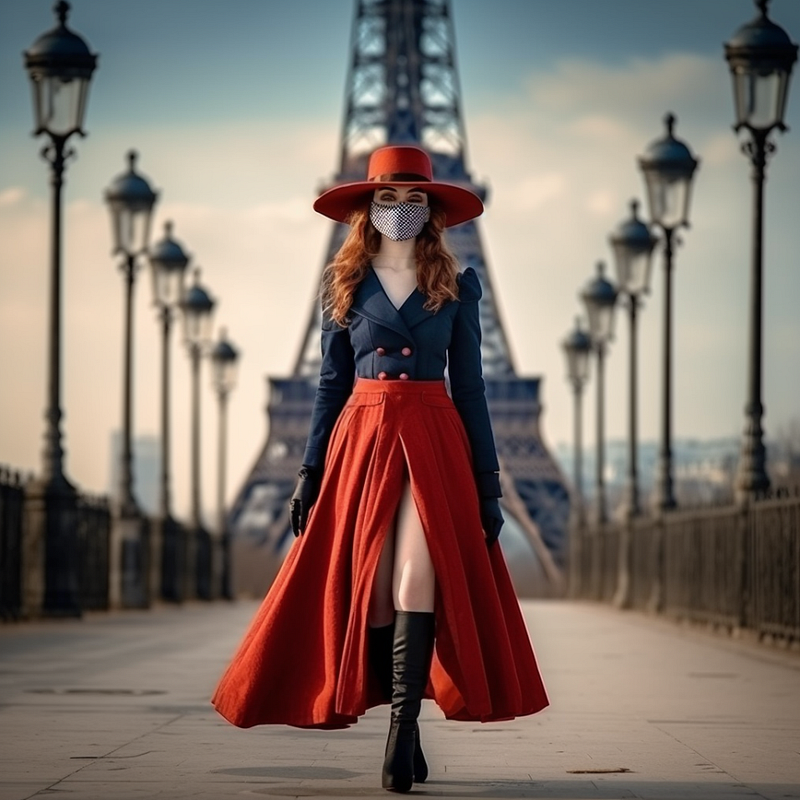
AI art in UI/UX design is a total game-changer and opens up amazing possibilities. Midjourney can whip up loads of design options in seconds, making things easier and faster for you.
In this article, I’ll show you some techniques to create AI art for UI/UX design.
First Things First — Parameters to create better images
Before I show you the techniques to create AI art for UI/UX design, let’s quickly review the parameters you can use to create better Midjourney images. Here are two of them:
Ratio: Try out different aspect ratios (ar). The default is square, but you can make things taller or wider by using the --ar parameter: --ar 2:3, --ar 3:2, --ar 9:16, --ar 16:9.
Quality: Control the quality using the --q parameter. The higher the quality, the more detailed and realistic your picture will be, making it great for portraits or images with intricate details: -- q 0.25, --q 0.5, --q 1, --q 2. It’s important to remember that making a drawing with higher-quality may take longer.
To learn other Midjourney parameters, check out this article.
1. Create Images From Your Drawing
To create AI images from your drawings, first, you must have a finished drawing. Here’s one of mine.
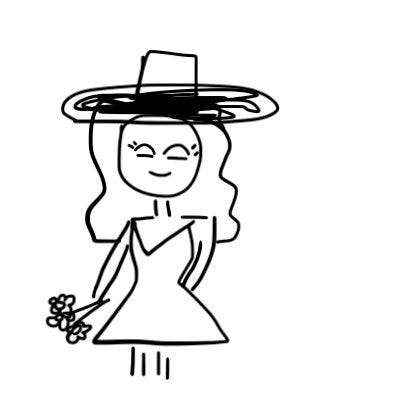
Upload your image to Midjourney and copy the link to it. Next, create the prompt.
/imagine prompt: https://s.mj.run/OBfZb0KOehw beautiful girl with long blond hair, in black dress, with flowers in hands, with black hat, 8K, white background — — no background
We got this.
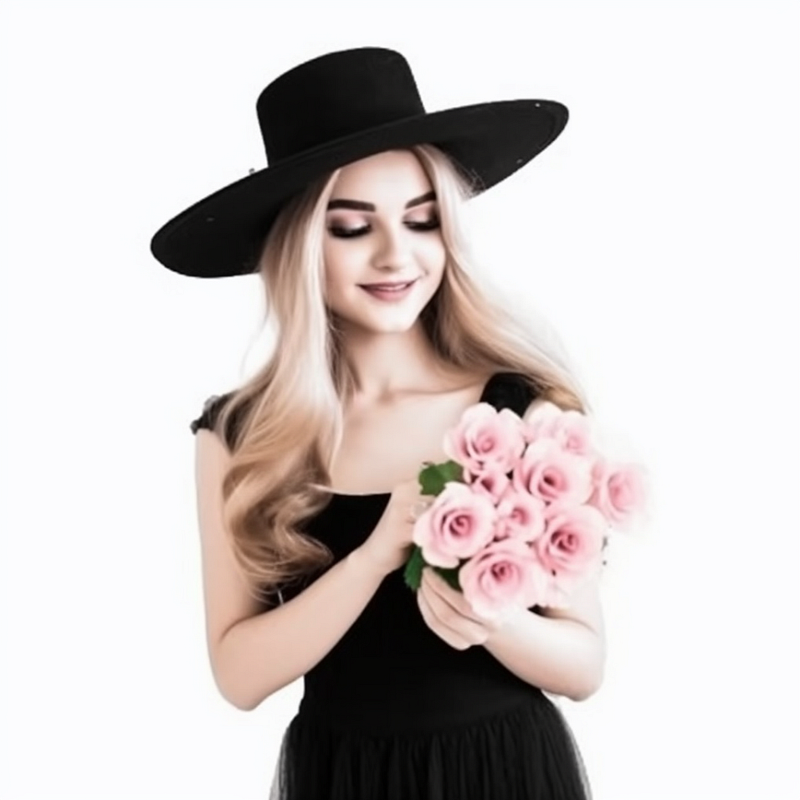
As you can see, you can create an image based on your drawing or layout. If you want to enhance your image, you can combine it with another image.
Note: It’s recommended that you use a white background (as in my image) to avoid unnecessary details in the frame.
Here’s the second image that I’ll use.
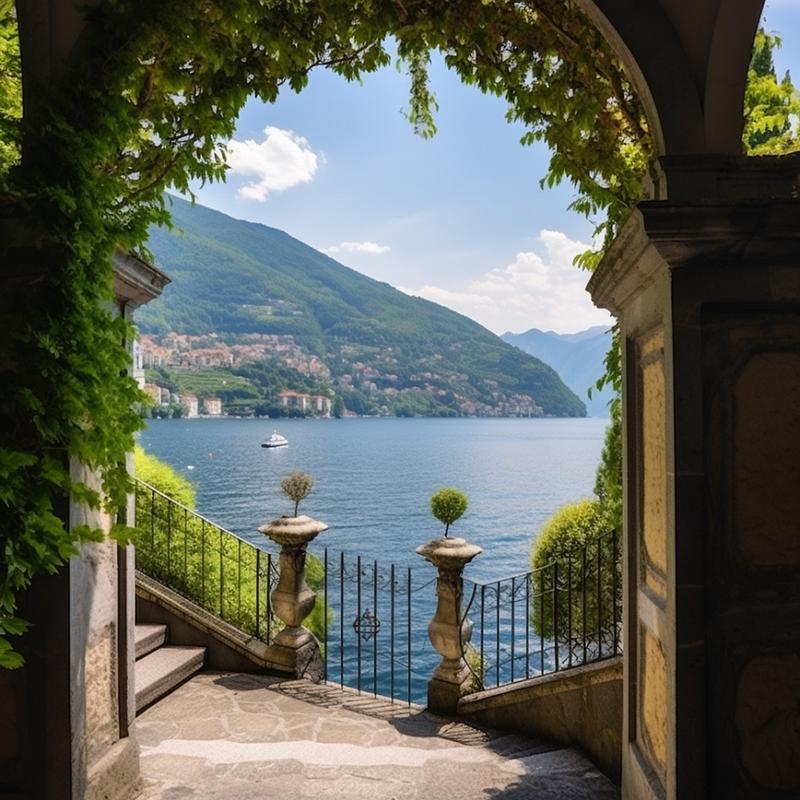
/imagine prompt: https://s.mj.run/0akllwrEe_s https://s.mj.run/c8YqimBrGAM a beautiful girl, with blond hair, flowers in her hands, and a hat on her head, on the Lake Como, 8K
And here is the final result.
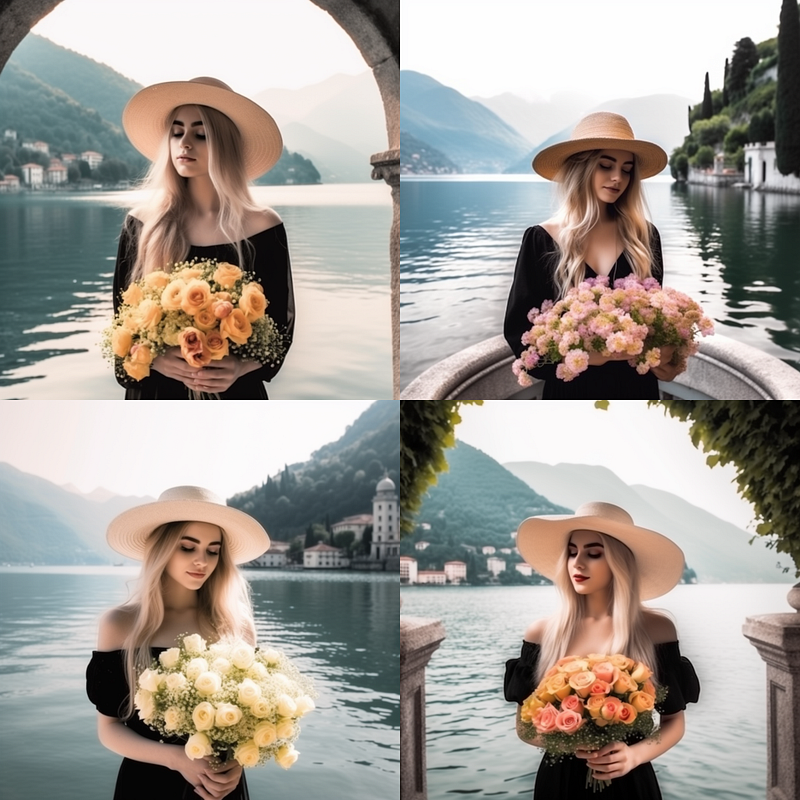
Finally, I can embed my photos on any website, making it look like I’m traveling every week.
Just kidding! ;)
2. Magazine Cover Art
Midjourney can not only create logos and designs for websites or apps but also generate magazine covers. The work is highly realistic and original.
You can choose from various examples, such as the Vogue style or a home improvement store, based on your preferences OR you can also provide your own design ideas or specifications, and Midjourney will work with them to bring your vision to life.
Here’s a formula you can use.
/imagine prompt: (SCENE DESCRIPTION), (MAGAZINE NAME OR DESCRIPTION), magazin cover, parameters
If you don't need any letters in your picture, you can add “-- no text words” at the end.
When I was putting together a magazine about fashion and COVID, I needed a cool cover design. My prompt was:
/imagine prompt: Beautiful girl in a mask from covid, in old style clothes, walks the catwalk in Paris, action, the Eiffel tower in the background, cover for the magazine, 8K -- V5
So I created this awesome design that captured the vibe of the magazine perfectly.
3. Create Logos
Great logos are the ones that everyone remembers because they’re eye-catching, and just plain cool. To make a logo that really stands out, you’d need to put some time and effort into thinking it through and doing some research.
Luckily, with Midjourney, you can use an idea that’s already been made or try your hand at creating your own unique logo.
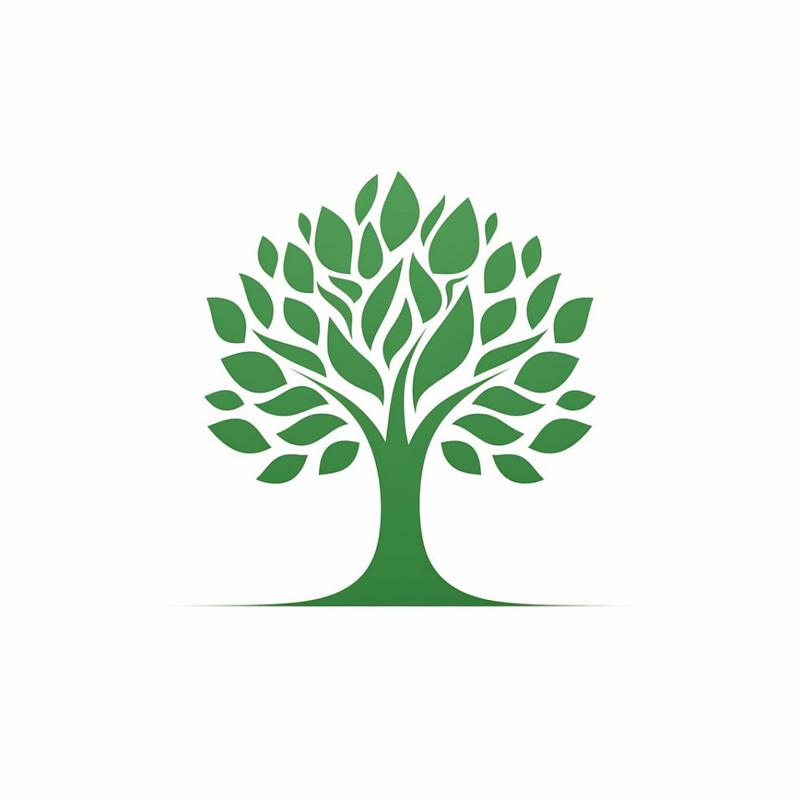
I was working on making a logo for this totally awesome vegan restaurant. Here’s the prompt I came up with.
/imagine prompt: Logo for vegan restaurant, tree, in green color, graphic style, minimalism, white background, no text — no text letter words
Here’s what I got.
4. Create UI mock-ups
You can use Midjourney to take your UI designs to the next level. Here are some tips to improve your UI designs using Midjourney.
- Refine your design with your favorite style
- Pick a color palette that works for you
- Throw in some specific design elements
- Adjust the parameters to perfect your design.
The prompt will look like this:
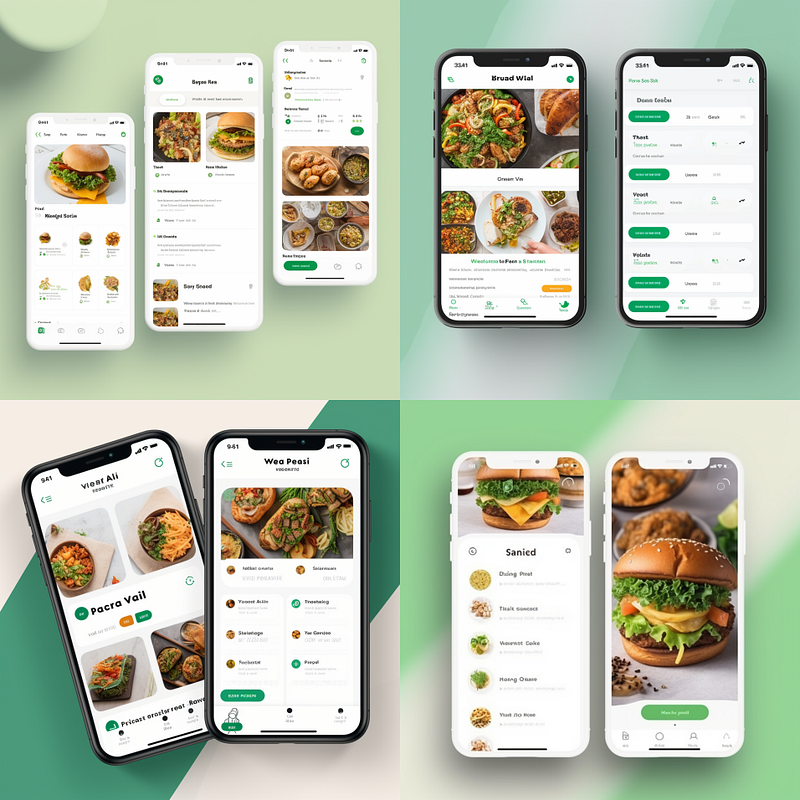
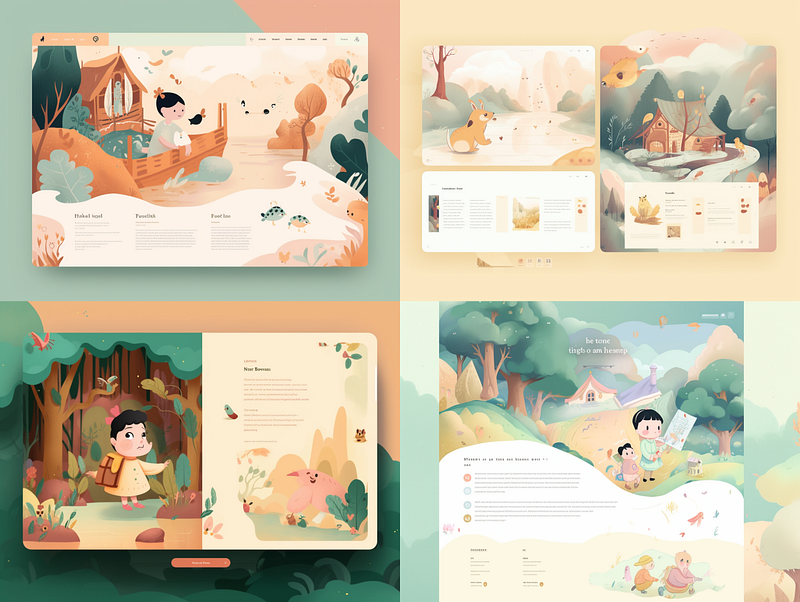
/imagine prompt: UI/UX design of [SCENE DESCRIPTION], for [APP/ WEBSITE/ TABLET/YOUR CASE], [STYLE (MODERN/MINIMALISM/URBAN)], [COLOR PALETTE], PARAMETERS --V5
Here’s the UI design of a restaurant app I created.
Here’s the UI design of a children’s book I created.
That’s it! Midjourney can definitely create great-looking UI designs that are super helpful at the start of the design process, like when you’re brainstorming and exploring visual ideas. By knowing how to use AI and UX/UI together the right way, you can come up with some really awesome projects, so start now!
Artificial Corner’s Free ChatGPT Cheat Sheet
We’re offering a free cheat sheet to our readers. Join our newsletter with 20K+ people and get our free ChatGPT cheat sheet.
Loved this story and want to support me as a writer? Consider signing up for Medium. If you sign up with my link, I earn a small commission at no cost to you! And you’ll get full access to all stories on Medium.


