
How To Type Faster On Your Computer
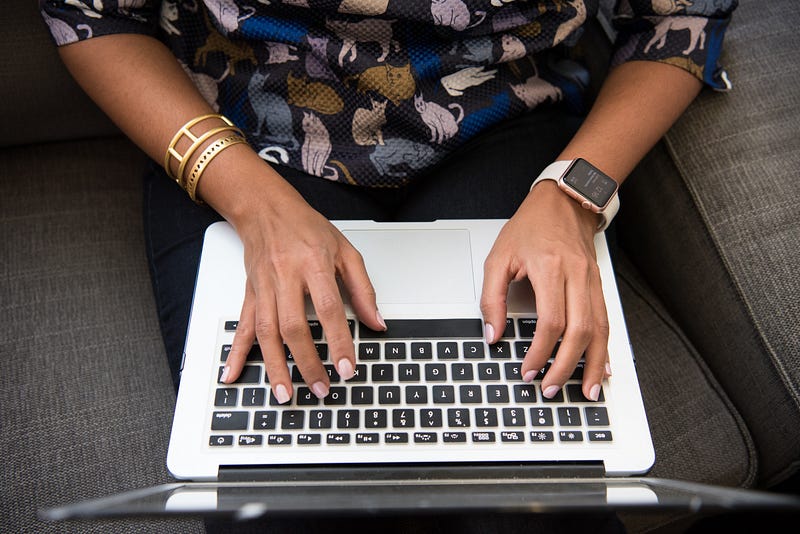
We’ve all been there — staring at the screen, watching the cursor blink mockingly as the minutes tick by, and we slowly come to the realization that we’re in for a long night of typing. Whether it’s a blog post, a school paper, a work document, or just an email to a friend, typing can be a real pain when you’re not fast at it. But there is hope! With a little bit of practice, you can learn how to type faster on the computer and make those dreaded typing sessions a lot less painful.
Here are a few tips to help you type faster on the computer:
Use all your fingers
This may seem like a no-brainer, but you’d be surprised at how many people only use a few fingers when they type. Using all 10 fingers is the most efficient way to type, so make sure you’re not leaving any digits out!
Place your hands correctly
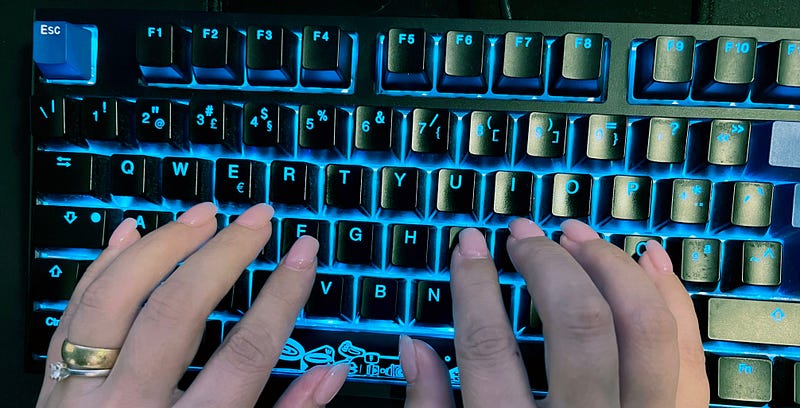
Your hands should be positioned on the keyboard so that your fingers are resting on the home row keys (A-S-D-F and J-K-L; on a QWERTY keyboard). This may feel awkward at first, but with a little practice, it will become second nature.
Sitting posture for typing
The way you sit while you type can have a big impact on your typing speed. Here are a few tips to help you sit correctly while you type:
- Sit up straight in your chair. This will help you maintain good posture and avoid strain on your back and neck.
- Position your computer screen so that it is at eye level. This will help you avoid strain on your neck and shoulders.
- Place your keyboard and mouse within easy reach. This will help you avoid reaching and stretching while you type.
- Take breaks often. This will help you avoid strain on your muscles and joints.
By following these tips, you can help ensure that you maintain good posture while you type, which can help you type faster and more accurately.
Don’t look at the keyboard
Looking at the keyboard while you type is a surefire way to slow down your typing speed. Instead, try to keep your eyes on the screen and only glance at the keyboard when you need to find a particular key.
Take your time
Rushing through your typing will only lead to mistakes and will ultimately slow you down. Try to relax and take your time with each keystroke.
Practice, practice, practice
As with anything, the best way to get better at typing is to practice.
Typing Practice (keybr.com)
If you’re looking to improve your typing skills, www.keybr.com is a great place to start. This website provides you with a variety of typing exercises to help you improve your speed and accuracy. And the best part is that it’s completely free to use! There are a variety of typing games to choose from, so you can find one that suits your skill level. And if you’re not sure where to start, there’s a tutorial to help you get started. So whether you’re a typing novice or a seasoned pro, www.keybr.com is the perfect place to improve your skills. So why not give it a try today?
There are a number of other online typing games and tutorials that can help you improve your speed and accuracy. So, get typing! With a little bit of effort, you can learn how to type faster on the computer and make those tedious typing tasks a lot less painful. So, what are you waiting for? Start practicing today!