
How to track football players using Yolo, SORT and Opencv.
Detect and track football players using Yolov3, Opencv and SORT, and convert the players’ movement to bird’s-eye view.
Introduction
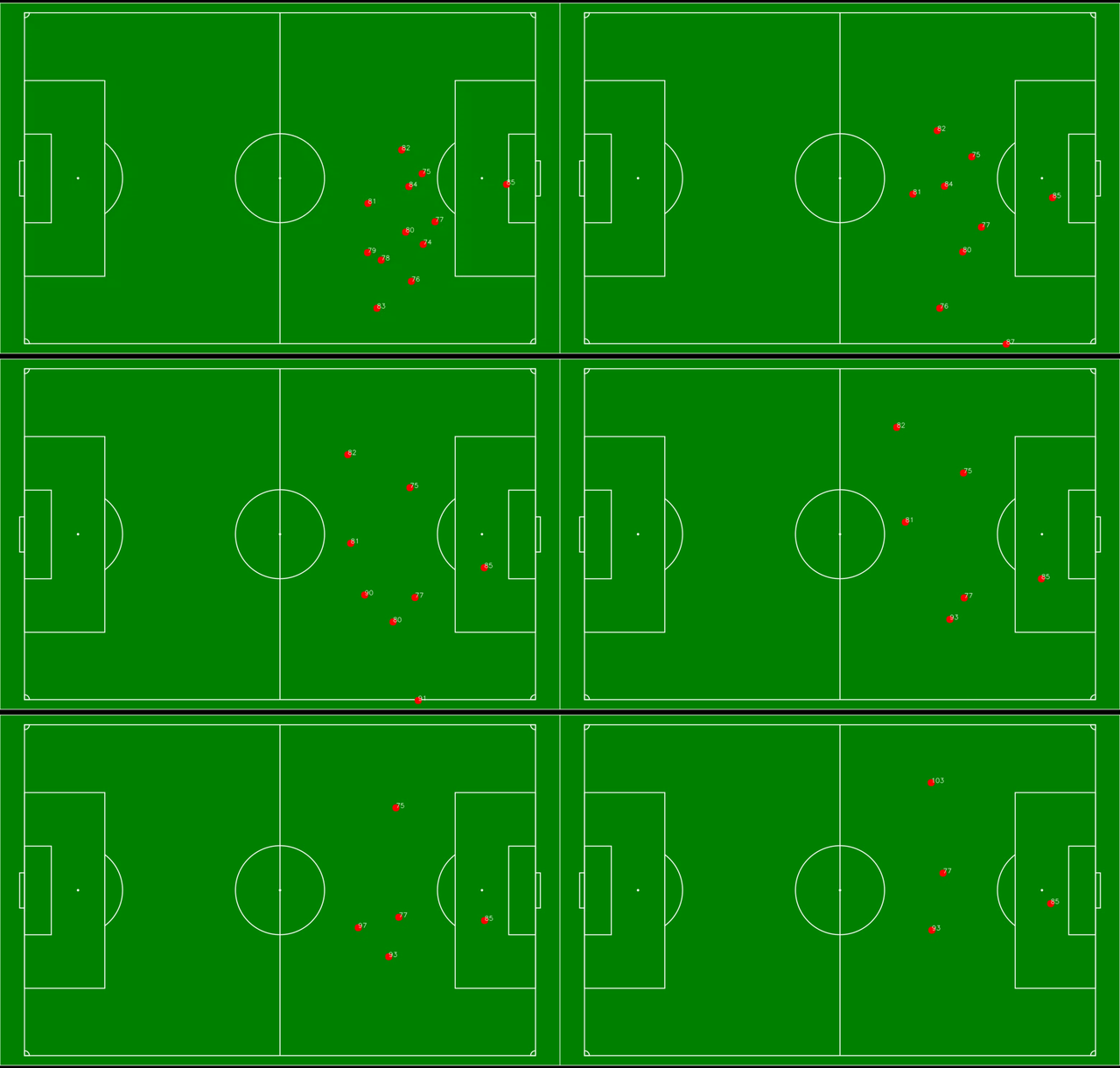
In this post, I will show how I detect and track players using Yolov3, Opencv and SORT from video clip, and turn the detections to the bird’s-eye view as shown above.
Inspired by Sam Blake’s great work (https://readmedium.com/how-to-track-objects-in-the-real-world-with-tensorflow-sort-and-opencv-a64d9564ccb1), I will do the following steps for this project:
- Object Detection (Yolo and Opencv)
- Object Tracking (SORT)
- Perspective Transform (Opencv)
Football video dataset
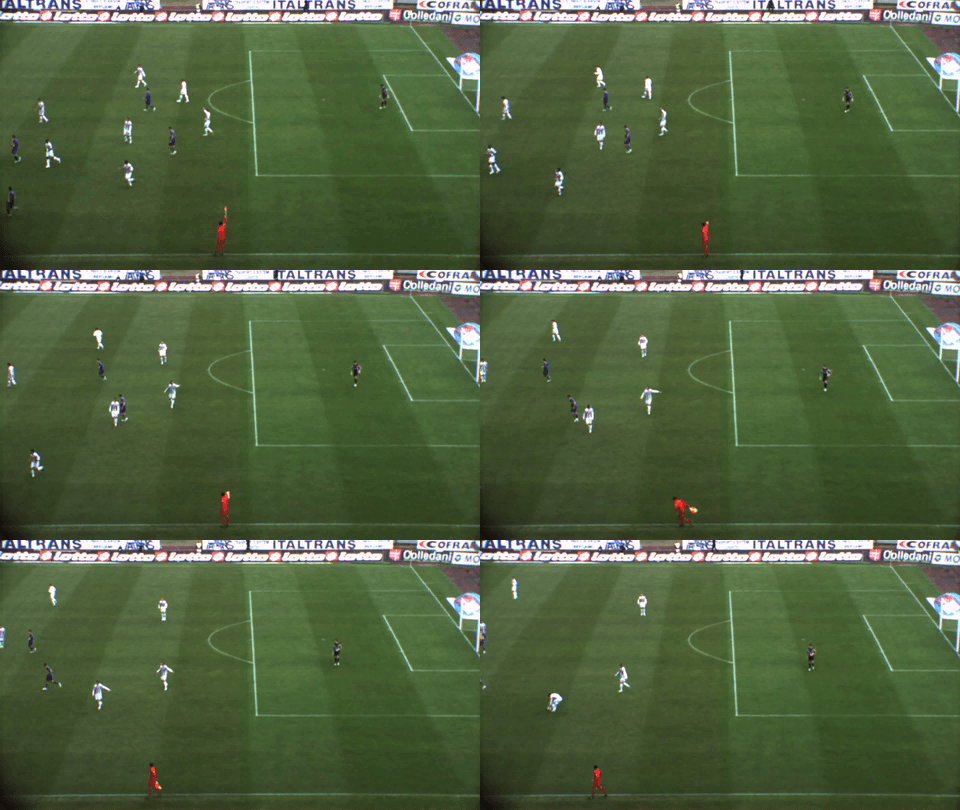
In order to have a stable tracking and perspective transform, I need a video clip without camera moving around. I downloaded the video from IPL Ball Detection Datasets. Please be noted that the ball is not tracked in this project, it was already tracked (green bounding box) from the source.
Object Detection
The first step is to load the video and detect the players.
I used the pre-trained Yolov3 weight and used Opencv’s dnn module and only selected detections classified as ‘person’.
I drew bounding boxes for detected players and their tails for previous ten frames.
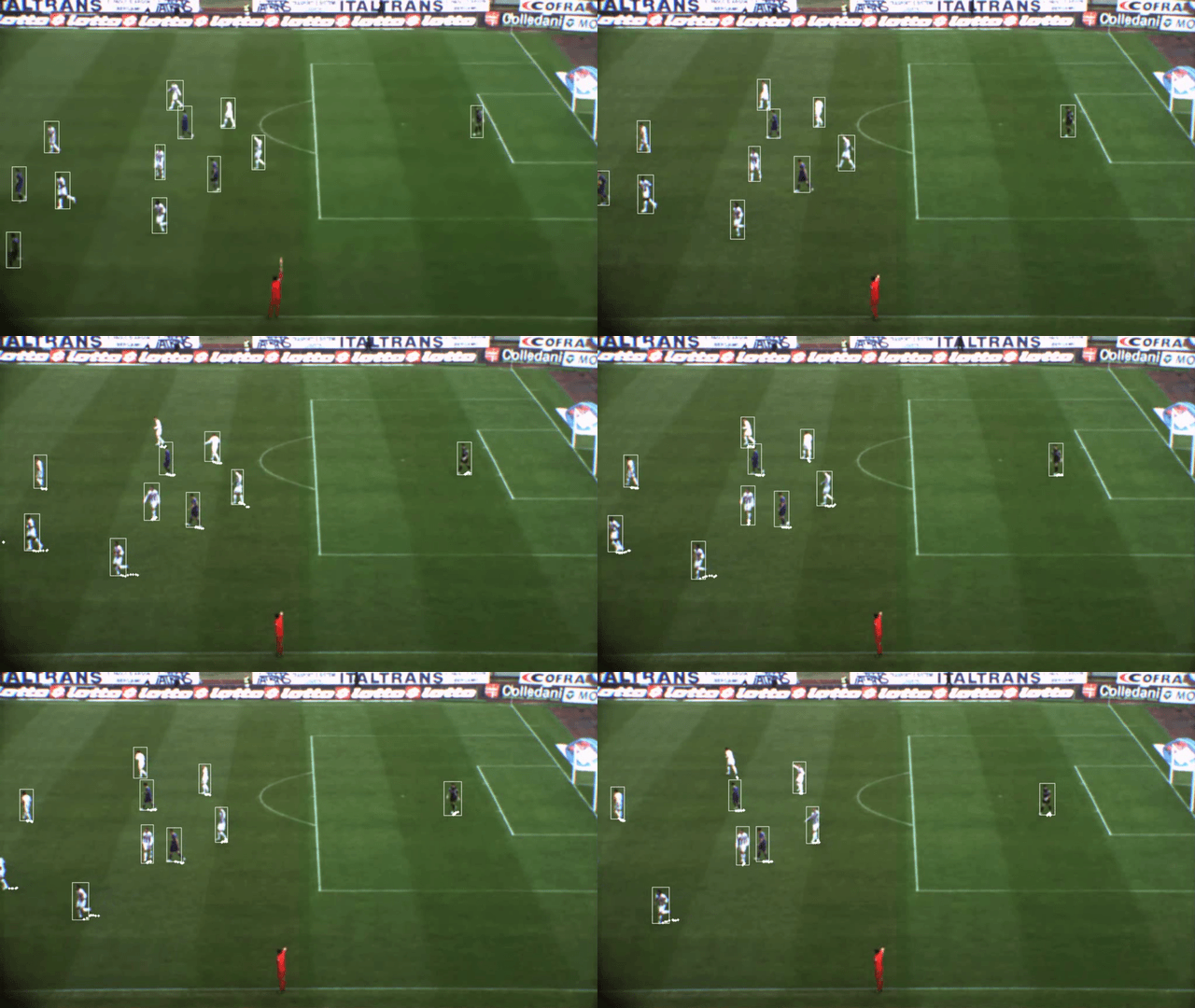
Looks like the pre-trained model is doing quite okay.
Object Tracking
Next I want to track the player and assign unique IDs to them. I used Alex Bewley’s SORT algorithm(simple online and realtime tracking), which I applied to my previous work.
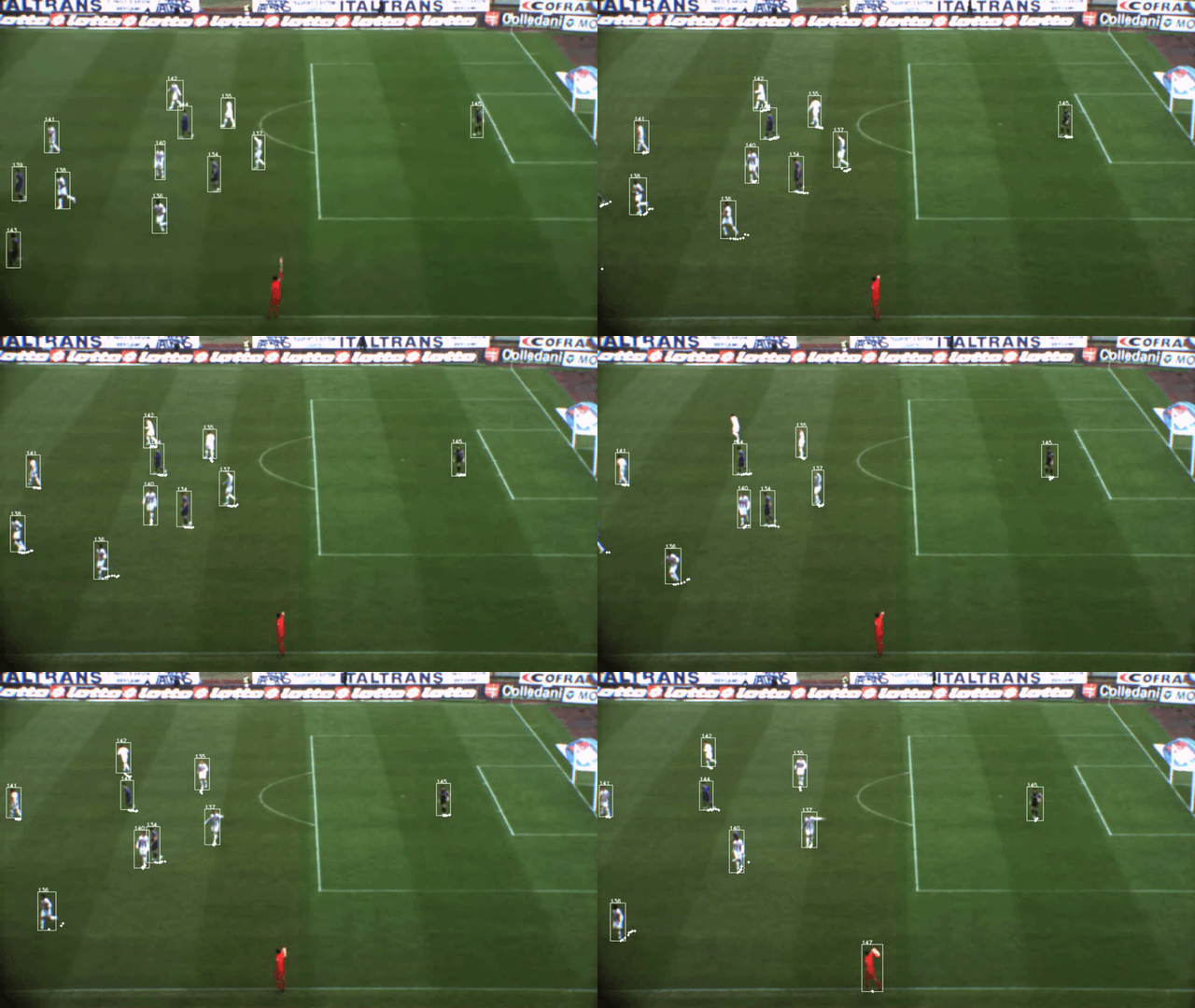
Now each player has a unique ID assigned and displayed in the video.
Perspective Transform
The video looks good now, but I still want to have players’ motion in bird’s-eye view. It can be done by doing perspective transform. There are a little bit math involved, fortunately Opencv’s getPerspectiveTransform function make it a lot easier.
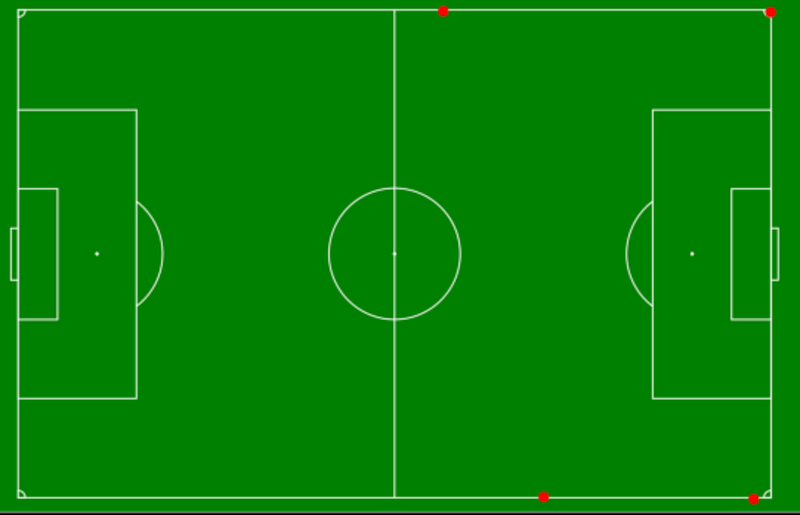
I need to find 4 fixed points as reference and identify the coordinations from the video and also from the bird’s-eye view image.
First I identify 4 reference points from the video as show in in red spot and get the pixel coordinations.
np.array([
        [1, 47], # Upper left
        [878, 54], # Upper right
        [1019, 544], # Lower right
        [1, 546] # Lower left
                                   ])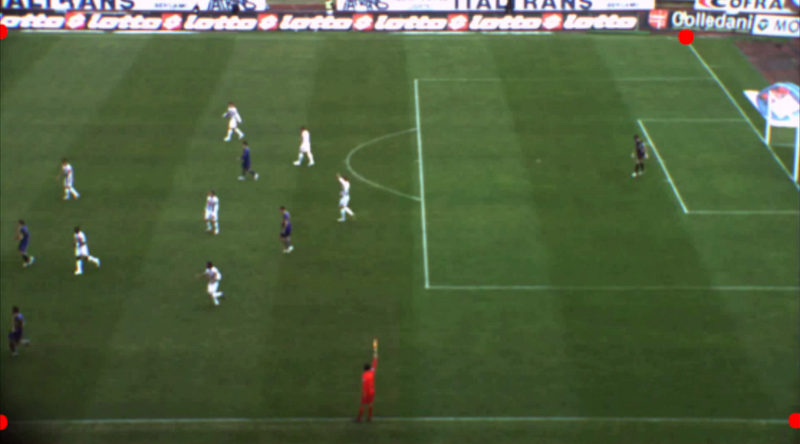
I did not really see very solid reference points from the video so I roughly identified 4 points and marked these locations on the bird’s-eye view and got the corresponding pixel coordinations. It will be more precise if the reference points are more robust.
np.array([
        [871, 37], # Upper left
        [1490, 39], # Upper right
        [1458, 959], # Lower right
        [1061, 955] # Lower left
                                   ])
Then by applying Opencv’s getPerspectiveTransform using these reference points, we can transform the detections from video to bird’s-eye view.
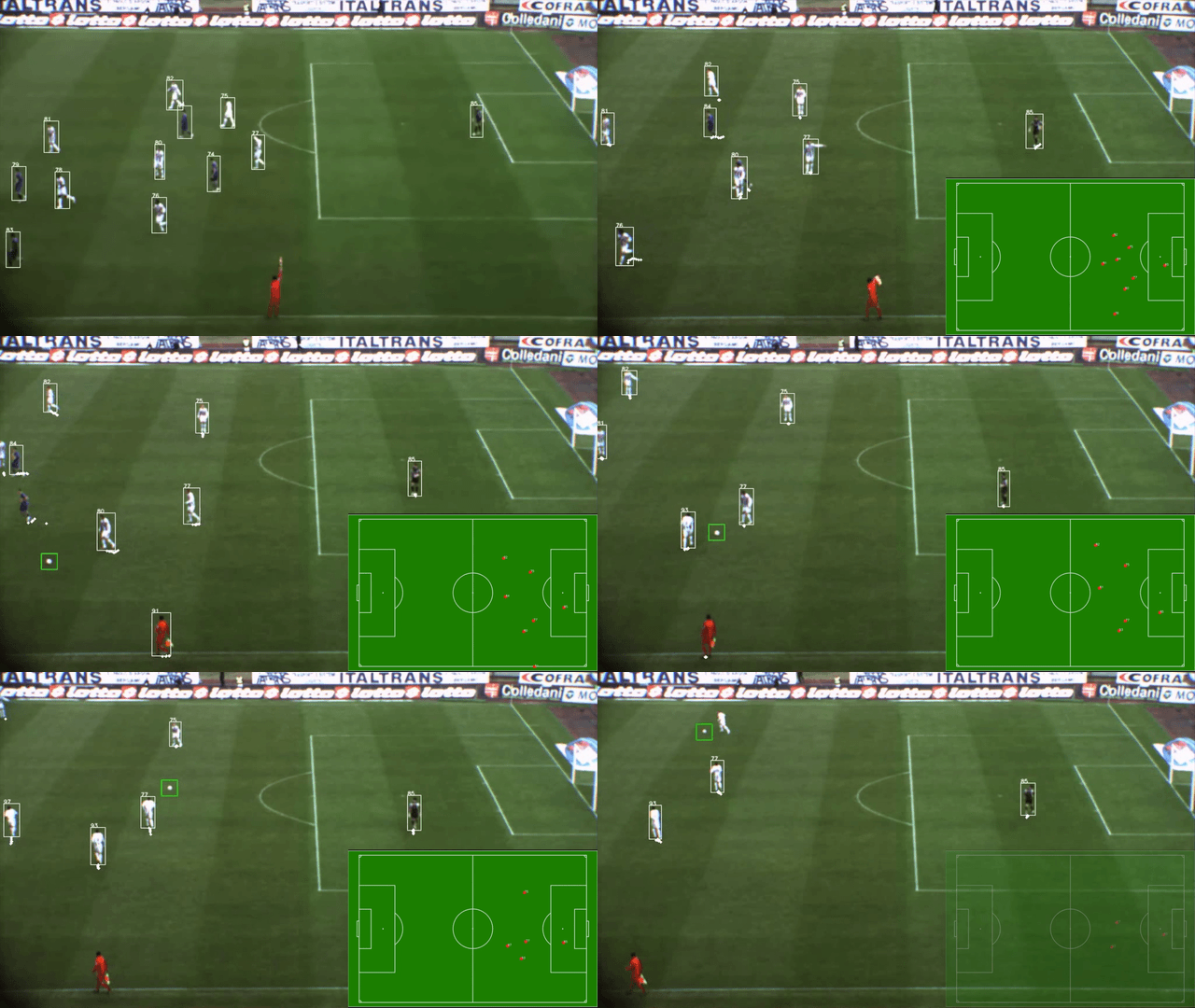
With player’s movement information, it is possible to do further analysis such as players’ running distance and velocity.
The speed for running this player tracking is around 0.3 second per frame on my 2016 Macbook Pro Intel i5 CPU. It is possible to do this real time by using GPU for some applications if necessary.
Thanks for reading, comments and suggestions are welcome!
Support me here: https://medium.com/@c.kuan/membership
In my next post, I used OpenCV to identify players’s team based on their jersey color. Feel free to take a look!


