
How to split an Image into Patches with Python
Split an image into parts of equal size with this Python library

For different reasons, someone might need to split an image into patches of the same size. Once, I had to do it because my Machine Learning model couldn’t process high-resolution images, thus, I divided them into multiple parts. In the beginning, I myself wrote the code for splitting, but then I discovered Patchify, which is a great library made for this purpose. It provides two functions: patchify and unpatchify. The former is used to split an image into patches and the latter to merge them.
To install the latest version of Patchify from PyPI use:
pip install patchify
Patchify
This function splits an image into multiple patches of the same size.

To call it use:
patchify(image, patch_shape, step)
Arguments:
imageis a NumPy array with shape (image_height, image_width) for grayscale images or (image_height, image_width, N) for N-channels images (3 if RGB).patch_shapeis the shape of each patch, (patch_height, patch_width) or (patch_height, patch_width, N). It’s not required to define a square patch, even a rectangular patch can be defined.stepdefines the distance between one patch and the next one (vertically and horizontally). If step ≥ patch_height there is no overlap between patches in the same row. If step ≥ patch_width there is no overlap between patches in the same column.
Return:
If image is N-channels, the function returns a NumPy array with shape (n_rows, n_cols, 1, H, W, N), where n_rows is the number of patches for each column and n_cols is the number of patches for each row.
Otherwise, if image is grayscale, the function returns a NumPy array with shape (n_rows, n_cols, 1, H, W).
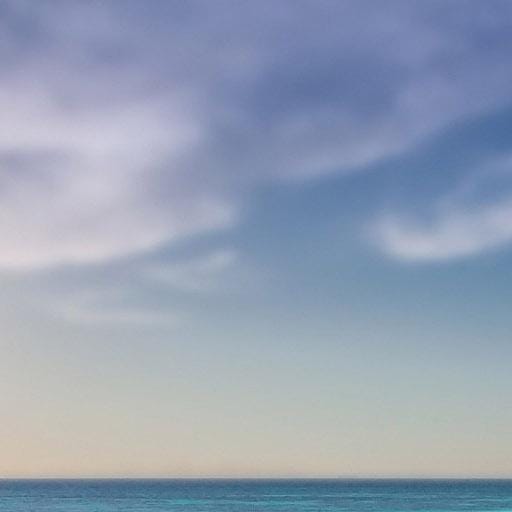
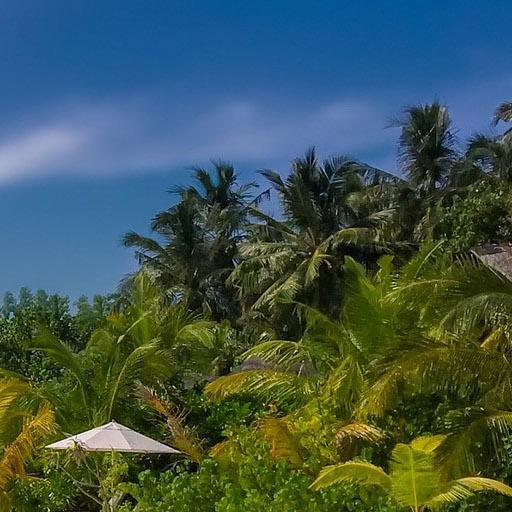
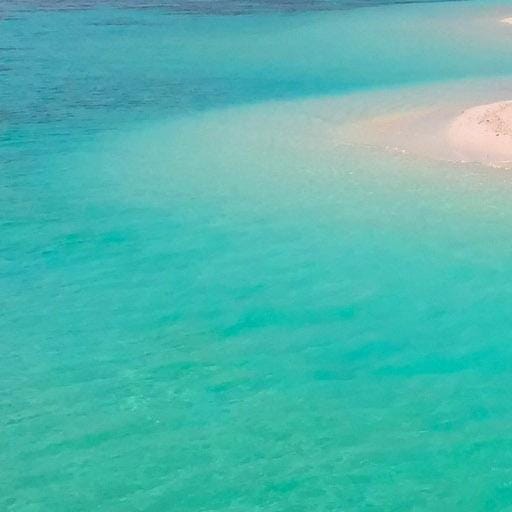
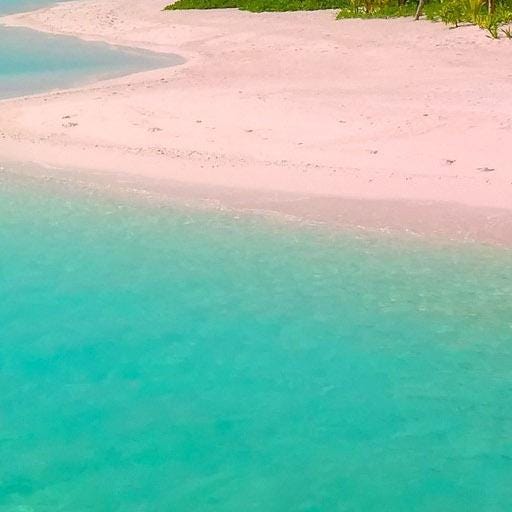
The code below splits an RGB image and saves each patch in a new file using an incrementing filename:
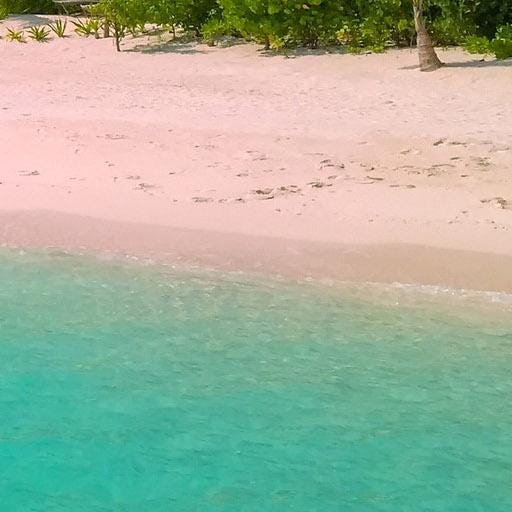
The following are the patches extracted from the thumbnail image:

If you want to split a grayscale image the code is slightly different:
Unpatchify
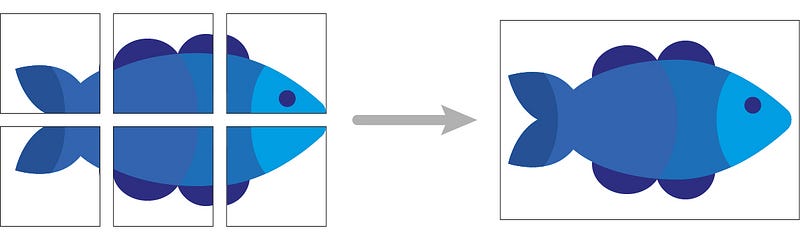
This function merges patches of the same size.
To call it use:
unpatchify(patches_to_merge, output_shape)
Arguments:
patches_to_mergeis a NumPy array with shape (n_rows, n_cols, 1, patch_height, patch_width) or (n_rows, n_cols, 1, patch_height, patch_width, N), like the same returned from patchify.output_shapeis the merged image output shape: (height, width) or (height, width, N).
Return:
A NumPy array with shape output_shape.
output_shape must be defined according to the patch size and the step in the following way:
output_height = image_height -(image_height - patch_height) % step
output_width = image_width -(image_width - patch_width) % step
output_shape = (output_height, output_width, 3)
Otherwise, unpatchify throws an exception.
Patchify + Unpatchify
There are situations in which you are required to divide an image into patches, process each patch, and then merge them back. This can be done by combining Patchify and Unpatchify functions.
The code below shows a combination of these two functions:
This code is a common solution for getting a prediction from a large image when the machine learning model cannot process it directly. In this case, the only change the code requires is to replace the process(patch) function with the ML algorithm or the neural network model.
Thanks for reading, I hope you have found this useful.
If you enjoyed reading my story and want to support me as a writer consider signing up to become a Medium member. It’s 5$ a month, which gives you unlimited access to all the stories. If you sign up using my link, I’ll earn a small commission and it costs you the same. https://mattiagatti.medium.com/membership


