
MEDIUM | ILLUMINATION | GUIDE
How to Read Articles Offline on Medium
Download your reading lists so you can read whatever — wherever or whenever

Hands up who has Medium reading lists that seem to grow exponentially, but you never get around to reading them all? 🙋♀️ Every time I do read a handful, I’ve added another 20 to my lists as I can’t keep up with all the great content on the platform. But now, Medium has graciously introduced the feature to download all your reading lists using the mobile app, so you can read whenever you find yourself offline. Perfect for when you’re on a flight, or long train ride, are in a reception blackspot on the beach, or you’ve simply run out of data and don’t have access to WiFi. Only available to members of the Medium Partner Program, it’s yet another perk of the platform to those who choose to sign up.
How do you save Medium articles?
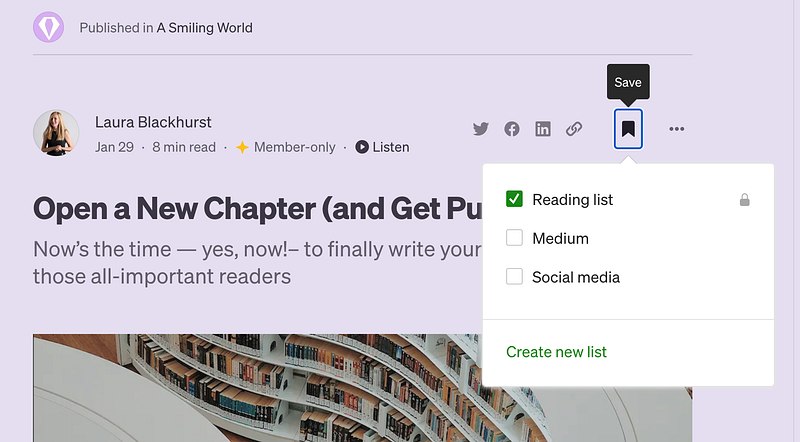
One-click is all you need. On every article available on Medium, you just have to look out for the bookmark icon (pictured below) at the top of the article, give it a click (or a tap, if you’re browsing using the mobile app) and it’s saved. You don’t have to leave Medium to read your bookmarked stories — just go to your profile, and you’ll see ‘lists’ as one of the tabs under your name at the top of your profile page. Alternatively, just click your profile icon (top-right) and then on ‘Library’ to be taken to your list and saved stories.
How do I create a Medium reading list?
If you’re not already au fait with the process, the easiest way to create a new list from scratch is to do the following:
- Click your profile icon (top-right)
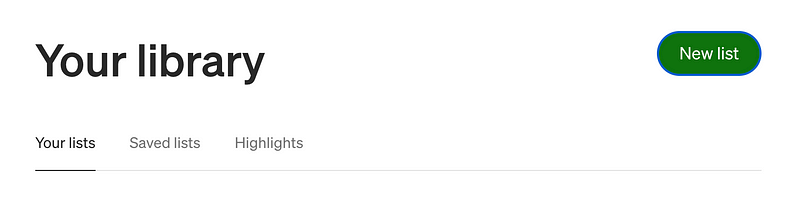
- Click ‘Library’
- Click ‘New list’ (green button next to ‘Your Library’ heading)
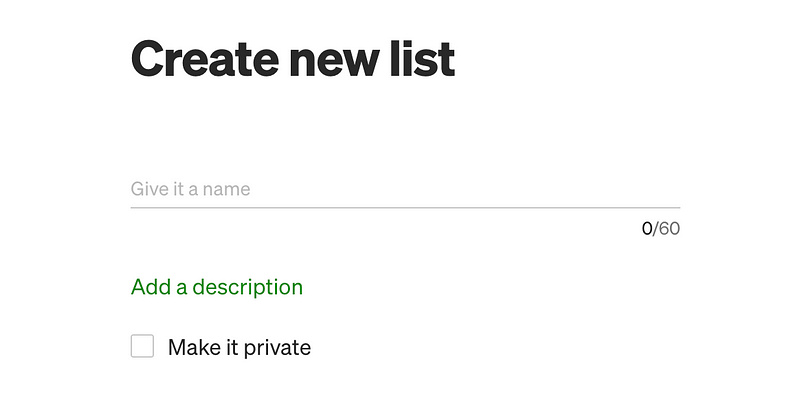
- Give your reading list a name e.g. travel guides, tech news, book reviews
- Add a description (optional)
- Decide if you want this to be public or private. Check the box to make it visible only to you
How do you download Medium articles?
Made those lists and added stories to them? Now you’re ready to download ’em for offline reading! Pick up your phone or tablet, log onto the app, and head to your Library. If you’re a Medium member, you will have the option activated to be able to download anything from this page for offline reading, any time you do not have internet access.
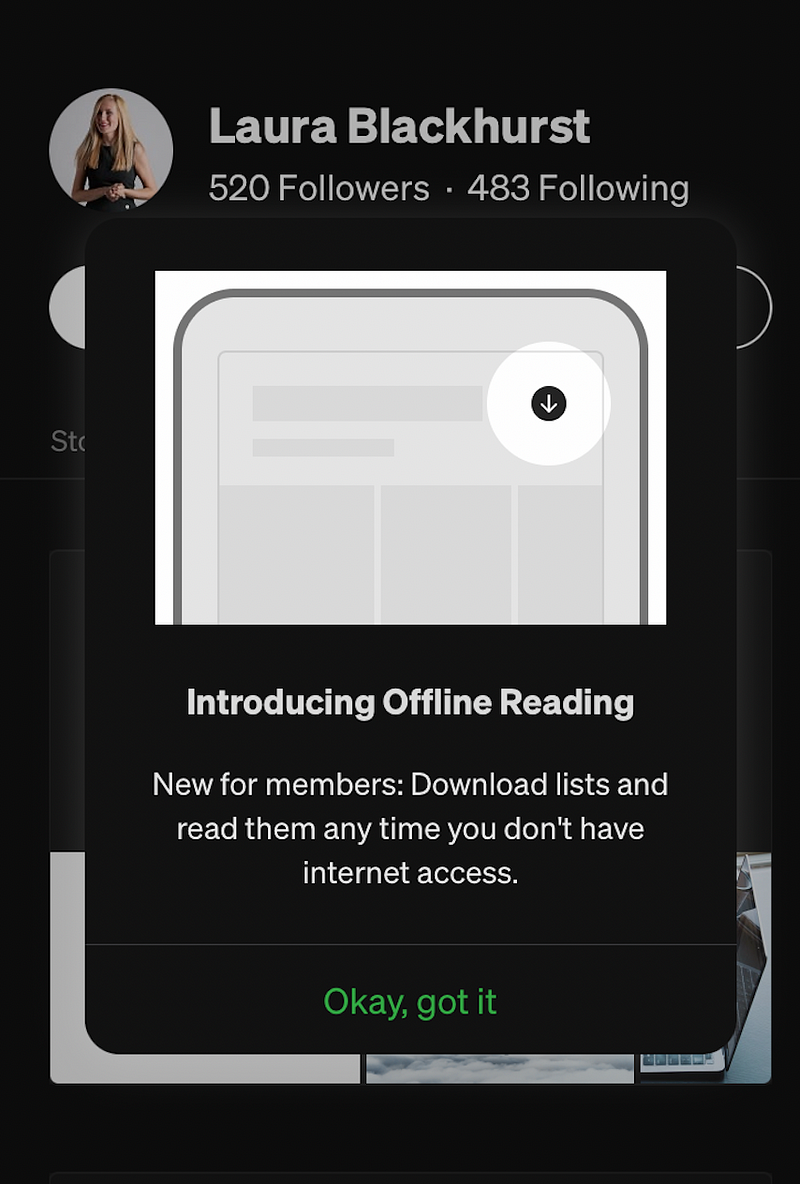
You’ll now see a download arrow to the right of all of your reading lists. Just tap it — go on! You’ll see the button shift to the download in progress.
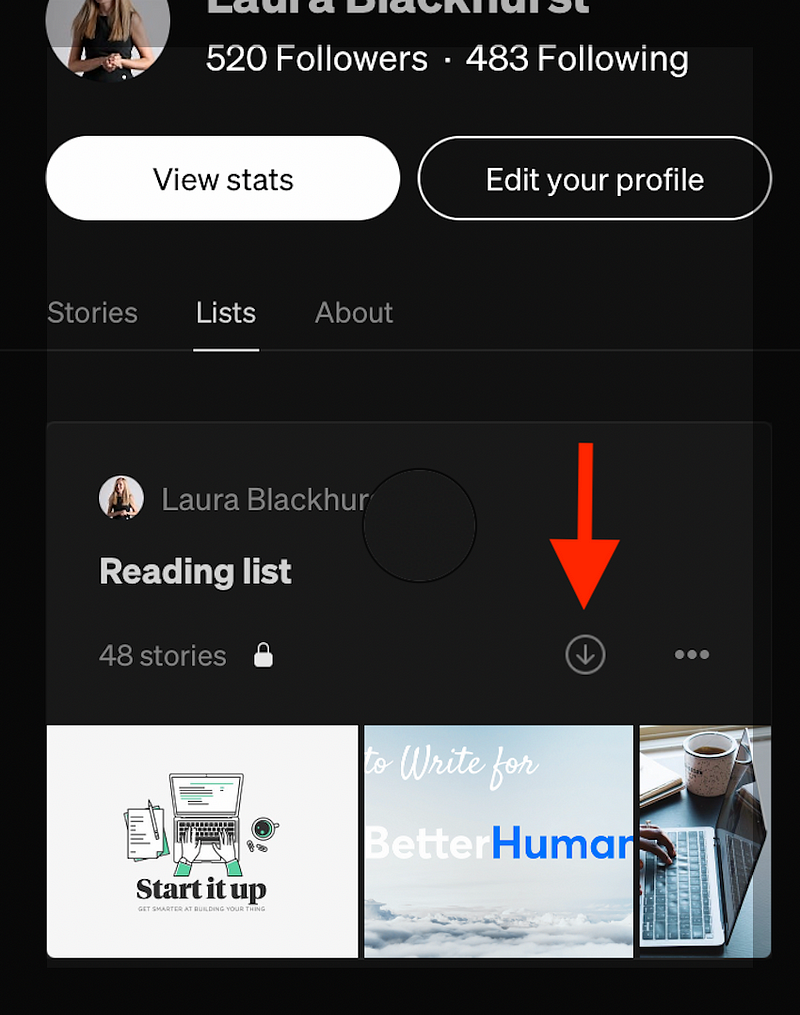
Yep, that’s seriously it. You’re done! Once downloaded, you’ll simply be able to open and view these downloaded stories in their entirety, no matter if you’ve gone completely off-grid.
If you’re not a member of the Medium Partner Program, and that may be tipping the scales of temptation for you, please do feel free to make use of my referral link below. 😊 I would be next-level grateful! Every member who signs up using my link will allow me a small portion of their membership fee (at no extra cost to you).


