avatarGrace Huang

Summary

The article explains how to re-render a view in SwiftUI by using a variable to trigger the view to render again.

Abstract

The article discusses a method for re-rendering a view in SwiftUI, which involves turning the view into a separate view and passing a variable to it. Whenever the variable changes, it triggers the view to render again. The author provides an example where a list is pulled down, triggering a method that increments a refresh counter. Since the refresh counter changes, it causes the child view to redraw. The author wishes for a more direct SwiftUI API to accomplish this but acknowledges that this method works effectively.

Opinions

  • The author believes that there is no direct way to re-render a view in SwiftUI, but there is a quick way to implement this.
  • The author suggests that turning the view you want to re-render into a view itself and passing a variable to it is an effective approach to trigger the view to render again.
  • The author provides an example of how to implement this approach in SwiftUI using a refresh counter.
  • The author wishes there were a more direct SwiftUI API to accomplish this.
  • The author acknowledges that this method does the trick and is effective in re-rendering a view in SwiftUI.
  • The author promotes their latest book on macOS app development using SwiftUI.
  • The author recommends trying out an AI service that provides the same performance and functions as ChatGPT Plus(GPT-4) but is more cost-effective.

How to Re-render a View in SwiftUI
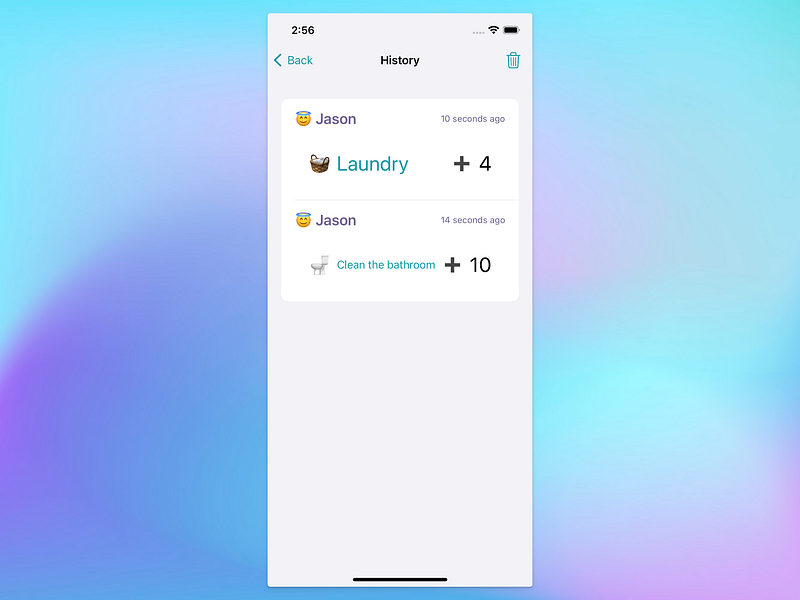
The history page of the app TallyCoin.

If you want to just render the same view, for some reasons (for example, you just show a different timestamp, like the example I show below), there is no direct way but a quick way to implement this.
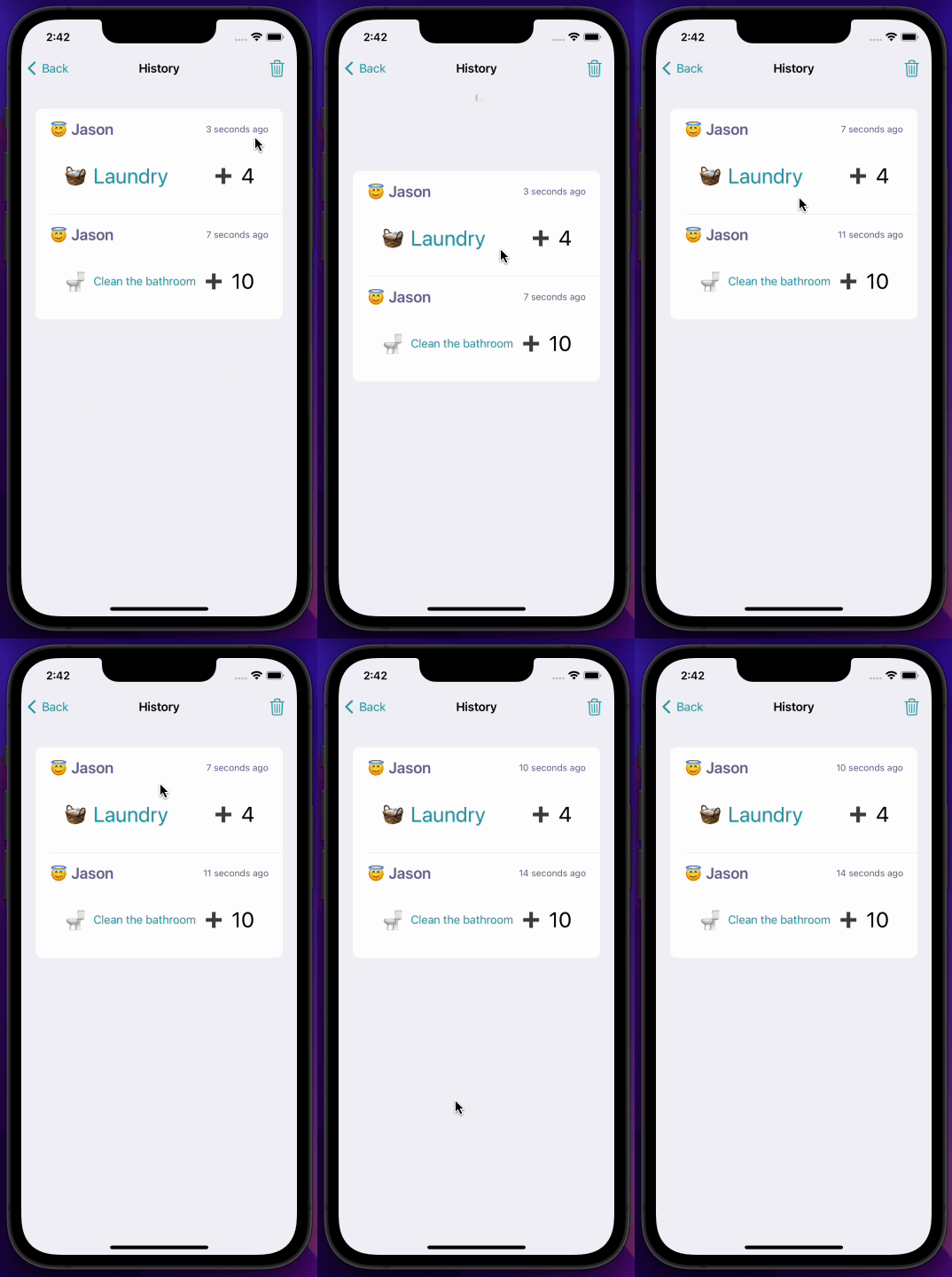
The approach can be summarized as: turn the view you want to re-render to a view itself and pass the variable to it. Whenever the variable changes, it triggers the view to render again.

In the code above, whenever the list is pulled down, it triggers the method refreshable() and refreshCounter will increment. Since refreshCounter changes, it triggers the child view WorkHistoryEntryView to re-draw.

I wish there were a more direct SwiftUI API to accomplish this. But this does the trick. Enjoy!

(My latest book “macOS App Development: The SwiftUI Way” is now available. Grab your copy today!)

iOS
iOS App Development
Xcode
Swiftui
Swift
Recommended from ReadMedium