
PHOTOGRAPHY | LIVE PHOTOS | TUTORIAL
How To Put Moving ‘Live’ Photos In Your Medium Articles
Give your articles an extra punch.
I recently wrote an article that utilized a live photo. For those not familiar with this term, it is a photo that moves, which appears to be a video. However, it is not a video file, it is a GIF.
Both Bruce Coulter and Tim Ward were interested in how I accomplished this, so I figured that I would do a bit of an instructional article to lay it out.
This tutorial works if you are using an iPhone 11 or later (though I don’t know if the process has changed with the newer versions.)
Live photos work great for scenes where there is water moving, or slight movement such as branches blowing in the wind. They can add a really nice effect to your writing because, although they do not have sound, they give an improved visual effect and help your readers to better understand the elements that were present when you took your photo.
How do you make photos live?
First of all, you have to take your photos in ‘live’ mode. To do this, go to your regular camera mode then tap the round icon in the top right-hand corner. Once you do this, your camera will be in ‘live’ mode as indicated below.
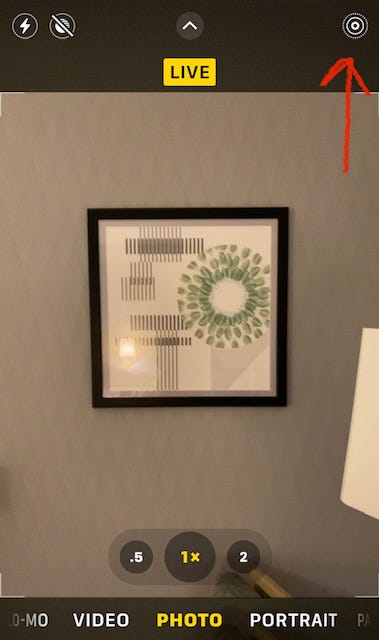
By using the live feature, you are opening your shutter up to catch a slight bit of movement. This can translate into a few different options as I have laid out below.
Now, you simply take your photo.
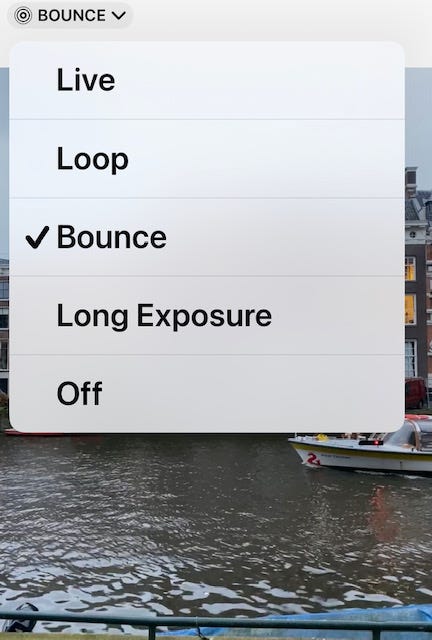
After taking the photo, you will see an indicator that says ‘live’, and a down arrow telling you that there is a drop-down menu. Click this to expose the menu.
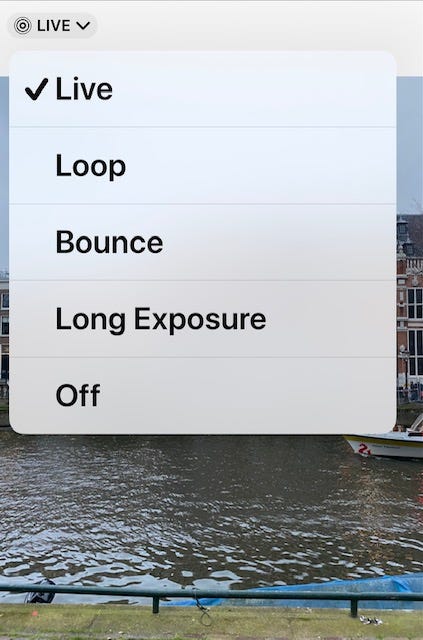
From here you will see some options. These are all different ways that you can create a live photo. Below I provide some examples of these.
Loop Mode
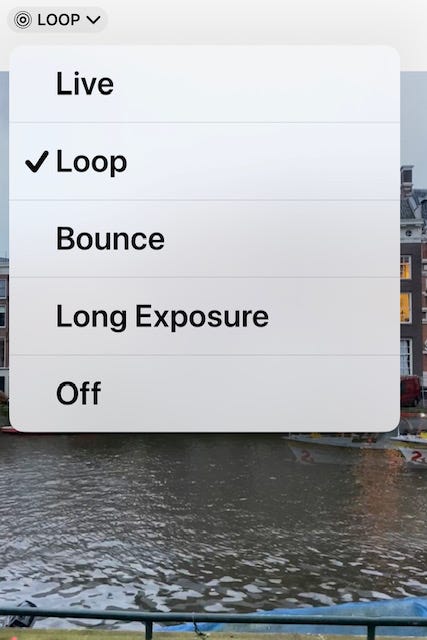
Loop mode will create a repeat of the movement that is caught in your live photo.
Bounce Mode
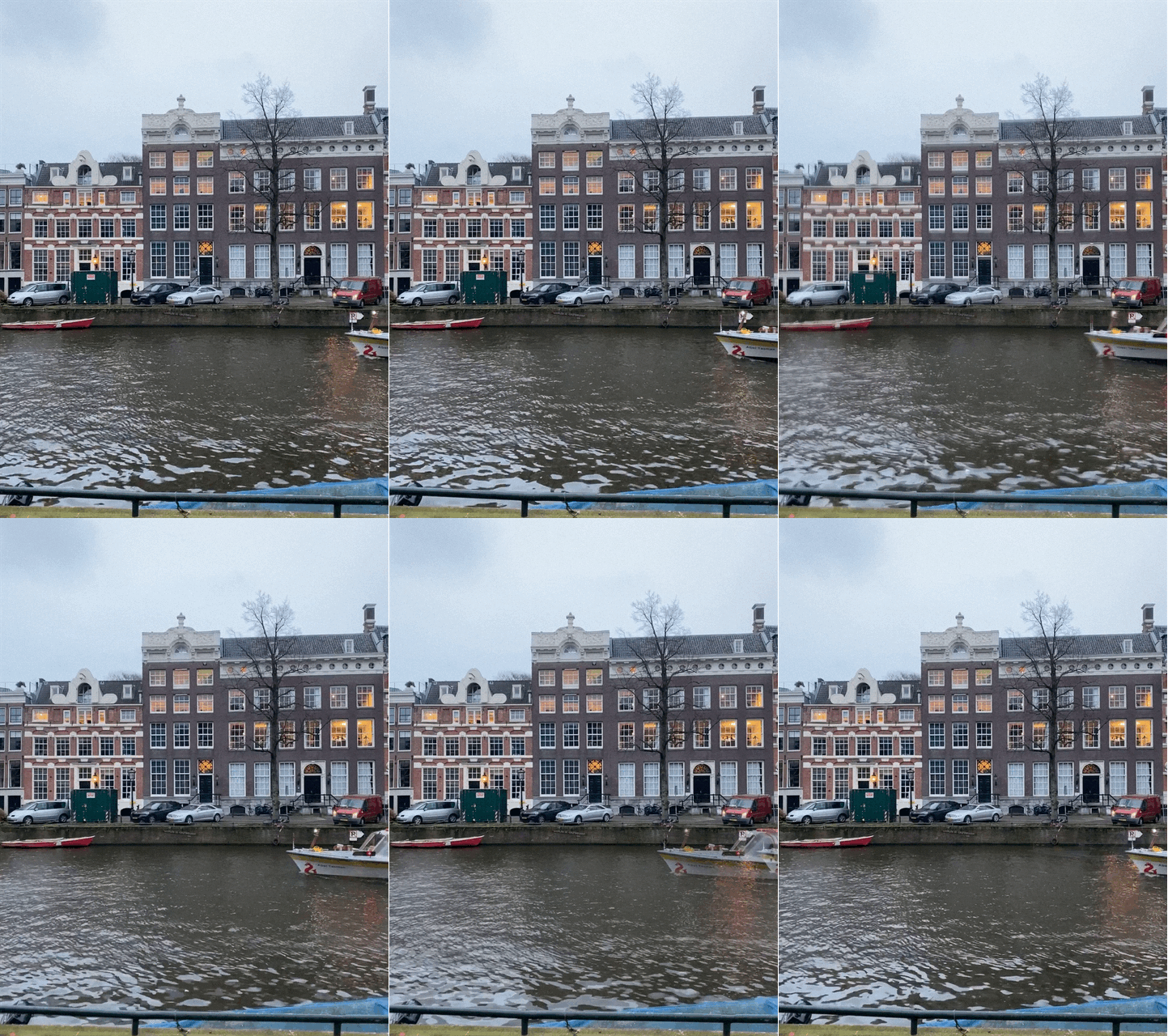
Bounce mode will make the live photo appear to be bouncing forward and then backward over and over again.
Long Exposure Mode
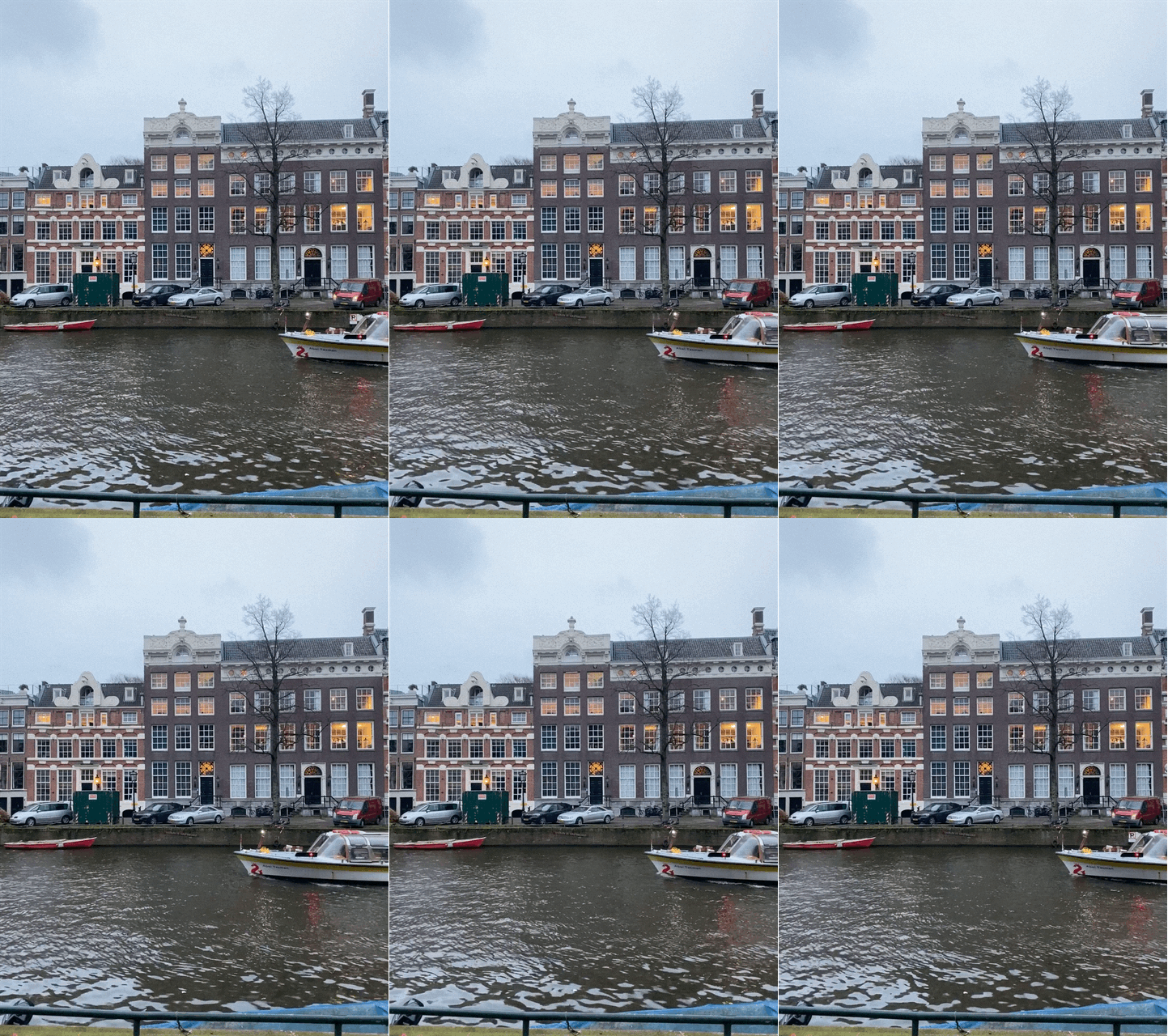
Long exposure mode is great for things like flowing water in a waterfall. Here it is being used in the above photos to give you an idea of what it will look like with long exposure.
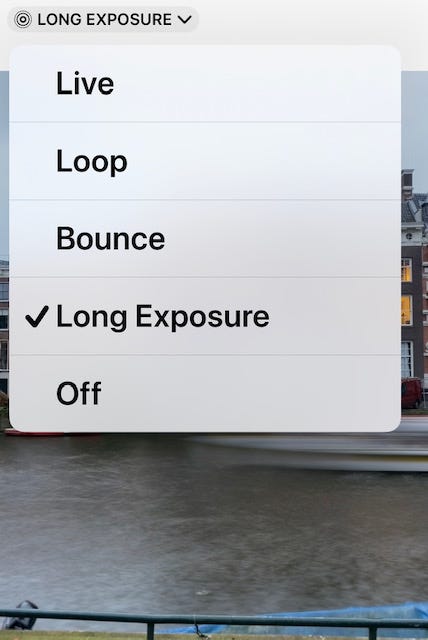
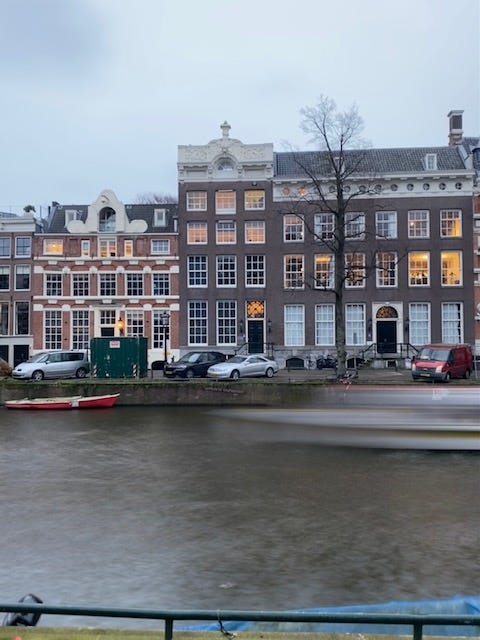
As you can see, this option does not provide movement as a GIF does. Here is a better example of what you can do with this option:
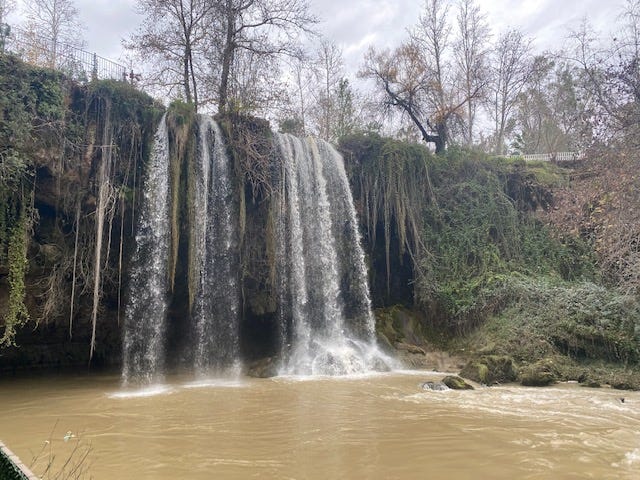
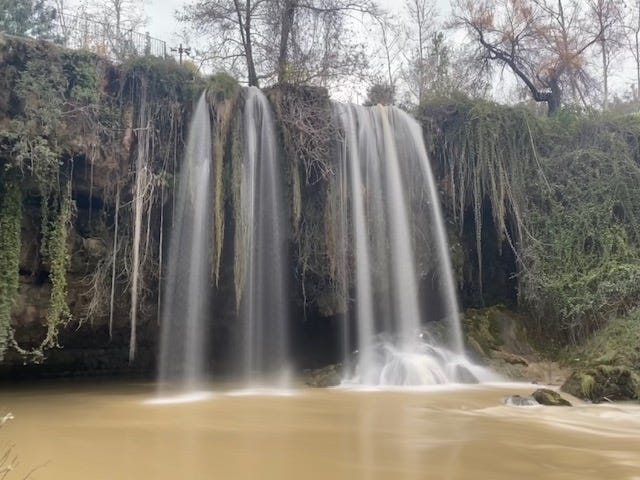
There are many ways to use the Live feature.
Here are a few more examples of ways that I have used the live photo option in my photography.
This photo in ‘loop’ mode shows readers how rough the water is and gives us an indication that the wind is blowing hard when we look at the Greek flag. This was taken in Thessaloniki, Greece and this ship is a museum.

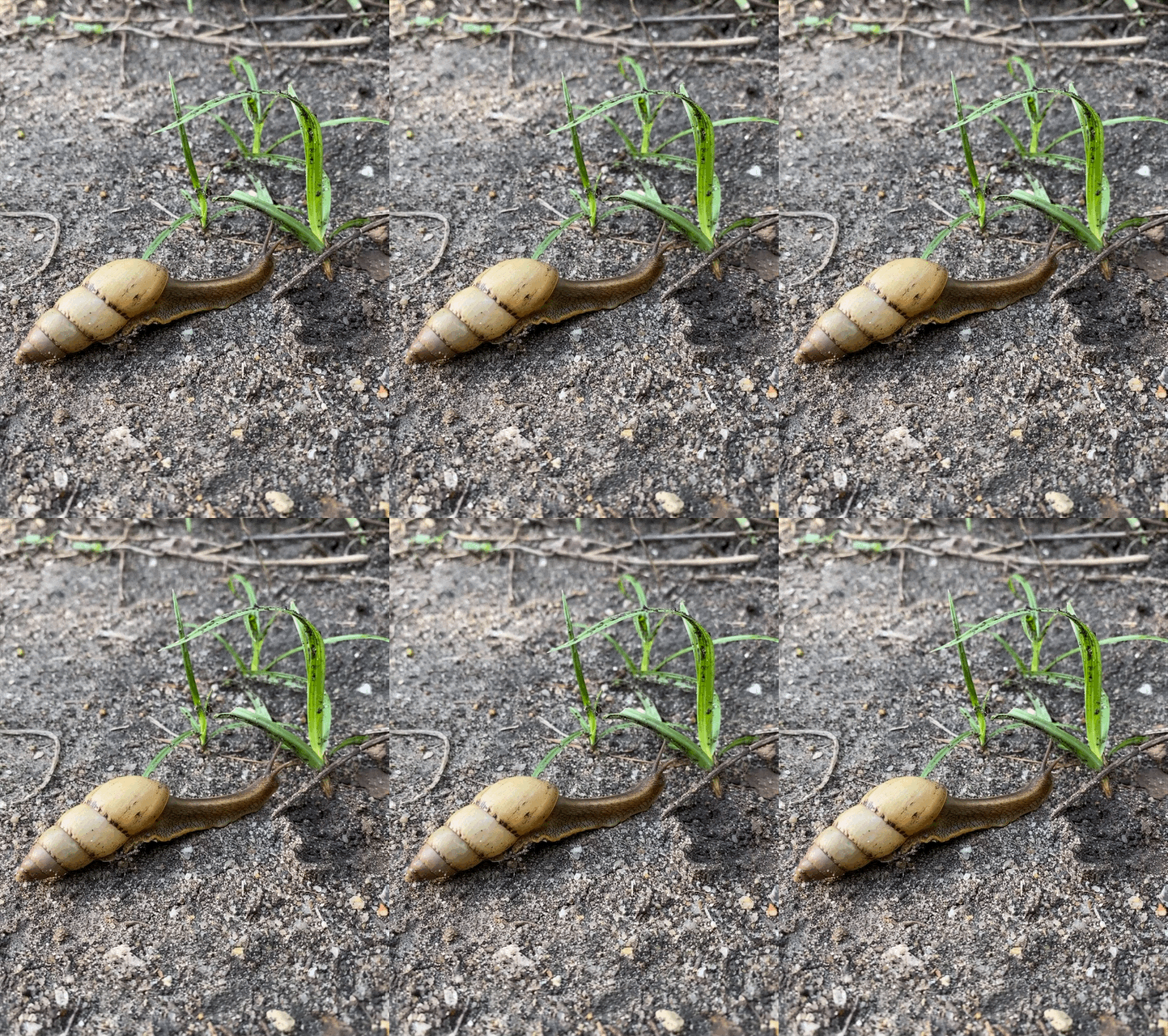
This slow-moving snail in Uganda made an interesting subject for the ‘bounce’ mode.
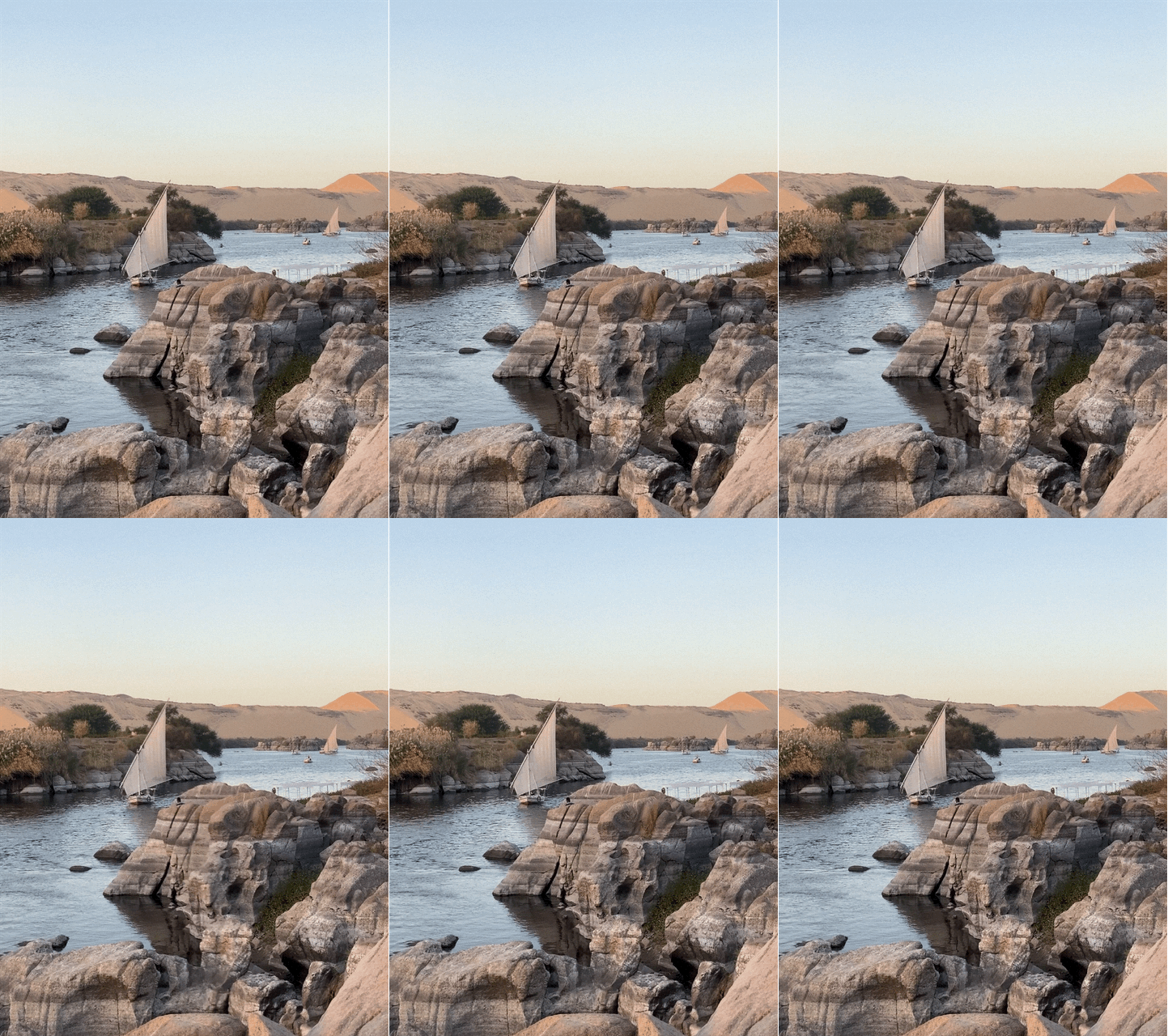
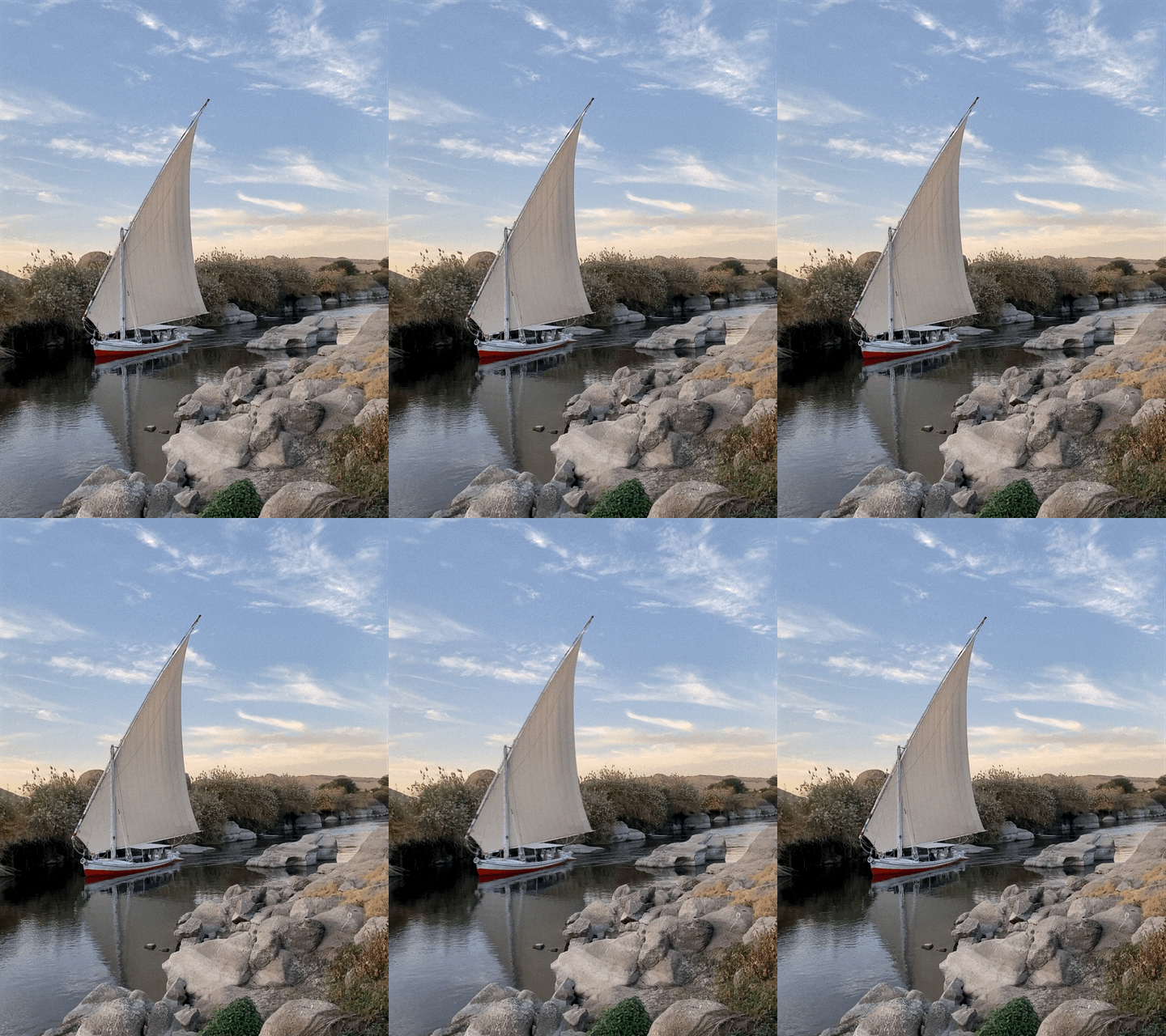
The fallucas in Egypt were amazing to watch as they peacefully carried tourists around Aswan on the Nile River. We went down to this spot many times for sunset to simply watch the world go by.
These photos were both created using ‘bounce’ mode.
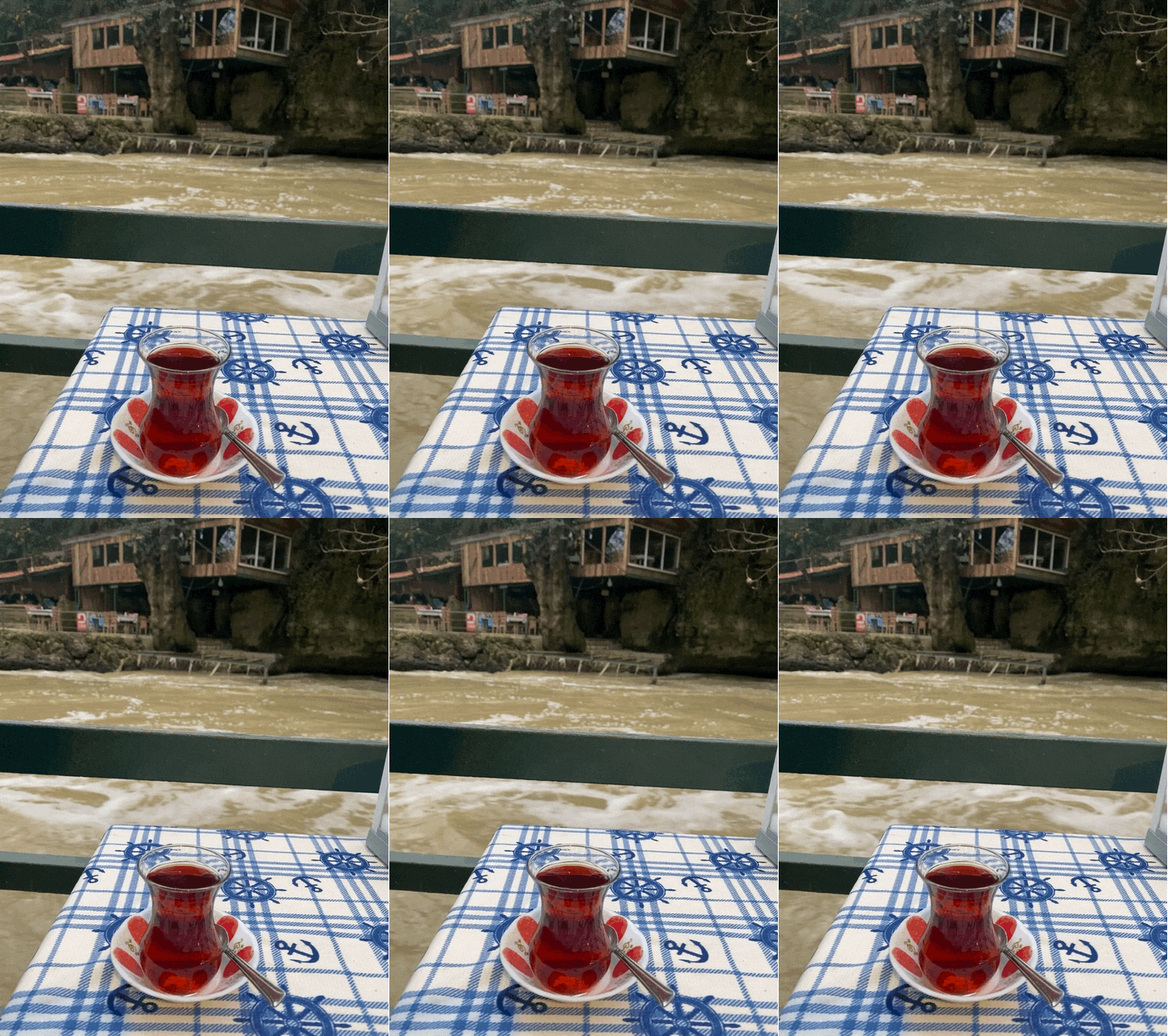
Capturing how fast the river was running in Antalya, Turkey was my intention with this photo. The live ‘bounce’ feature really helped to accomplish this.
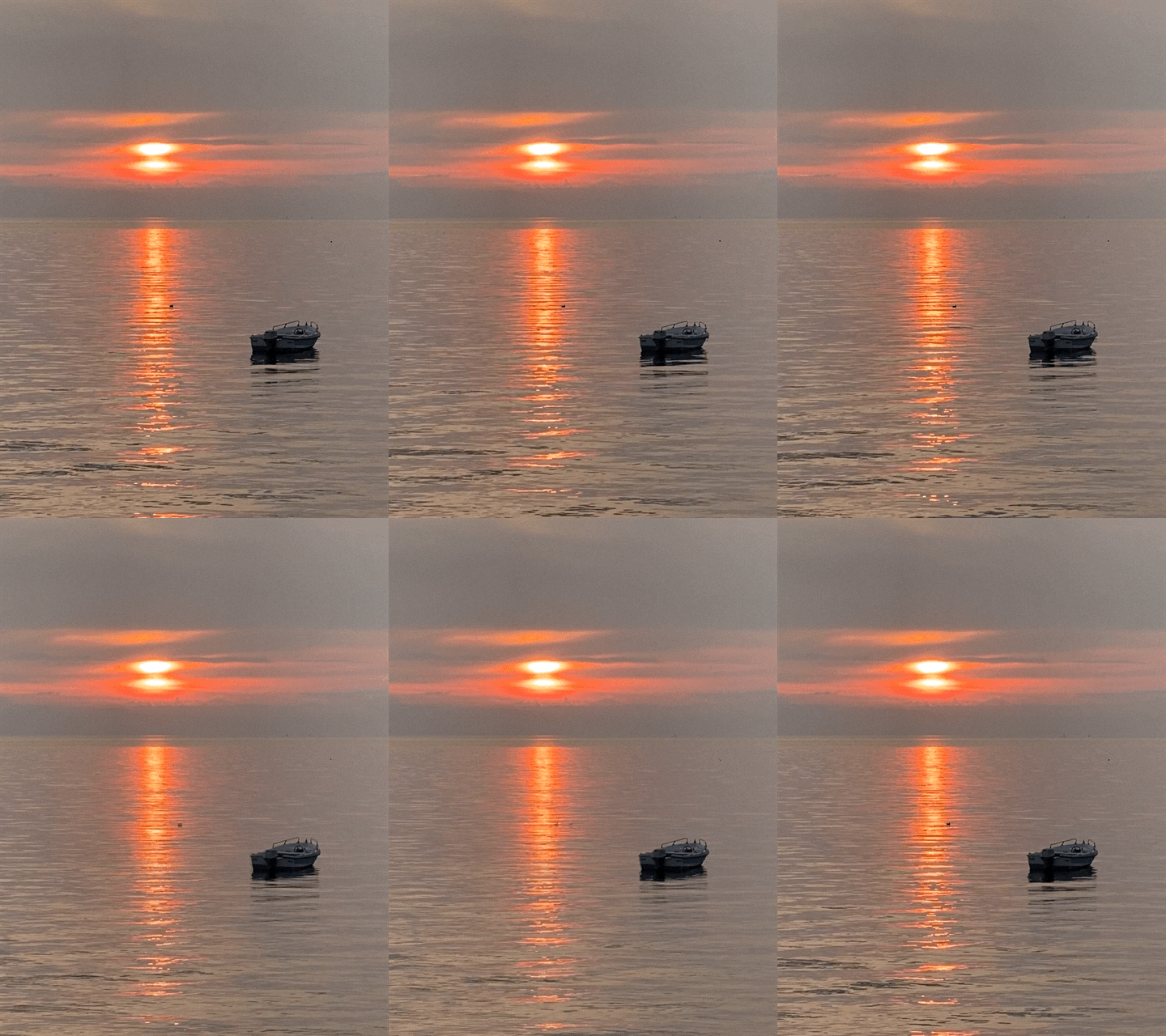
And here is the one that Tim and Bruce spotted. Notice the small bird that surfaced when I clicked it. I didn’t even notice it, and likely wouldn’t if it was a still shot. But when I put the photo in ‘loop’ mode, it becomes very obvious.
You Must e-mail live photos to yourself to get it into your articles
If you want to put these live images in your articles, you must e-mail them in their live version to yourself from your phone. I e-mail them to my laptop, then simply save them to the download folder. You may be able to put them directly into articles through the app, but I haven’t tried that yet.
For some reason, airdrop does not work and you will not get the live GIF version if you do that.
Have fun with the ‘live’ feature.
So, once you have created your live photo GIF, you can save it to your computer, upload it here, or do anything else with it that you would normally do with a photo.
As you can see there are numerous ways that you can use this feature to bring life to your articles. I will admit that I have only done it a few times, but I do think that it will be a larger part of my writing moving forward.
Thanks to Tim and Bruce who brought to my attention that there are others out there who may want to know how to do this.
Thanks also to Rodrigo S-C and his photography publication Full Frame for publishing this informative piece.

If you like my writing and want to read more, subscribe to Medium through my referral link (I will earn a small commission) to get full access! Plus sign up here to get my articles by email!
We have been nomadic since 2017! Join our journey by hitting the links below!
Website | Instagram | Facebook | LinkedIn| Patreon| YouTube | Medium


