
How to Produce Similar Images or Styles in MidJourney
Generate images that are more consistent and resplendent!
At Midjourney, staying consistent with prompts is a challenge.
Midjourney adds randomness to images, and while this makes your creative journey more exciting, it can be a challenge if you’re looking for a specific outcome.
Let me show you how one Command can help you make your generated images more consistent and resplendent!
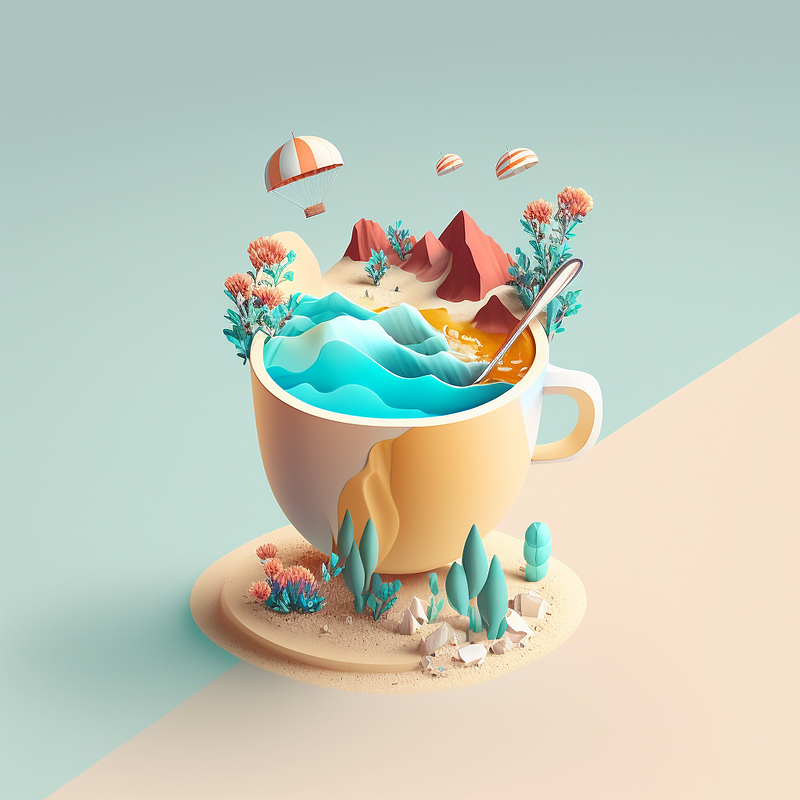
Allow me to first welcome you with a cup of coffee filled with creativity and ideas.
If you are new to Midjourney, follow this beginner’s guide to start:
Let’s dive right in!
Seed Number
--seed or --sameseed
The MidJourney bot uses a seed number to create a field of visual noise, like television static, as a starting point to generate the initial image grids.
MidJourney bot starts by using a seed number to create a stunning visual noise, similar to the grainy static of a TV.
You can use the --seed or --sameseed parameter to specify the same seed number and produce similar ending images every time.
Seed Parameter
--seed values generate single large random noise fields that apply to all the images in your grid.
— seed can be an positive integer — seed values only influence the initial image grid
With Model Versions 1, 2, 3, test and testp, images will come with similar composition, color, and details.
When using Model Versions 4, 5, and niji, it will produce nearly identical images.
Although the exact results may change, the overall trend and direction should be quite similar.
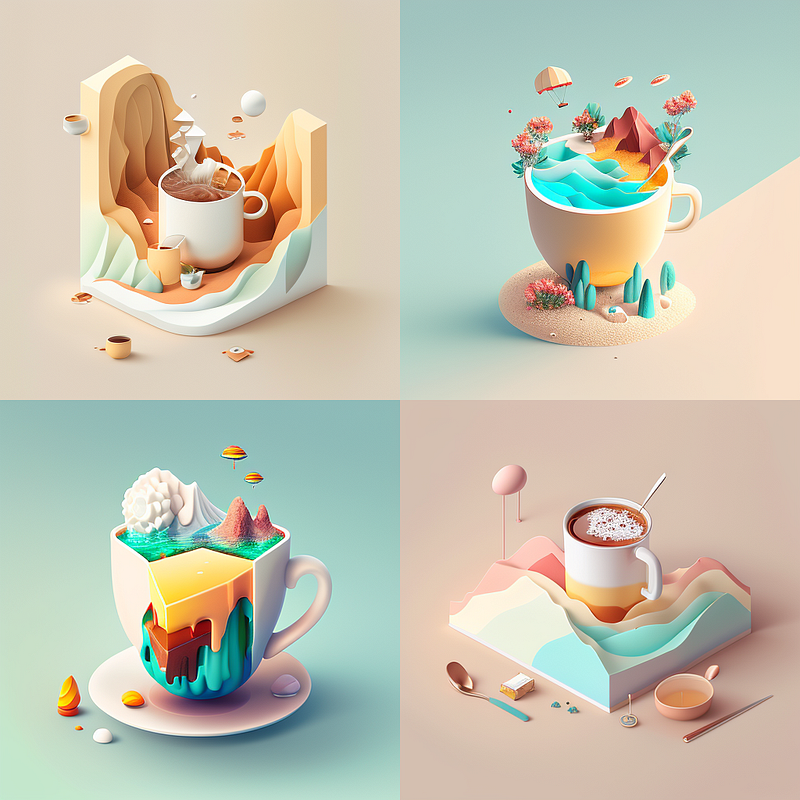
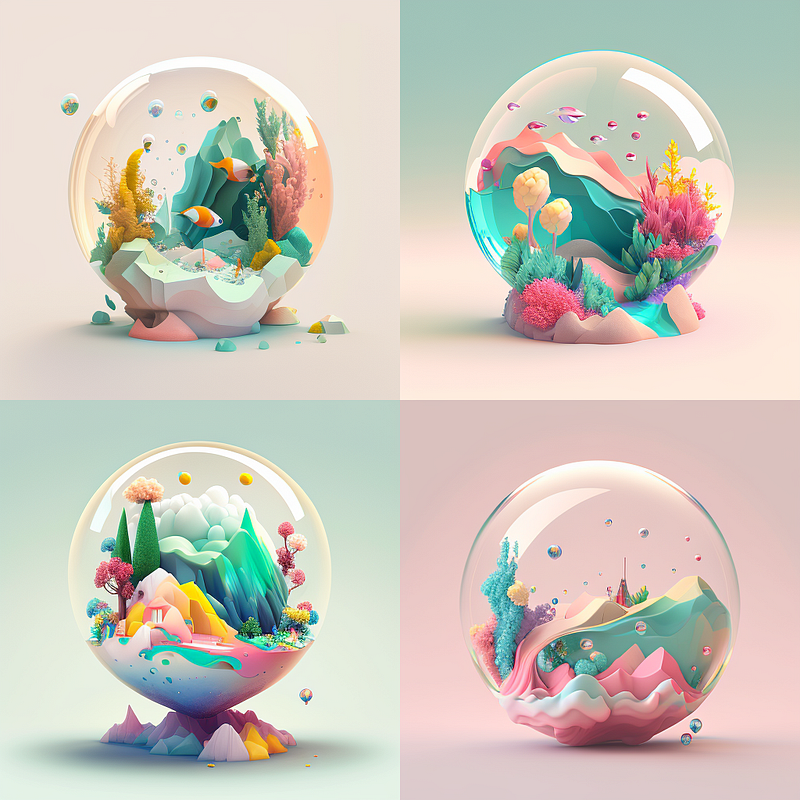
The following images are produced with the seed number: 3114655039. You can see that they have a similar artistic style.
How to Access the Seed Number of An Existing Job
- Click the reaction button located in the top right corner
- React to the job with an envelope ✉️ emoji
- The Discord bot will then send you all the details
- Retrieve the seed number from the message
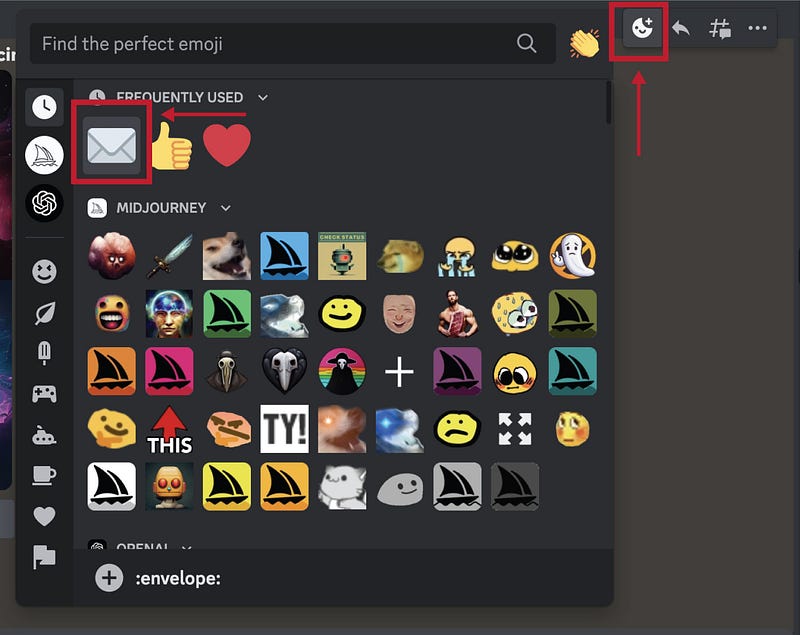
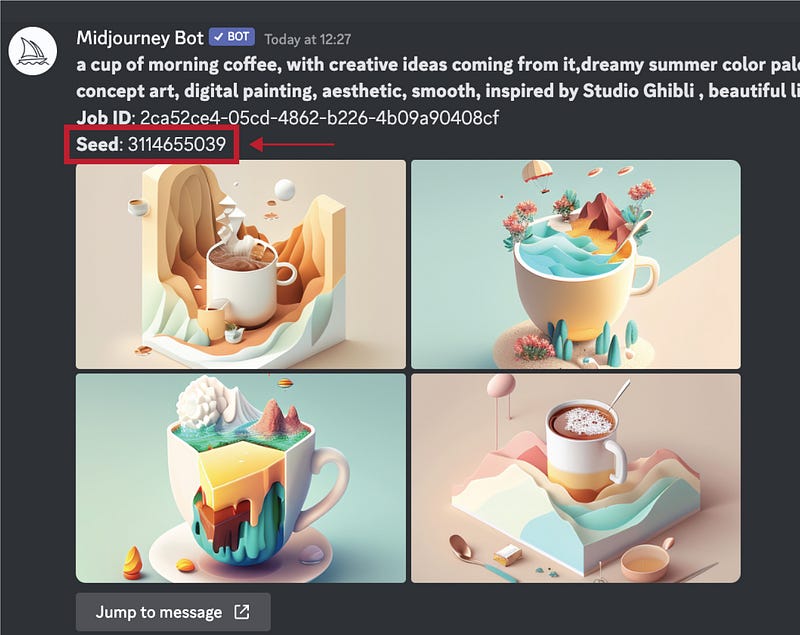
You can then receive a message from the bot within seconds that includes the following information
- Full prompt - Job ID - Seed number - Media files
Use the generated seed number as your Midjourney seed parameter for your future prompts. This will ensure consistent generation!
How To Apply Seed Numbers to Your Job
Add --seed <value> or --sameseed <value> to the end of your prompt.
/imagine prompt [ your prompt ] — seed

Sameseed Parameter
The seed parameter can help to maintain consistent results, but there will still be a slight variation in the output due to the differences in each instance.
Make minimal edits to your content
With --sameseed, all the images in the initial grid have similar noise and will generate incredibly similar visuals!
— sameseed accepts whole numbers 0–4294967295. — sameseed is only compatible with Model Versions 1, 2, 3, test, and testp
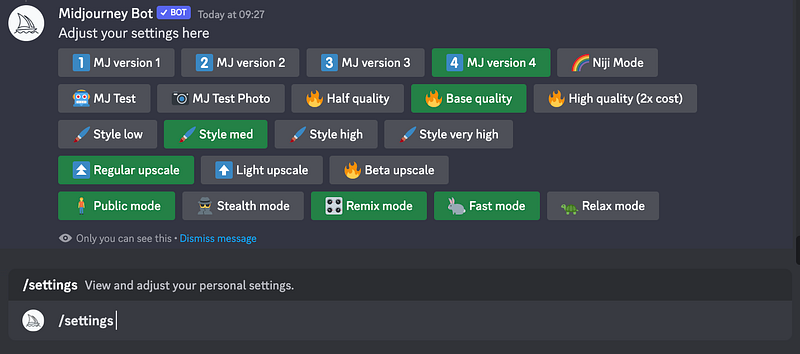
The latest model is the default, but you can always switch to other models using the command line --versionor--v parameter or by using the /settings command and selecting a model version.
— version accepts the values 1, 2, 3, 4 and 5 — version can be abbreviated — v
By typing the command: /settings, MidJourney will return you will a list of options where you can pick the version you want.
As you gain more and more experience using Midjourney, you’ll yearn for even more control over the images you create! By leveraging Midjourney’s features, you can produce truly amazing visuals.
Discover more stories and get unlimited access to all articles on Medium with this link!
I write about tips, tricks and tools of AI tools especially Midjourney that will elevate your work! If you find this article helpful and would like to support me, make sure to:
- 👏🏻 Clap for the story to help this article be featured
- ✨ Follow me on this journey
Check this out if you want to learn more about Midjourney


