
How to prepare digital notes for students?
5 steps to prepare notes in an efficient way
If you are wondering how to use technology to create digital notes and read them wherever you are, this post is for you.The syllabus is vast in medicine, and unless we have excellent notes, it becomes virtually impossible to read.
Though there are specific merits in using a traditional notebook, I often faced many difficulties like -
- Time consuming to write? yes
- Possibility to Lose your notes? yes
- Difficult to edit and add new points? yes
- Must you physically carry the books? yes
- Cannot share with friends because they have difficulty in understanding handwriting? Yes
- Cannot Read during commute and workout? Yes
- Difficult to find chapters in notes? Yes
To overcome the above-said limitations, I started taking digital notes, and I feel I made a great choice of shifting. So, I follow specific steps to gain maximum benefit in my workflow and optimizing my notes taking. There is no right or wrong way to prepare notes it all depends on the individual, so please tweak the steps according to your needs.
Step 1 — Download a book PDF of your choice
Download a digital copy of the book you intended to read in pdf format. I get them from my colleagues or seniors. Make sure the book you have is the latest version. And add it to Liquid text app in iPad.
Step 2 — Use liquid text to make digital notes
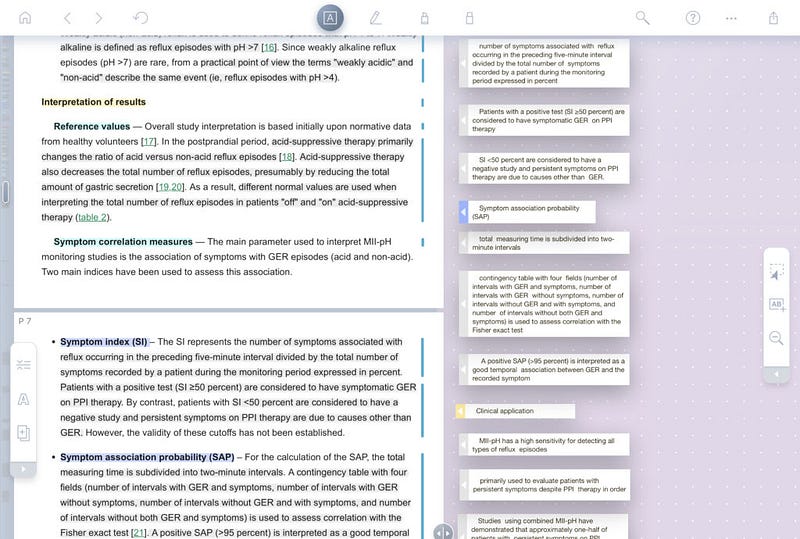
Liquid text is am fantastic app in Apple Appstore (now also available for windows) . It contains a workspace in the app, and it allows you to pull and drop the important text, works like copy and paste. It also has options for dragging images, highlighting, handwritten notes, linking various sections of notes. Use this app to highlight or excerpt the text that you feel important. Apple pencil helps a lot for this purpose.
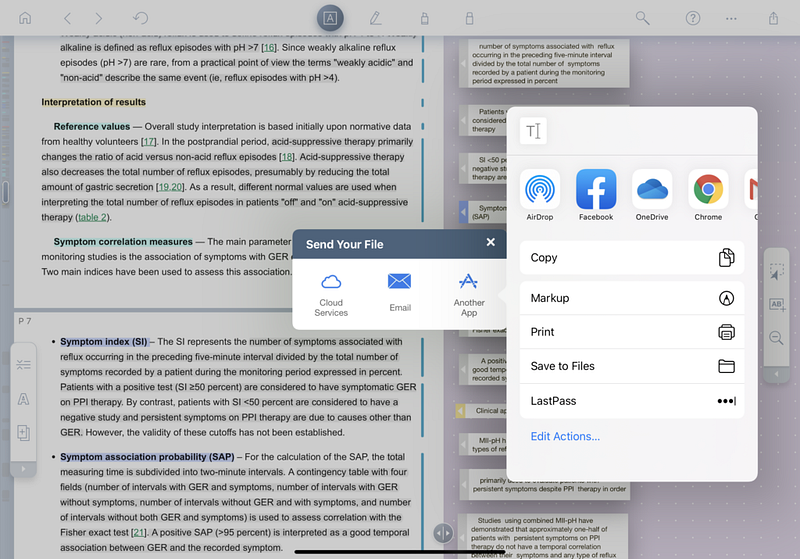
And here comes the best part, you can export the working area or highlights in either PDF or word format into your file manager — how cool is that? Export both PDF and the word file, trust me keeping two copies will always be handy. Liquid text is a free app you can upgrade it for additional features if you like it. The disadvantage is there is no option to export different sections separately, so please export your notes before you start reading another chapter.
Step 3 — Synchronizing your notes across platforms
I use the iPad for making notes but have a windows pc and an android phone. So, I started using a cloud service to synchronize my notes. I tried using various platforms like apple cloud, google drive, Dropbox, Microsoft One-drive.
I personally loved Microsoft One-drive of the lot. There is a robust app for it across the platforms which allows you to keep an offline copy if you need it. Though it is paid in comparison to other cloud options, it more than makes up for the investment you make. Besides, if you are as tech-savvy \ 1Tb of cloud space offered by one drive always comes very handy. I purchased a family plan of office 365 and shared with my friends for one year. On the plus side, you also get Microsoft Office (PowerPoint, Excel, Word, etc.) subscription along with it.
Step 4 — Editing and file is managing your notes
Editing of the notes involves changes like the heading fonts, changing colour, highlighting, adding your points.
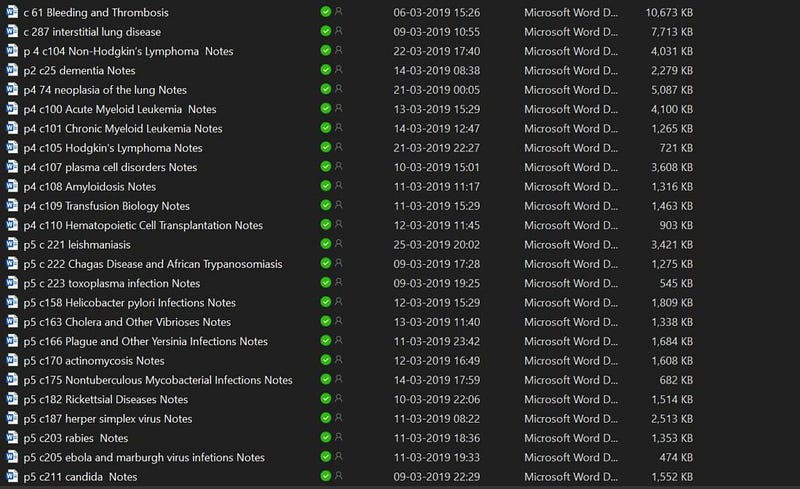
And File management involves sorting, renaming, and organising your notes into sections.
Pro tip always name your file chapter wise.
Editing and file management is best done on a pc.
Step 5 — Changing your notes into an Audio-book
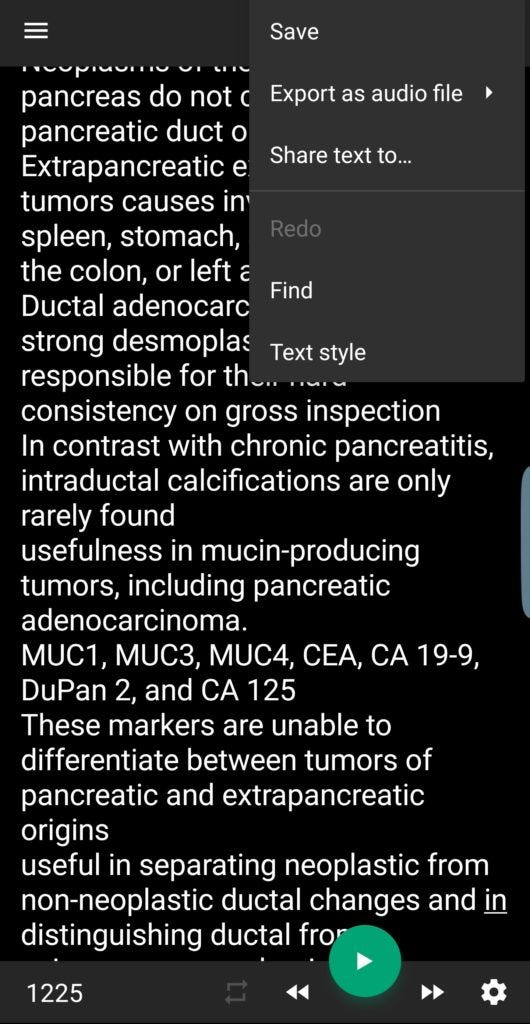
This addition is a personal preference. You can stop at step four, but I personally prefer hearing audio chapters during my commute and working out. So I convert all my notes into audio chapters, I use my phone app called T2S which converts text files into audio chapters, I export them back to my cloud account so that I can access them across platforms.
The voice will be very mechanical, and some medical terminology may be mispronounced, so I recommend reading the chapter before listing to get familiar with the terminology.
This is my workflow in simple five steps we can overcome the limitation of traditional notes.
- Time consuming to write? No, works like copy-paste
- Possibility Lose your notes? No, all the notes will be synced on the cloud.
- Difficult to edit and add new points? No, word document can be modified easily.
- Must you physically carry the books? No, any smart device will do, phone, tablet, laptop etc.
- Cannot share with friends because they have difficulty in understanding handwriting? No, since it will be in typed format.
- Cannot read during commute and workout? No, we can listen to audio chapters with ease.
- Difficult to find chapters in notes? No, we can just search the chapter we want.
Requirements for the workflow
iPad, apple pencil, Microsoft office 365 subscription, T2S app, Liquid text app.
Originally published at https://drvikranth.com on June 14, 2020.


