
How to Optimize the Performance of Your New Computer
Tips on how to keep your new computer working great
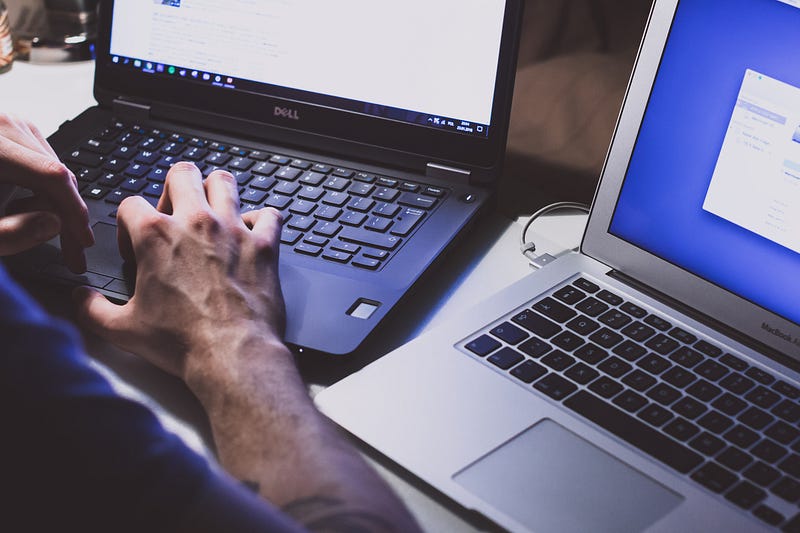
Purchasing a new computer is an important investment, whether you need it for work or if you enjoy playing games.
Taking the extra time to optimize your computer is always a good idea to improve its performance and extend its lifespan. Following a few tips can play an important role in improving the speed of your computer while also helping you keep your data safe.
Here are four easy steps to optimize the performance of a new computer.
Download Latest Updates
One of the first things you should do is to update your operating system.
You may need to download multiple updates if you purchase a computer that’s been available for a while.
These updates play an important role in patching security vulnerabilities while also offering new features. The amount of time it takes to download each update will primarily depend on the speed of your internet connection.
Enable Anti-Malware Protection
Another good idea is to ensure your security software is up to date to protect your data from cybercriminals.
Windows Defender is built-in for Windows 10, as it provides you with basic protection against viruses.
However, you may want to combine it with a paid version of other security programs, such as Norton, McAfee, or Kaspersky, for additional protection.
Remove Bloatware
Many times you will notice your computer has software already installed on the system. This additional software is also known as “bloatware,” as you may never use it, and it takes up valuable space on your computer.
You can easily remove bloatware by using a bulk uninstaller to quickly remove this software all at one time from your computer.
Create a Backup Plan
Data loss can happen due to countless different reasons. The loss of data can cost you many hours on a work project or even force you to lose significant progress on a game.
One of the best ways to limit the impact of data loss is to create a backup plan. Using an automatic backup system on the cloud will ensure all of your data is up to date and is available if something happens to the original files.
Final Thoughts
Using a new computer is always a fun experience due to the many new features available.
Taking the additional time to optimize your computer’s performance can save you a lot of time in the long-term while ensuring your system is working as efficiently as possible.
These simple tips can boost your computer’s security and performance while also keeping your data safe.