
How To Make Ai Art In 5 minutes
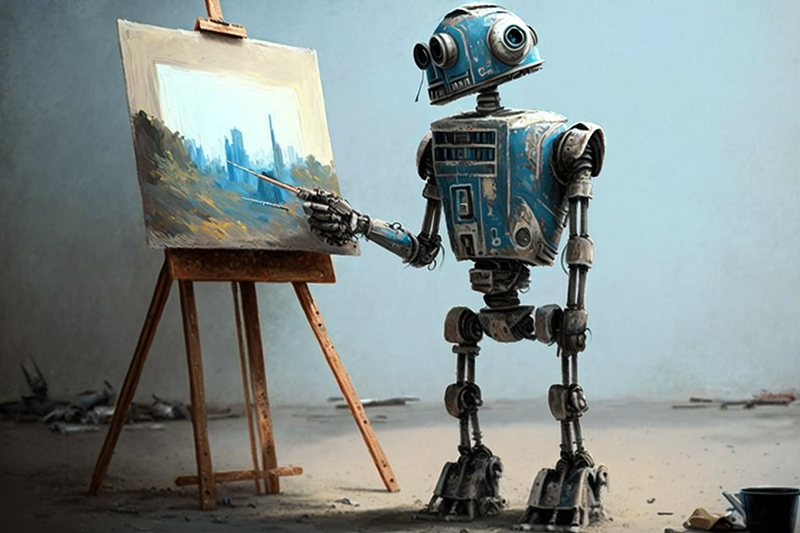
Ai is all the rage these days. With the explosion of ChatGPT and computer generated art, it seems like everyone is talking about Ai. You might have seen some amazing examples of Ai artwork and wondered how you can make your own. Luckily, the process is much easier than many expect. In this article, I will get you up and running within 5 minutes. It only takes 3 easy steps to create your first Ai masterpiece for free!
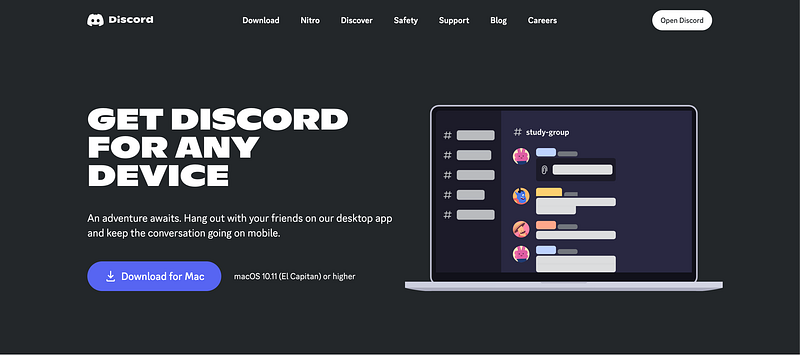
Step 1. Get Discord
Download Discord here. In this article we will be working with a Mac, but there is also a link to download for PC. Once downloaded to your computer, sign up for a free account.
Step 2. Sign Up for Midjourney
Once you are signed into Discord click this link to connect the Midjourney bot to your Discord Account.
Step 3. Create
Click into any of the newbies channels
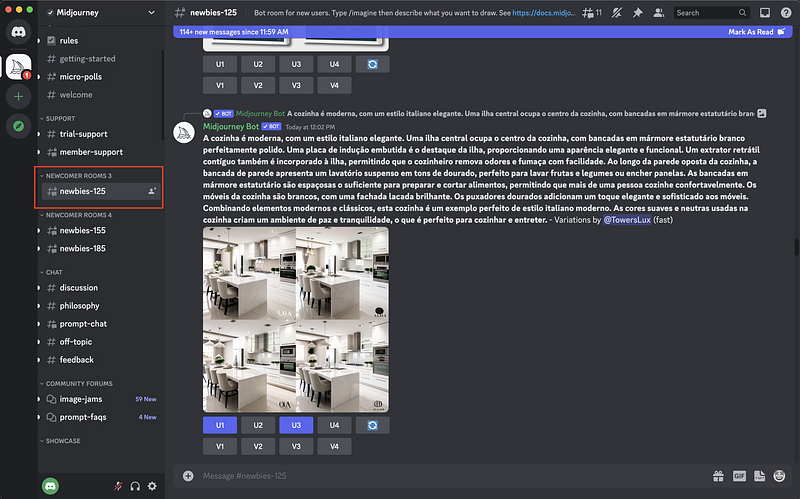
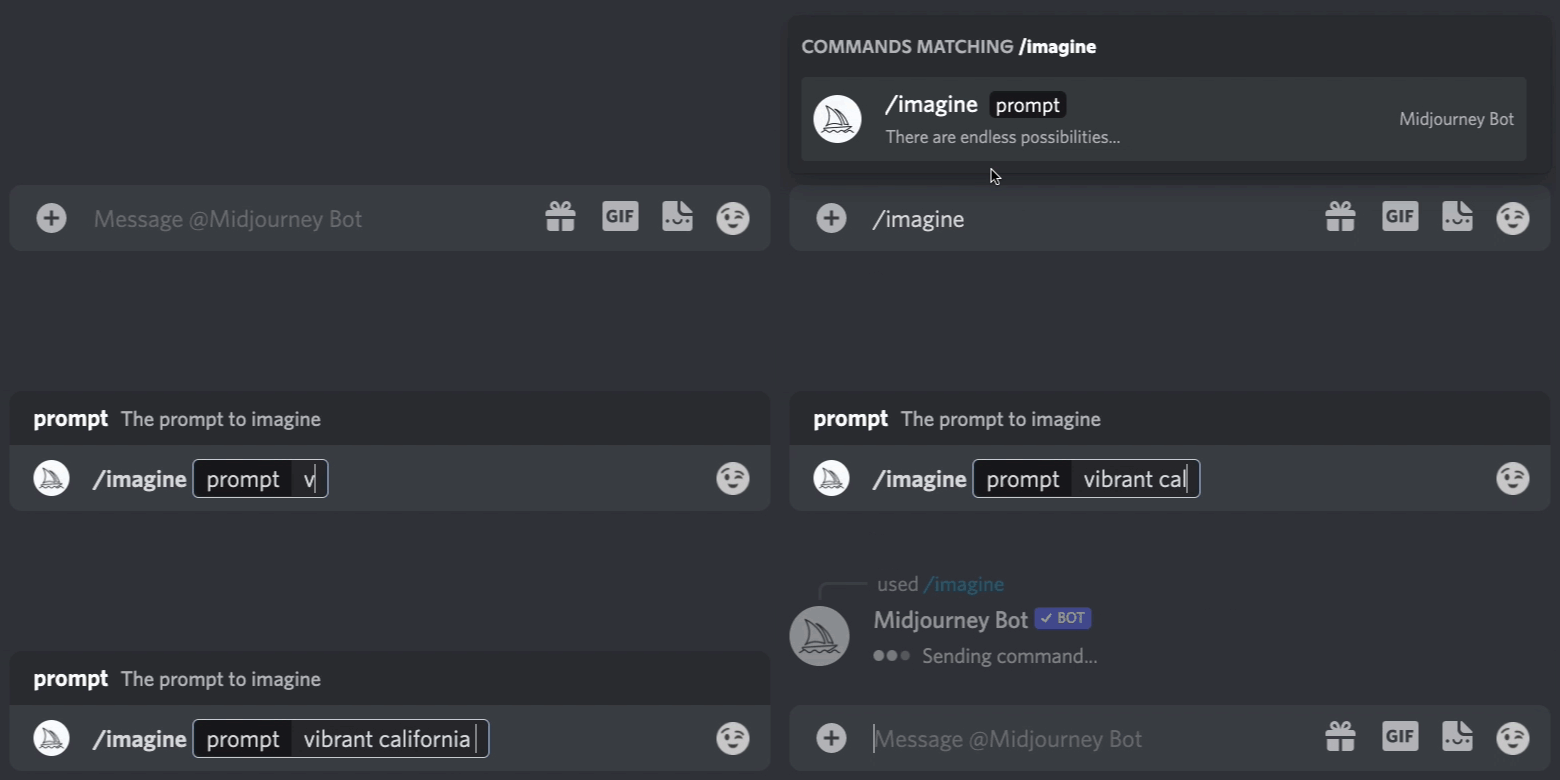
Then click into the Message box and type in /
A pop up will appear. Select the “Imagine” option. Perfect, now you can type in anything you want, hit enter, and the program will generate your first Ai artwork!
Next Steps
You’ve just made your first Ai art piece! Want to learn more about the various options and features to take your art to the next level? Stay tuned for our next article!
Startup Lab
Want to stay up to date on Startup Lab articles? Please consider Subscribing for updates here Following us here Or using our referral link to sign up for Medium here


