
How to Localize the App Name in Xcode 15 using String Catalog
Xcode 15 introduced String Catalog to simplify the process and management of string translation (see the WWDC notes).
You’ve probably seen the magic of String Catalog in localized strings inside the app. It is super convenient.
If you are wondering how you can localize the app name, you’ve come to the right place.
(My latest book “macOS App Development: The SwiftUI Way” is now available. Grab your copy today!)
Create the InfoPlist String Catalog
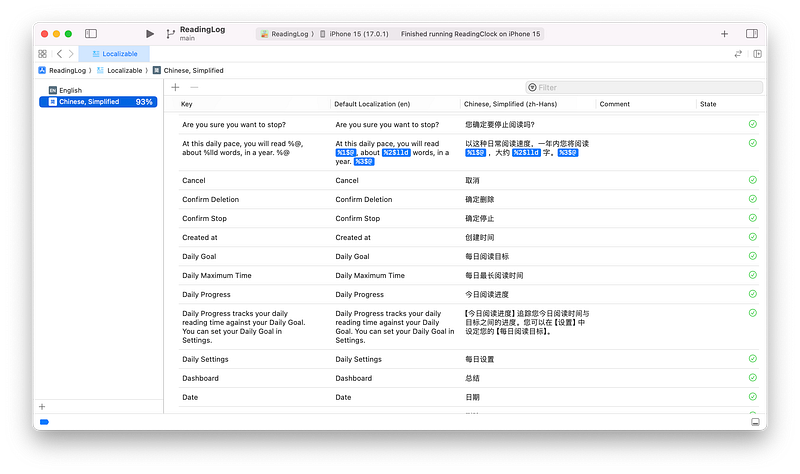
You should already have a file named Localizable.strings, which serves as a String Catalog file for translating all the strings within the app.
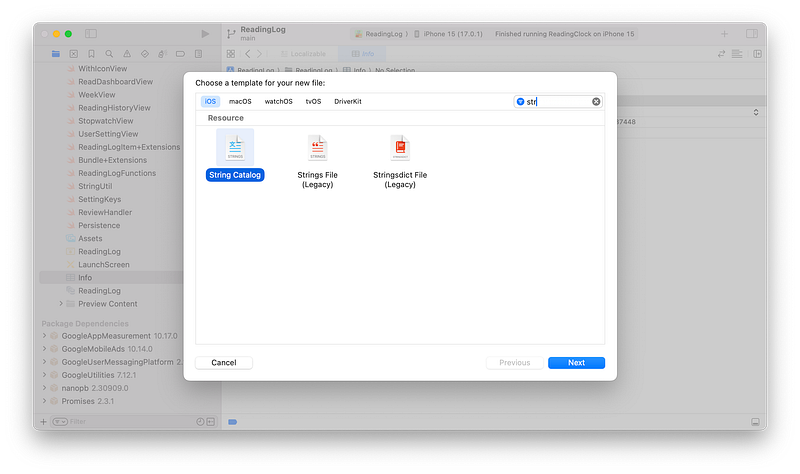
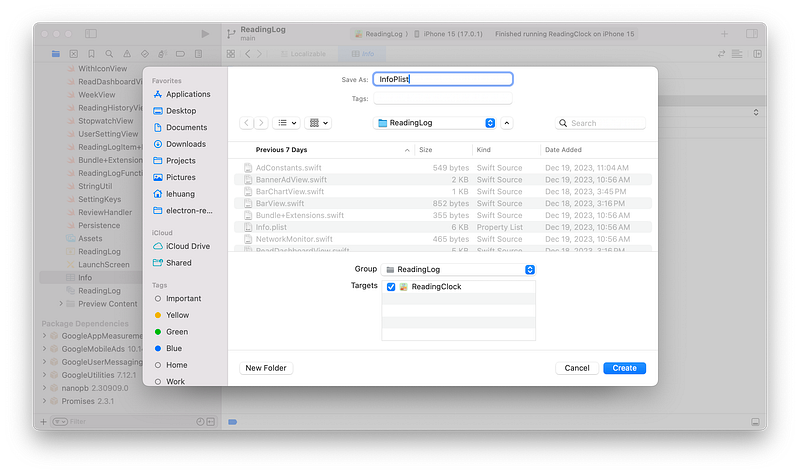
To localize the app name, we need to do something else. Now create a new String Catalog file called InfoPlist.
Add Localized String Values for CFBundleDisplayName and CFBundleName
Now, add the translations to the file named InfoPlist.xcstrings that we just created.
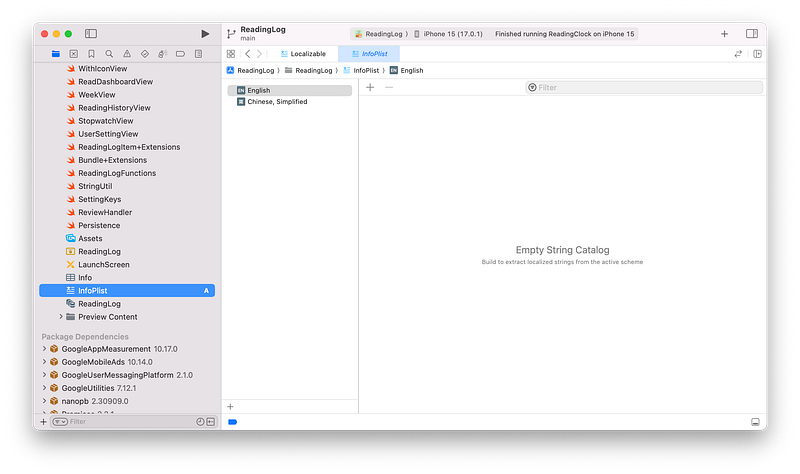
CFBundleDisplayName is the user-visible name of the app, while CFBundleName is the internal name used to identify the app’s bundle.
English is my base language, so I’ll start by adding both values to the String Catalog.
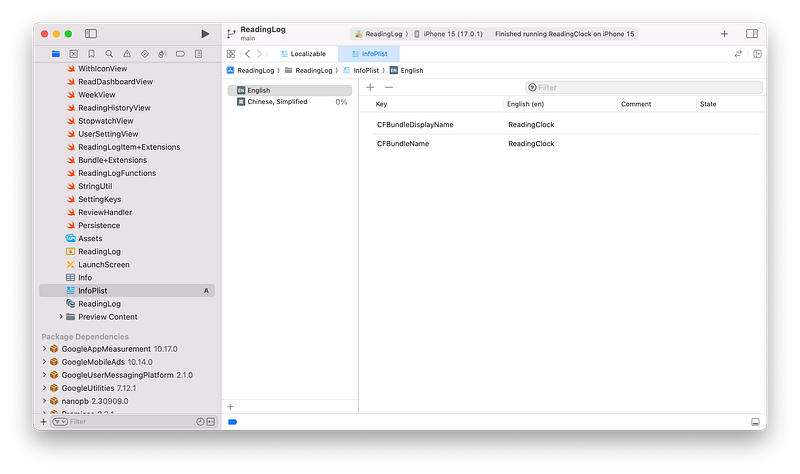
CFBundleDisplayName and CFBundleName in EnglishSimplified Chinese is another language for my app, so I’ll add the translated values to the String Catalog.
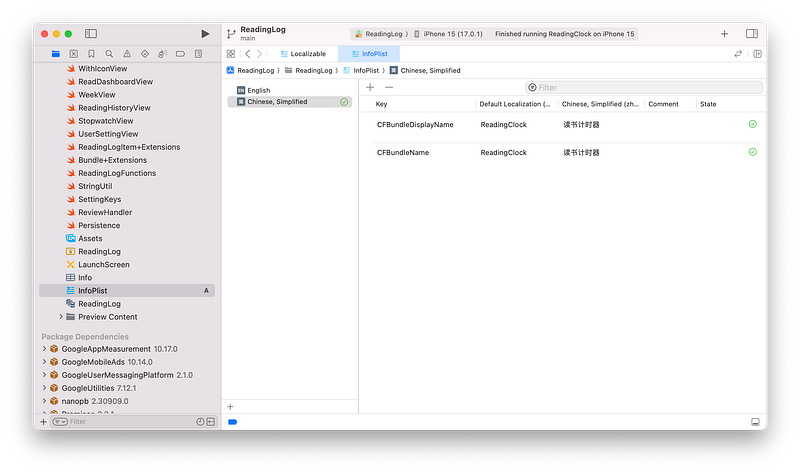
CFBundleDisplayName and CFBundleName in ChineseBuild and Verify
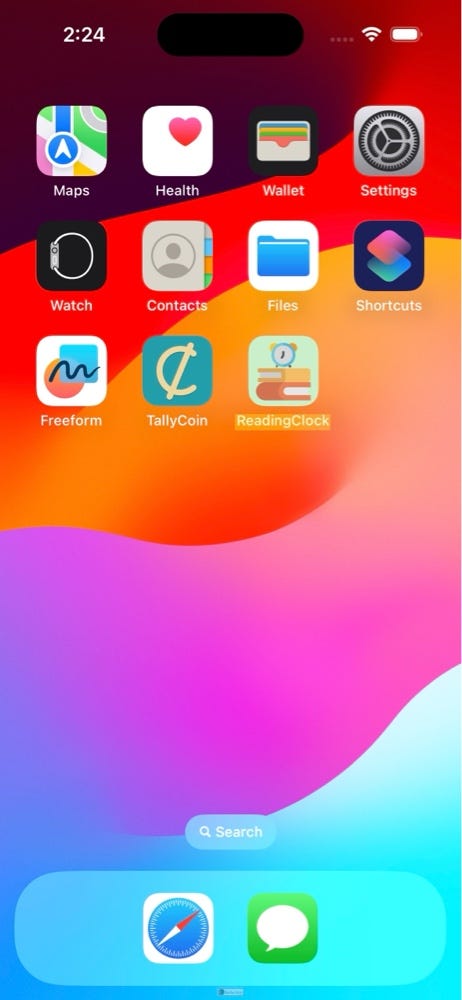
Now we can test it in the Simulator. After building, you might notice that the app name appears in English.
Navigate to Settings -> General -> Language & Region and move the target language (Simplified Chinese) to the top of the list.
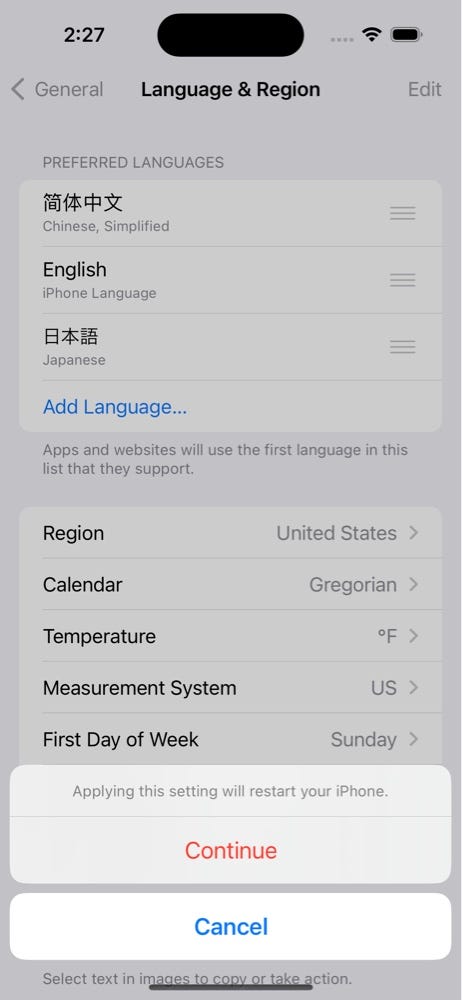
After the language setting changes, the Simulator will reboot itself. Then go back Home, and you should be able to see the Chinese version of the app name. ✌️
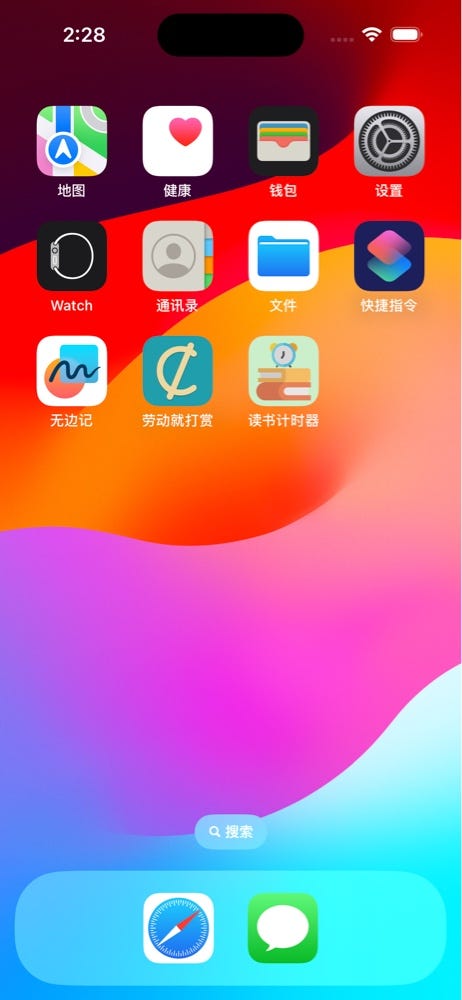
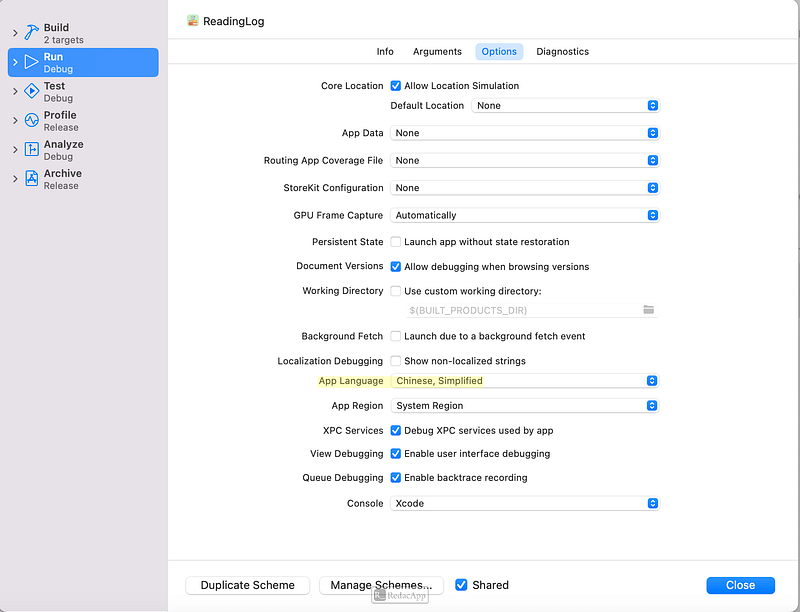
You may notice that to test the strings inside the app, we don’t need to change settings. Instead, we just need to edit the scheme inside Xcode. However, you cannot verify the app name translation using this method.
Hope it helps! If it is not clear, you can also check out the video here:
In case you are wondering where to find the official documentation about App Name Localization using String Catalog, the best source is from this WWDC23 video (h/t to a kind reader for sending me this.)


