avatarJohn Doe

Free AI web copilot to create summaries, insights and extended knowledge, download it at here

2280

Abstract

seen that the 2.9.15.1 version of the “Snort” has been installed.</p><h1 id="7adb">Launch Snort</h1><p id="5721">To initialize snort, run the command:</p><div id="774f"><pre> sudo snort</pre></div><figure id="ce25"><img src="https://cdn-images-1.readmedium.com/v2/resize:fit:800/0*X_OGVEB4usbeBdSb"><figcaption></figcaption></figure><p id="9e32">The Tracking of the network traffic based on the collected packets has been shown:</p><figure id="23a9"><img src="https://cdn-images-1.readmedium.com/v2/resize:fit:800/0*7HX2-XBwPQWlM1j7"><figcaption></figcaption></figure><h1 id="ac2d">Detail Usage of Snort</h1><p id="e2d0">Likewise, to explore more information about the snort, use the command:</p><div id="a7b4"><pre> sudo snort - <span class="hljs-built_in">help</span></pre></div><figure id="24fd"><img src="https://cdn-images-1.readmedium.com/v2/resize:fit:800/0*wu_ZWLmQ1FwvlF0_"><figcaption></figcaption></figure><p id="74b2">The general syntax of the usage of the “Snort” command has also been displayed.</p><h1 id="1b2b">Method 2: Install Snort on Ubuntu 22.04 Using the Source</h1><p id="e6f6">The source files comprises a set of files that can be converted into binaries and then can be used to address the installation.</p><p id="7b2d"><b>Step 1: Install the Dependencies</b></p><p id="837c">Whenever, the source files are to be used to install any package then the following set of prerequisites are required to make, and compile source files/binaries:</p><div id="de49"><pre> sudo apt install build-essential libpcap-dev libpcre3-dev libnet1-dev zlib1g-dev luajit hwloc libdnet-dev libdumbnet-dev bison flex liblzma-dev openssl libssl-dev pkg-config libhwloc-dev cmake cpputest libsqlite3-dev uuid-dev libcmocka-dev libnetfilter-queue-dev libmnl-dev autotools-dev libluajit-5.1-dev libunwind-dev libfl-dev -y</pre></div><figure id="9911"><img src="https://cdn-images-1.readmedium.com/v2/resize:fit:800/0*QkT_ZoyS-6Ms8Z3u"><figcaption></figcaption></figure><p id="7893"><b>Step 2: Download the Source File</b></p><p id="ae5d">Navigate to the <a href="https://www.snort.org/downloads">Link</a> where you can get the latest source files of the Snort, we used the command to download the ”<b>tar</b>” file:</p><div id="613d"><pre> wget https://www.snort.org/downloads/

Options

snort/snort-2.9.20.tar.gz</pre></div><figure id="d831"><img src="https://cdn-images-1.readmedium.com/v2/resize:fit:800/0*2bQSOTwCCklKznWM"><figcaption></figcaption></figure><p id="eb8f"><b>Step 3: Extract the File</b></p><p id="0d6c">After downloading, use the name of the file in the following command to extract the tar file:</p><div id="287a"><pre> tar xvzf snort-2.9.20.tar.gz</pre></div><figure id="68b8"><img src="https://cdn-images-1.readmedium.com/v2/resize:fit:800/0*vyvxOzQ2UMjmY_J_"><figcaption></figcaption></figure><figure id="d97e"><img src="https://cdn-images-1.readmedium.com/v2/resize:fit:800/0*u42o8voL4SCtutbt"><figcaption></figcaption></figure><p id="1281">This will extract the files in a new directory, change your current directory to the new one using the “<b>cd</b>” command:</p><div id="d2ce"><pre> <span class="hljs-built_in">cd</span> snort-2.9.20</pre></div><figure id="f3fc"><img src="https://cdn-images-1.readmedium.com/v2/resize:fit:800/0*bbQIFPQuDdW2iAmA"><figcaption></figcaption></figure><p id="be75"><b>Step 4: Configure and Compile the Files</b></p><p id="397c">Configure the source files via the command provided below:</p><div id="1180"><pre> ./configure -enable-sourcefire</pre></div><p id="65a2">And then use the command written below to compile the files:</p><div id="81c7"><pre> make</pre></div><p id="67ce"><b>Step 5: Install Snort</b></p><p id="a8c2">Install Snort from set of binaries via the command written below:</p><div id="85f6"><pre> sudo make install</pre></div><p id="2551">Once installed, check the version via the command:</p><div id="63f7"><pre> snort - version</pre></div><h1 id="fafd">How to Remove Snort From Ubuntu 22.04?</h1><p id="3c93">The Snort can be removed from the Ubuntu system using the command provided below:</p><div id="67ae"><pre>$ sudo apt remove snort</pre></div><p id="9b7d">The package of the “Snort” is removed from Ubuntu.</p><h1 id="4b24">Conclusion</h1><p id="c1f6">To install snort on Ubuntu 22.04, run the command. “sudo apt install snort -y” in the terminal of Ubuntu. You can also install Snort of Ubuntu 22.04 by downloading and compiling the source files from the official website. This post has briefly described the installation methods of Snort on Ubuntu 22.04.</p></article></body>

How To Install snort on Ubuntu 22.04?

Snort is used to monitor incoming and outgoing network traffic and detect malicious network activity. Snort is also well known by two intrusion prevention terms system (IPS) and detection system (IDS). The best thing about Snort is its open-source and lightweight tool.

When people are searching for content analysis and protocols, it detects and prevents intrusions on Ubuntu.

This post will address the installation method of Snort on Ubuntu 22.04:

  • Instal Snort From Default Repository
  • Install Snort From Source
  • Remove Snort From Ubuntu

Method 1: Install Snort on Ubuntu 22.04 From Default Repository

This section comprises a sequence of steps to install Snort on Ubuntu 22.04.

Step 1: Update Packages List

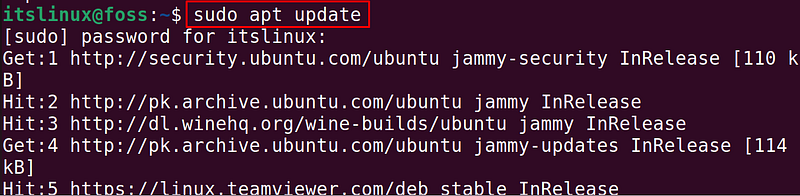
Ubuntu introduces the updates of the packages to provide the best user experience:

$ sudo apt update
Step 2: Install Snort

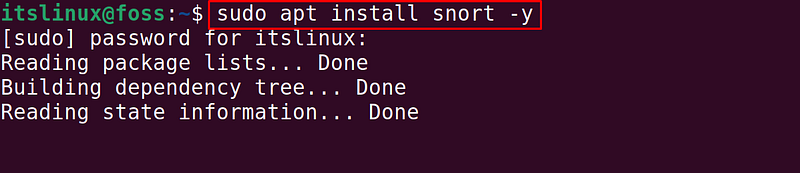
Once the packages list is updated, just run the command to install the updated Snort on the system:

$ sudo apt install snort -y
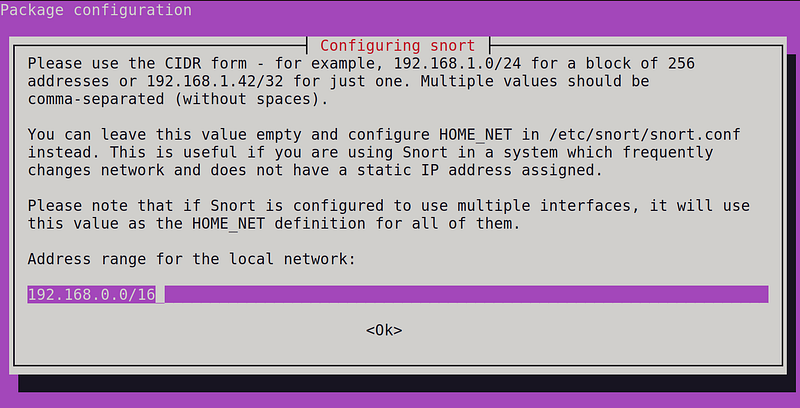
When the command is executed, a screen will be prompted asking for the local address range. Type the IP address or the range as we typed 192.168.0.0/16 and then click on the “Ok” option:
Verifying the Version

After installing the snort package, display the version details of “Snort” using the command:

$ snort - version
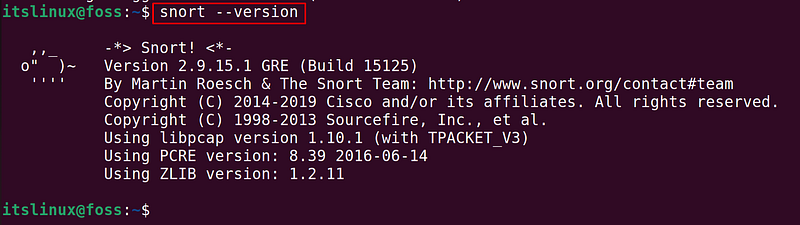
In the above figure, it can be seen that the 2.9.15.1 version of the “Snort” has been installed.

Launch Snort

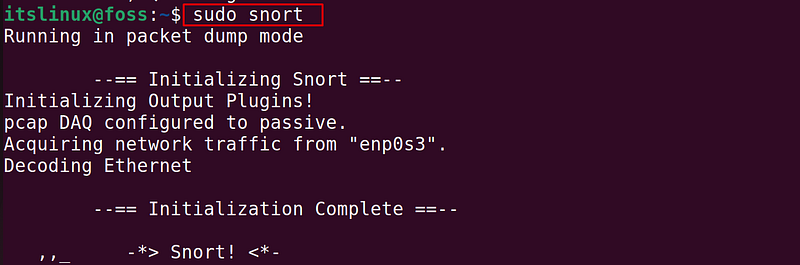
To initialize snort, run the command:

$ sudo snort
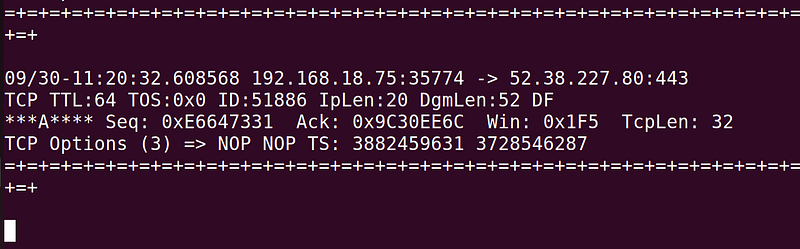
The Tracking of the network traffic based on the collected packets has been shown:
Detail Usage of Snort

Likewise, to explore more information about the snort, use the command:

$ sudo snort - help
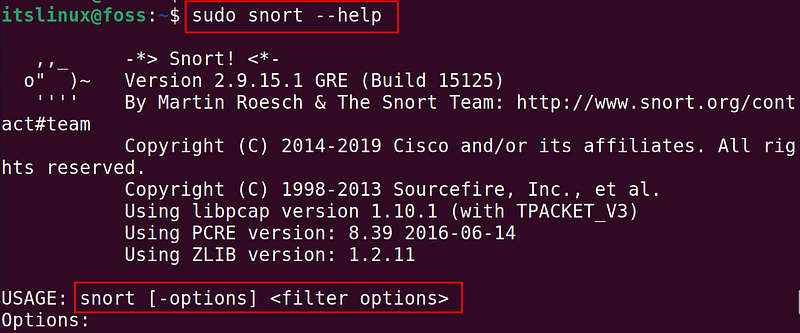
The general syntax of the usage of the “Snort” command has also been displayed.

Method 2: Install Snort on Ubuntu 22.04 Using the Source

The source files comprises a set of files that can be converted into binaries and then can be used to address the installation.

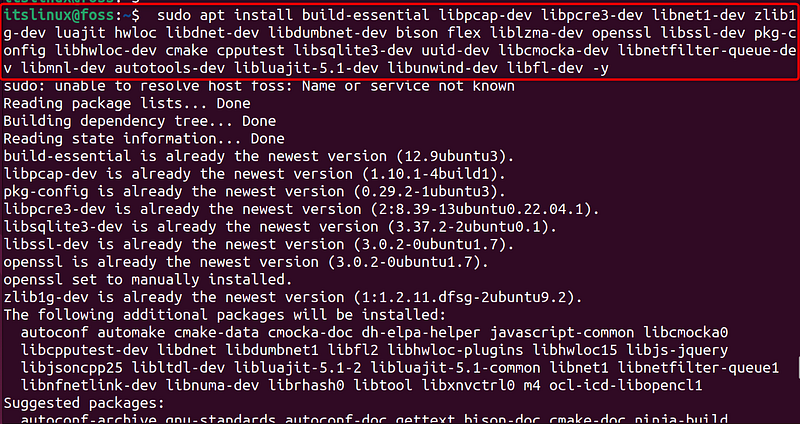
Step 1: Install the Dependencies

Whenever, the source files are to be used to install any package then the following set of prerequisites are required to make, and compile source files/binaries:

$ sudo apt install build-essential libpcap-dev libpcre3-dev libnet1-dev zlib1g-dev luajit hwloc libdnet-dev libdumbnet-dev bison flex liblzma-dev openssl libssl-dev pkg-config libhwloc-dev cmake cpputest libsqlite3-dev uuid-dev libcmocka-dev libnetfilter-queue-dev libmnl-dev autotools-dev libluajit-5.1-dev libunwind-dev libfl-dev -y
Step 2: Download the Source File

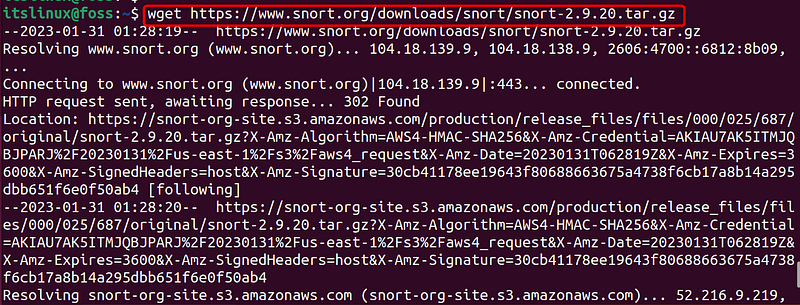
Navigate to the Link where you can get the latest source files of the Snort, we used the command to download the ”tar” file:

$ wget https://www.snort.org/downloads/snort/snort-2.9.20.tar.gz
Step 3: Extract the File

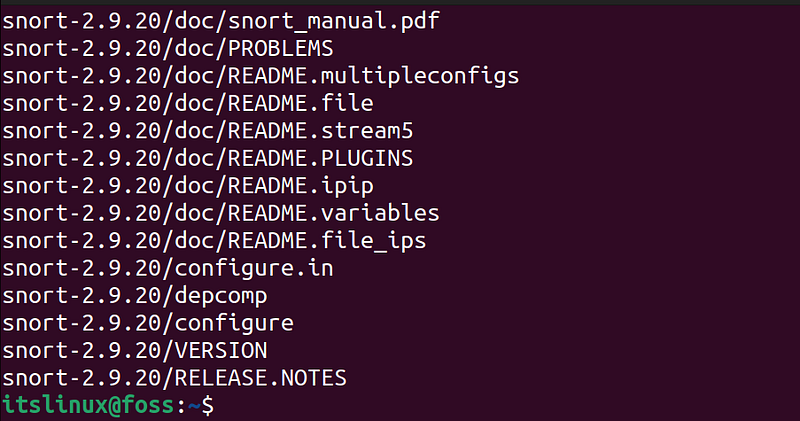
After downloading, use the name of the file in the following command to extract the tar file:

$ tar xvzf snort-2.9.20.tar.gz
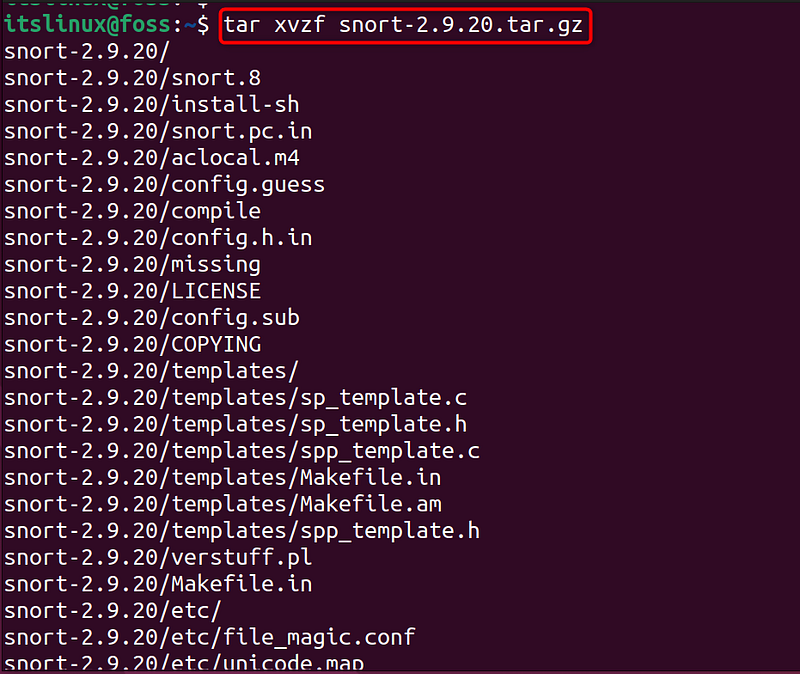
This will extract the files in a new directory, change your current directory to the new one using the “cd” command:

$ cd snort-2.9.20

Step 4: Configure and Compile the Files

Configure the source files via the command provided below:

$ ./configure -enable-sourcefire

And then use the command written below to compile the files:

$ make

Step 5: Install Snort

Install Snort from set of binaries via the command written below:

$ sudo make install

Once installed, check the version via the command:

$ snort - version

How to Remove Snort From Ubuntu 22.04?

The Snort can be removed from the Ubuntu system using the command provided below:

$ sudo apt remove snort

The package of the “Snort” is removed from Ubuntu.

Conclusion

To install snort on Ubuntu 22.04, run the command. “sudo apt install snort -y” in the terminal of Ubuntu. You can also install Snort of Ubuntu 22.04 by downloading and compiling the source files from the official website. This post has briefly described the installation methods of Snort on Ubuntu 22.04.

Recommended from ReadMedium